No Extra Software Needed
Shoppers upload their snapshots or product photos and clear away backgrounds directly inside the design workspace.

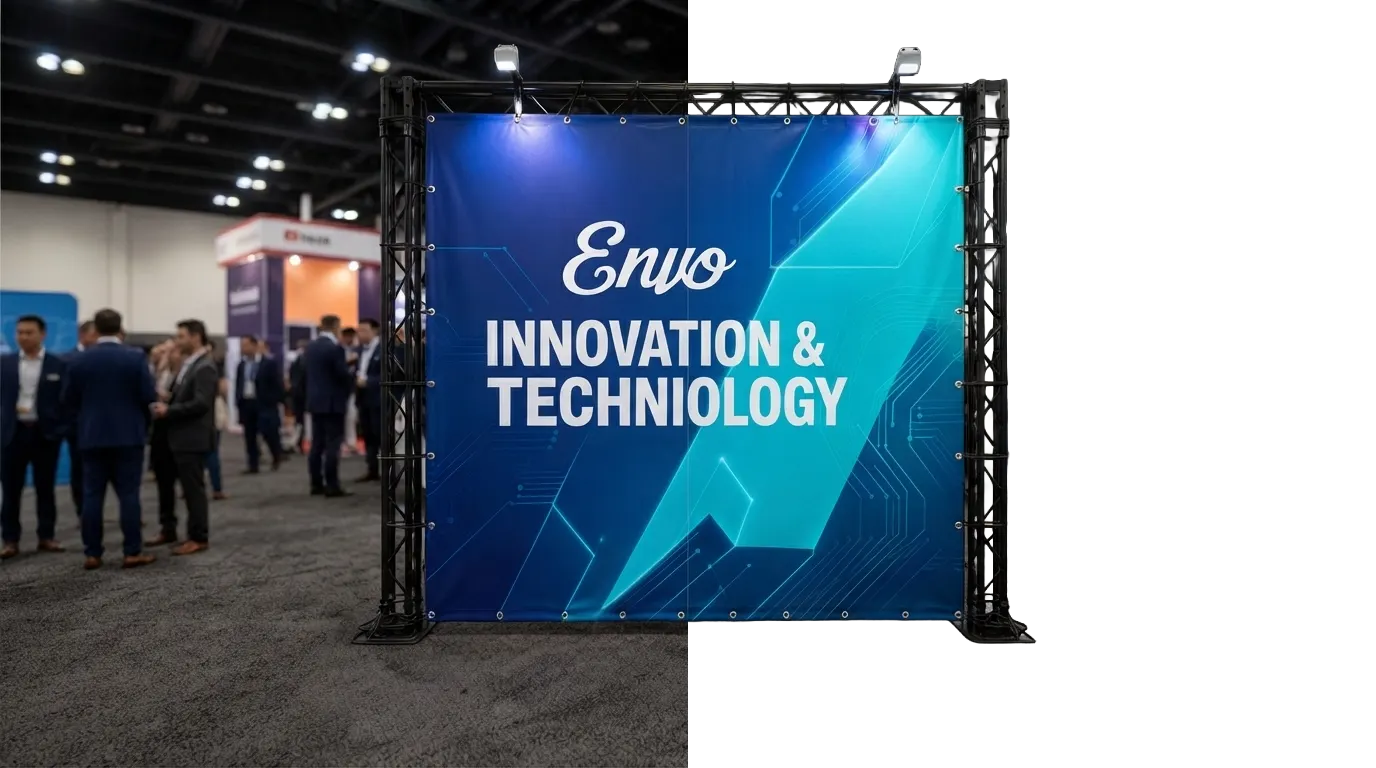
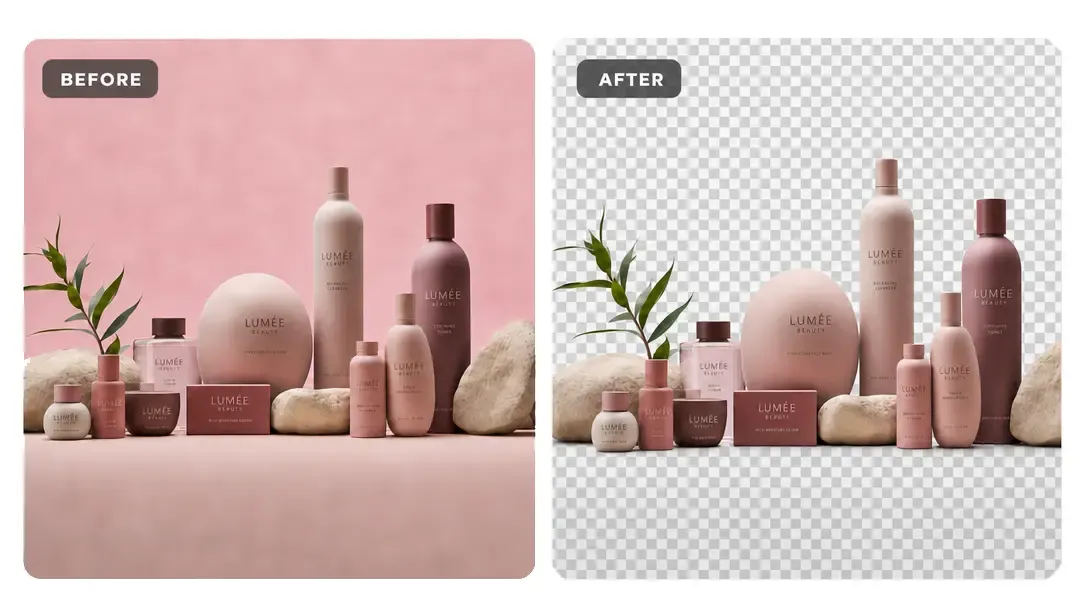
Detect the subject, clear the background, and create transparent image layers directly inside the PitchPrint editor.
If your customers upload photos with messy backgrounds, your team usually has to manually edit those files before printing. This tool saves you that time. It lets your customers cut out backgrounds directly inside your design editor with a single click, sending you clean, print-ready files instantly.
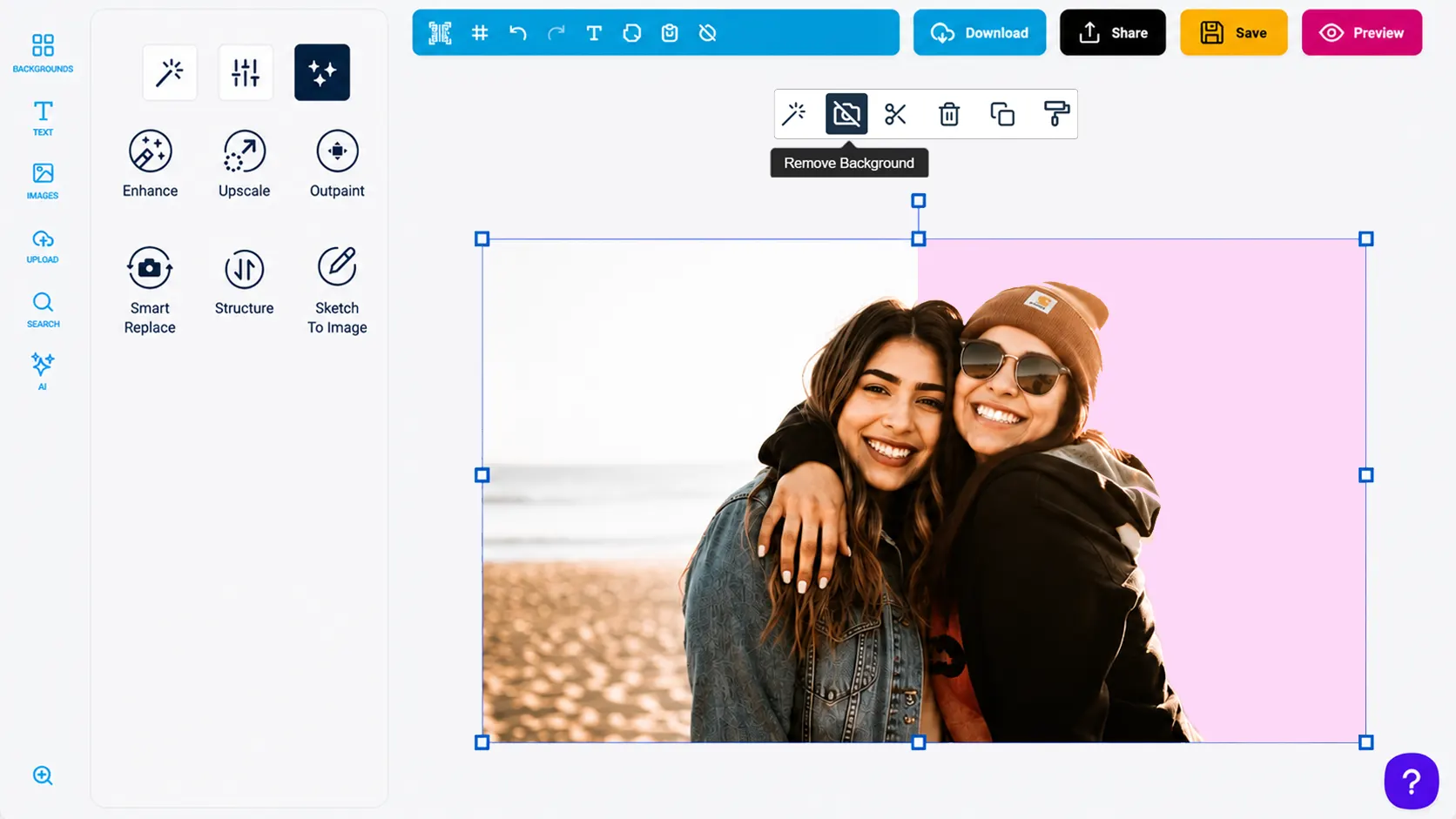
Shoppers upload their snapshots or product photos and clear away backgrounds directly inside the design workspace.
The tool automatically detects the main subject to create transparent, smooth borders that print beautifully.
Customers do not need to spend time using complex digital brush tools or lasso selectors.
Simplifying photo preparation keeps the focus on completing the order, speeding up the checkout process.
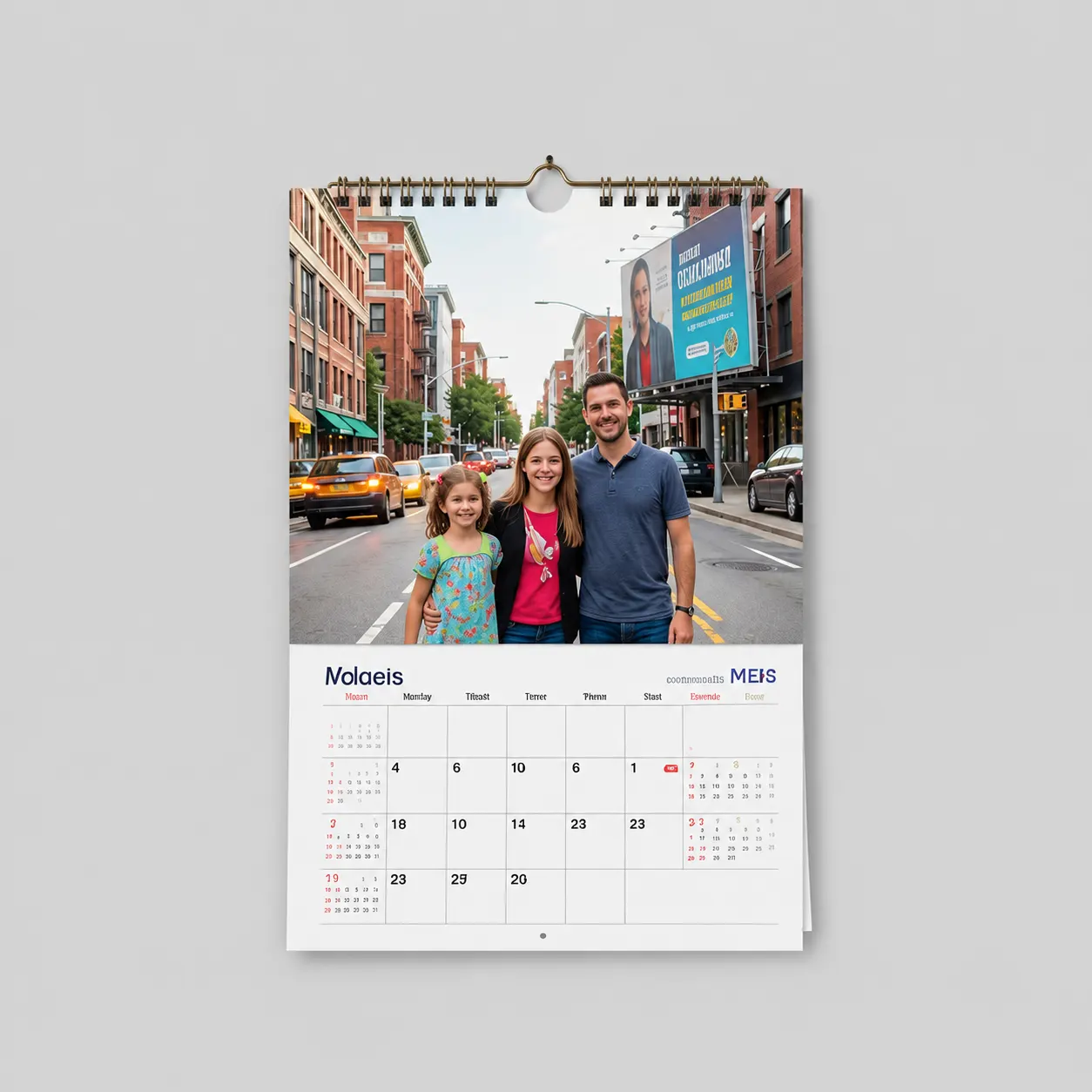
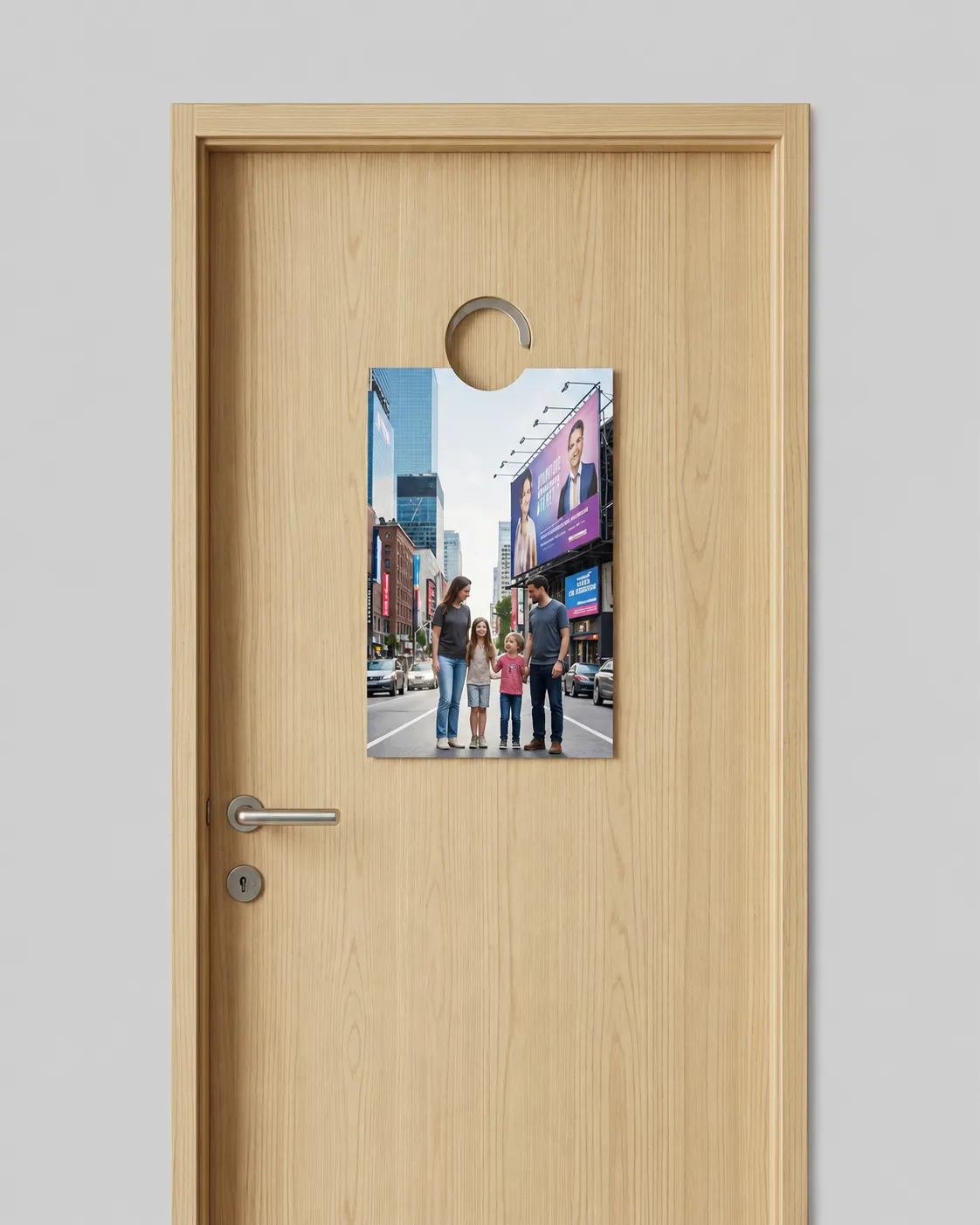
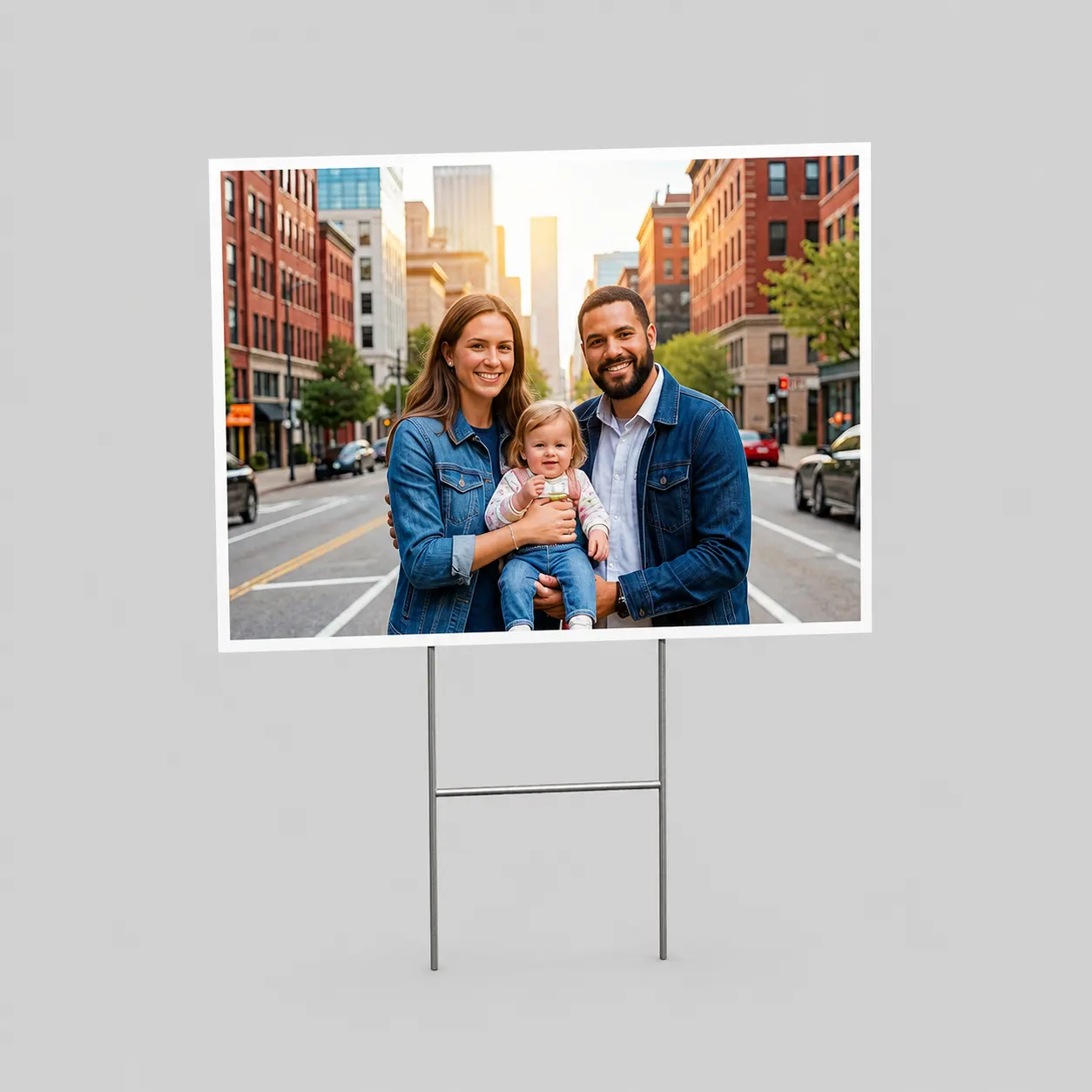
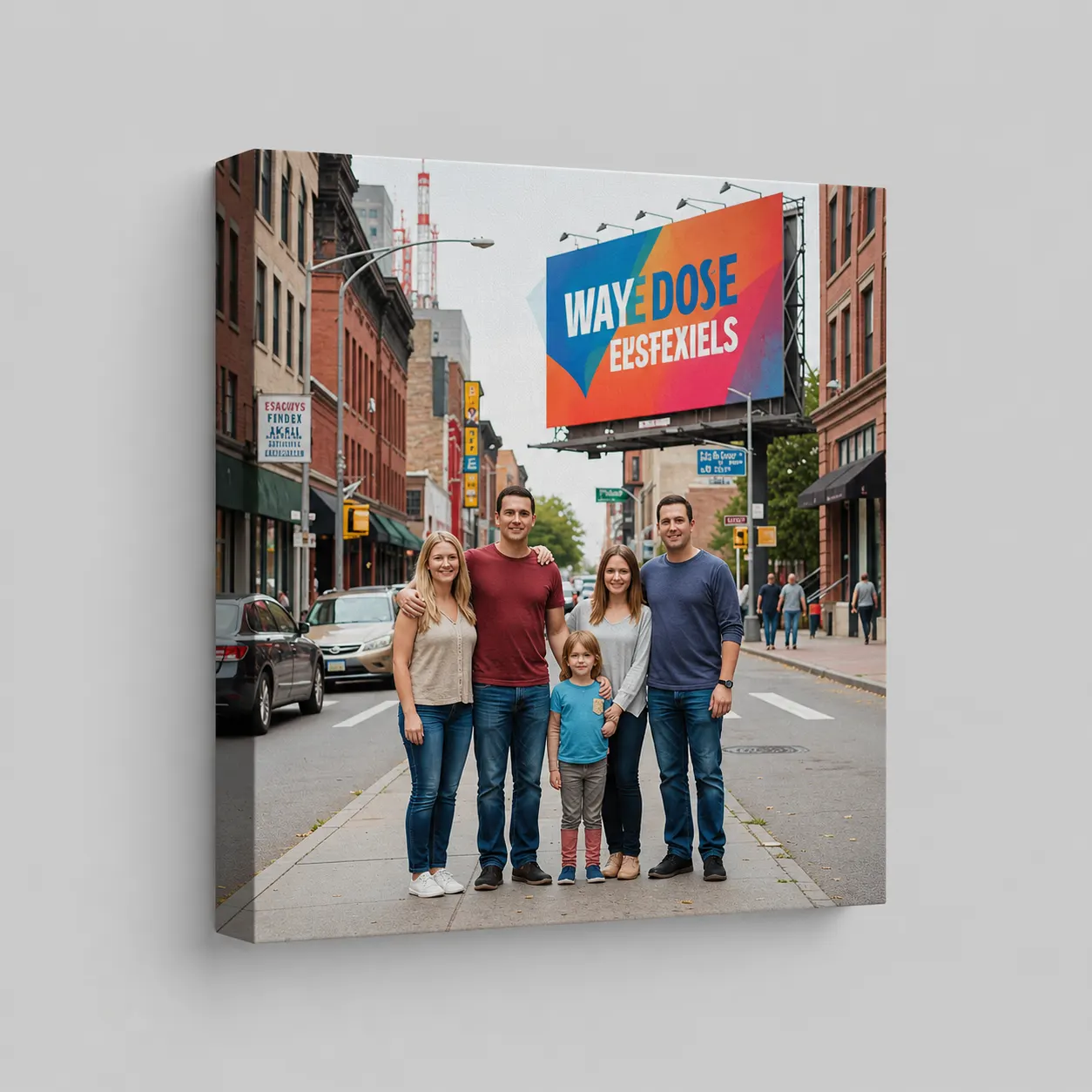
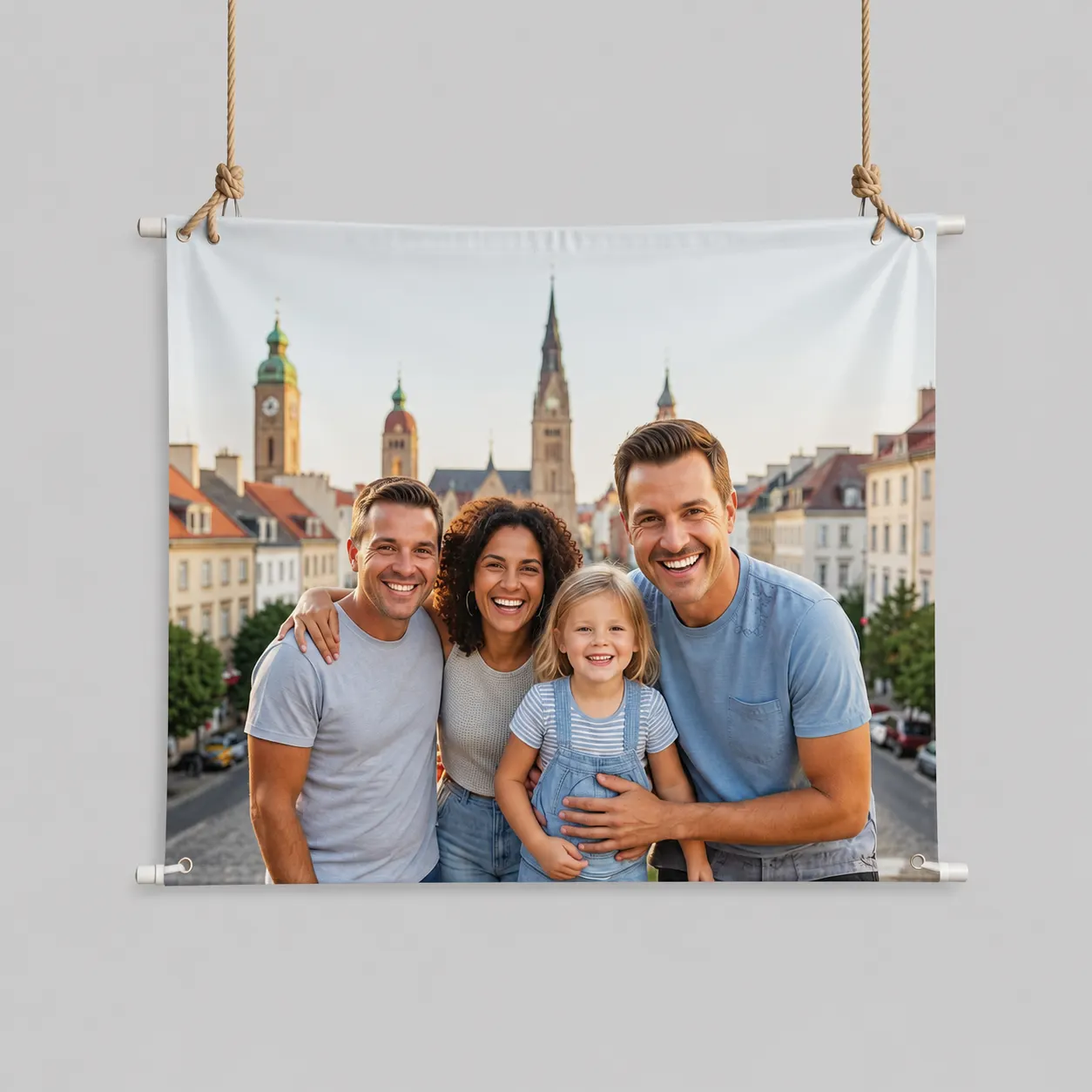
Use subject cutouts wherever customer imagery needs to sit naturally in print artwork.
Background removal helps customers create cleaner artwork while reducing manual editing time.
Customer photos look sharper and more intentional on personalized products.
Background cleanup stays inside PitchPrint instead of moving into Photoshop.
Automated subject isolation reduces repetitive image editing.
Transparent images fit fast-moving custom product workflows.
Review implementation guidance or try this AI feature in your own PitchPrint workflow.
Full API reference, integration guides, and code examples for developers.
Spin up a free account and test this feature on your own products in minutes.
No credit card required. Start customizing products in minutes.
FAQ
If your customers upload photos with messy backgrounds, your team usually has to manually edit those files before printing. This tool saves you that time. It lets your customers cut out backgrounds directly inside your design editor with a single click, sending you clean, print-ready files instantly.
Detect the subject, clear the background, and create transparent image layers directly inside the PitchPrint editor.
Use subject cutouts wherever customer imagery needs to sit naturally in print artwork.