
Extend the editor
your way
PitchPrint modules bolt directly onto the core editor adding specialised input controls, dynamic layouts, and smart data fields without any custom development.
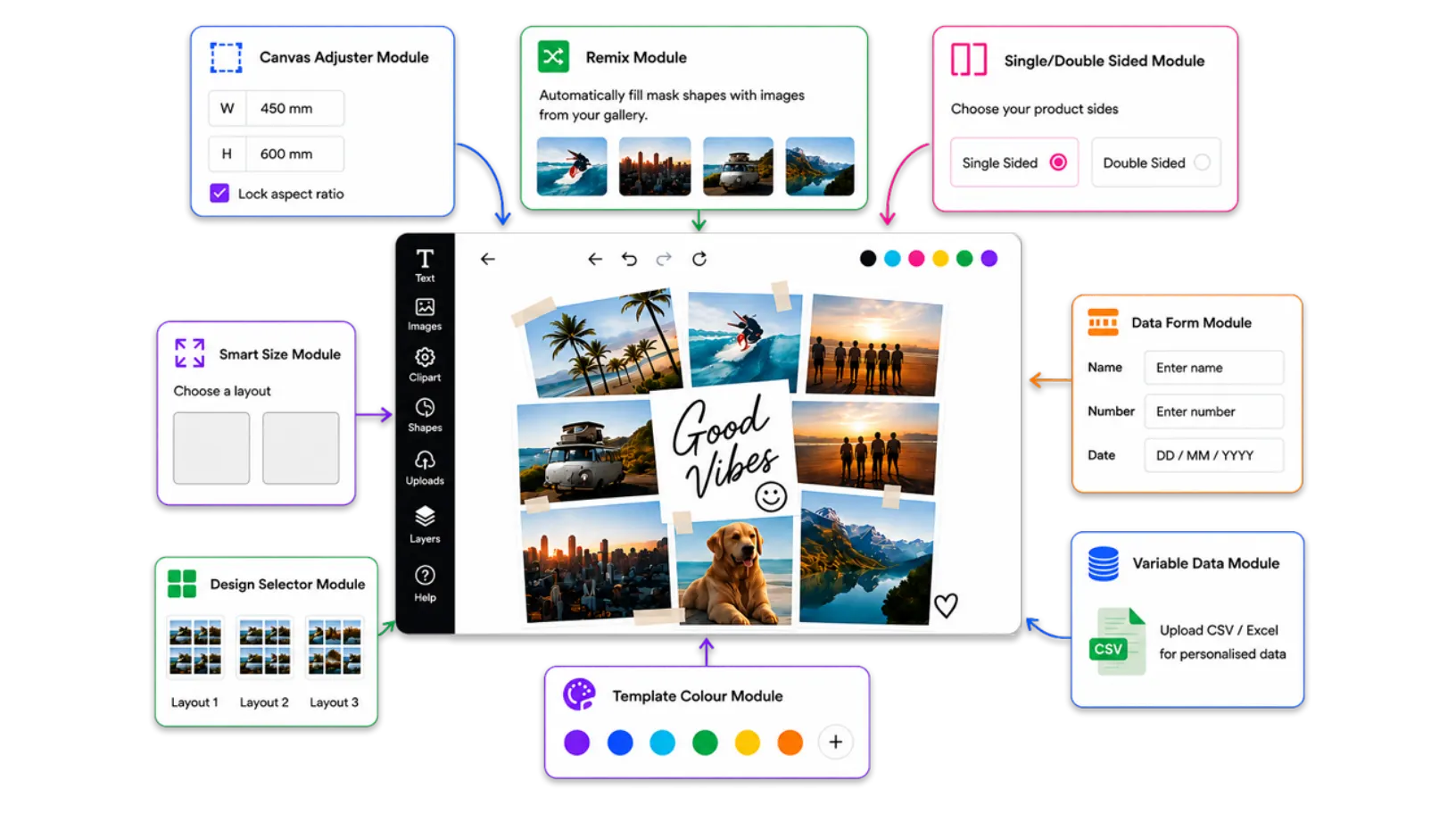
Purpose-built modules
for every use case
Each module integrates seamlessly with the PitchPrint editor and can be enabled per product no code required.
-
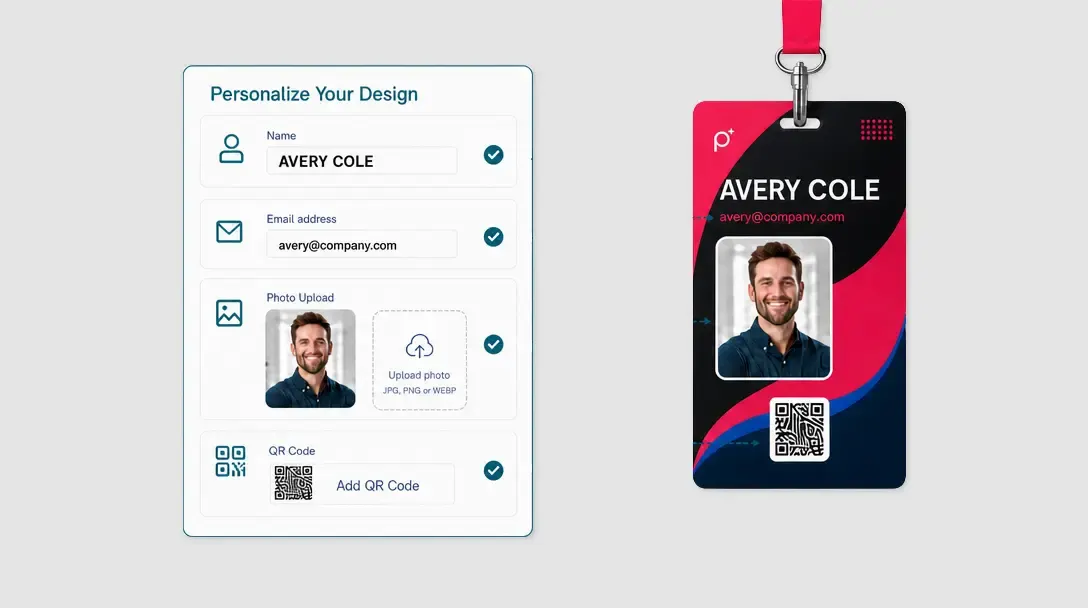
Data Form
A quick-edit form interface for text-heavy print products that supports direct text input and one-click logo/photo uploads.
Learn more -
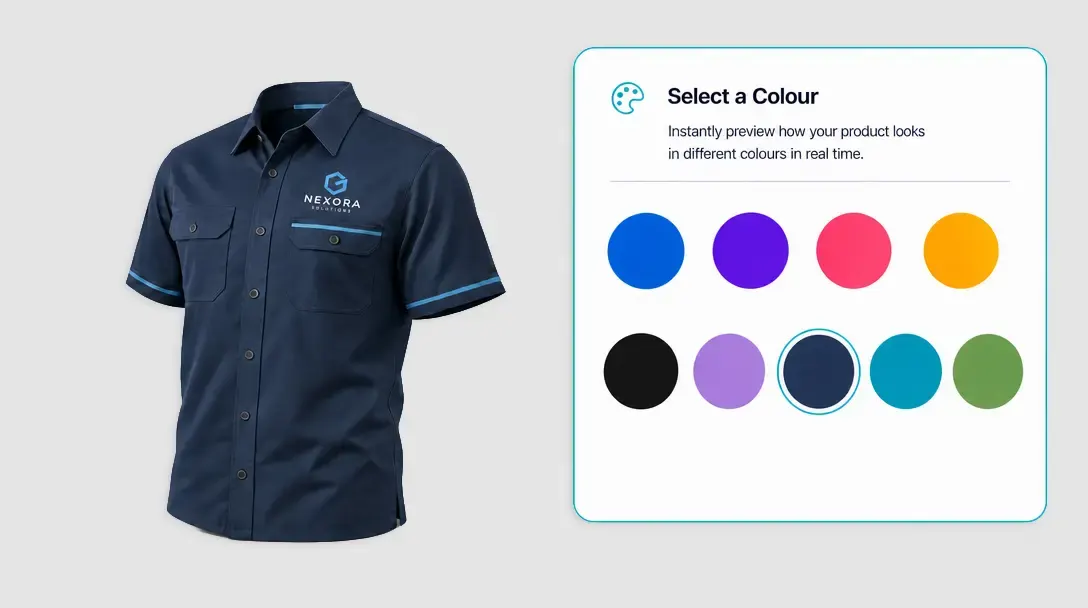
Template Color
An in-editor preview tool that allows users to change the background or base colour of a product template without leaving the app.
Learn more -
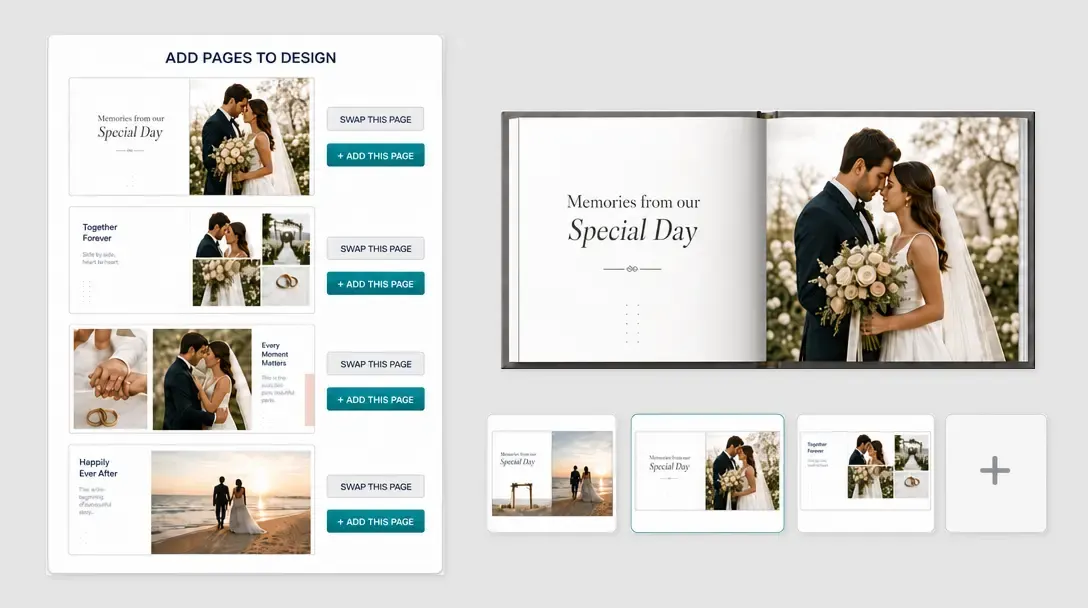
Page Loader
A page management module enabling users to add, swap, delete, or start blank pages by pulling from an assigned source design.
Learn more -
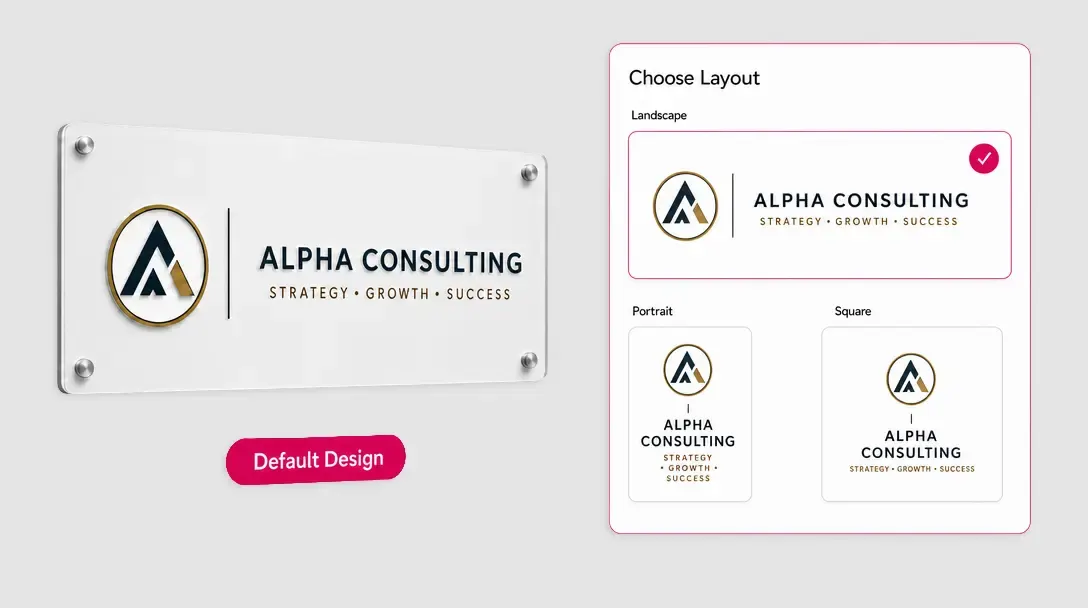
Smart Sizes
An automated tool that generates multiple size variations landscape, portrait, square of a single base design in seconds.
Learn more -
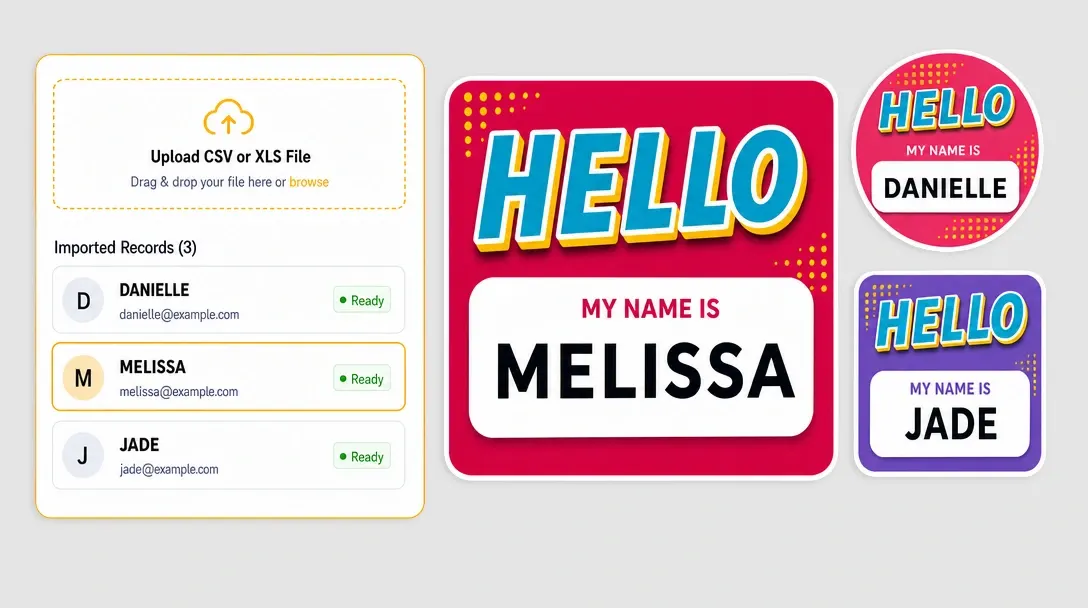
Variable Data
Instantly generate bulk designs. Upload a CSV or Excel file and the system auto-creates a unique output file for each row of data.
Learn more -
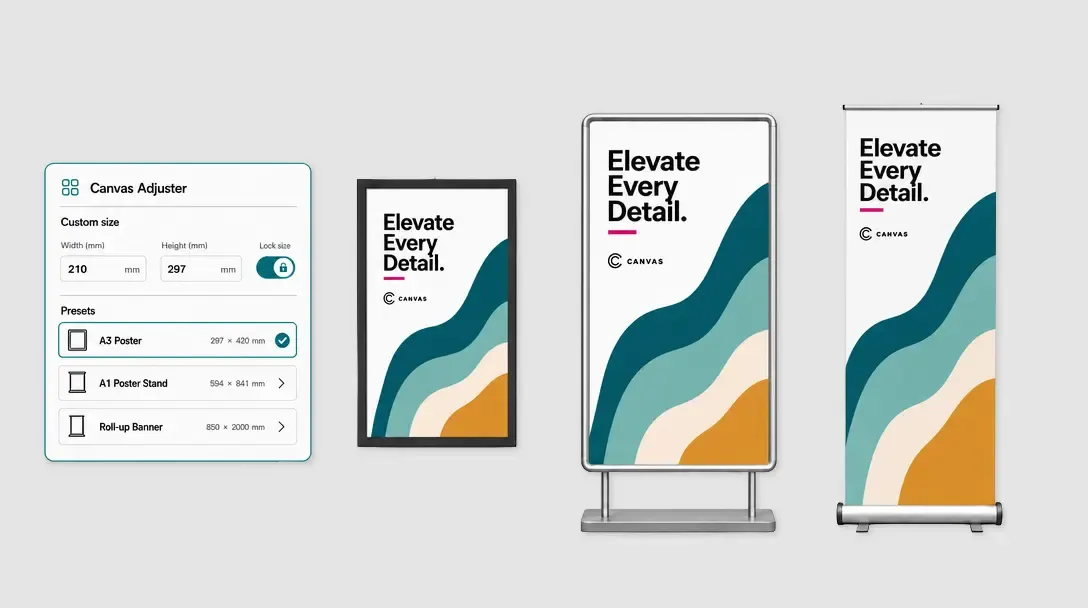
Canvas Adjuster
A dynamic sizing tool that lets customers input custom dimensions or select presets for large-format prints, instantly updating the canvas.
Learn more -
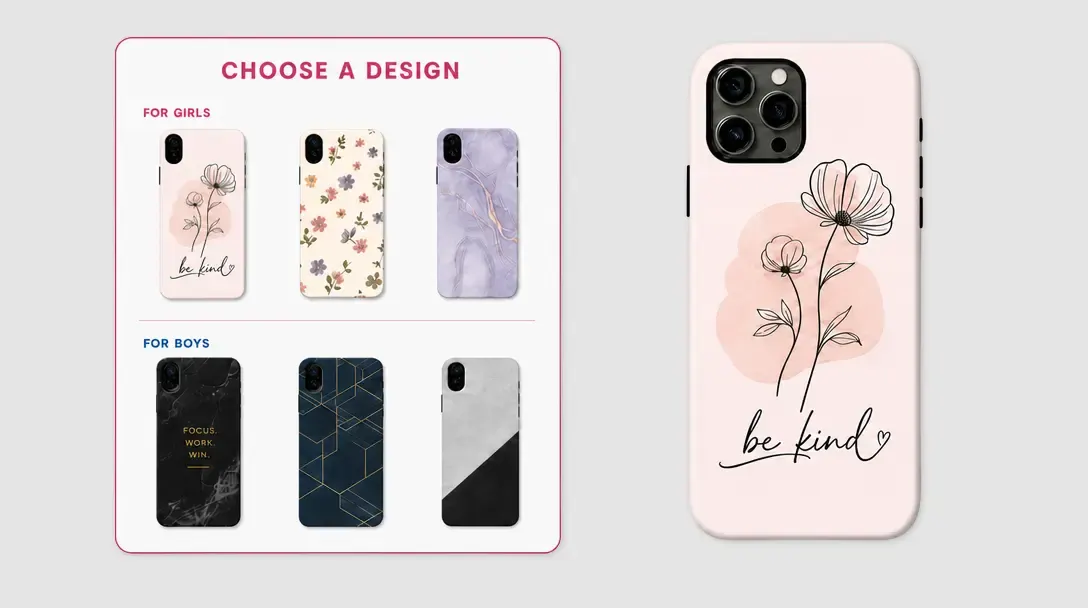
Design Selector
Lets customers browse and seamlessly switch between different design templates right on the product page, before entering the editor.
Learn more -
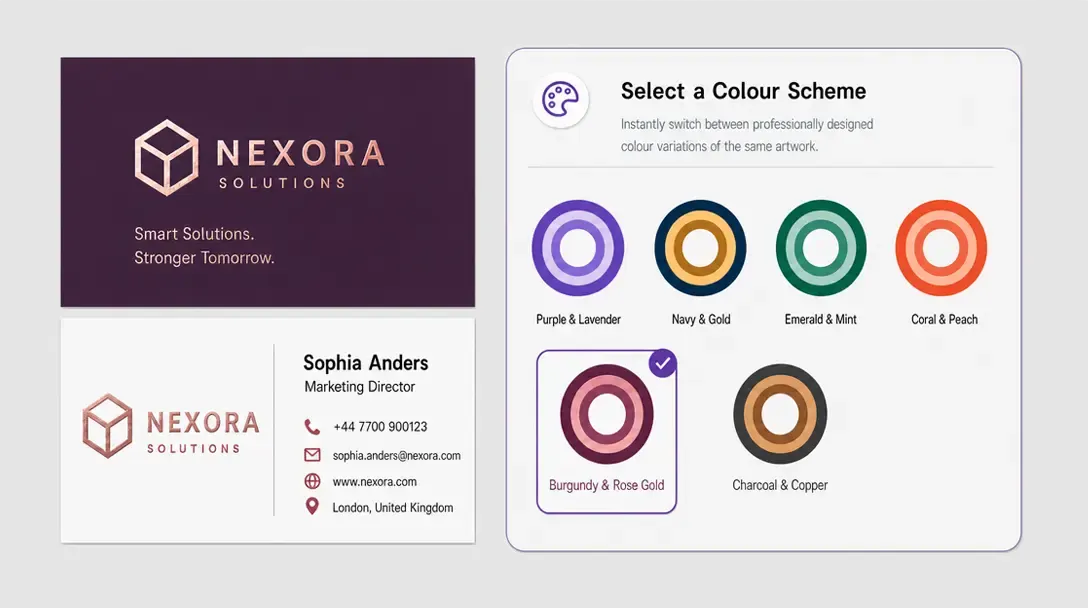
Swatch Module
An interactive interface of predefined texture or colour swatches, letting customers apply specific patterns or shades to product backgrounds and elements.
Learn more -
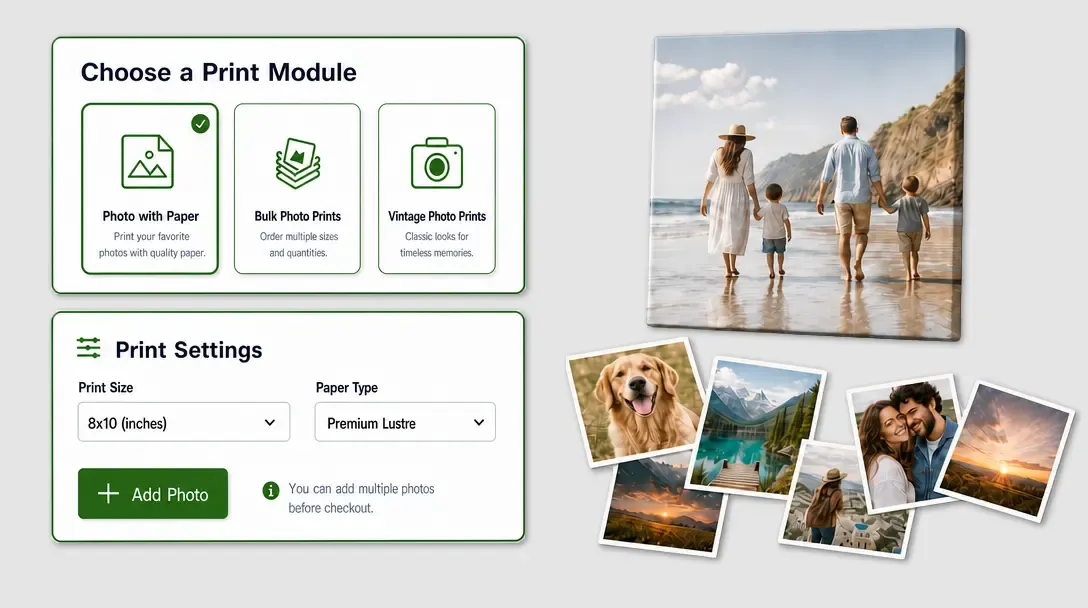
Photo Print Module
A streamlined layout built specifically for photo printing products like polaroids and collages simplifying bulk uploads and automated cropping.
Learn more -

Remix Module
Instantly and randomly fills custom mask shapes across a design using photos from a customer's local gallery or social media account.
Learn more -
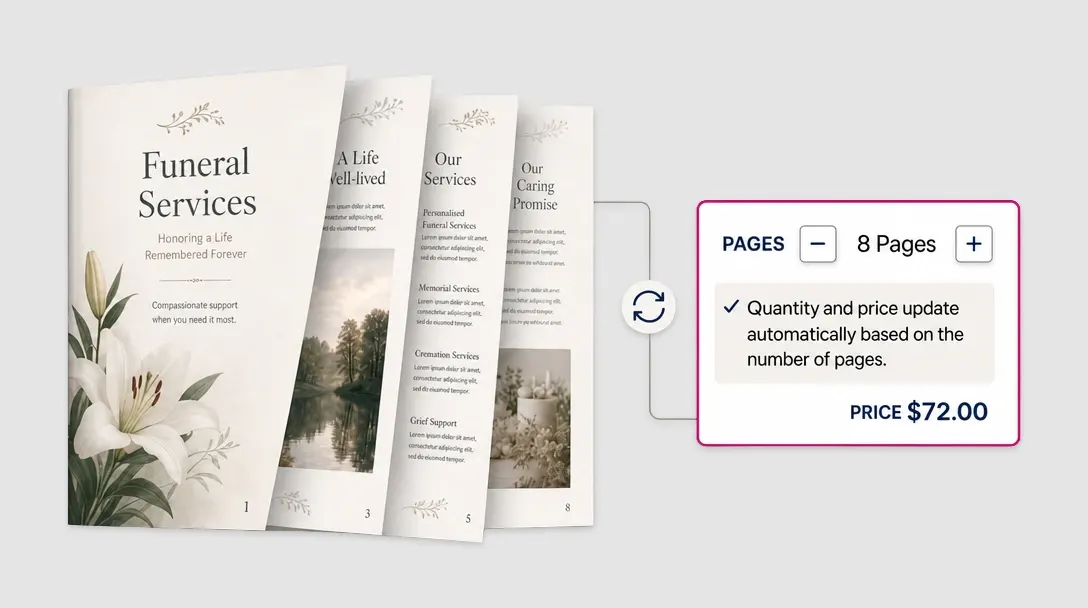
Page Count
Dynamically monitors the number of pages a user adds or removes in a document, automatically updating the final product price on the storefront.
Learn more -
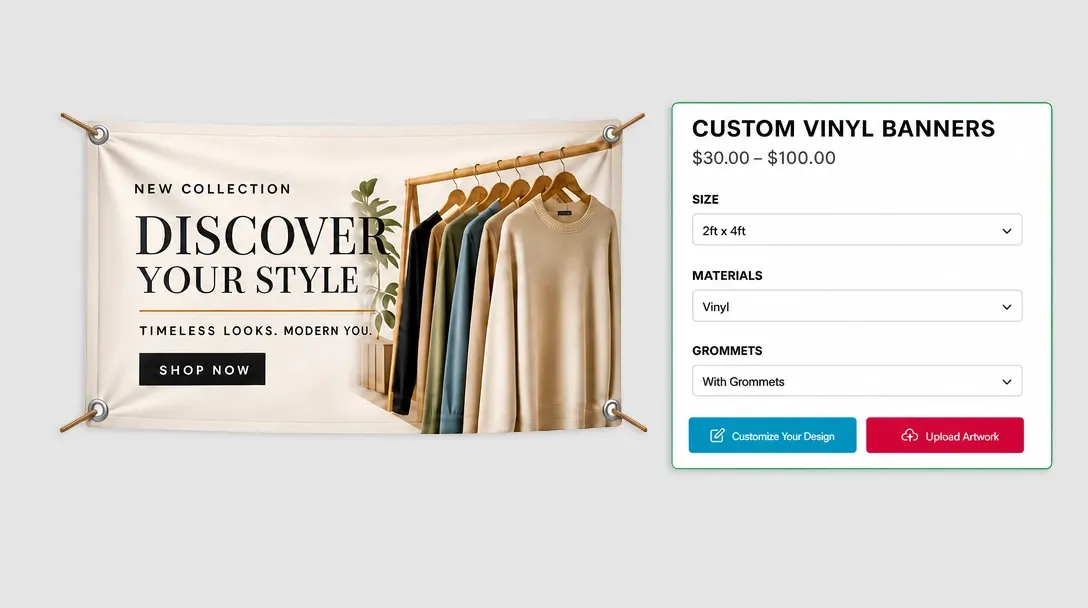
Design Observables
Dynamically loads specific design templates based on the product variable options size, material, or finish the customer selects on the storefront.
Learn more -
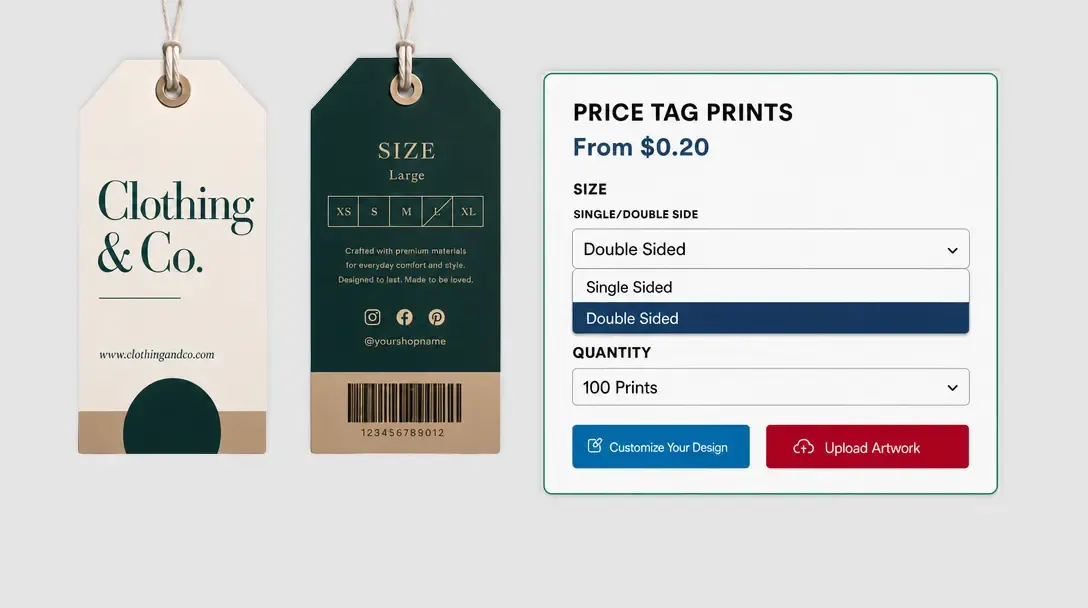
Single / Double Sided
A toggle that lets buyers choose between single-sided or double-sided printing, automatically adjusting available canvas pages and syncing with product pricing.
Learn more