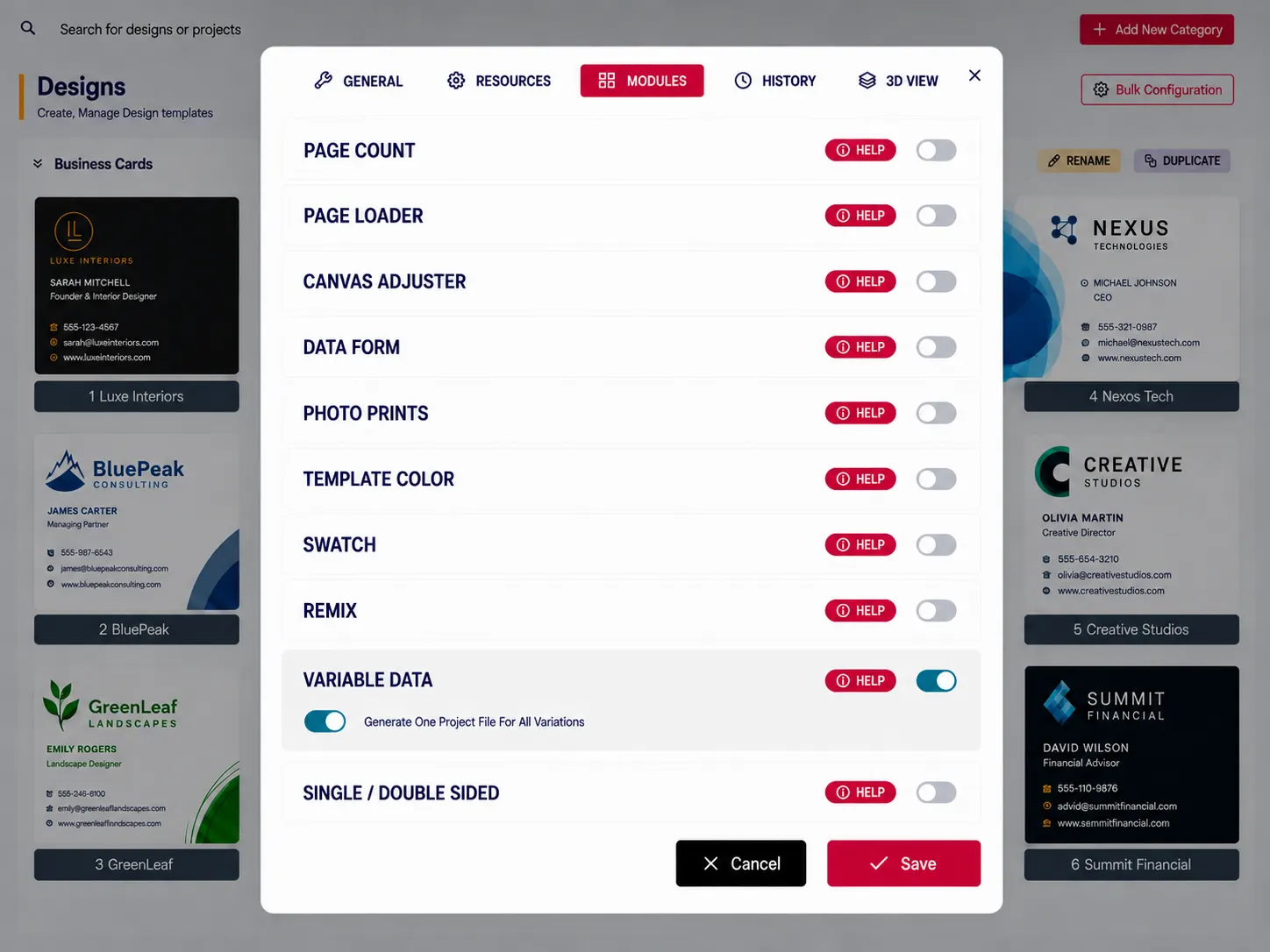
Simplify Customization with the PitchPrint Variable Data Module
Upload spreadsheet records, map them into a master template, and generate personalized print-ready output for every recipient.
Spreadsheet-driven personalization at print scale
Whether you sell Sport apparel (jerseys and uniforms), Event name badges, Employee ID cards, Seating place cards, Industrial equipment nameplates, Luggage tags, Achievement certificates, or Corporate water bottles and Tumblers, the PitchPrint Variable Data Module makes bulk personalization fast and effortless.
Instead of customizing every item individually, customers can upload a spreadsheet to automatically generate hundreds or even thousands of unique, personalized products in seconds. It's the ideal solution for businesses offering variable data printing, bulk personalization, and custom promotional products.
Built for products where
photo uploads define the order
Sport Apparel: Generate player jerseys from spreadsheet rosters dynamically.
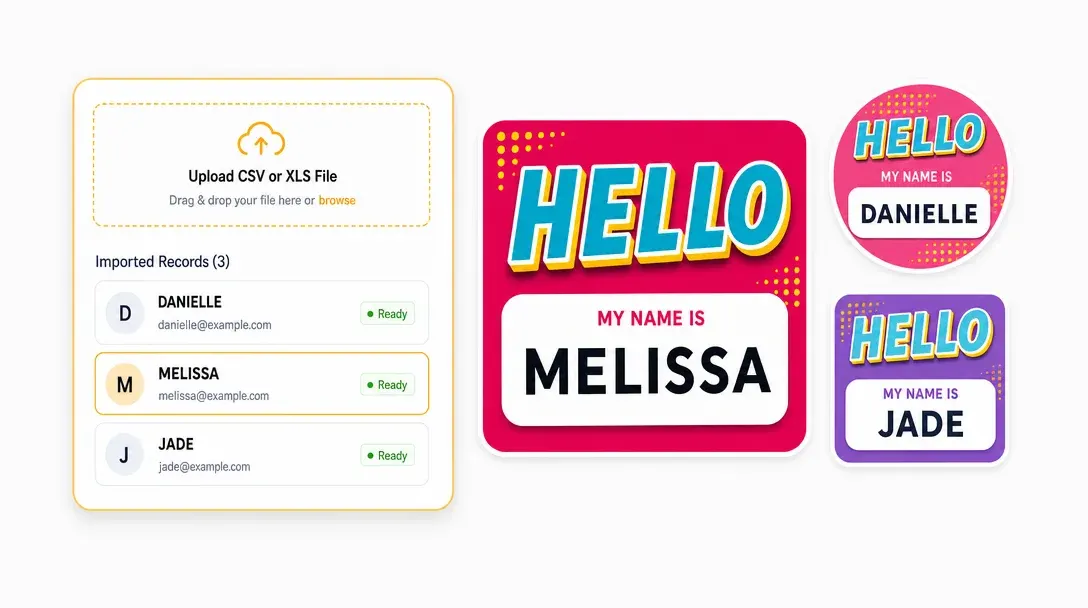
Event Name Badges: Import attendee lists to bulk create custom badges.
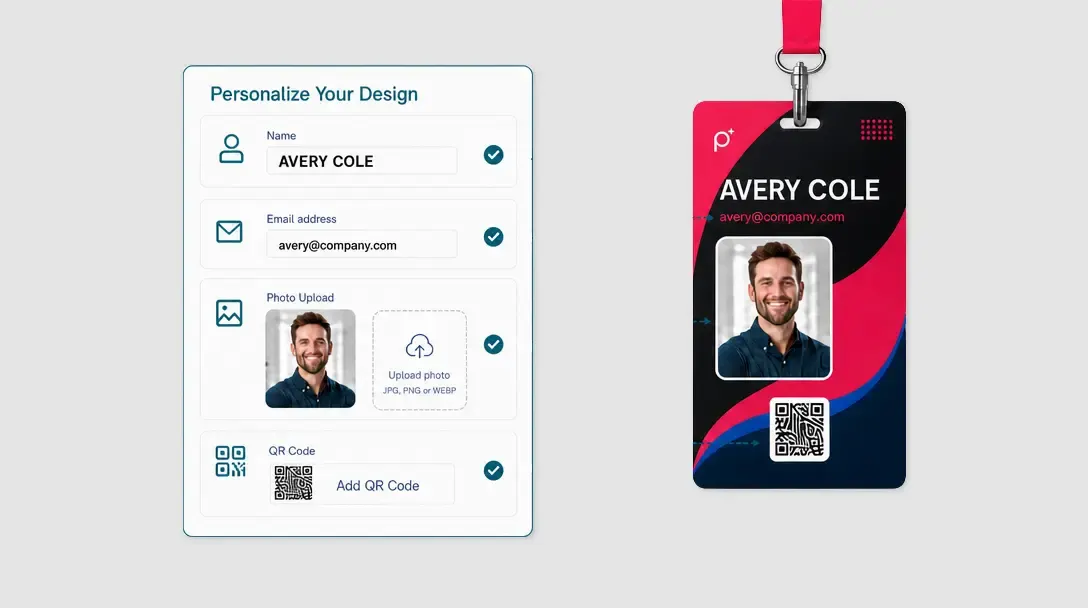
Employee ID Cards: Batch generate security ID cards from employee directories.
Table Tent Cards: Map guest names to custom tent card coordinates.
Industrial Equipment Nameplates: Import spreadsheets to print custom technical labels and many more products...
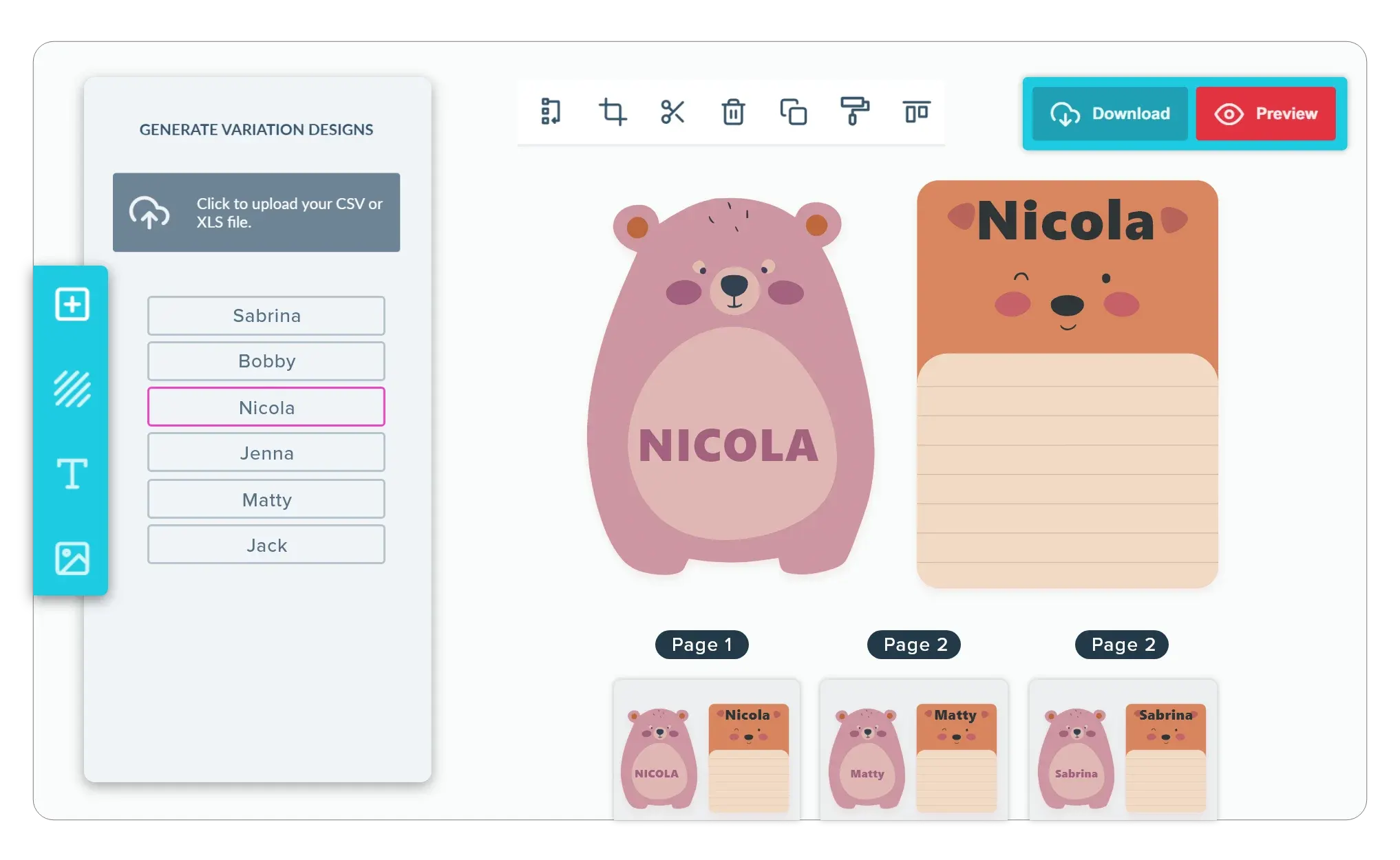
From data rows
to personalized files
-
Automate Bulk Customization
You want your high-volume orders to run smoothly. Instead of copy-pasting names, numbers, or addresses, customers can upload an Excel or CSV file, link the columns to specific design elements, and let the system populate the data automatically.
-
Keep Print Outputs Organized
Keep production efficient. When the order is placed, the module generates a print-ready file with separate pages matching each unique record from the customers spreadsheet, reducing your manual pre-press setup.
-
Ensure a Smooth Browser Experience:
Previews are generated on demand as the user navigates. This keeps the design tool fast and responsive, even when handling lists with hundreds of custom entries.
-
Faster Checkout for Corporate and Group Orders
By eliminating repetitive manual input, you remove massive checkout friction. When ordering bulk personalized gear is as easy as uploading a file, bulk purchasers are much more likely to complete their orders.
Automate the jobs
that repeat at scale
Variable Data removes repetitive personalization work from high-volume print orders.
- Bulk
Large-scale personalization
Automate recurring jobs such as cards, badges, mailers, and ID products.
- 0
Repeated data entry
Spreadsheet records replace manual field-by-field personalization work.
- Ready
Clean print files
Generated outputs stay professionally formatted from the master design.
- Less
Prepress workload
Automation shortens production time for frequent variable orders.
Set up Variable Data templates
Review field mapping guidance or start building a spreadsheet-driven print workflow.
View Documentation
Full API reference, integration guides, and code examples for developers.
Try It For Free
Spin up a free account and test this feature on your own products in minutes.
Create Your Account
No credit card required. Start customizing products in minutes.
FAQ
Variable Data questions
What does the Variable Data do?
Upload spreadsheet records, map them into a master template, and generate personalized print-ready output for every recipient.
How does the Variable Data work?
Whether you sell sport apparel, event badges, employee ID cards, place cards, equipment nameplates, luggage tags, certificates, or personalized drinkware, the PitchPrint Variable Data Module makes bulk personalization fast and effortless. Instead of customizing every item individually, customers upload a spreadsheet and PitchPrint automatically generates hundreds or thousands of unique, personalized products in seconds — the ideal solution for variable data printing and bulk custom orders.
Who should use the Variable Data?
Variable Data removes repetitive personalization work from high-volume print orders.