Manual artwork checks
- Customers email files separately.
- Teams manually resize and fix artwork.
- Approvals happen outside checkout.
- Production waits on missing details.

PitchPrint connects your ecommerce store, product templates, customer design experience, live previews, AI tools, and production output into one smooth web-to-print workflow.
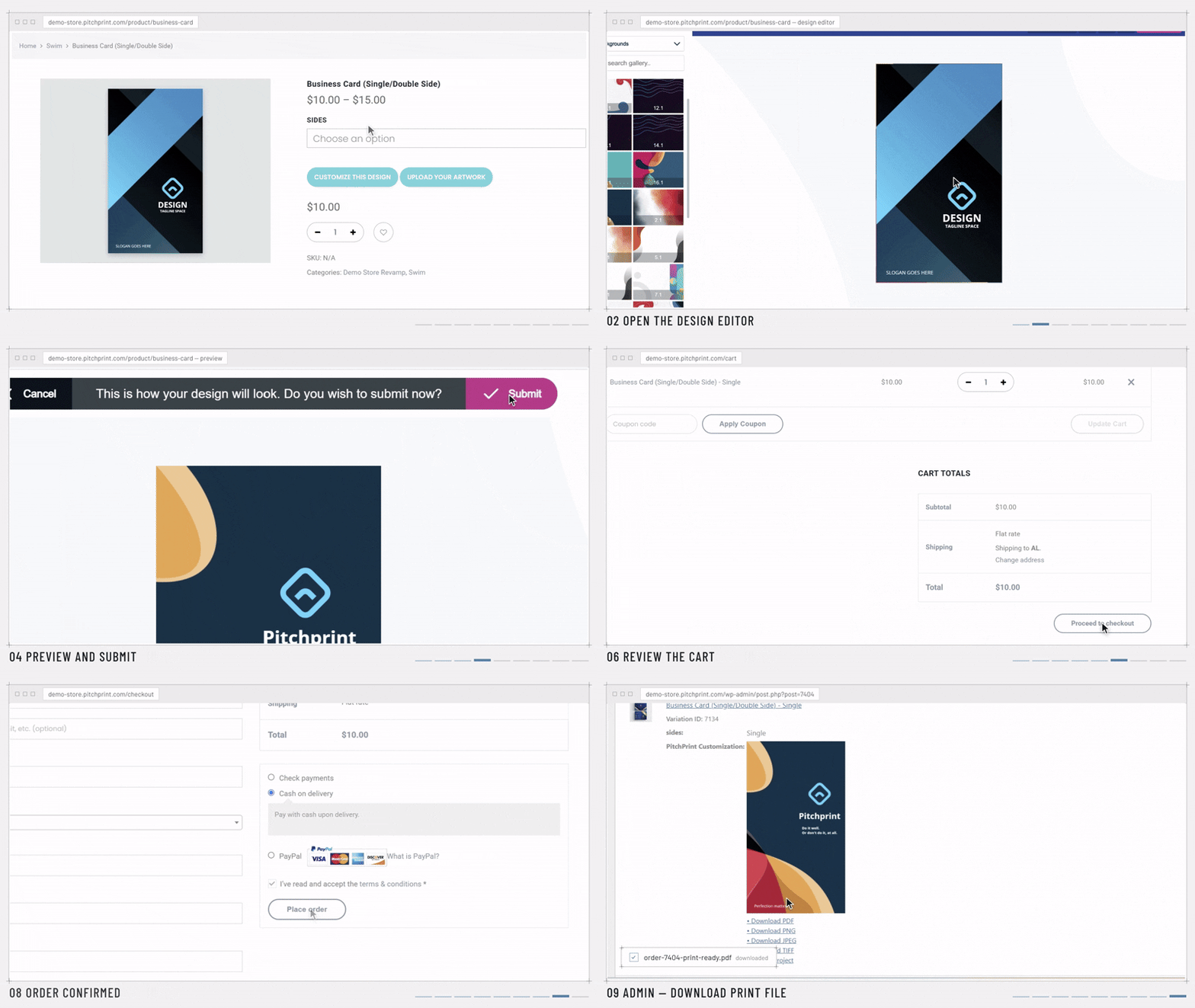
Operating model
PitchPrint handles the repeatable parts of product personalization so stores can sell more custom products without turning every order into manual artwork prep.
Install PitchPrint on Shopify, WordPress, OpenCart, PrestaShop, Wix, or connect a custom storefront through the integration tools.
Create reusable product templates, assign design categories, add fonts, upload resources, and configure the products customers can personalize.
Enable modules like Smart Sizes, Canvas Adjuster, Variable Data, Swatches, Design Selector, Data Form, or Single and Double Sided workflows.
Shoppers edit text, upload images, select templates, apply colors, use AI tools, and personalize products directly inside the browser editor.
Customers review the finished design with live previews, layout-aware canvas updates, and optional interactive 3D product visualization.
PitchPrint generates production-ready PDF files with sharp vectors, high-resolution artwork, and data needed for reliable fulfillment.
The platform is structured around the admin workflow, the shopper experience, and the production handoff.
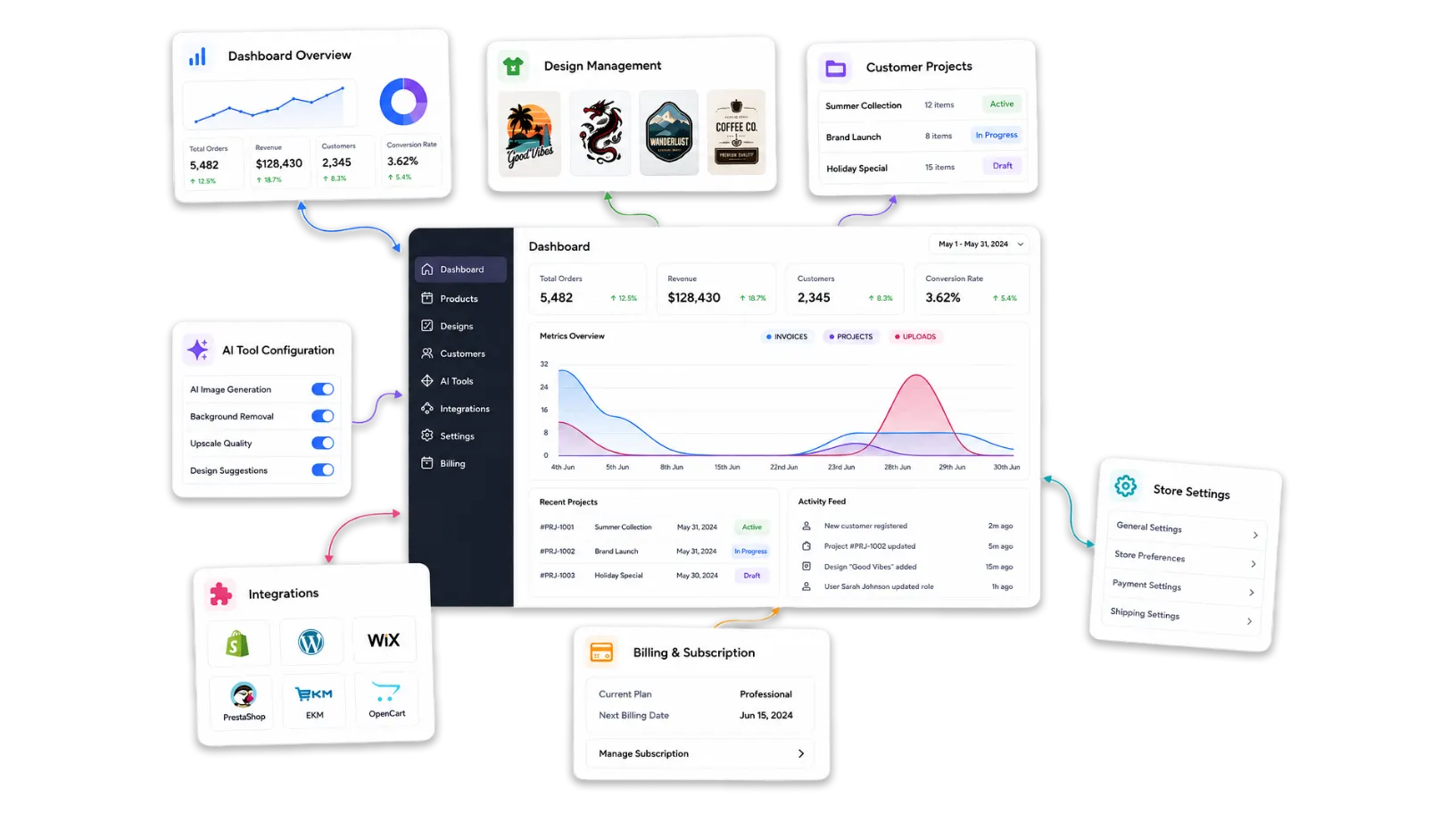
Control products, templates, fonts, resources, display modes, modules, colors, admin users, analytics, and workflow rules from the dashboard.
Learn more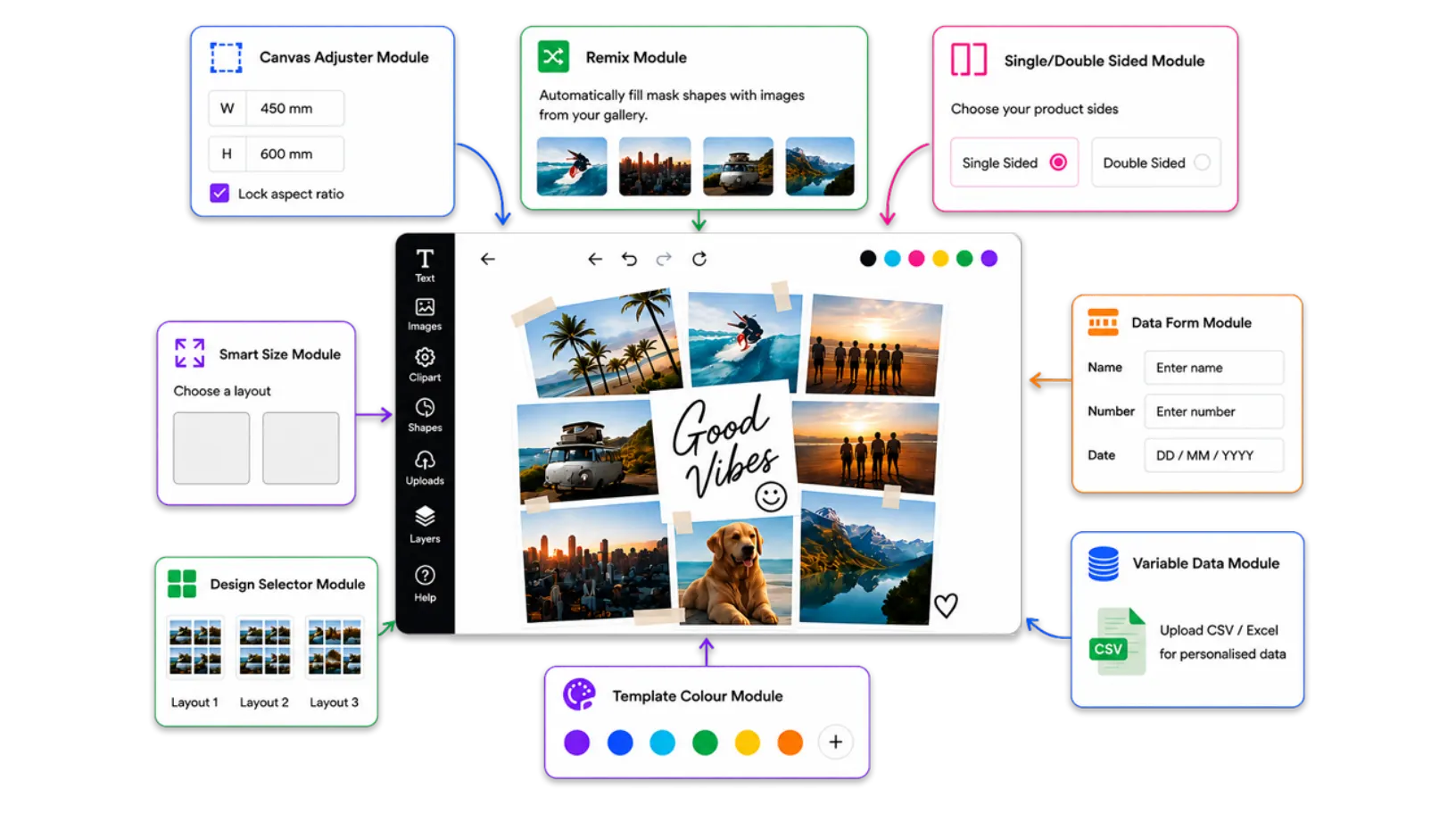
Give shoppers a guided editor experience with templates, uploads, AI tools, photo workflows, swatches, forms, and live previews.
Learn more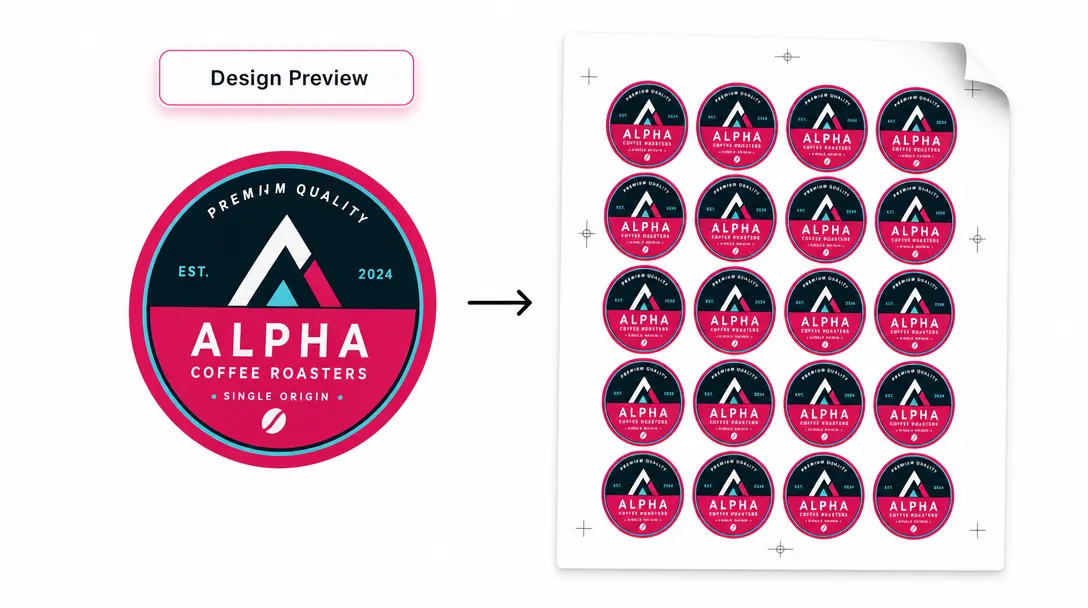
Turn approved customer projects into clean print-ready files, automated webhooks, variable-data output, and scalable fulfillment workflows.
Learn moreEach product can use the tools it needs while keeping the storefront and production process consistent.
Start with reusable designs and assign the right editor behavior to each product or product category.
Use Modal, Inline, or Mini display modes depending on the storefront layout and customization complexity.
Use Data Form, Design Selector, Swatches, Template Color, Smart Sizes, and AI tools to simplify choices for customers.
Generate high-resolution PDF output with vector text, graphics, color support, and print-ready structure.
Use platform plugins, custom integration options, webhooks, and admin tools to connect orders with production systems.
Manage templates, resources, fonts, projects, AI features, 3D previews, and use-case specific workflows as your catalog grows.
Before and after
Without PitchPrint, customers send unclear files, missing details, low-resolution images, and late design changes. With PitchPrint, shoppers personalize inside a controlled editor and your team receives structured project data and print-ready output.
PitchPrint gives customers creative control while helping store owners keep output consistent, scalable, and easier to fulfill.
Bring storefront products, templates, customer editing, previews, checkout, and print output into one online workflow.
Support stationery, photo prints, promotional items, large prints, product casings, and apparel with tailored tools.
Reduce manual artwork preparation by generating clean print files after the customer finishes their design.
Let customers remove backgrounds, generate images, upscale artwork, sketch concepts, and edit visuals inside the flow.
Start with the product category, then enable the templates, modules, resources, and output settings that fit that buying journey.
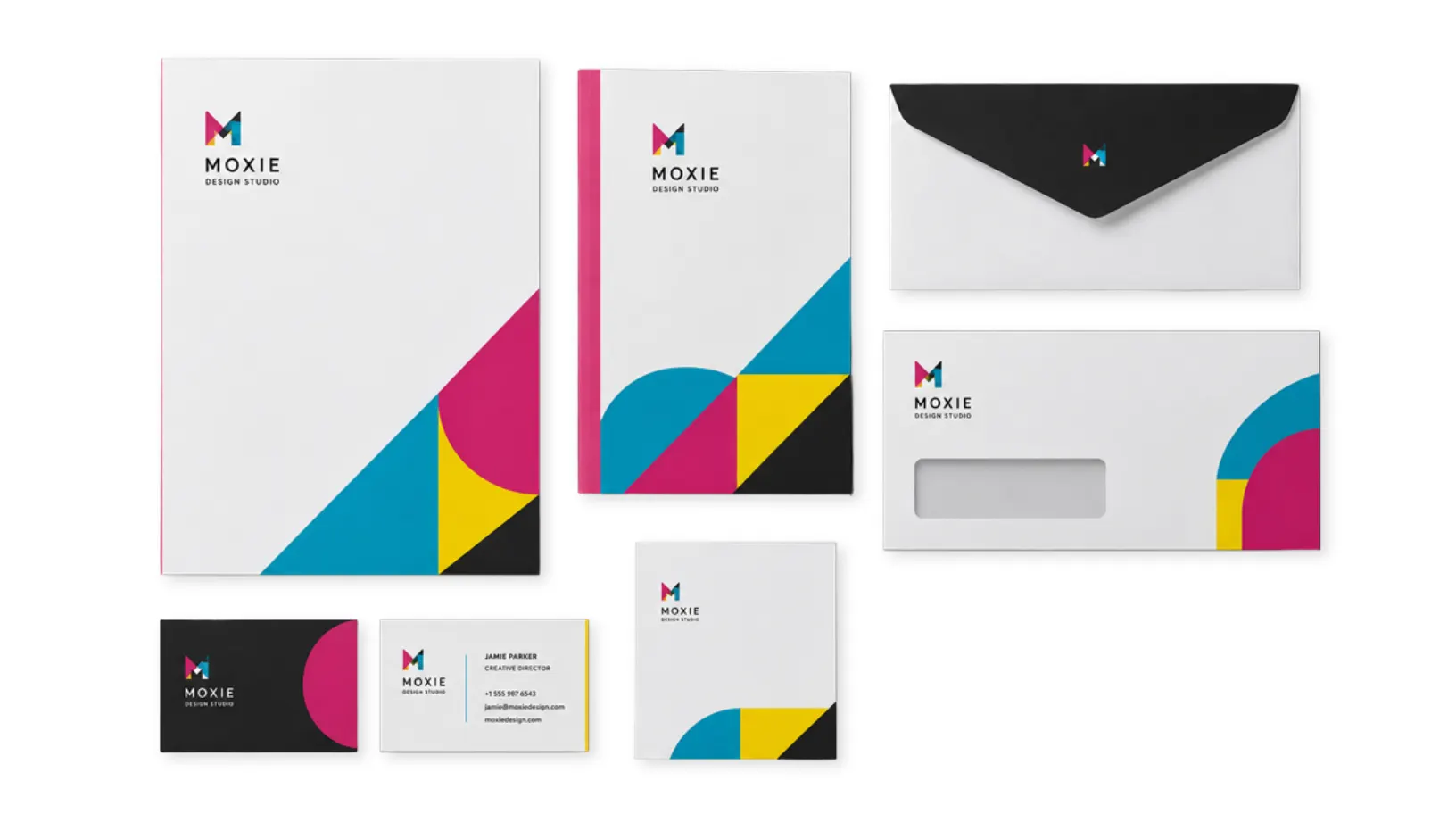
Business cards, flyers, brochures, letterheads, menus, cards, and print products that need precise templates and fast personalization.
Learn more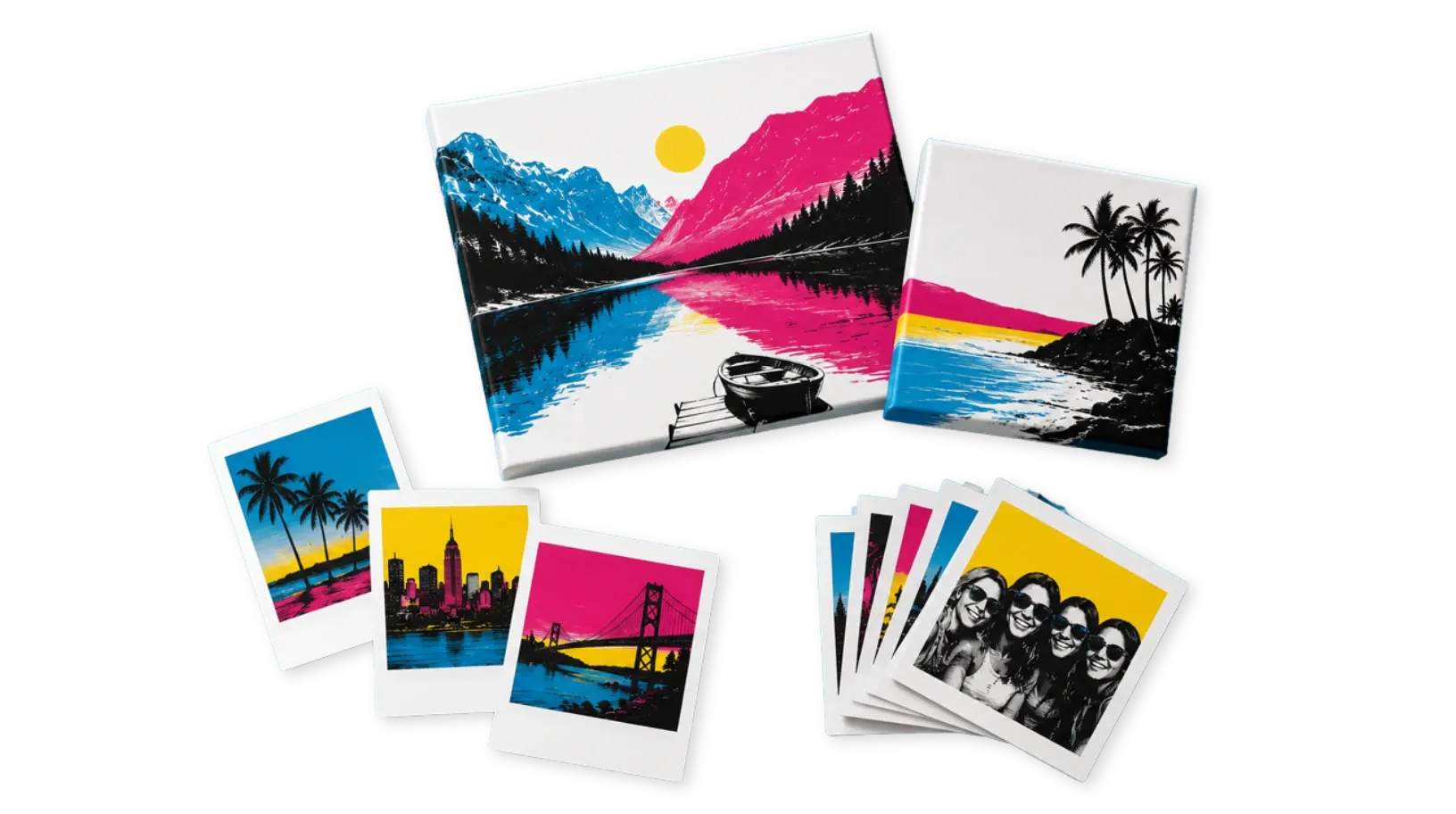
Bulk uploads, albums, vintage prints, canvas prints, keepsakes, paper type selection, and photo-heavy products with smoother image workflows.
Learn more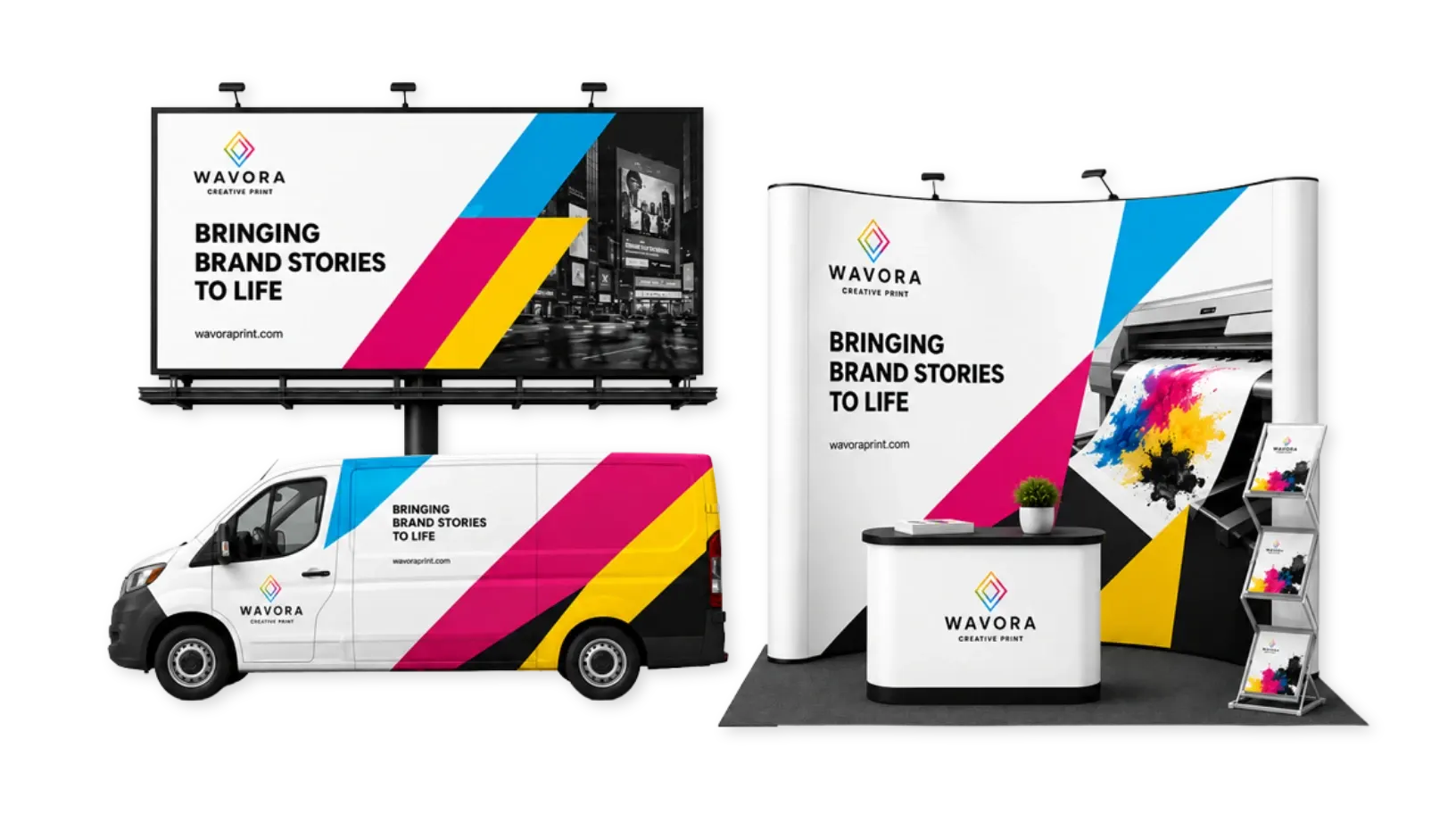
Banners, signage, wall murals, posters, trade show displays, vehicle wraps, and custom dimensions with print-ready output.
Learn more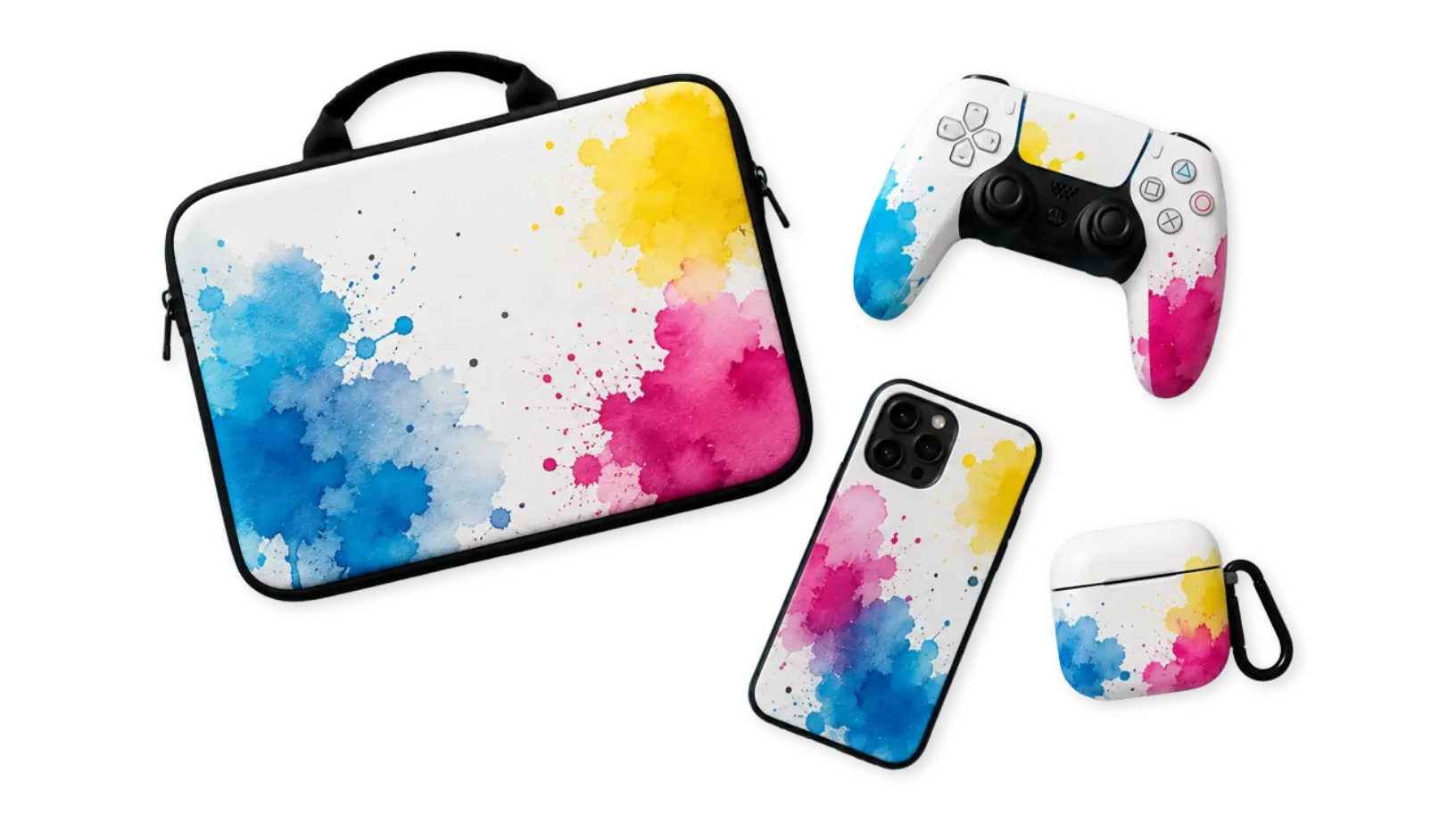
Phone cases, laptop skins, packaging, device covers, and promotional accessories with color options, overlays, and 3D-ready previews.
Learn more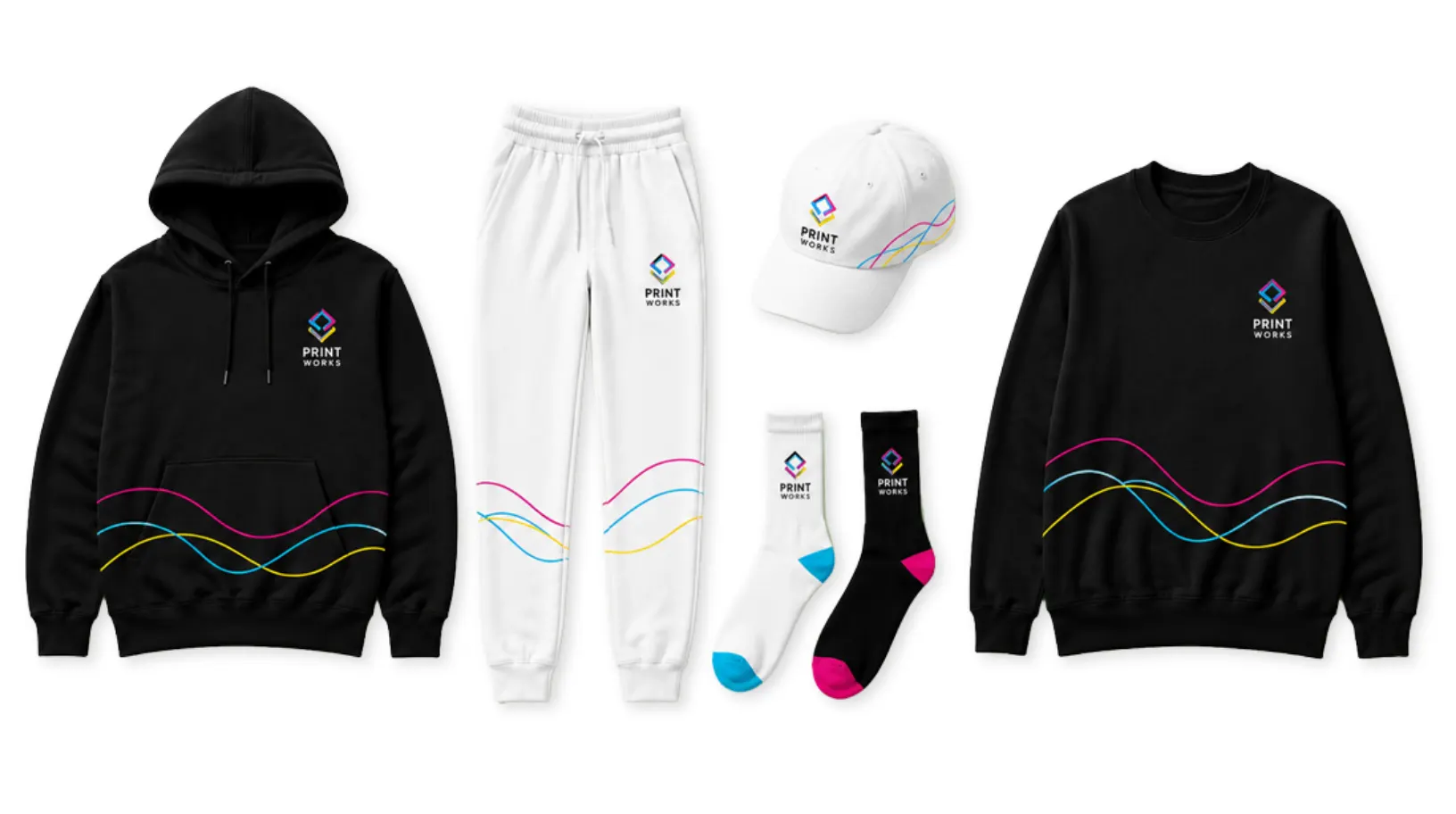
T-shirts, hoodies, jerseys, uniforms, workwear, caps, and fashion products with color switching, variable data, and multi-sided design flows.
Learn more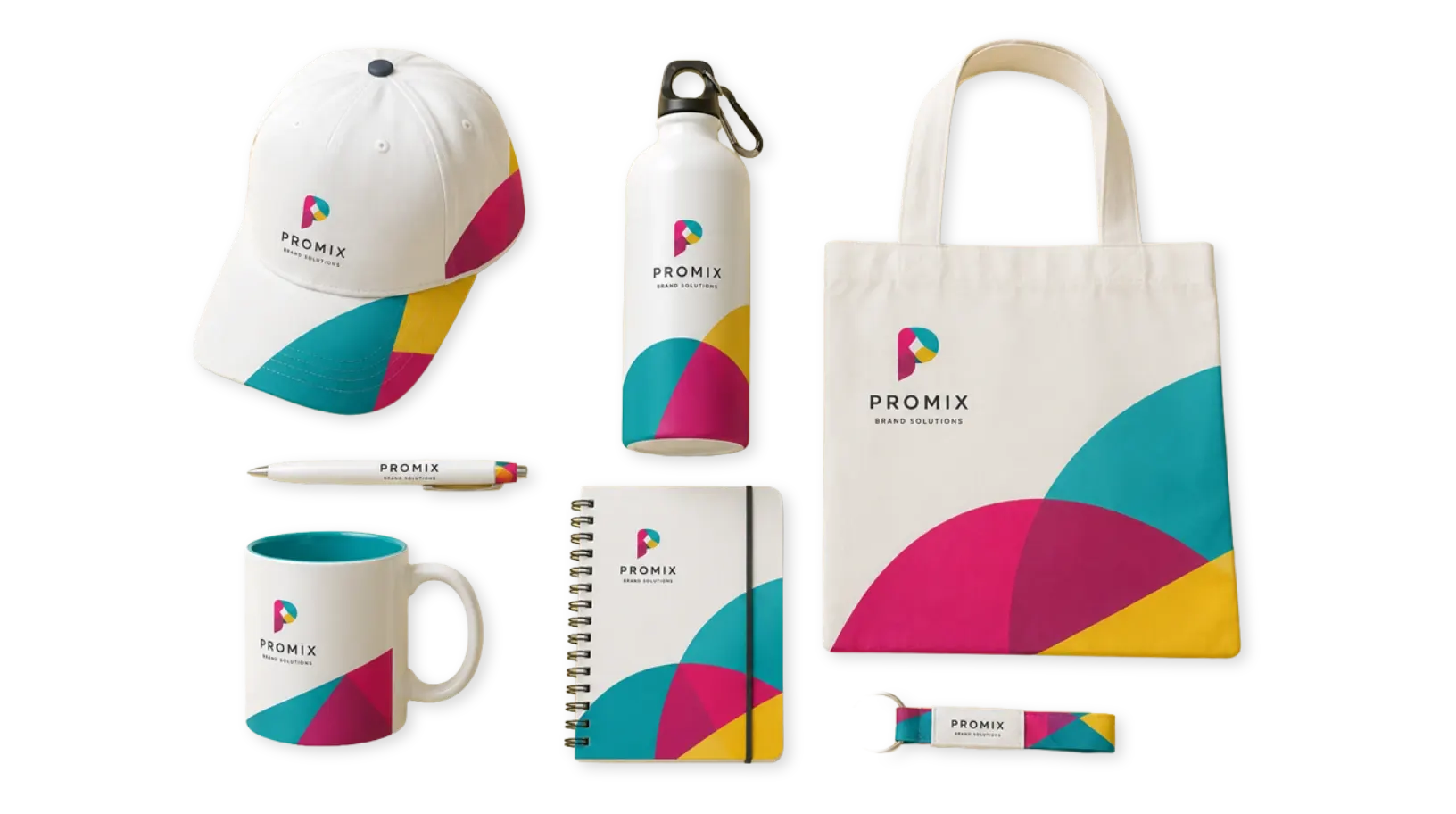
Mugs, pens, tote bags, giveaways, branded merchandise, and personalized promo products for repeatable ecommerce ordering.
Learn moreFAQ
You connect PitchPrint to your ecommerce platform, then configure products, templates, resources, and the editor behavior that matches each product workflow.
Yes. A business card can use a simple data form, a banner can use custom dimensions, apparel can use front and back editing, and photo products can use bulk uploads or image masks.
Customers open the editor from the product page, choose or load a design, edit text and images, use configured modules or AI tools, preview the result, and continue to checkout.
PitchPrint generates print-ready output such as high-resolution PDF files with sharp text, graphics, and production-friendly structure for fulfillment.
Yes. PitchPrint includes platform integrations and custom integration options for businesses that need a more tailored storefront or production workflow.
Ready to Start?
Start with the core editor, connect the ecommerce stack and give shoppers a polished customization flow.