Fewer Low-Resolution Warnings
Instead of stopping production to ask a client for a larger file, let them improve their image quality during the design stage.

Enhance low-resolution customer uploads into sharper, higher-quality artwork for professional print products.
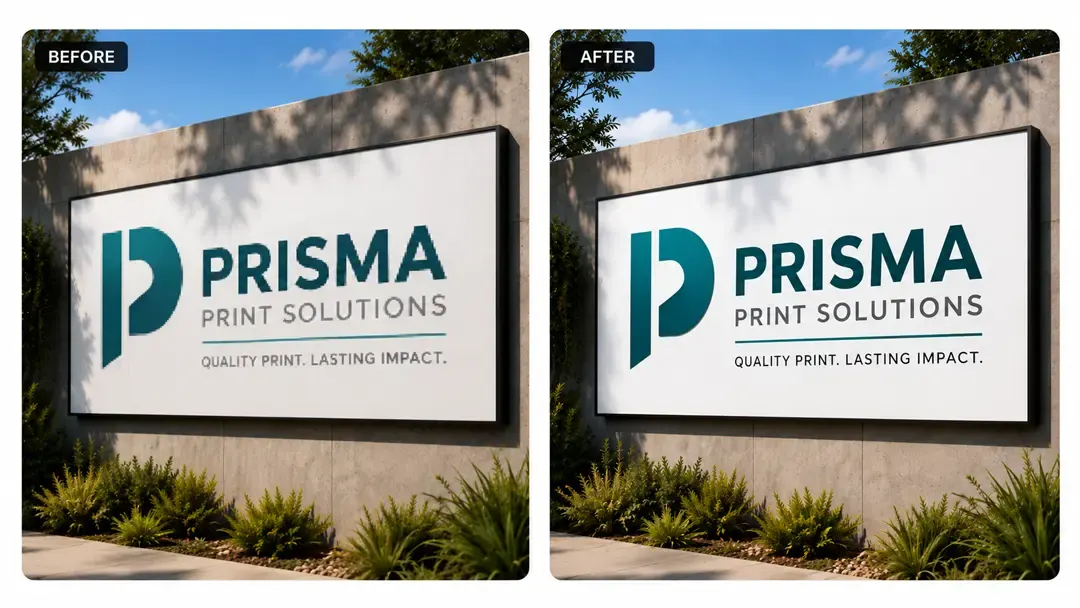
When customers upload low-quality or blurry photos, it can delay production or lead to costly reprints. This tool solves that by automatically sharpening and upscaling pixelated images directly inside the design window. It keeps your printing queue moving and ensures a crisp, high-quality end product.
Instead of stopping production to ask a client for a larger file, let them improve their image quality during the design stage.
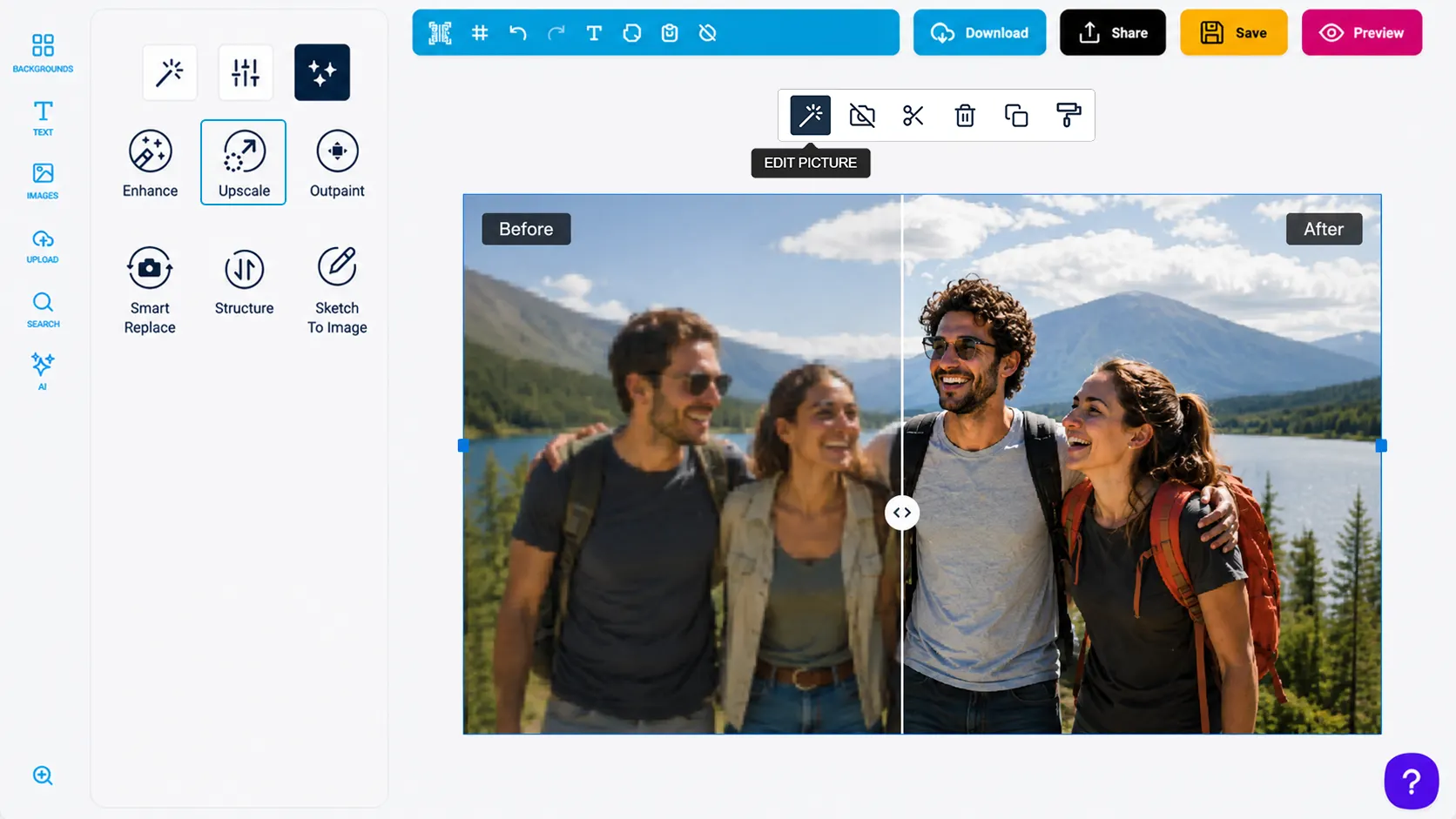
Rather than simply stretching pixels, the tool actively reconstructs missing details, cleans up digital noise, and smooths out blocky edges.
Shoppers scale up their graphics on the canvas with one click, without needing to download external tools.
Solving image quality issues immediately on the page removes a major barrier to buying.
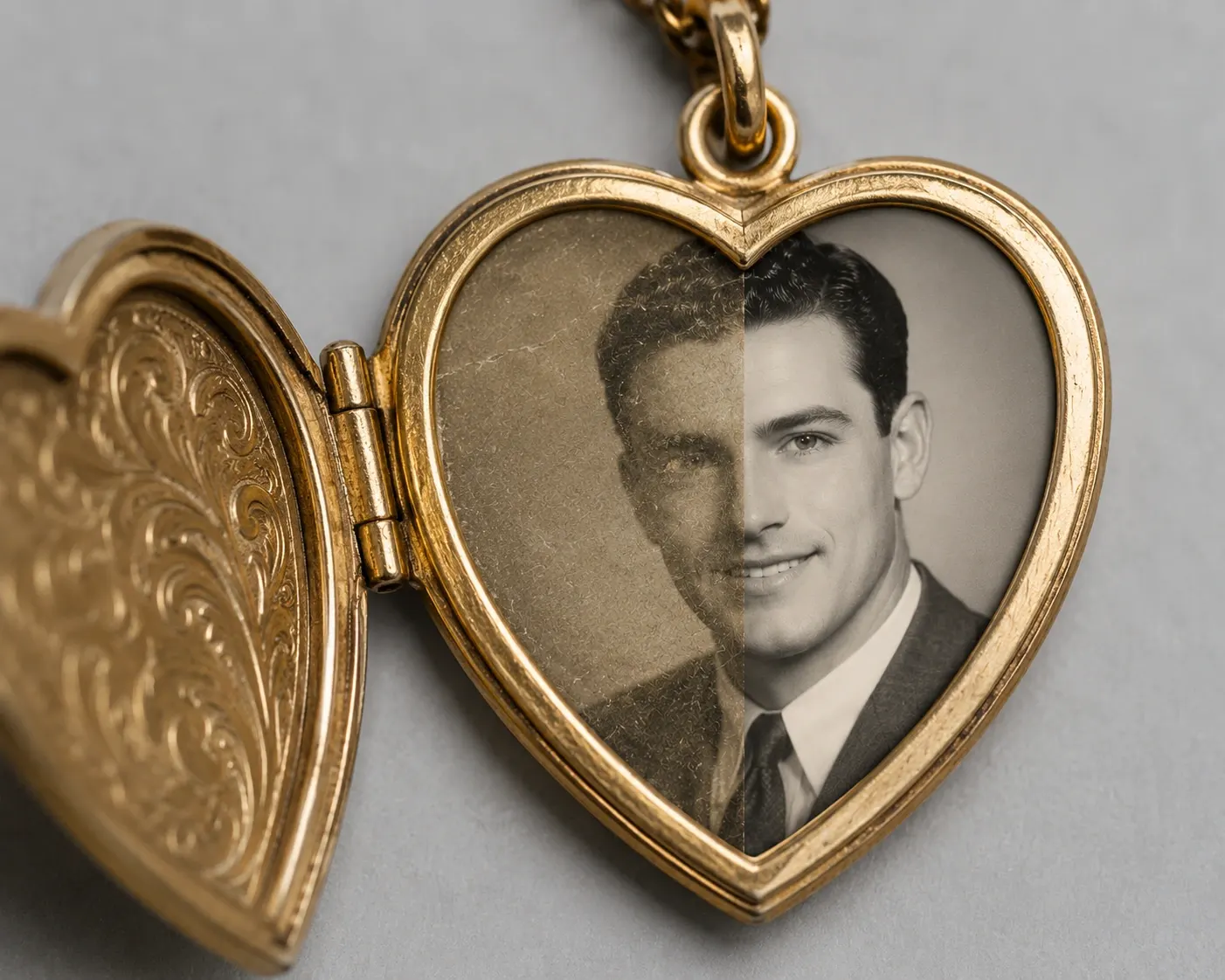
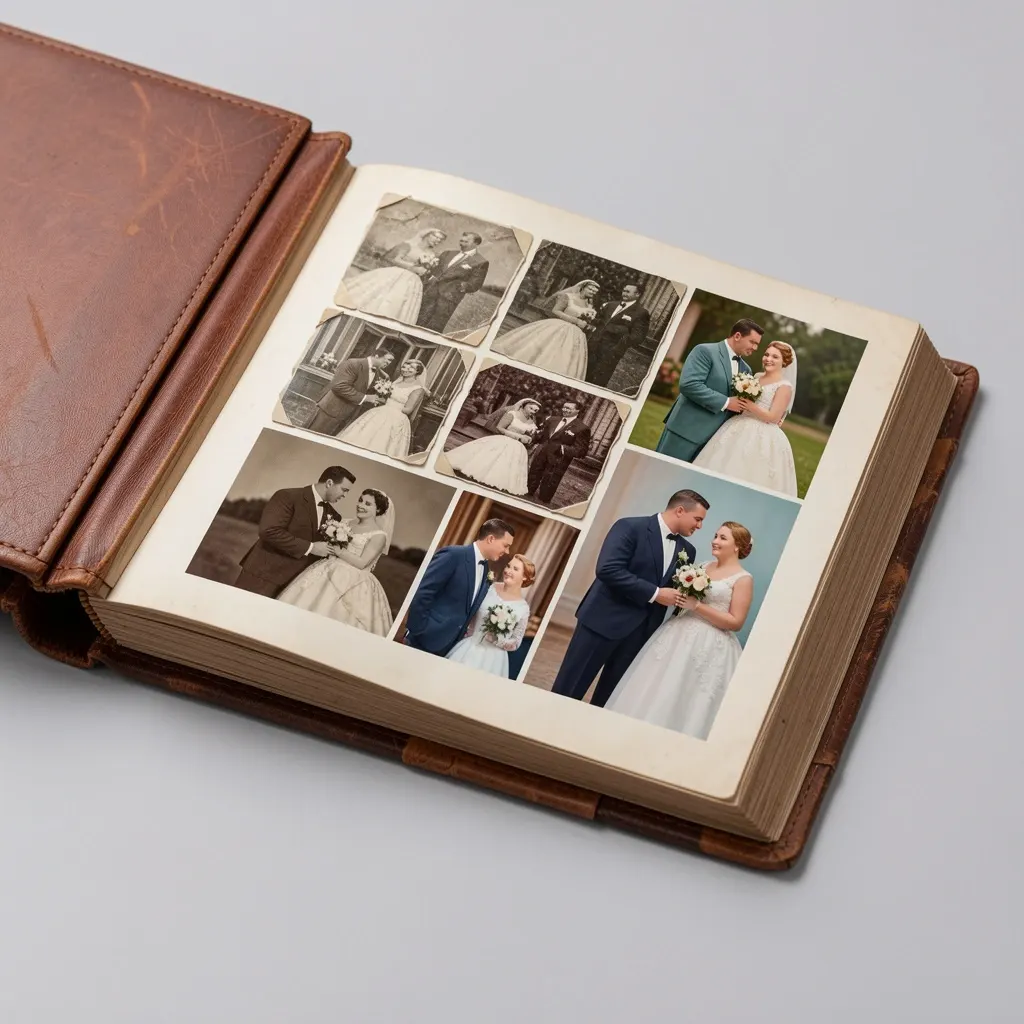
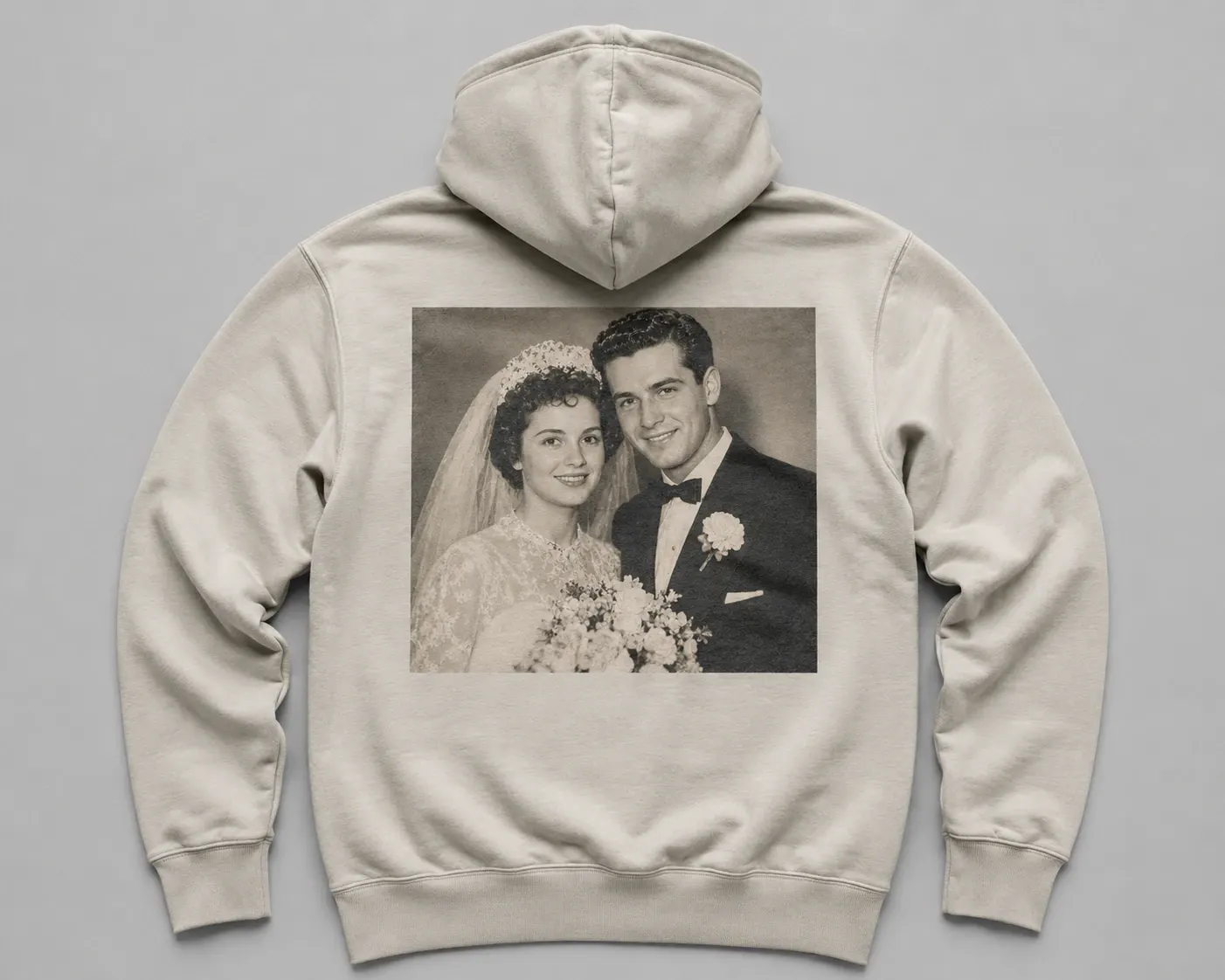
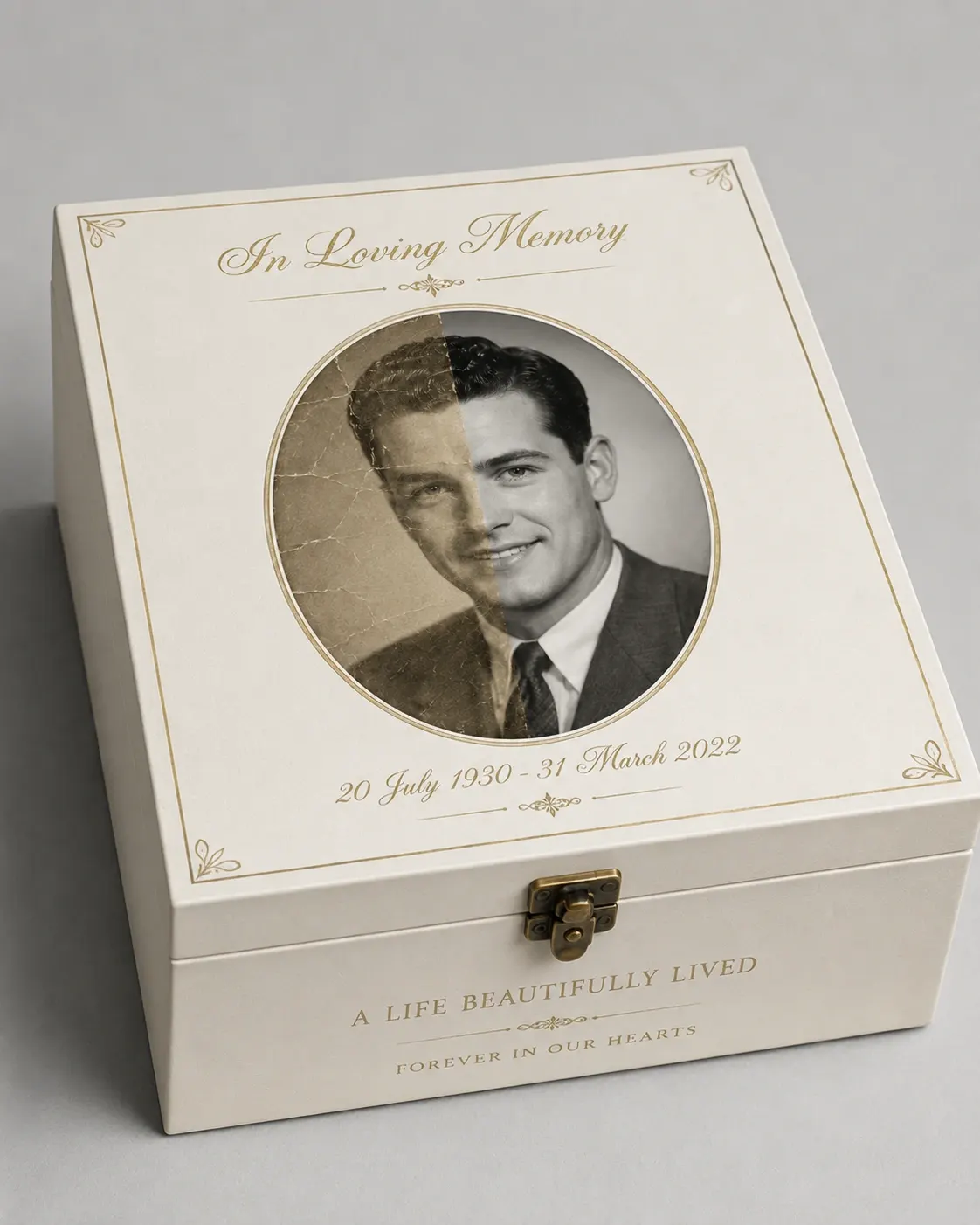
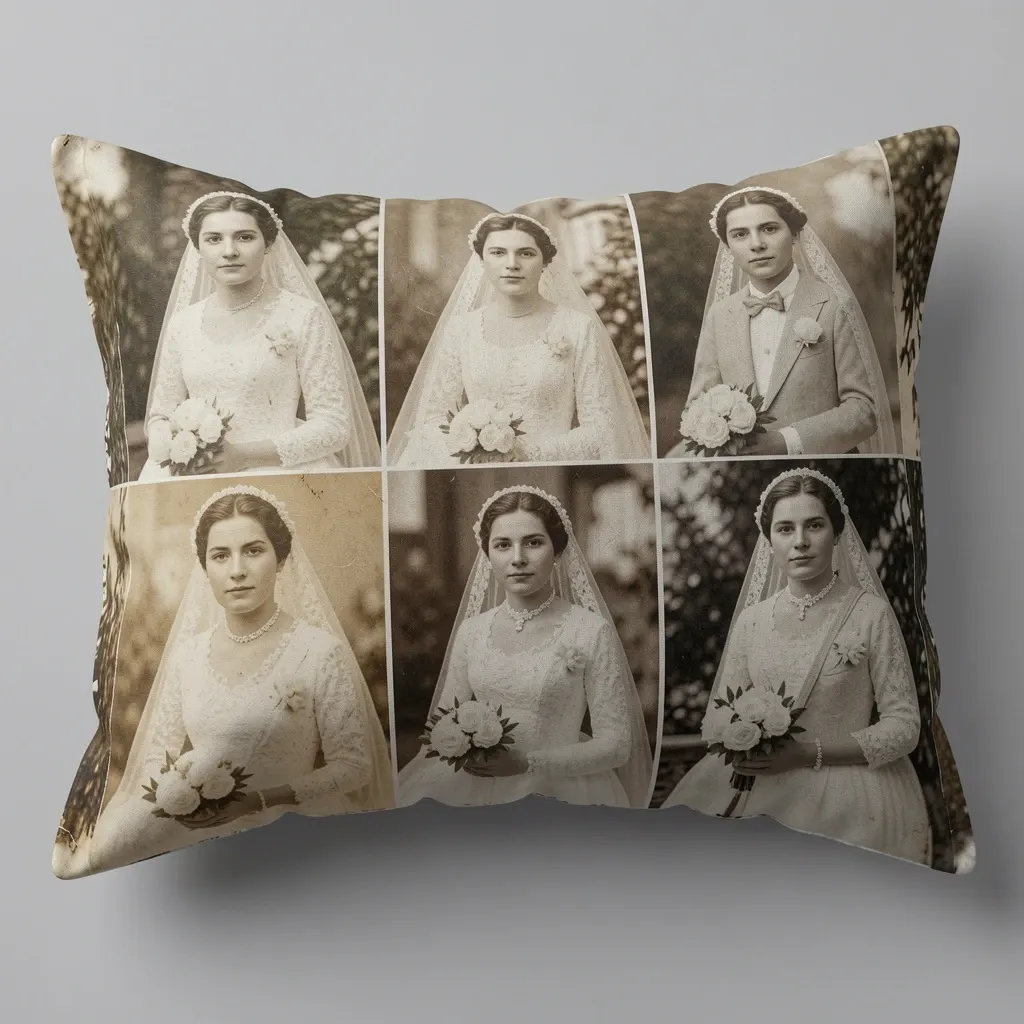
Use AI Upscale when customer images need more clarity before printing.
AI Upscale helps stores accept more customer uploads while protecting final print quality.
Customer-uploaded images can be enhanced before production.
Low-resolution artwork is less likely to produce blurry print results.
Artwork can be improved for posters, banners, canvases, and signage.
Customers improve uploads without sending files to another editing tool.
Review implementation guidance or try this AI feature in your own PitchPrint workflow.
Full API reference, integration guides, and code examples for developers.
Spin up a free account and test this feature on your own products in minutes.
No credit card required. Start customizing products in minutes.
FAQ
When customers upload low-quality or blurry photos, it can delay production or lead to costly reprints. This tool solves that by automatically sharpening and upscaling pixelated images directly inside the design window. It keeps your printing queue moving and ensures a crisp, high-quality end product.
Enhance low-resolution customer uploads into sharper, higher-quality artwork for professional print products.
Use AI Upscale when customer images need more clarity before printing.