
Download
Formats
Export completed projects in the format that best fits production, delivery, external systems, or digital distribution.
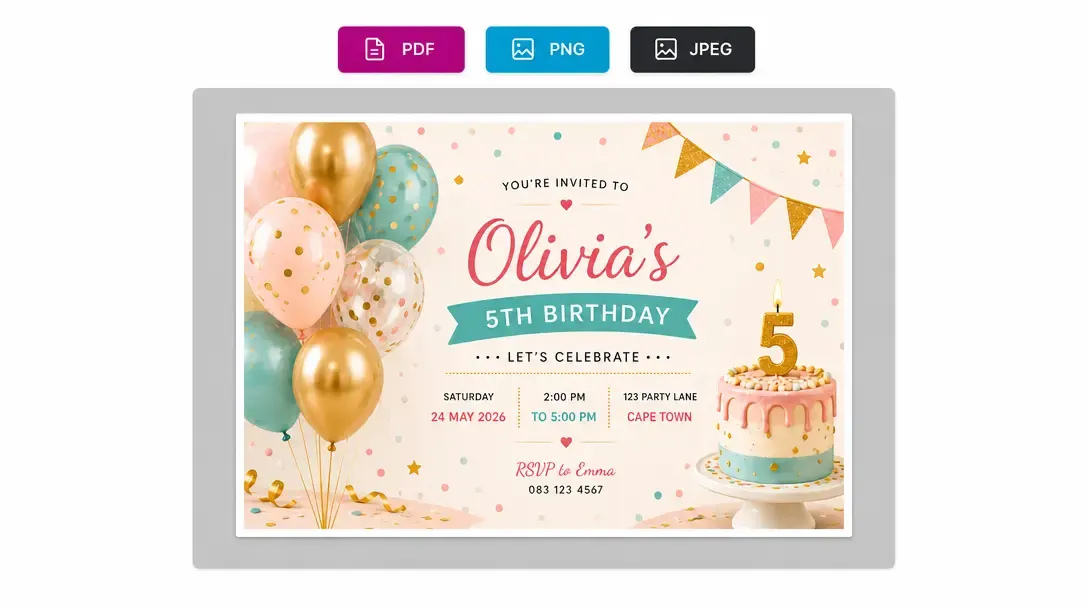
Multi-format print file generation for any workflow
Download Formats allows completed customer designs to be exported in multiple file types depending on production or distribution requirements.
Store administrators or customers can select the necessary file format, and PitchPrint processes the design accordingly to deliver print-ready files or web-ready proofs automatically after checkout.
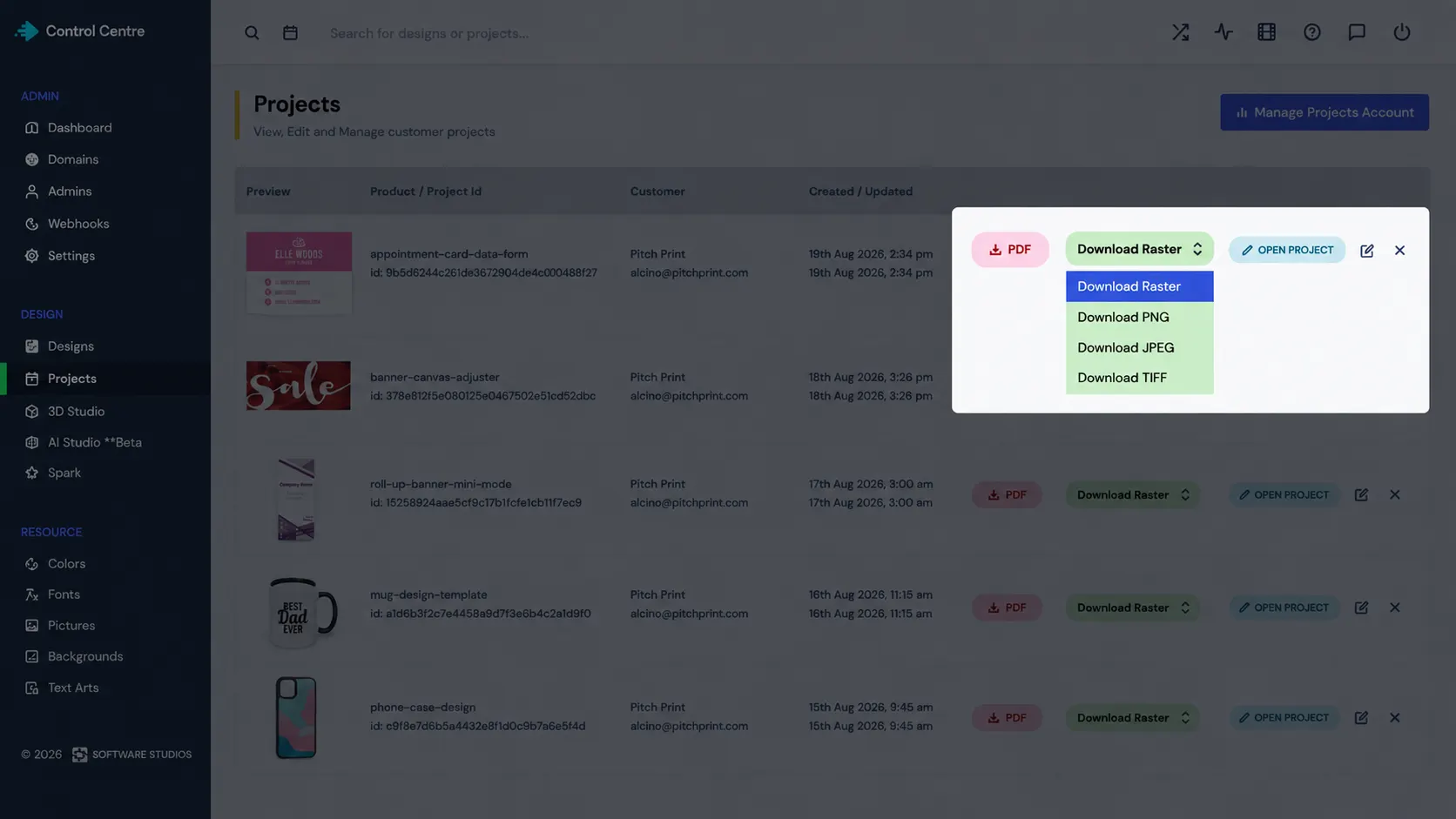
Compatible with every
print production setup
Commercial Printing: High-resolution vector PDFs for offset, digital, and wide-format presses.
Marketing & Digital Media: High-resolution JPEGs, PNGs and TIFFs for digital proofs, social media, and web sharing.
Custom Packaging & Apparel: PDF vector files for laser cutting, screen printing, and vinyl plots.
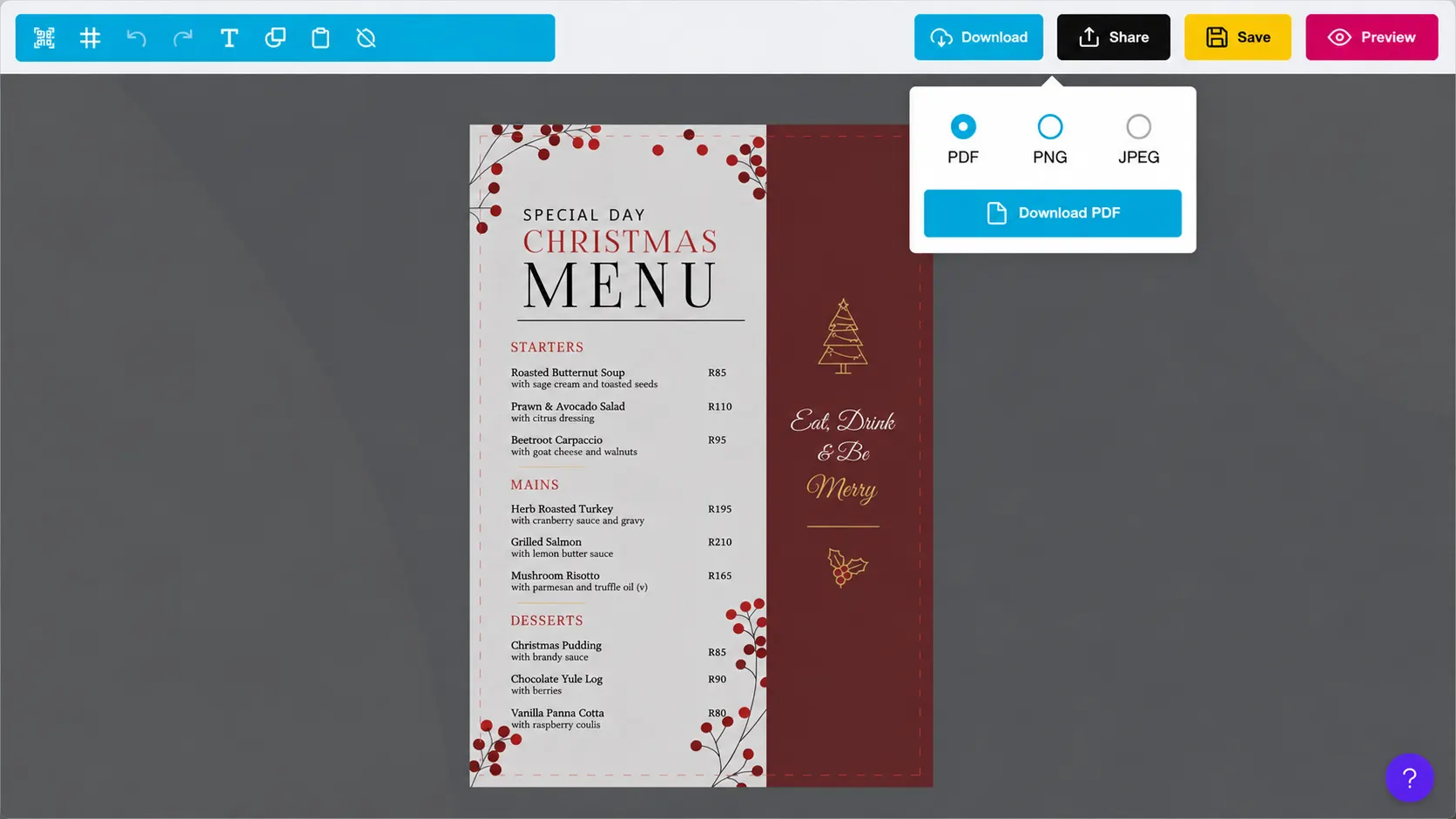
Export files tailored
to your exact RIP software
-
Multiple file formats
Get production-ready PDF, PNG, JPEG, and TIFF files with every order giving you the exact file types you need for high-resolution printing or digital previews.
-
Instant file rendering
Print files are generated automatically the second an order is completed, eliminating tedious manual artwork conversions.
-
Flexible file access
Download finished artwork whenever you need it directly from your admin dashboard, customer account portals, or automatically via webhooks.
-
Automated file delivery
Connect PitchPrint to Zapier or custom webhooks to pass order files straight to Google Drive, Dropbox, email, or external apps without lifting a finger.
Simplify production
workflows and file handoffs
Flexible file exports remove technical barriers between customer storefronts and production floors.
- Fit
Workflow flexibility
Fits into any existing prepress, RIP software, or printing pipeline.
- Less
Reduced file handling
Eliminates manual file re-saving, exporting, or format conversions.
- Fast
Faster turnaround times
Orders move straight into print-ready generation for instant fulfillment.
Set up Download Formats
Review Download Formats guidance or test this workflow on your own products.
View Documentation
Full API reference, integration guides, and code examples for developers.
Try It For Free
Spin up a free account and test this feature on your own products in minutes.
Create Your Account
No credit card required. Start customizing products in minutes.
FAQ
Download Formats questions
What does Download Formats do?
Download Formats allows completed customer designs to be exported in multiple file types depending on production or distribution requirements.
How does Download Formats work?
Export completed projects in the format that best fits production, delivery, external systems, or digital distribution.
Who should use Download Formats?
Use Download Formats when completed projects need to move into print, marketing, packaging, or digital workflows.
More connected
capabilities
-
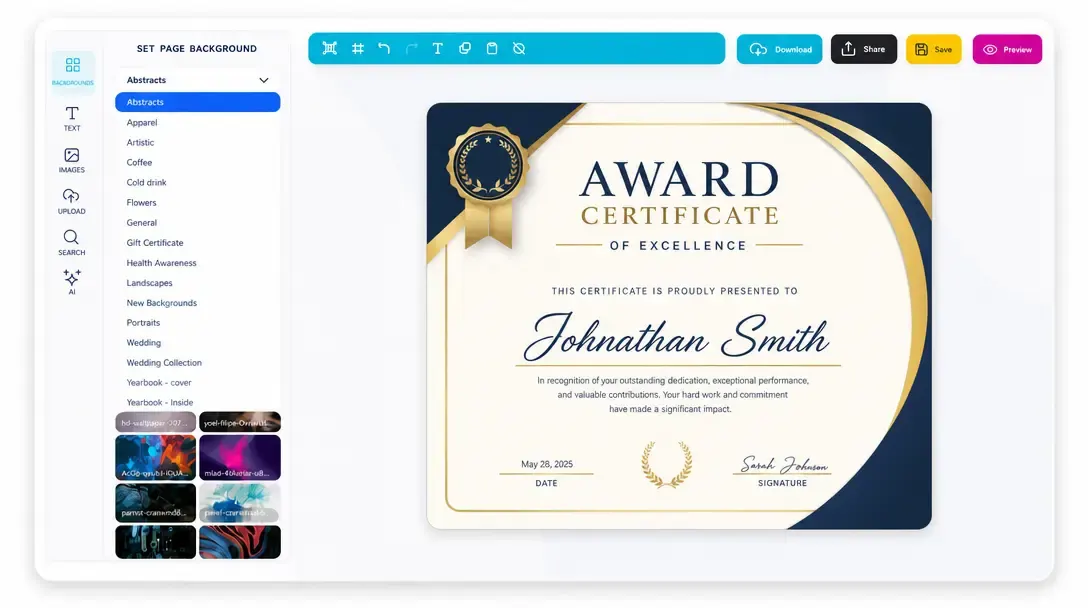
Online Design Editor
Let customers personalize products directly in the browser before generating output.
Learn more -
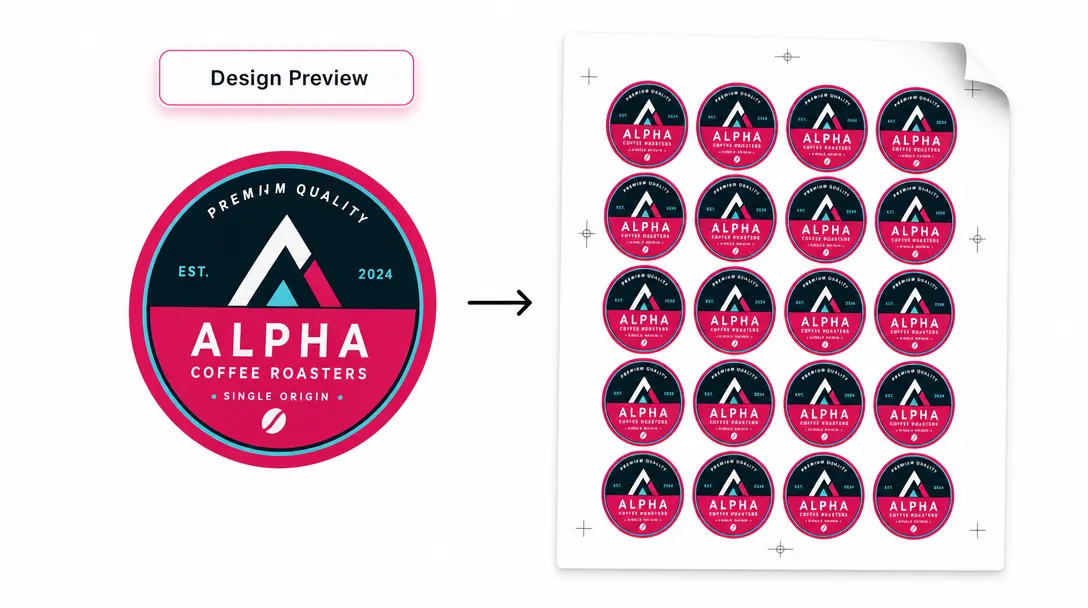
Print-Ready Vector PDFs
Generate high-resolution production files after customers complete their designs.
Learn more -
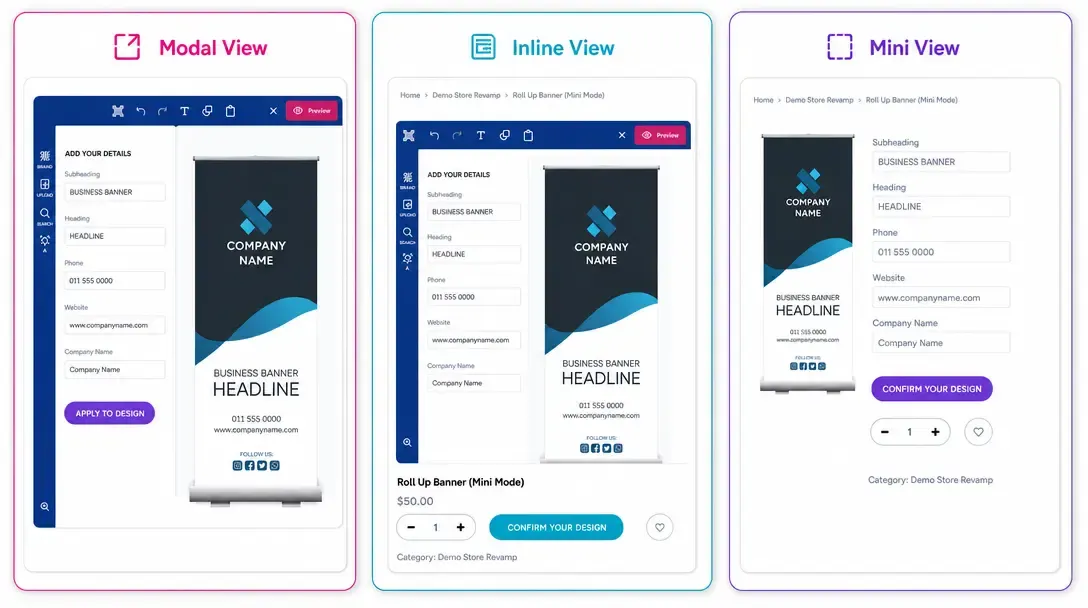
Display Modes
Choose Modal, Inline, or Mini layouts for how the editor appears on product pages.
Learn more