
Display Modes
Place PitchPrint where each product needs it with Modal, Inline, and Mini editor layouts tuned for focused customization.
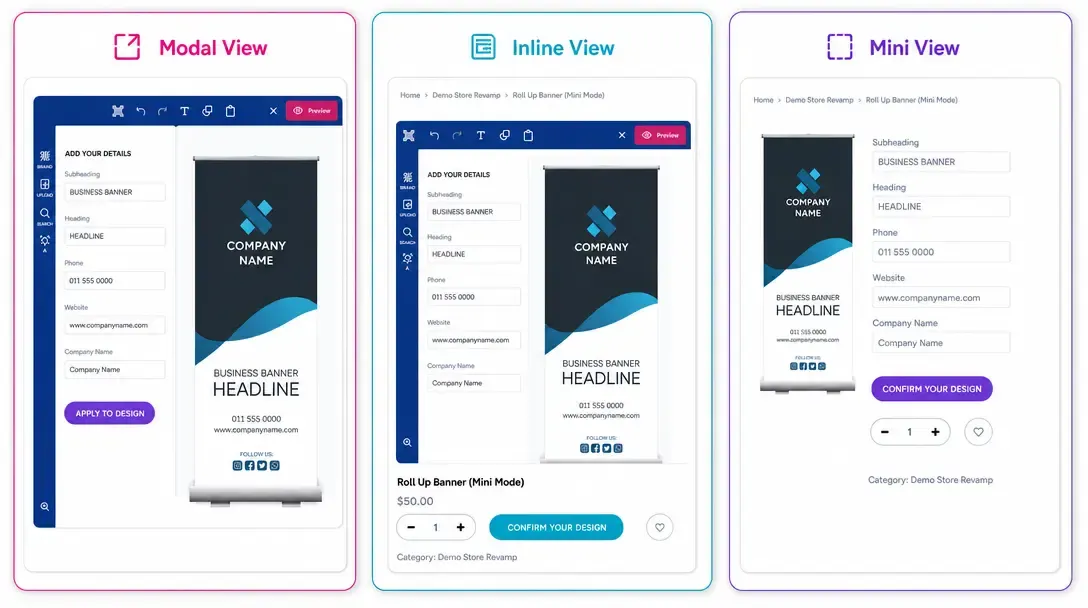
Control how the editor launches and displays on your store
Display Modes give store owners control over how the PitchPrint editor renders on their storefront.
You can choose to launch the editor in a pop-up modal window, embed it directly inline on the product page, or launch a compact interface optimized for mobile shoppers.
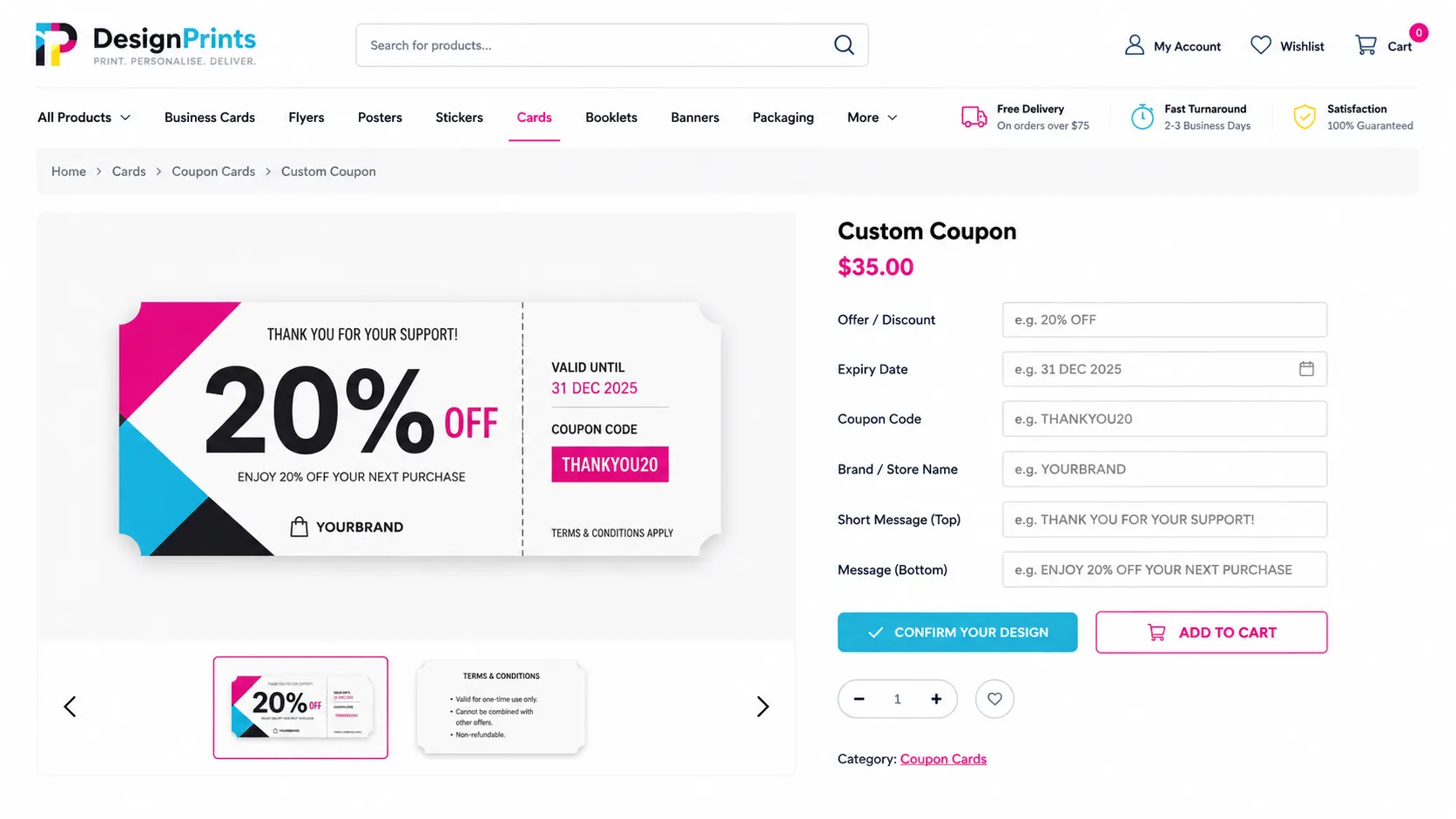
Tailored to match
your storefront UX
E-Commerce Stores: Modal pop-ups for seamless overlay editing on Shopify or WooCommerce product pages.
Dedicated Customizers: Embedded inline editors for dedicated full-page customization portals.
Mobile Shopping: Compact display layouts optimized for touch interaction on smartphones.
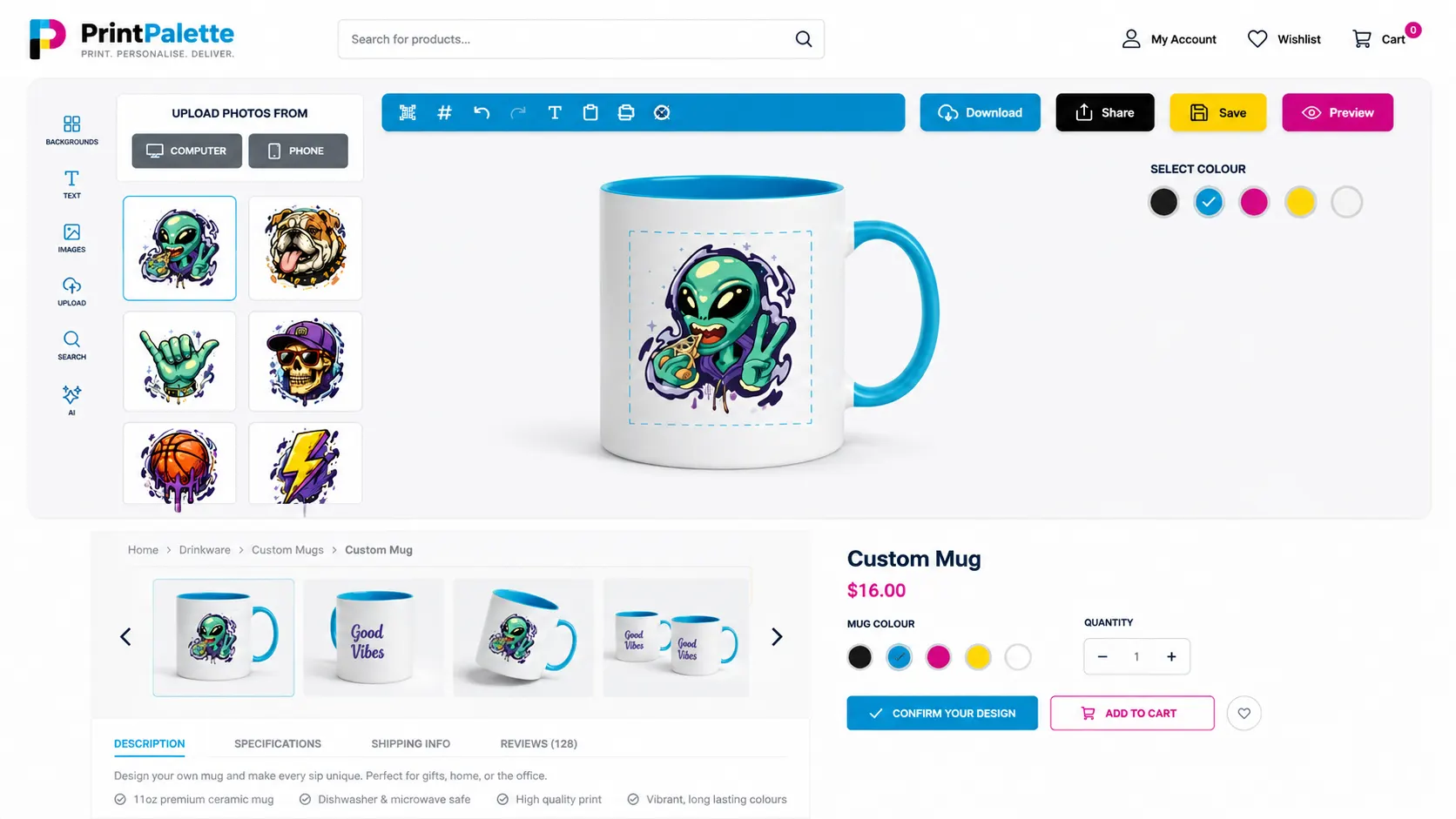
Flexible integration
options for any website design
-
Multiple layout styles
Choose between Modal, Inline, and Compact Mobile display modes.
-
Theme compatibility
Blends cleanly into custom storefront themes without breaking layouts.
-
Responsive design
Automatically adjusts canvas controls for small screens and touch gestures.
-
Global or per-product rules
Assign different display modes to specific product categories.
Deliver a frictionless
editing experience on any device
Matching the editor display to your storefront layout creates a smooth shopping experience.
- UX
Improved customer UX
Keeps shoppers focused on customizing without site navigation clutter.
- Mobile
Mobile-friendly buying
Compact interfaces ensure smartphone users can personalize products easily.
- Fit
Versatile store integration
Works with standard e-commerce templates and custom builds.
Set up Display Modes
Review Display Modes guidance or test this workflow on your own products.
View Documentation
Full API reference, integration guides, and code examples for developers.
Try It For Free
Spin up a free account and test this feature on your own products in minutes.
Create Your Account
No credit card required. Start customizing products in minutes.
FAQ
Display Modes questions
What does Display Modes do?
Display Modes give store owners control over how the PitchPrint editor renders on their storefront.
How does Display Modes work?
Place PitchPrint where each product needs it with Modal, Inline, and Mini editor layouts tuned for focused customization.
Who should use Display Modes?
The mode can change with the product, the page layout, and the level of editing customers need.
More connected
capabilities
-
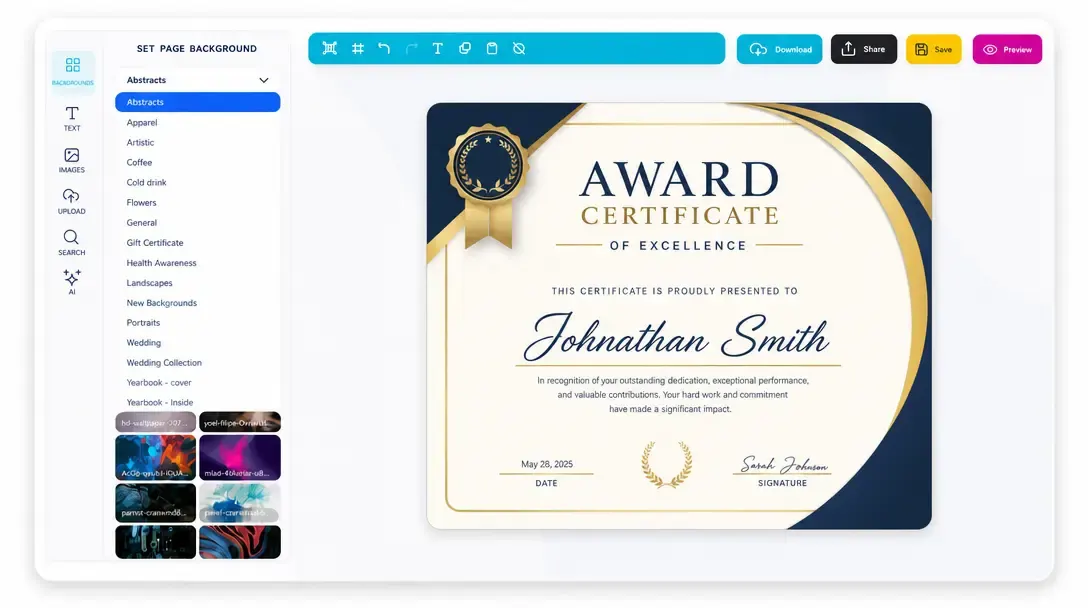
Online Design Editor
Let customers personalize products directly in the browser before generating output.
Learn more -
Print-Ready Vector PDFs
Generate high-resolution production files after customers complete their designs.
Learn more