
Simplify Customization with the PitchPrint Template Color Module
Let customers choose from pre-approved product colours with an instant live preview, all powered by a single template. No duplicates. No mismatches.
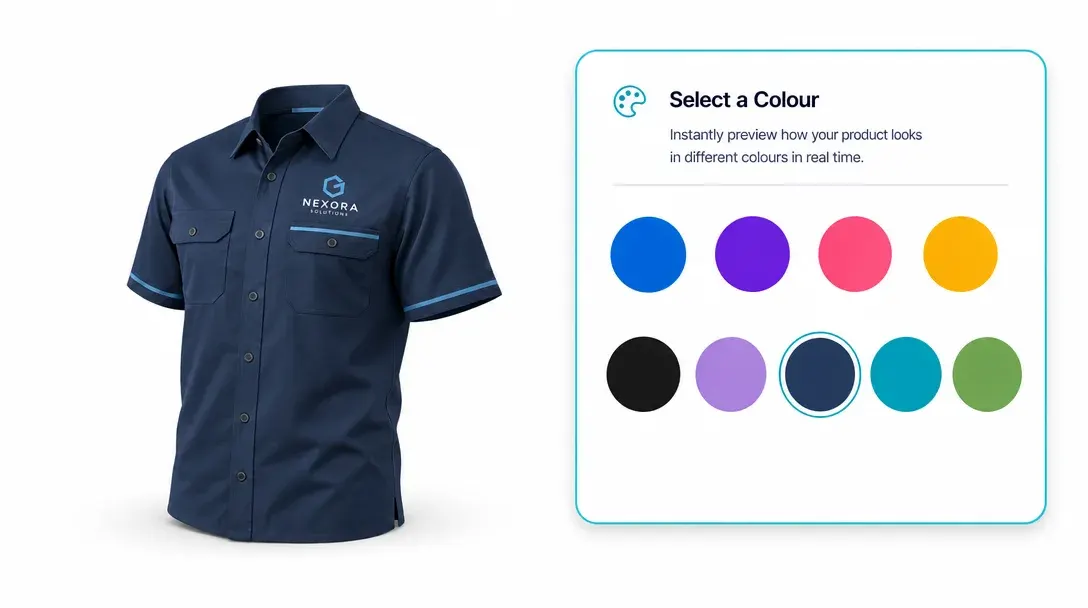
One template. Every colour. Instant preview.
Do you sell products like Custom can coolers, Personalized cornhole boards, Personalized yoga mats, Custom silicon wristbands, Custom poker chips, Personalized flasks, Custom license plate frames, or Personalized mouse pads? If you want to offer color customization without the headache of managing endless product assets, the PitchPrint Template Color Module is exactly what you need.
Instead of forcing customers to browse different product pages to find another color, this module lets them change the background template color directly inside the design window with a simple click.
Built for products where
the layout should stay fixed
Custom Can Coolers: Recolor background vector patterns on can coolers.
Personalized Cornhole Boards: Swap emblem colors on personalized cornhole boards.
Personalized Yoga Mats: Recolor patterns on yoga mats.
Custom Silicon Wristbands: Provide different color options for wristbands.
Custom Poker Chips: Match chip border vectors to betting values and many more products...
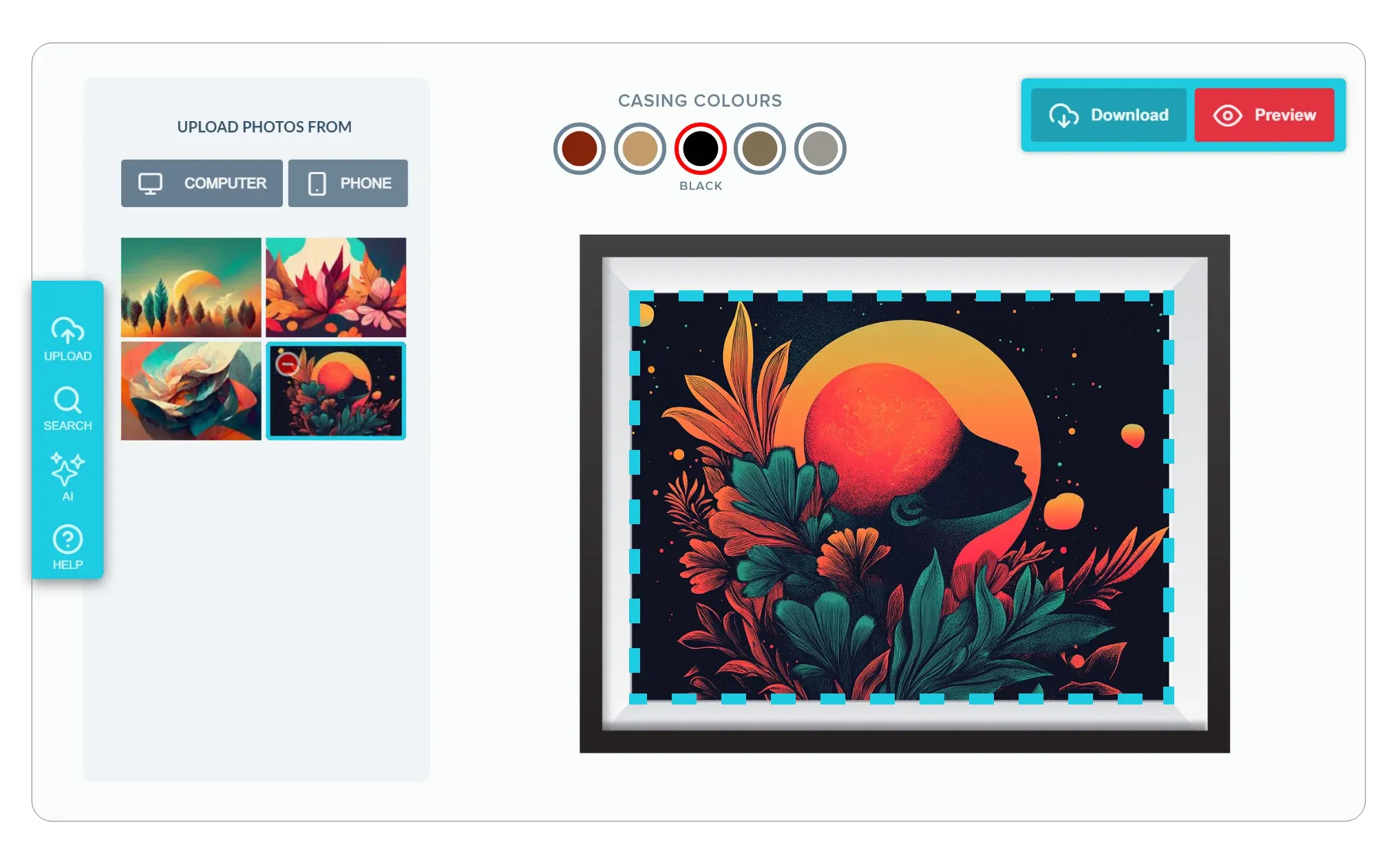
Everything you need
for colour-variant products
-
Keep Your Asset Management Simple
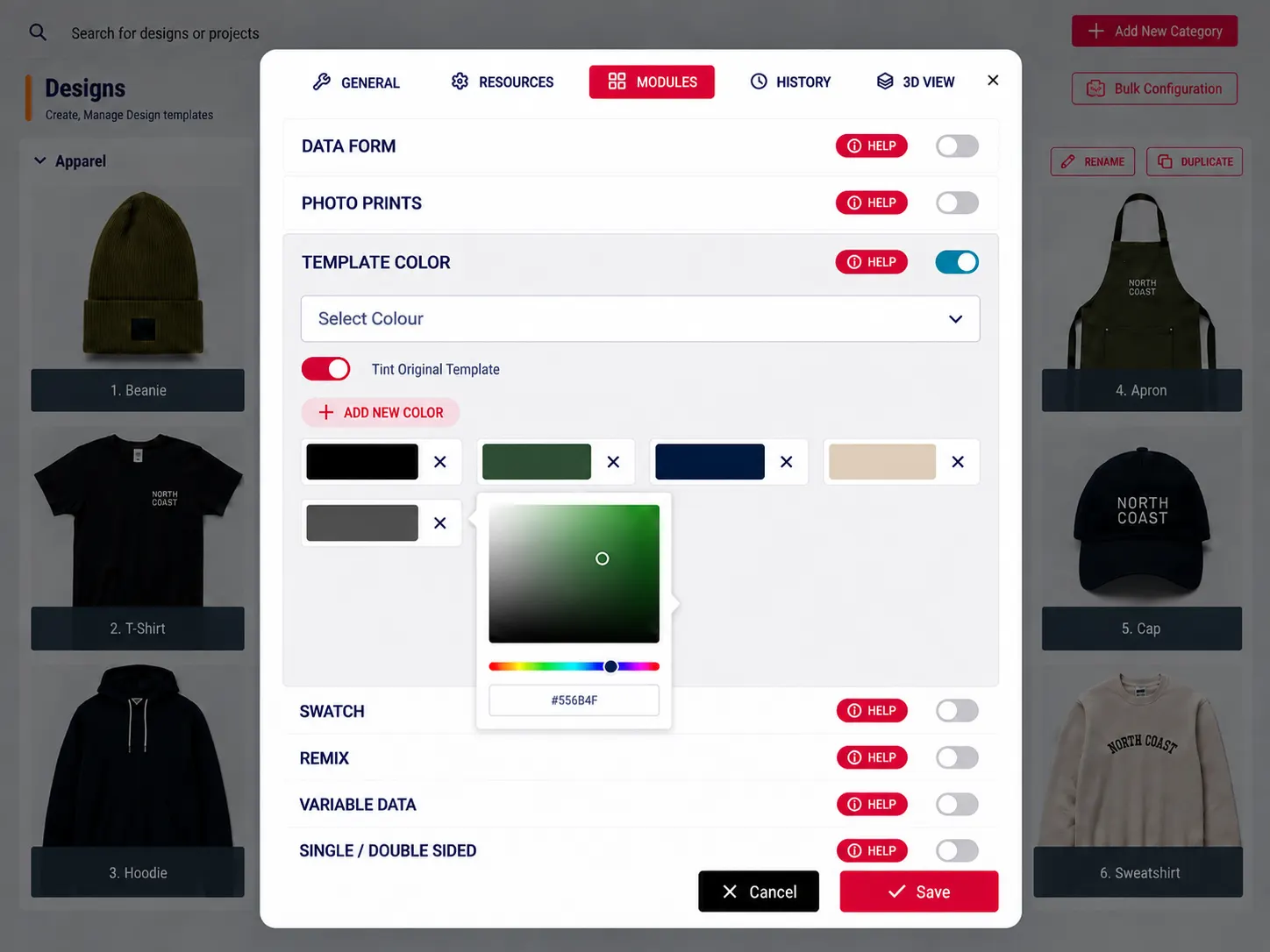
You want your workflow to stay organized. With the Tint Original feature, you only need to upload a single white product mockup. You can then define your color variants, and the module will tint the template automatically, saving you from uploading dozens of separate images.
-
Give Instant Visual Feedback
Customers want to know exactly what they are buying. This module provides a realistic preview of how their custom designs will look on different product colors, helping them choose the best color combination.
-
Create a Distraction-Free Experience
Keep the workspace tidy. By integrating the color options directly into the design panel, you provide a clean, focused environment where customers can experiment with colors without cluttering their screens.
-
Faster Checkout
By removing the need to navigate back and forth between different product listings for color options, you make the decision-making process much smoother. When it’s this easy to preview options, customers are much more likely to complete their purchase.
The business case
for instant colour preview
Template Color boosts buyer confidence, cuts template overhead, and eliminates production colour mismatches in one go.
- ∞
Colour variants from one template
Stop creating dozens of duplicate template files. A single design serves every colour option your store offers.
- ↑
Buyer confidence
Instant visual feedback removes guesswork, customers see exactly what they're ordering before they add it to cart.
- 0
Colour mismatches on production
Admin-defined, print-accurate colours mean the shade a customer previews is the exact shade that gets produced.
- Less
Template maintenance overhead
Consolidate your template library dramatically, with fewer files to create, test, update, and keep in sync.
Add colour variants to your templates
Read the integration docs to configure your first colour-enabled template, or jump in and try it free on your products.
View Documentation
Full API reference, integration guides, and code examples for developers.
Try It For Free
Spin up a free account and test this feature on your own products in minutes.
Create Your Account
No credit card required. Start customizing products in minutes.
FAQ
Template Color Module questions
What does the Template Color Module do?
Let customers choose from pre-approved product colours with an instant live preview, all powered by a single template. No duplicates. No mismatches.
How does the Template Color Module work?
The PitchPrint Template Color Module lets customers change a product’s background template color directly inside the design window with a single click, for products like can coolers, cornhole boards, yoga mats, and poker chips. This removes the need to manage separate product listings or design assets for every color option.
Who should use the Template Color Module?
Template Color boosts buyer confidence, cuts template overhead, and eliminates production colour mismatches in one go.
More modules
to discover
-
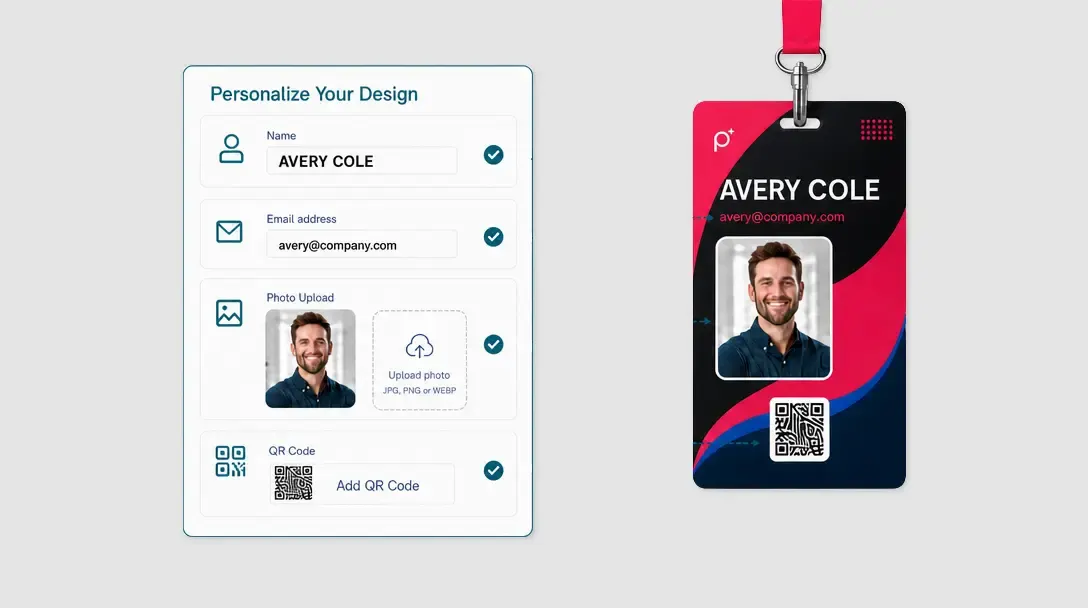
Data Form Module
Speed up text-heavy product personalisation with a guided form that syncs directly to the design canvas.
Learn more -
Page Loader
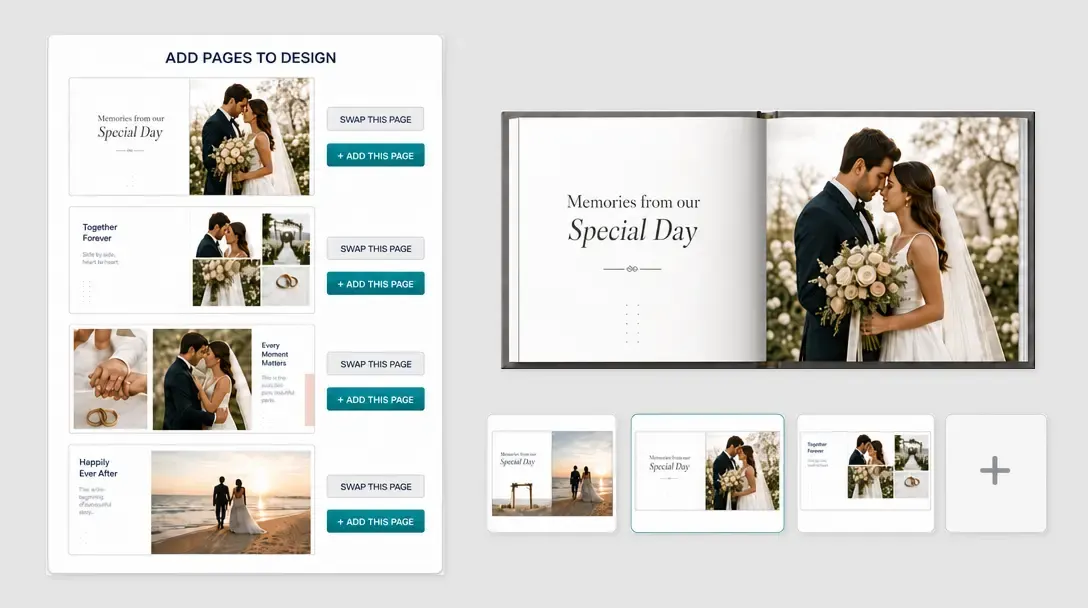
Enable multi-page document building with drag-and-drop layouts pulled from a master source design.
Learn more -
AI Imaginate
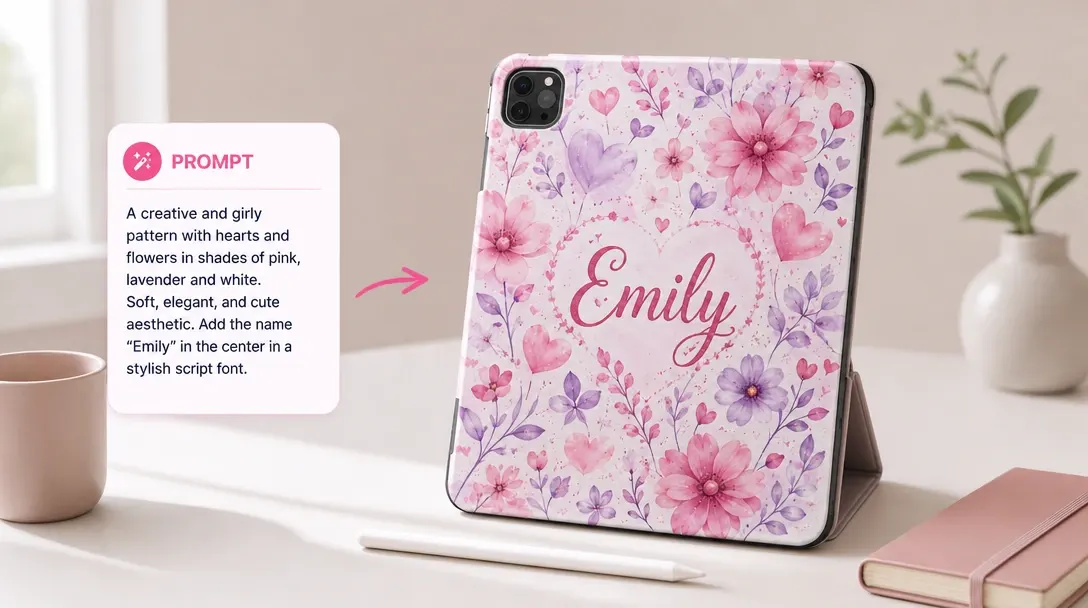
Let customers generate unique print-ready artwork from a single text prompt, directly inside the editor.
Learn more