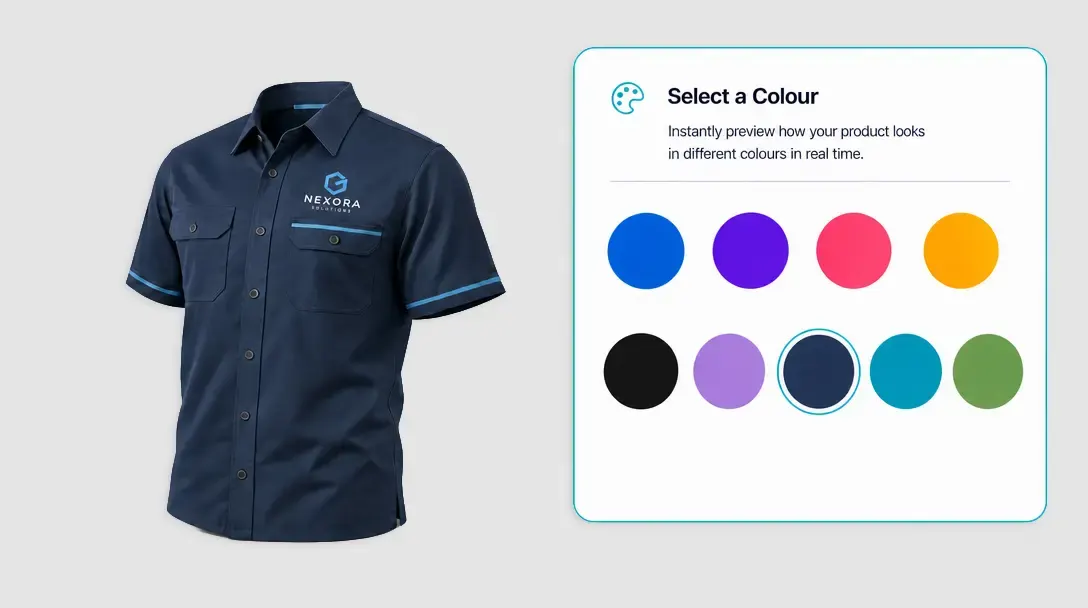
Simplify Customization with the PitchPrint Smart Sizes Module
Generate optimized design variations from one master template and load the right layout whenever customers choose a different product size.
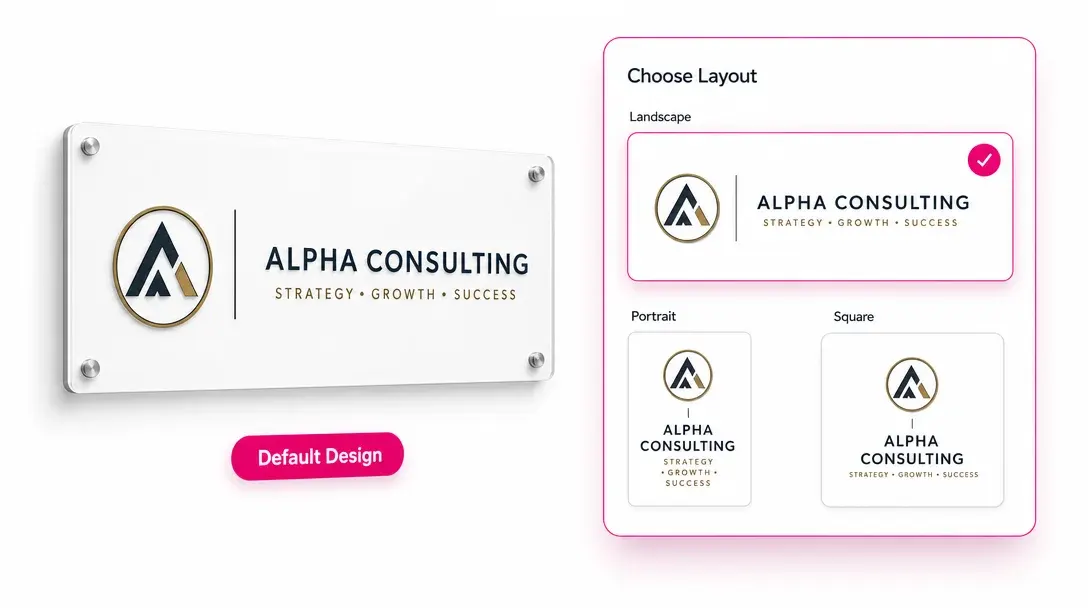
One source design, optimized for every supported size
Do you sell products like Yard signs, Product packaging labels, Car magnets, Vinyl exhibition banners, Door hangers, Feather flags or A-Frame signs? If you want to offer multiple size variations without the headache of building and managing separate designs for each option, the PitchPrint Smart Sizes Module is exactly what you need.
Instead of forcing you or your customers to manually readjust every layout element for different dimensions, this module allows you to create multiple canvas sizes and layout variations from a single design template.
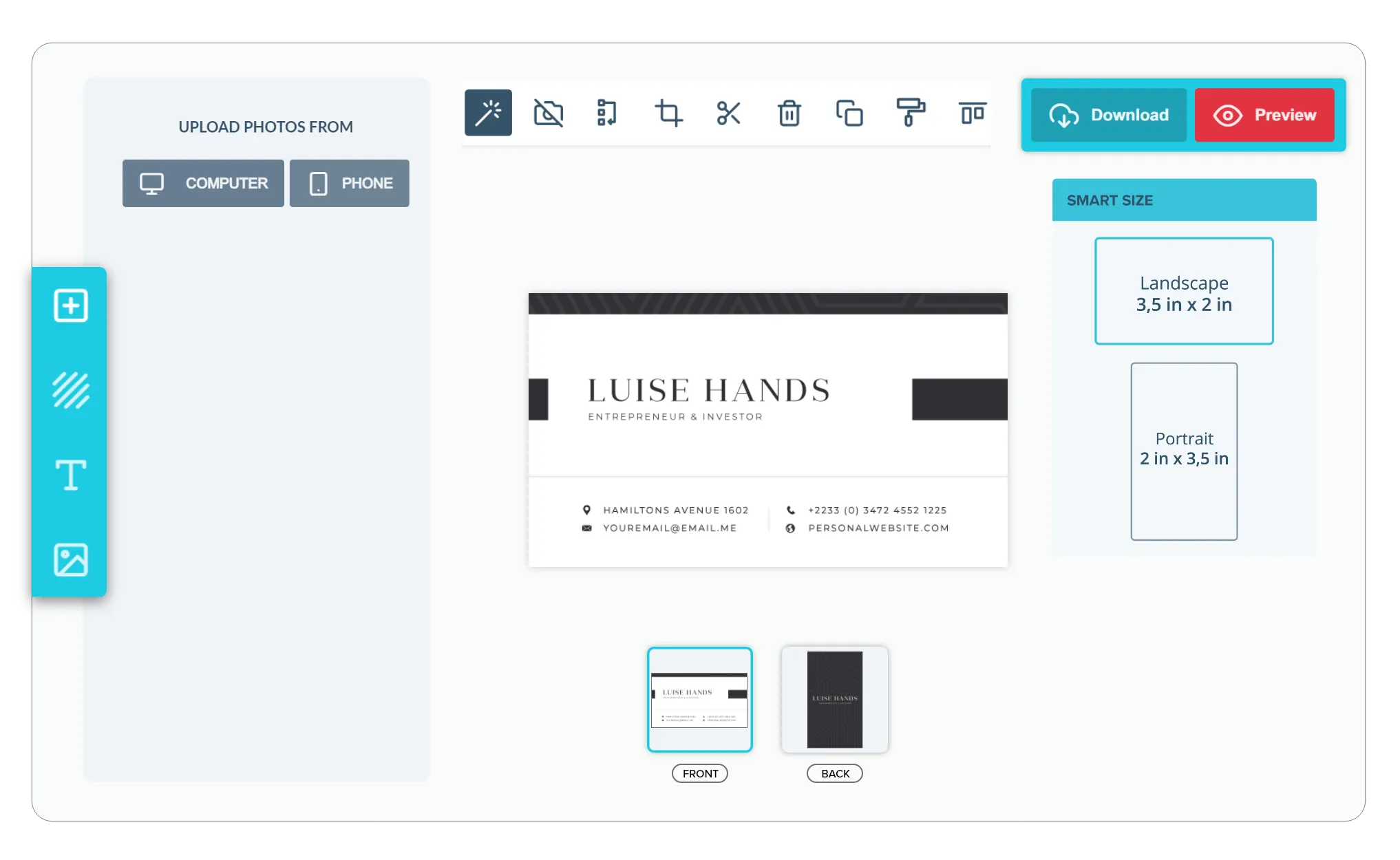
Built for products where
photo uploads define the order
Product Packaging Labels: Swap packaging layouts to fit different bottle shapes.
Yard Signs: Change yard sign layouts without distorting your text.
Car Magnets: Reposition custom magnet designs for any vehicle size.
Door Hangers: Switch formats while keeping your contact details aligned.
A-Frame Signs: Scale sidewalk promotional messages without warping the layout and many more products...
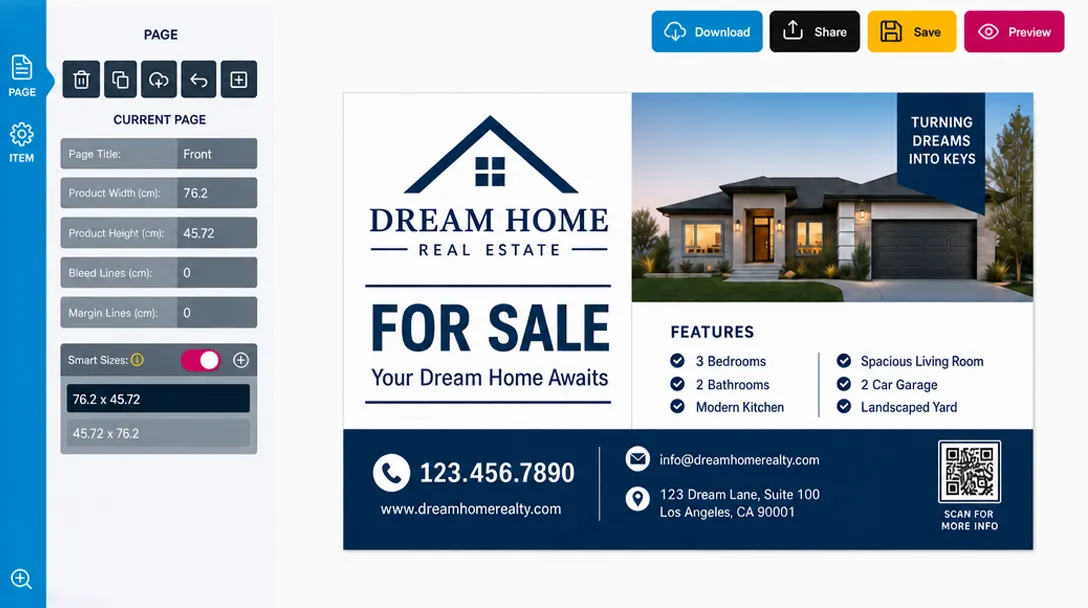
Layout variations
managed from one master
-
Keep Your Design Workflows Simple
You want your asset management to stay organized. Instead of maintaining separate files for portrait, landscape, or square options, you can create a single master design and vary the properties to automatically fit different dimensions.
-
Offer Flexible Layout Options
Customers have different requirements. You can easily offer distinct variations of the same artwork to match specific physical product shapes and preferences without complicating the backend structure.
-
Maintain a Cohesive Composition
Ensure that design elements, logos, and text scale proportionally. No matter which size variant your customer selects, the layout composition automatically adapts to look clean, balanced, and ready for print.
-
Faster Catalog Expansion
By consolidating multiple size files under one template, you cut down setup time dramatically. When it’s this easy to configure alternative sizes, you can quickly grow your product options with less setup.
Scale size options
without template sprawl
Smart Sizes shortens setup work while keeping product-specific layouts consistent and customer-ready.
- 1
Master starting point
Reduce repeated template setup by building size variations from one source design.
- More
Supported dimensions
A broader product size range becomes easier to configure and maintain.
- Same
Design consistency
Layouts stay visually related across posters, signs, banners, and packaging formats.
- Auto
Customer updates
The editor responds to selected size options with the matching optimized layout.
Configure Smart Sizes for your templates
Review size variation guidance or start preparing optimized layouts for your product range.
View Documentation
Full API reference, integration guides, and code examples for developers.
Try It For Free
Spin up a free account and test this feature on your own products in minutes.
Create Your Account
No credit card required. Start customizing products in minutes.
FAQ
Smart Sizes questions
What does the Smart Sizes do?
Generate optimized design variations from one master template and load the right layout whenever customers choose a different product size.
How does the Smart Sizes work?
The PitchPrint Smart Sizes Module lets you offer products like yard signs, packaging labels, car magnets, banners, and door hangers in multiple sizes without building a separate design for each option. It automatically generates optimized canvas and layout variations from a single master design template.
Who should use the Smart Sizes?
Smart Sizes shortens setup work while keeping product-specific layouts consistent and customer-ready.
More modules
to discover
-
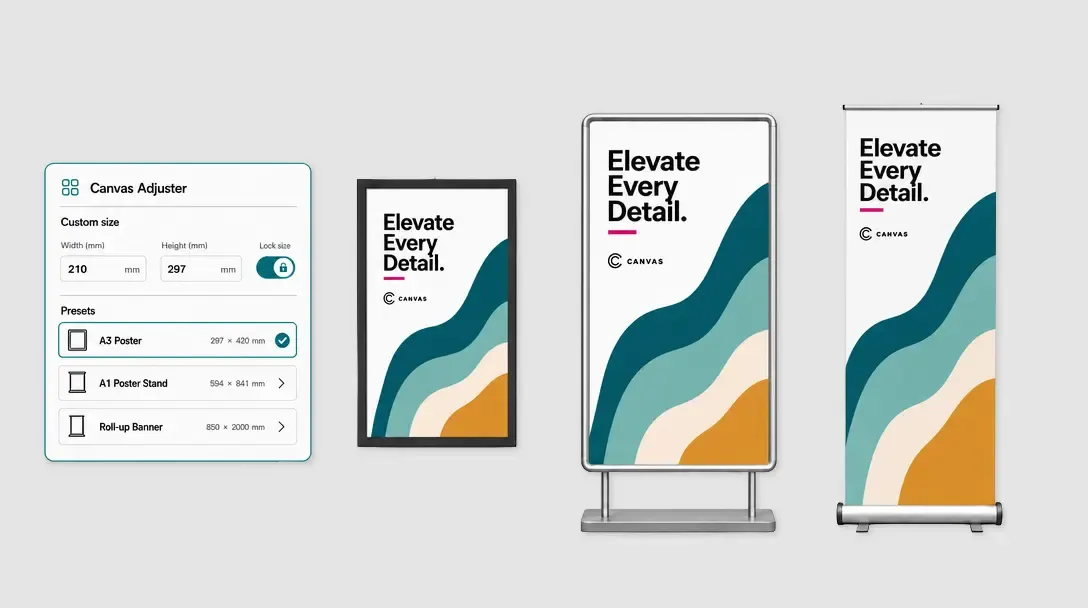
Canvas Adjuster
Let customers enter custom dimensions while the editor canvas updates dynamically.
Learn more -
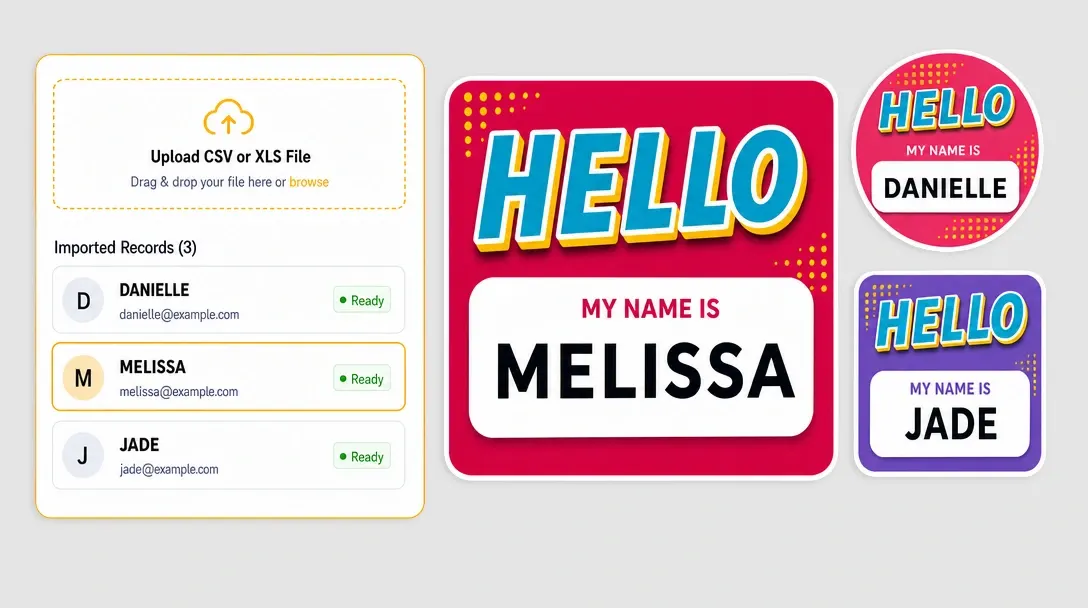
Variable Data
Generate personalized files from spreadsheet records and mapped template fields.
Learn more -