
DPI
Check
Automatically evaluate uploaded image quality and warn customers when artwork may not print clearly.
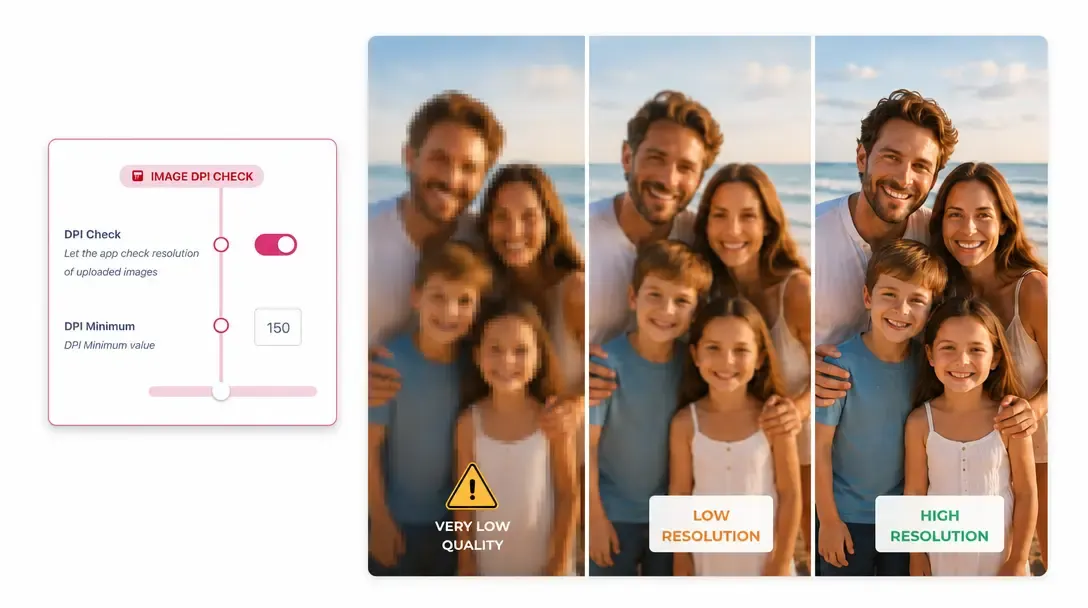
Automated resolution checking for uploaded artwork
DPI Check evaluates customer-uploaded images in real time to ensure they meet minimum print quality standards.
As customers upload photos or logos, PitchPrint calculates the image's effective resolution based on its physical size on the canvas.
If an image is too low-resolution for crisp printing, an instant warning prompts the customer to upload a better file.
Crucial for photo products
and large-format printing
Photo Merchandise: Canvas prints, photo books, wall calendars, and personalized photo gifts.
Large Format Signage: Vinyl banners, yard signs, trade show backdrops, and posters.
Branded Apparel: DTG printed T-shirts, hoodies, and corporate uniforms.
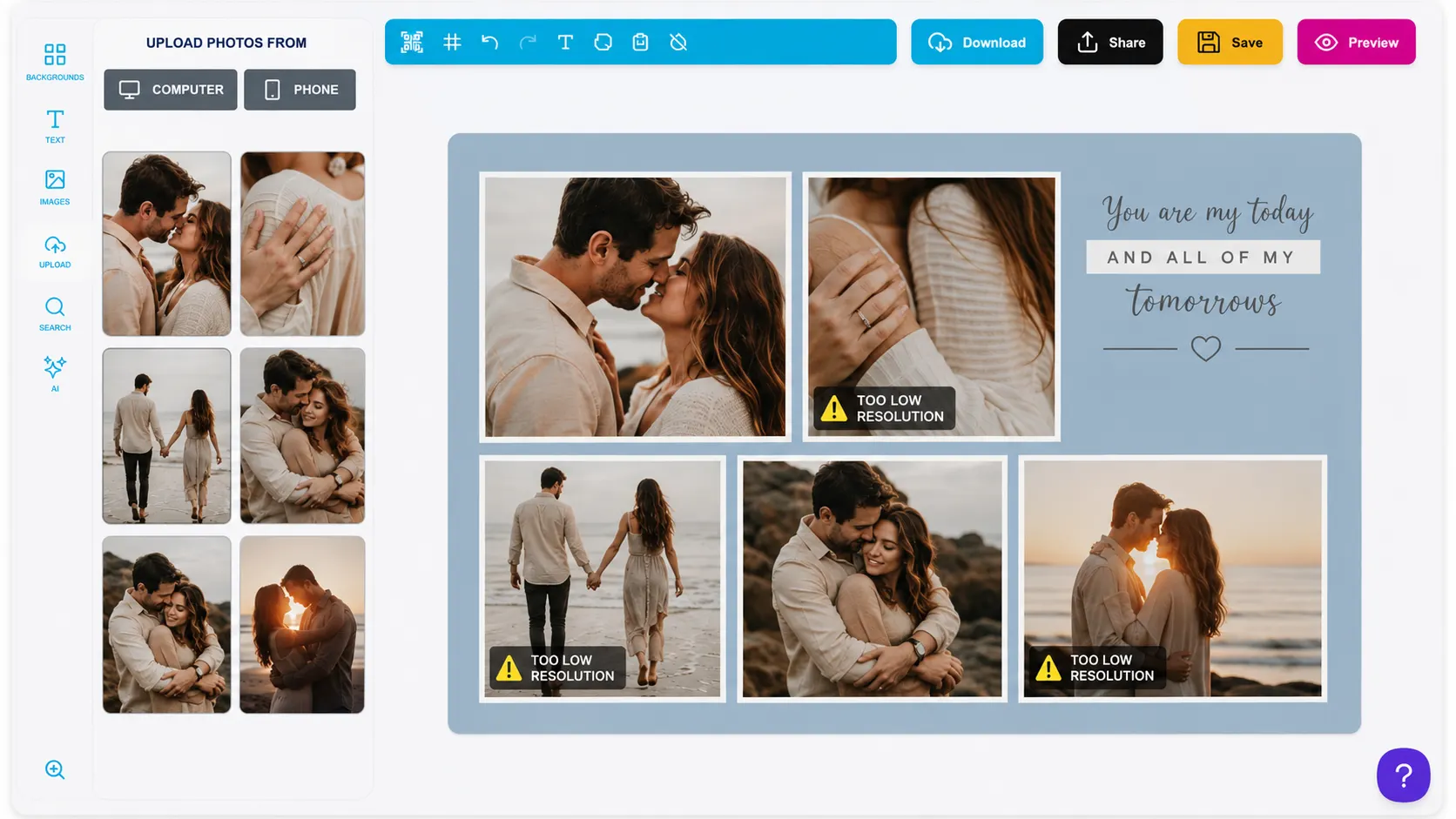
Catch low-resolution images
before they go to print
-
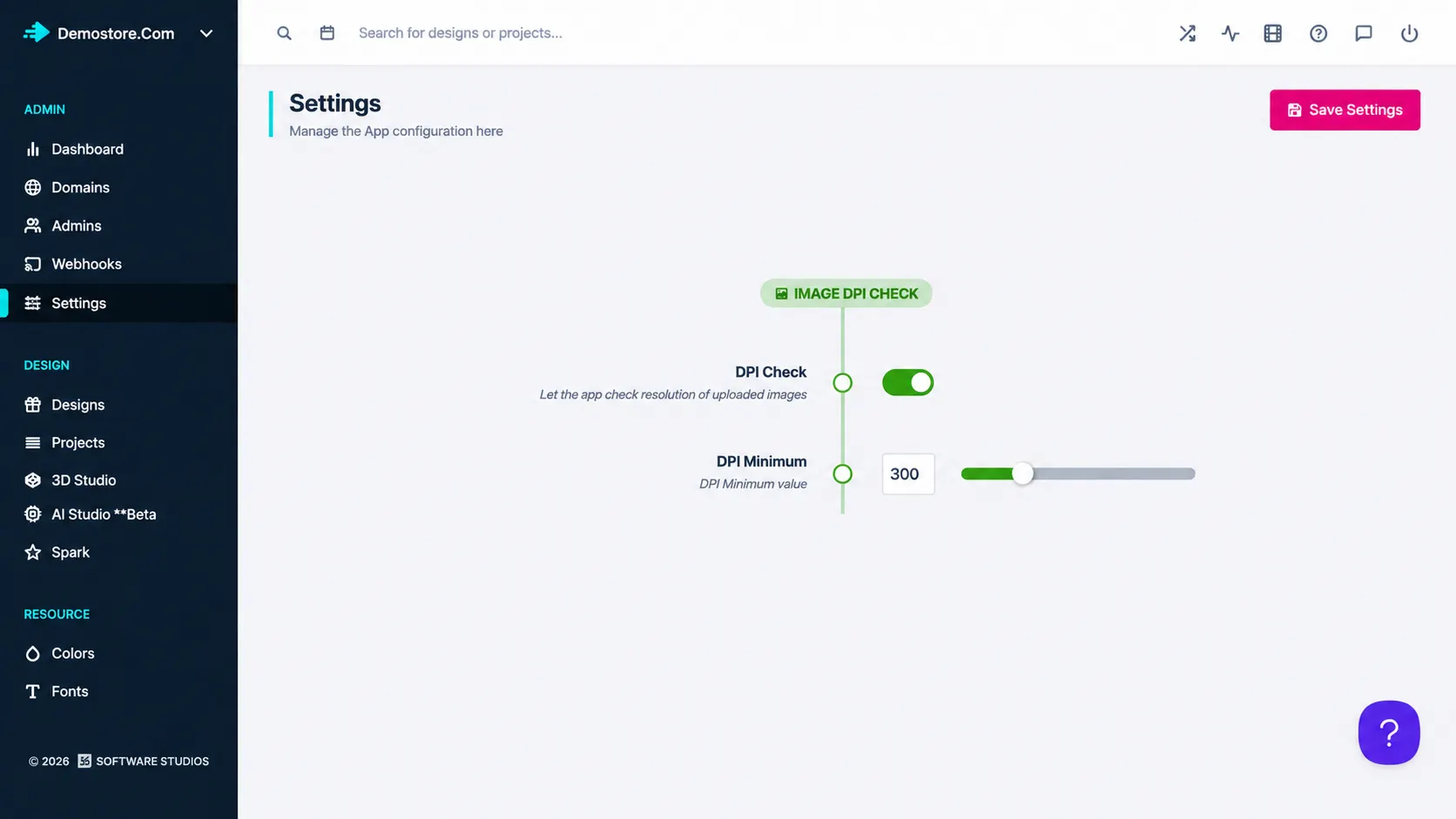
Live DPI calculations
Evaluates resolution instantly as uploaded images are resized on the canvas.
-
Custom DPI thresholds
Set minimum DPI limits (e.g., 150 DPI or 300 DPI) based on product requirements.
-
Clear visual warnings
Alerts shoppers on screen when an image might print blurry or pixelated.
-
Guided resolution fixes
Prompts users to scale down the image or upload a higher-quality asset.
Protect print quality
without manual artwork checks
Automated image checking stops low-quality artwork before it reaches your print floor.
- Sharp
Guaranteed print sharpness
Ensures printed products come out crisp, clear, and professional.
- Less
Lower prepress overhead
Saves customer service teams from manually checking uploaded image resolutions.
- Happy
Fewer customer complaints
Prevents unhappy customers caused by printing low-quality web images.
Set up DPI Check
Review DPI Check guidance or test this workflow on your own products.
View Documentation
Full API reference, integration guides, and code examples for developers.
Try It For Free
Spin up a free account and test this feature on your own products in minutes.
Create Your Account
No credit card required. Start customizing products in minutes.
FAQ
DPI Check questions
What does DPI Check do?
DPI Check evaluates customer-uploaded images in real time to ensure they meet minimum print quality standards.
How does DPI Check work?
Automatically evaluate uploaded image quality and warn customers when artwork may not print clearly.
Who should use DPI Check?
Use DPI Check for products where uploaded photos, logos, or artwork need to remain clear at print size.
More connected
capabilities
-
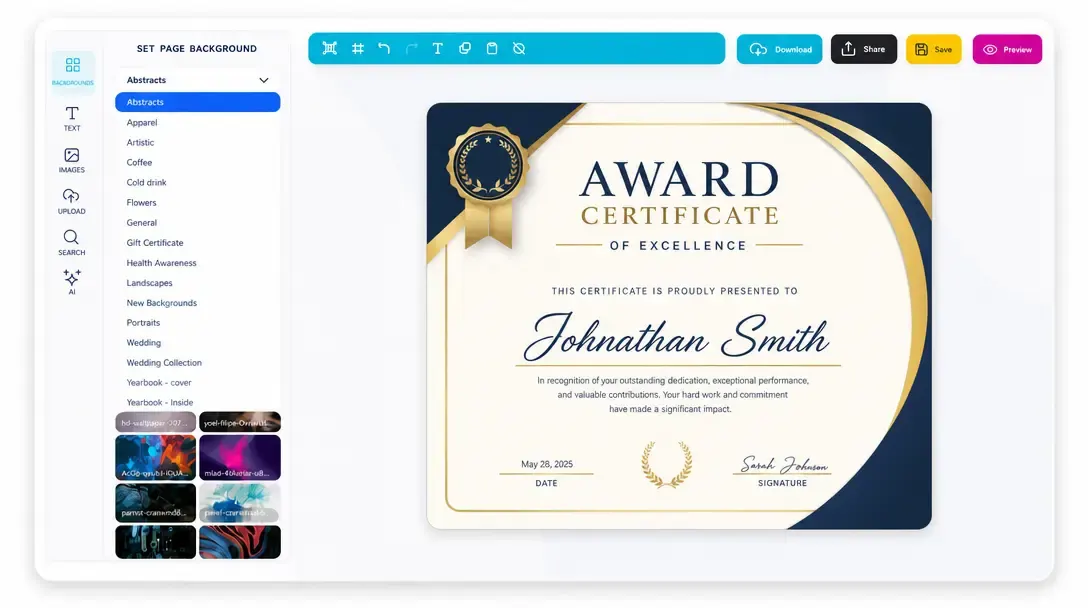
Online Design Editor
Let customers personalize products directly in the browser before generating output.
Learn more -
Print-Ready Vector PDFs
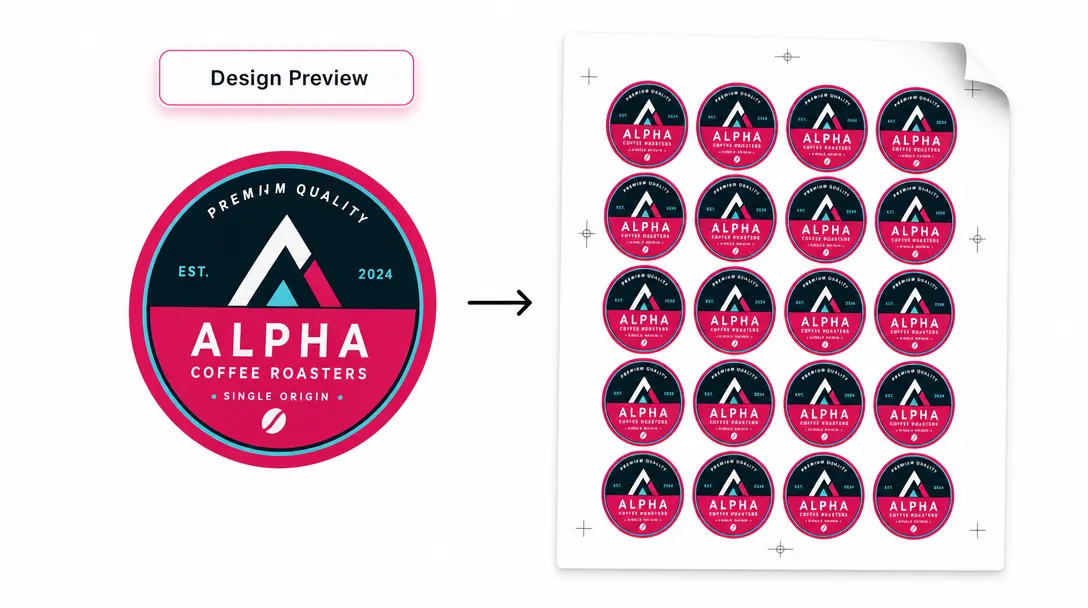
Generate high-resolution production files after customers complete their designs.
Learn more -
Display Modes
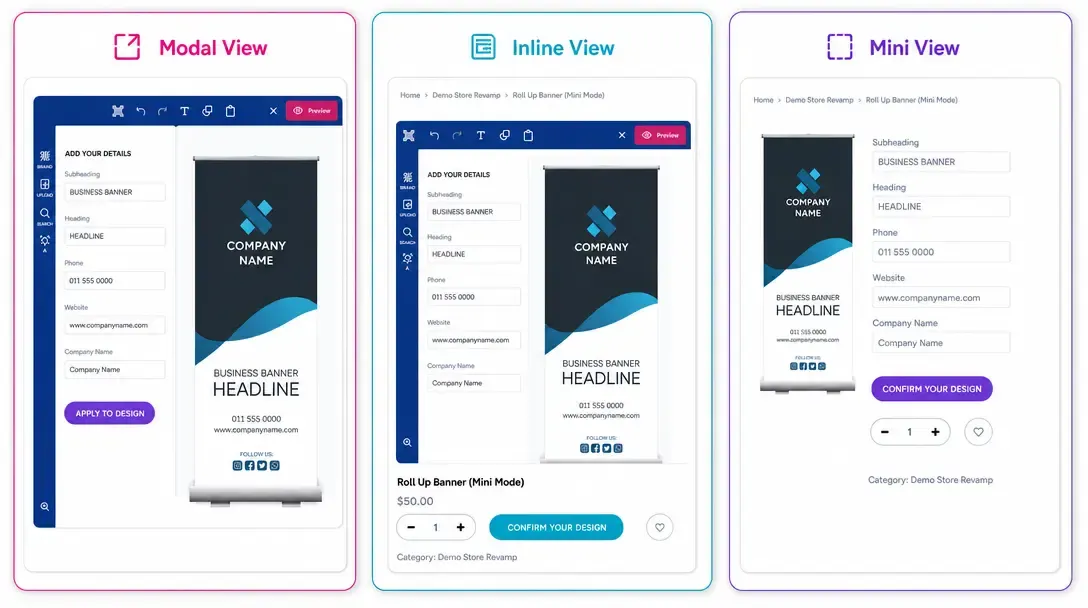
Choose Modal, Inline, or Mini layouts for how the editor appears on product pages.
Learn more