
AI
Studio
Use intelligent design tools and automation features to streamline content creation and customization workflows.

AI-powered tools for design operations
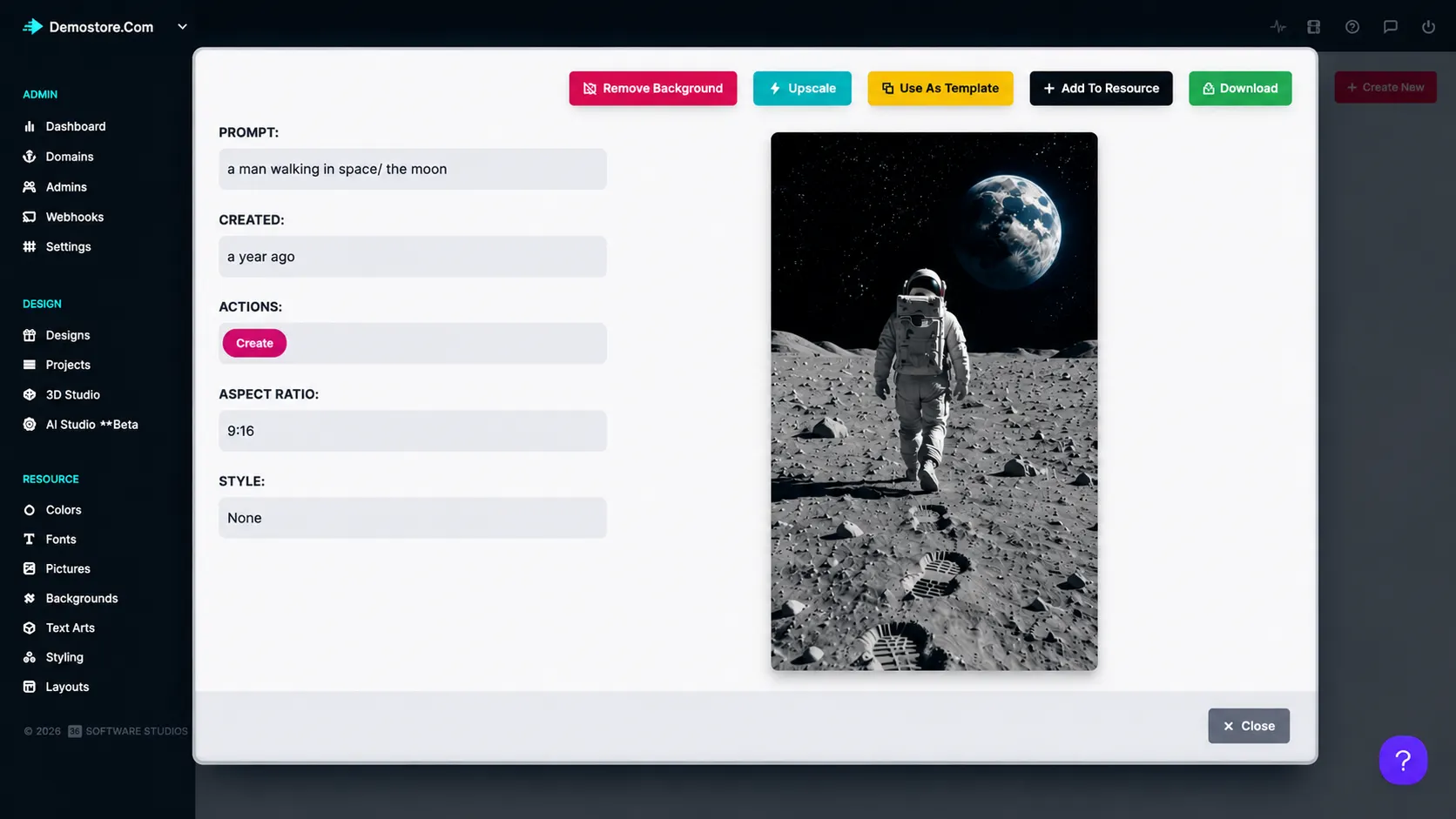
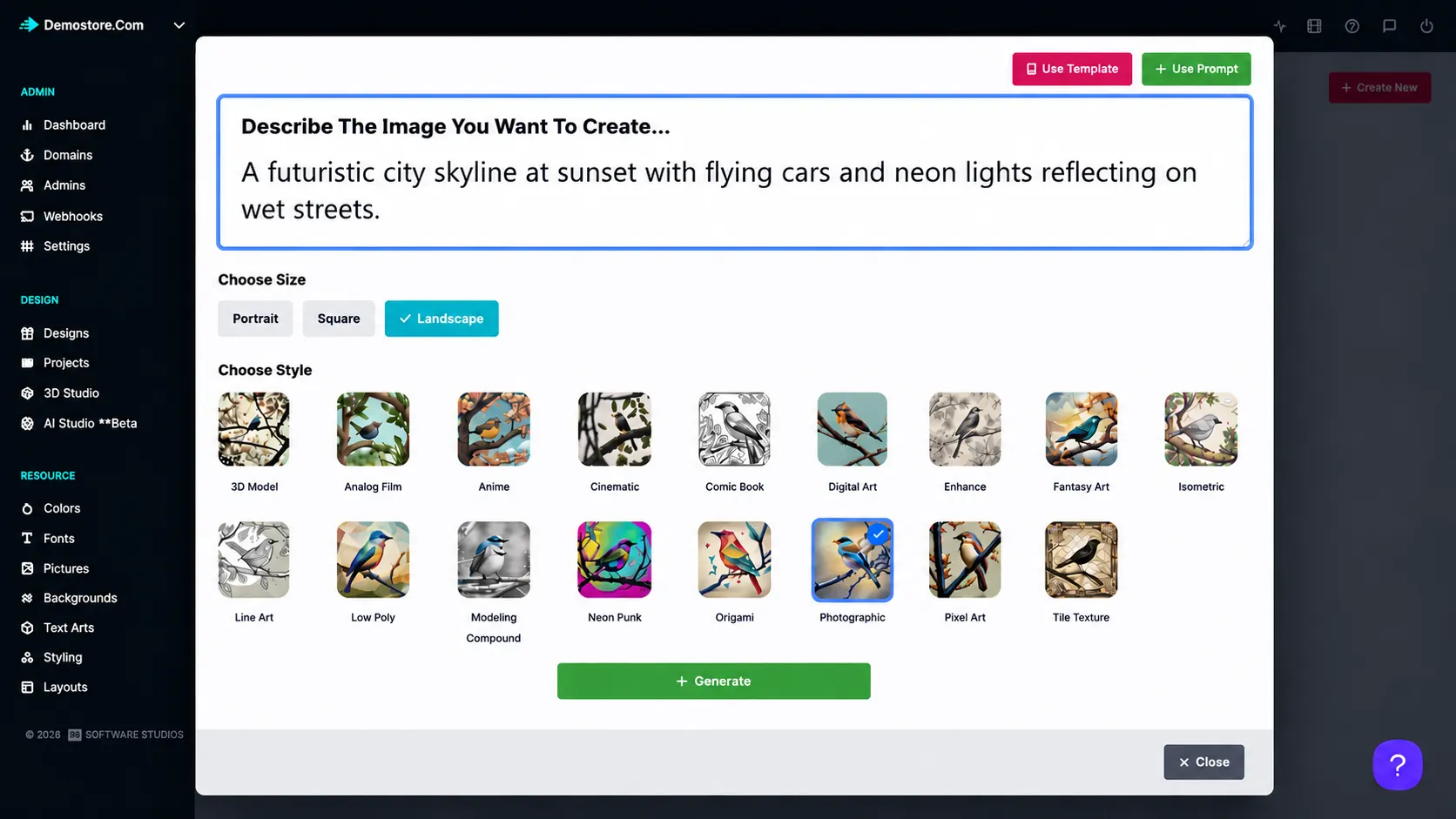
AI Studio provides intelligent design tools and automation features that help businesses streamline content creation and customization workflows.
Administrators can leverage AI-powered features to enhance productivity and simplify design management.
Built for scalable creativity. AI tools help teams move faster while supporting richer customization experiences for customers.
AI tools for
design operations
Design production: Generate and refine artwork assets without leaving the platform.
Catalog scaling: Prepare customization experiences for more products in less time.
Content workflows: Automate repetitive setup and design management tasks.
for practical
admin control
-
AI-powered creation
Use intelligent tools to support design and content creation workflows.
-
Workflow automation
Simplify repetitive design management and setup tasks.
-
Productivity support
Help admins produce and manage design assets more efficiently.
-
Customization scale
Expand personalization capabilities without adding the same amount of manual effort.
Better visibility,
control, and workflow
Admin features help teams manage customization, production, and platform operations with less friction.
-
Faster creation workflows
Speeds up design and content creation workflows.
-
Intelligent productivity
Enhances productivity with intelligent automation tools.
-
Efficient scaling
Helps businesses scale customization capabilities more efficiently.
Learn more about AI Studio
Review setup guidance or start testing this admin feature in your PitchPrint account.
View Documentation
Full API reference, integration guides, and code examples for developers.
Try It For Free
Spin up a free account and test this feature on your own products in minutes.
Create Your Account
No credit card required. Start customizing products in minutes.
FAQ
AI Studio questions
What is AI Studio?
Use intelligent design tools and automation features to streamline content creation and customization workflows.
How does AI Studio work?
AI Studio provides intelligent design tools and automation features that help businesses streamline content creation and customization workflows.
Who should use AI Studio?
AI Studio is useful for Design production, Catalog scaling, Content workflows.
More ways to manage
your PitchPrint store
-
Analytics Dashboard
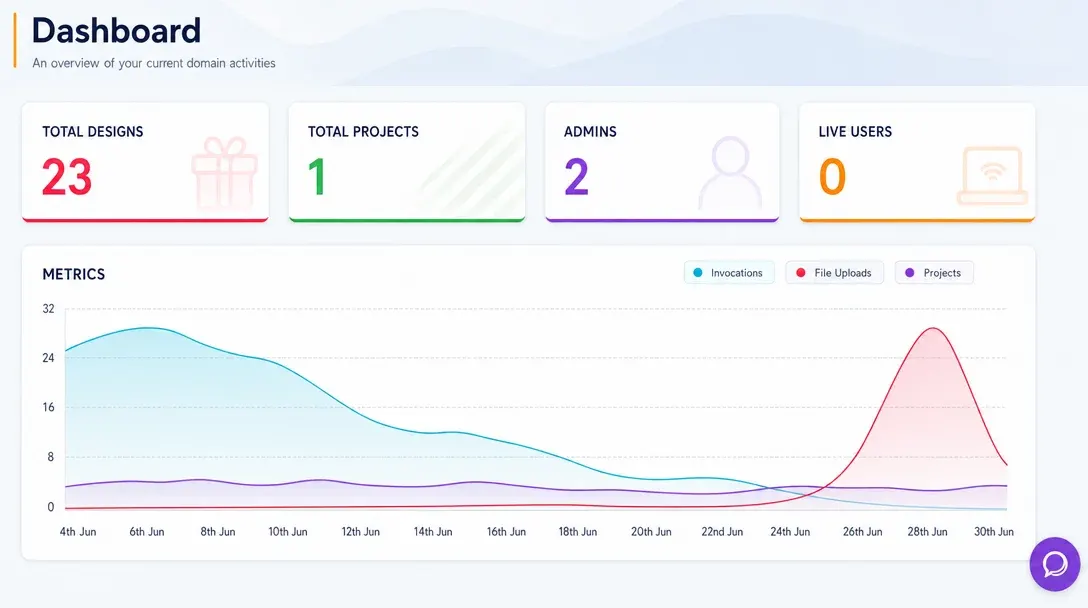
Monitor store activity, customer engagement, order trends, and design performance from one real-time admin dashboard.
Learn more -
Webhooks
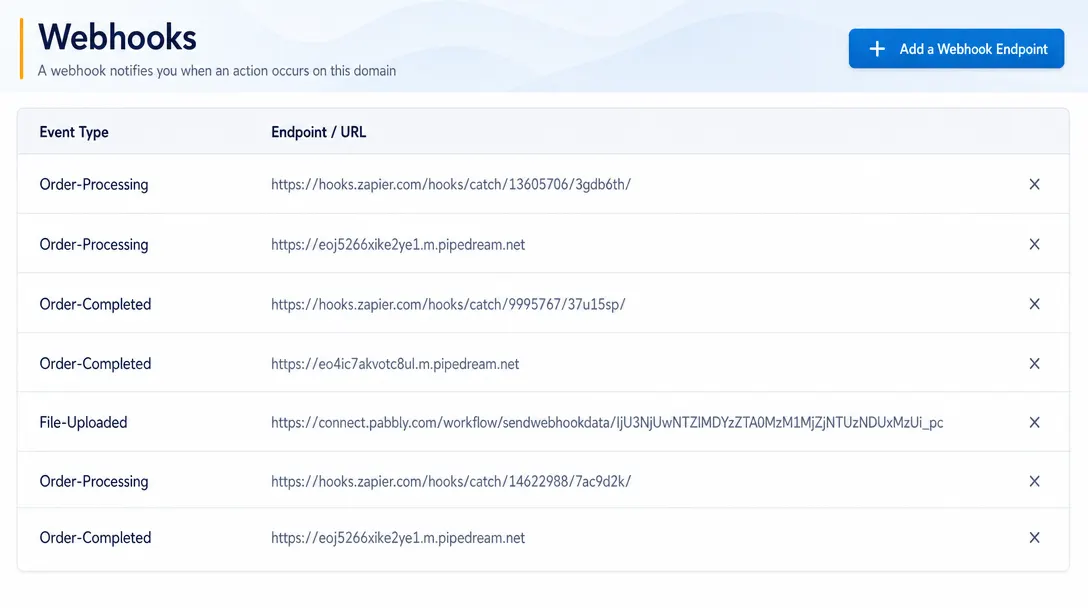
Send real-time event data from PitchPrint to CRMs, ERPs, fulfillment systems, and custom third-party workflows.
Learn more -
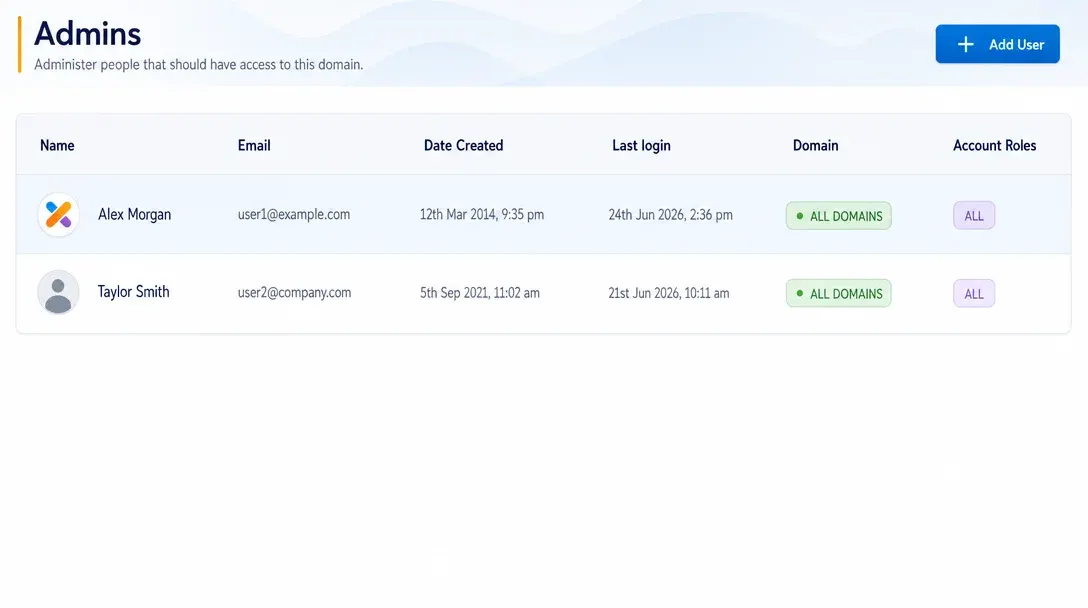
Manage Admins
Create administrator accounts, assign roles, and control team access to PitchPrint tools and resources.
Learn more