
Webhooks
Send real-time event data from PitchPrint to CRMs, ERPs, fulfillment systems, and custom third-party workflows.
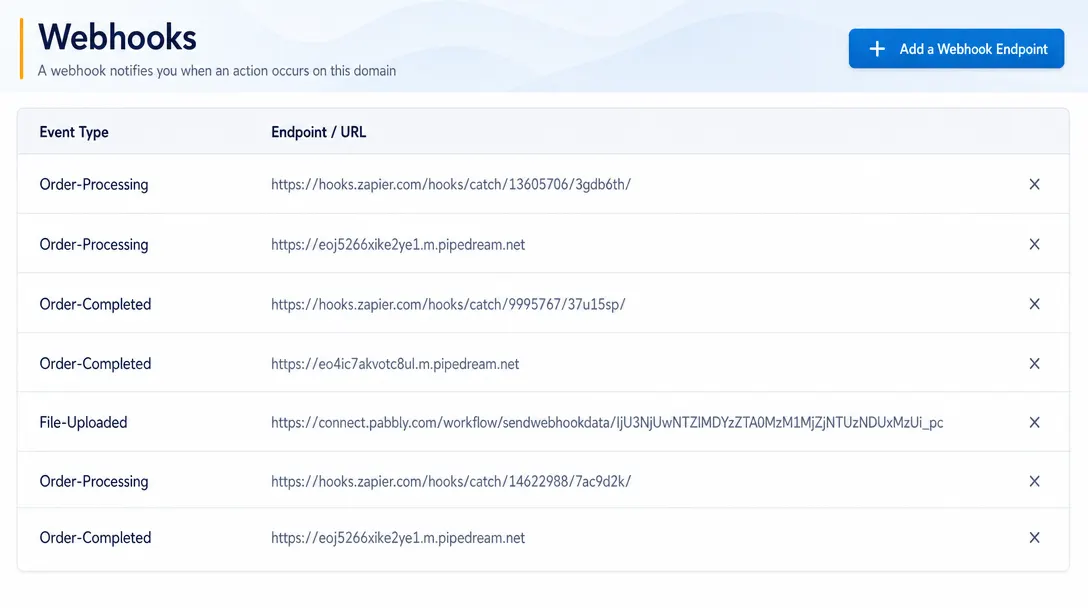
Real-time automation for connected systems
Webhooks allow administrators to automate workflows by sending real-time data and event notifications between PitchPrint and external systems.
This feature supports seamless integration with CRMs, ERPs, fulfillment systems, and third-party applications.
Designed for scalable operations. Teams can trigger connected workflows as events happen, reducing manual follow-up between platforms.
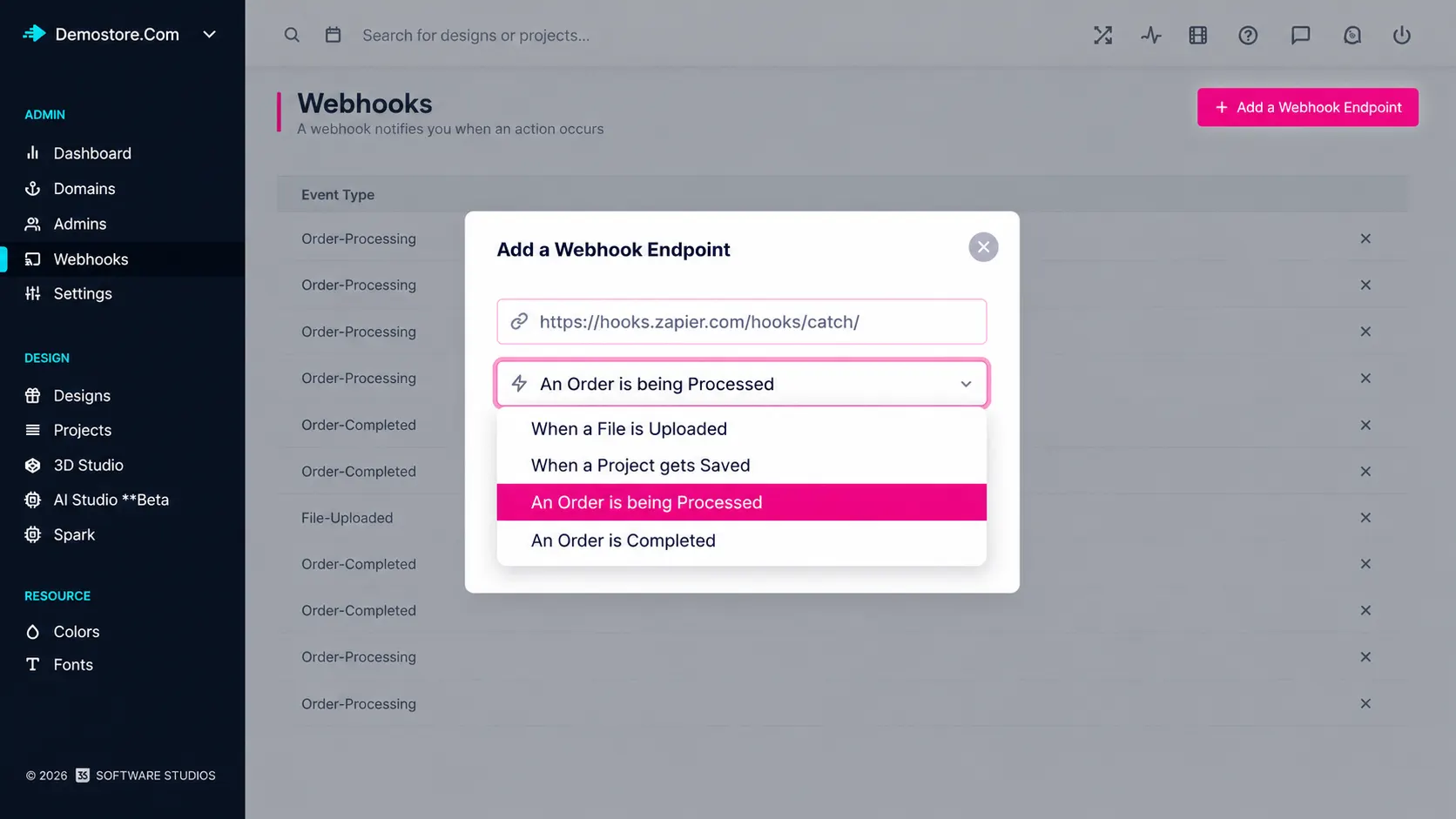
Automation for
connected systems
CRM updates: Sync customer and order activity into your CRM as it happens.
Fulfillment triggers: Start production workflows the moment an order is placed.
Custom integrations: Feed internal dashboards and third-party tools with live event data.
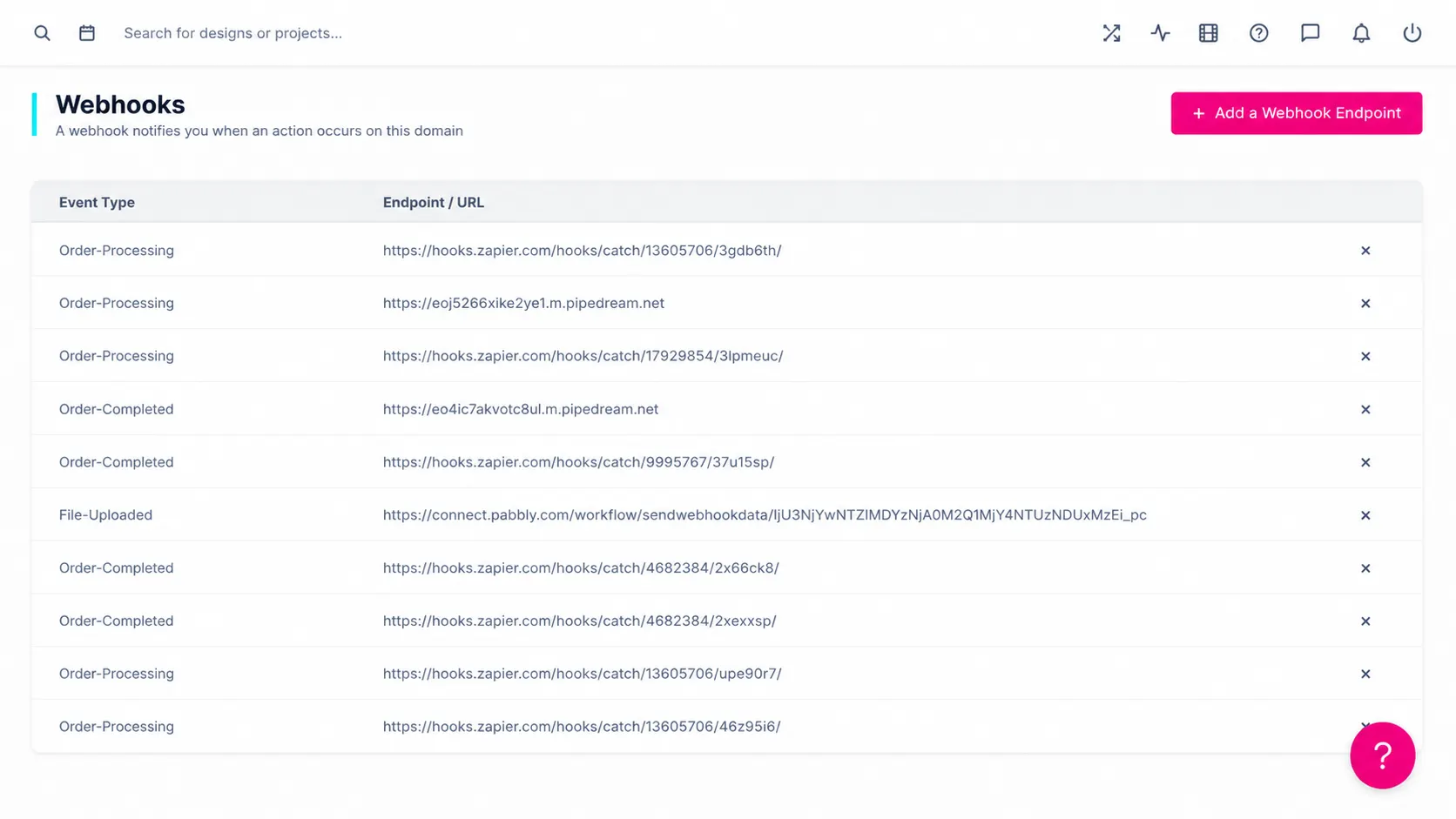
for practical
admin control
-
Event notifications
Send real-time event data from PitchPrint to connected applications.
-
CRM and ERP workflows
Connect customer, order, and production activity to business systems.
-
Fulfillment automation
Trigger production and fulfillment processes as orders move through the system.
-
Third-party extensibility
Support custom integrations with external tools and internal platforms.
Better visibility,
control, and workflow
Admin features help teams manage customization, production, and platform operations with less friction.
-
Connected communication
Automates communication between connected platforms.
-
Operational efficiency
Reduces manual processes and improves operational efficiency.
-
Scalable workflows
Supports custom integrations and scalable workflows.
Learn more about Webhooks
Review setup guidance or start testing this admin feature in your PitchPrint account.
View Documentation
Full API reference, integration guides, and code examples for developers.
Try It For Free
Spin up a free account and test this feature on your own products in minutes.
Create Your Account
No credit card required. Start customizing products in minutes.
FAQ
Webhooks questions
What is Webhooks?
Send real-time event data from PitchPrint to CRMs, ERPs, fulfillment systems, and custom third-party workflows.
How does Webhooks work?
Webhooks allow administrators to automate workflows by sending real-time data and event notifications between PitchPrint and external systems.
Who should use Webhooks?
Webhooks is useful for CRM updates, Fulfillment triggers, Custom integrations.
More ways to manage
your PitchPrint store
-
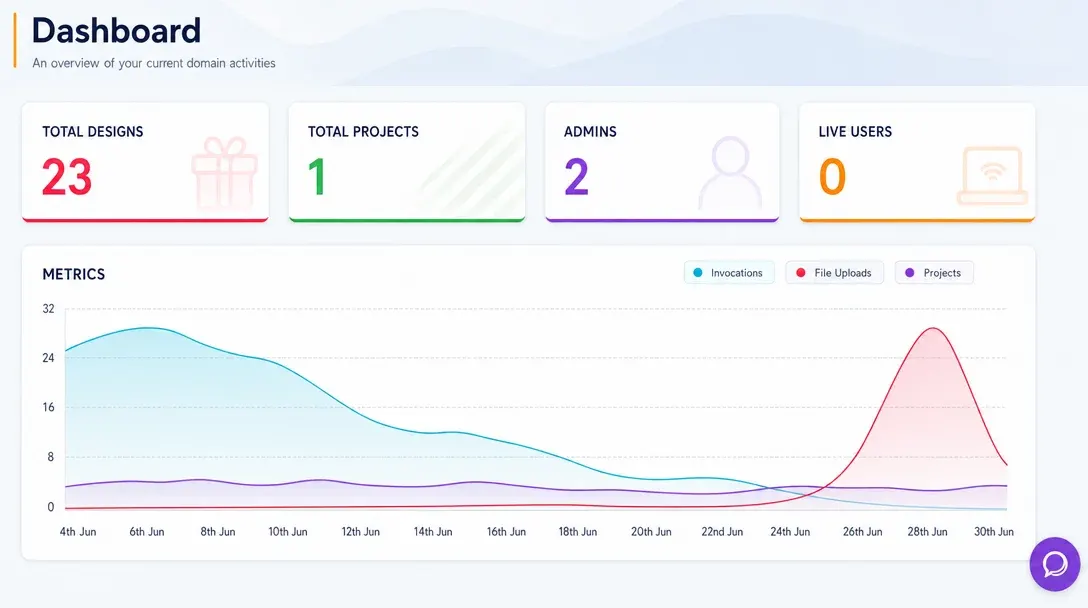
Analytics Dashboard
Monitor store activity, customer engagement, order trends, and design performance from one real-time admin dashboard.
Learn more -
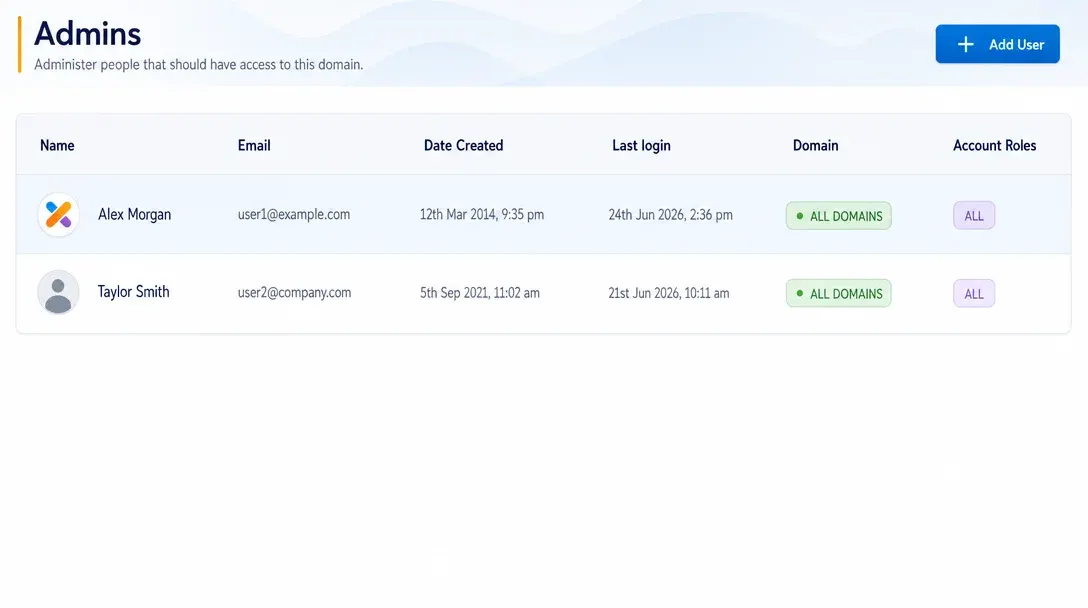
Manage Admins
Create administrator accounts, assign roles, and control team access to PitchPrint tools and resources.
Learn more -
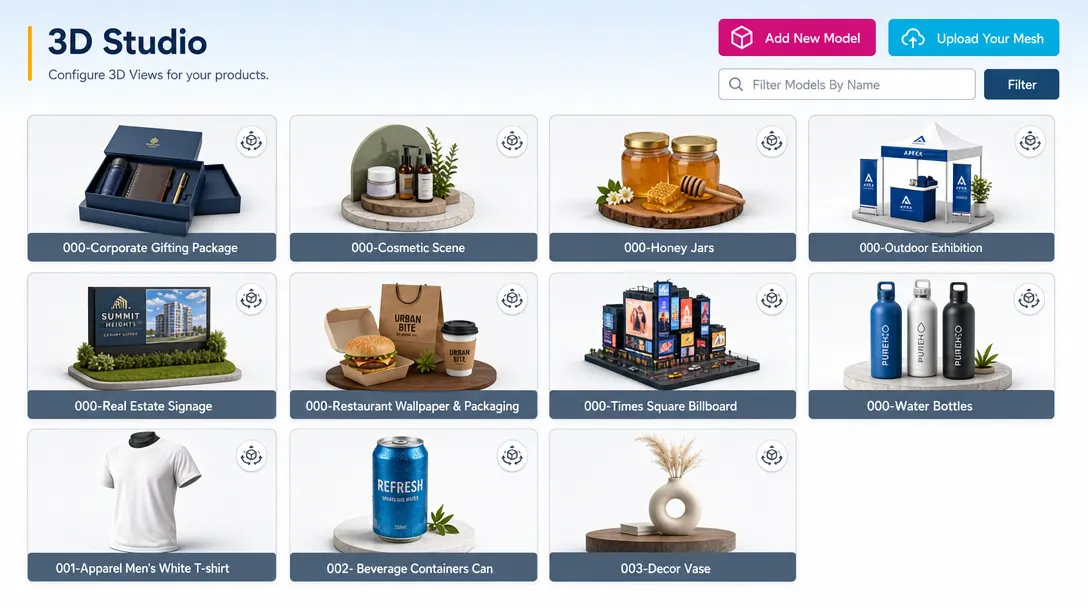
3D Studio
Create, configure, light, texture, and manage advanced 3D product experiences inside the PitchPrint platform.
Learn more