
3D
Studio
Create, configure, light, texture, and manage advanced 3D product experiences inside the PitchPrint platform.
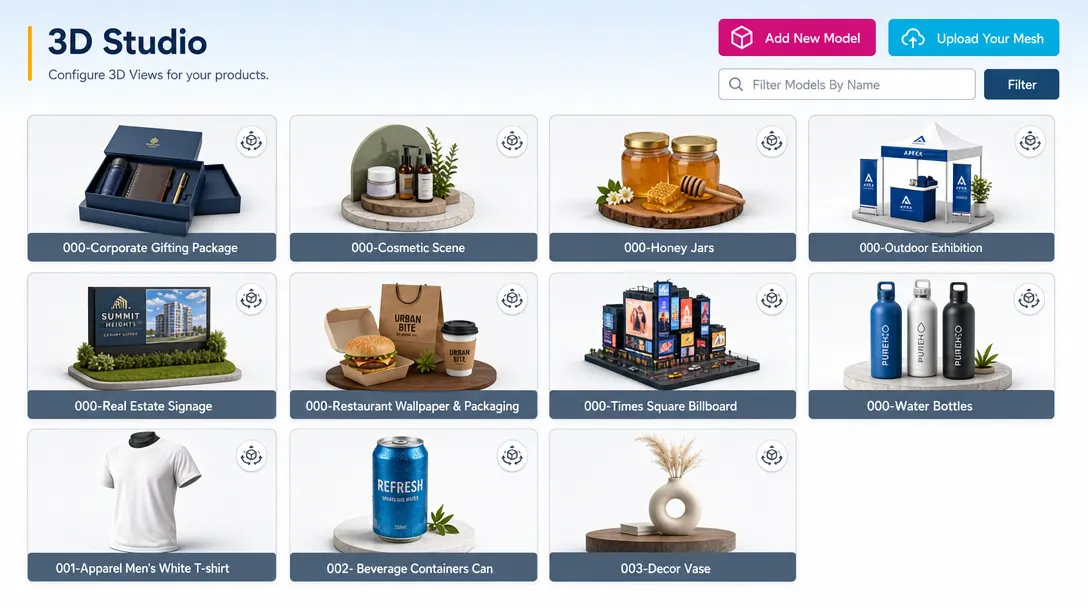
Advanced 3D product experience management
3D Studio allows administrators to create, configure, and manage advanced three-dimensional product experiences within the PitchPrint platform.
Businesses can build realistic product previews and interactive customization workflows for complex products.
Built for realistic product visualization. Admins can work from existing assets, upload custom models, and configure lighting, textures, and environment mapping.
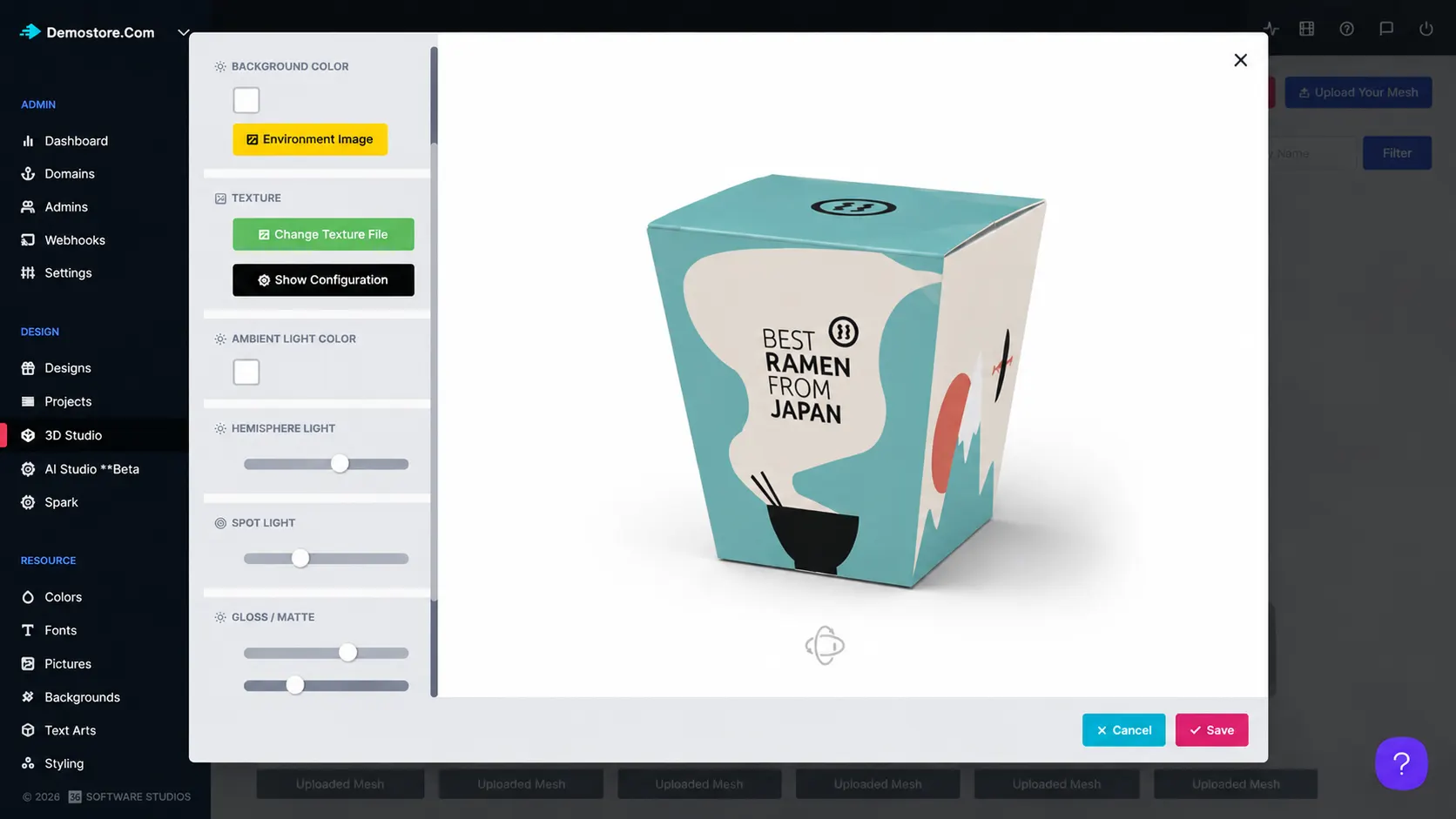
3D experiences for
complex products
Custom drinkware: Build realistic 3D previews for mugs, bottles, and tumblers.
Packaging & boxes: Configure lighting and textures for branded packaging mockups.
Specialty products: Upload custom OBJ models for niche or unusual product shapes.
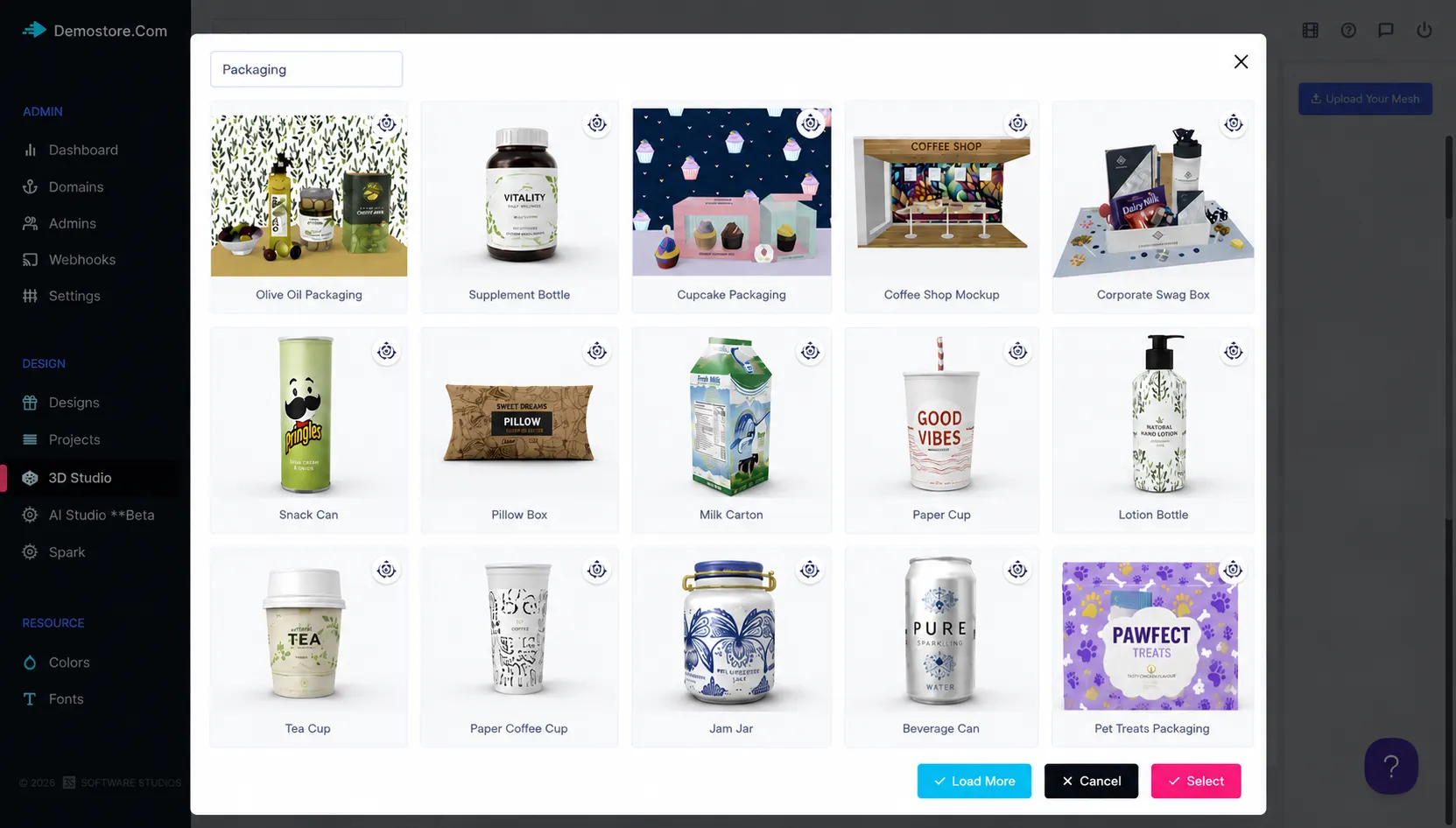
for practical
admin control
-
Existing asset library
Import and customize assets from the existing library to match product and branding requirements.
-
Custom OBJ uploads
Upload custom 3D models created in OBJ format for fully personalized product experiences.
-
Advanced lighting
Configure ambient, spotlight, and hemisphere lighting for realistic previews.
-
Texture rendering
Support gloss and matte texture rendering for different product finishes.
-
Environment mapping
Use environment image mapping to create more immersive 3D visualizations.
-
Interactive workflows
Manage 3D customization experiences for complex products and surfaces.
Better visibility,
control, and workflow
Admin features help teams manage customization, production, and platform operations with less friction.
-
Customizable asset base
Enables administrators to import and customize assets from the existing library.
-
Own model support
Allows administrators to upload custom OBJ models for personalized product experiences.
-
Realistic rendering
Supports advanced lighting, gloss and matte textures, and environment image mapping.
Learn more about 3D Studio
Review setup guidance or start testing this admin feature in your PitchPrint account.
View Documentation
Full API reference, integration guides, and code examples for developers.
Try It For Free
Spin up a free account and test this feature on your own products in minutes.
Create Your Account
No credit card required. Start customizing products in minutes.
FAQ
3D Studio questions
What is 3D Studio?
Create, configure, light, texture, and manage advanced 3D product experiences inside the PitchPrint platform.
How does 3D Studio work?
3D Studio allows administrators to create, configure, and manage advanced three-dimensional product experiences within the PitchPrint platform.
Who should use 3D Studio?
3D Studio is useful for Custom drinkware, Packaging & boxes, Specialty products.
More ways to manage
your PitchPrint store
-
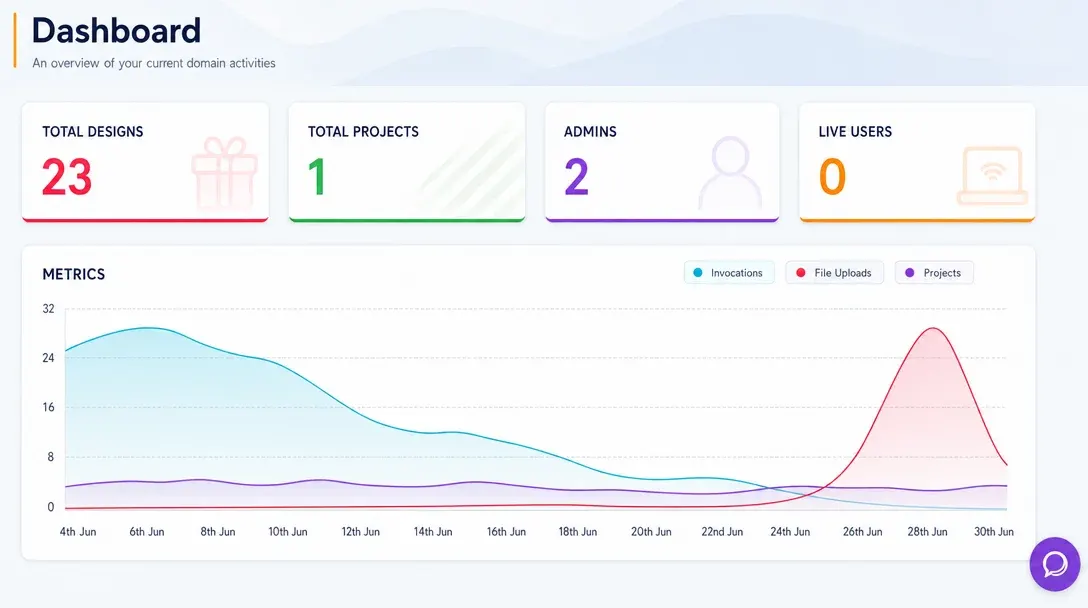
Analytics Dashboard
Monitor store activity, customer engagement, order trends, and design performance from one real-time admin dashboard.
Learn more -
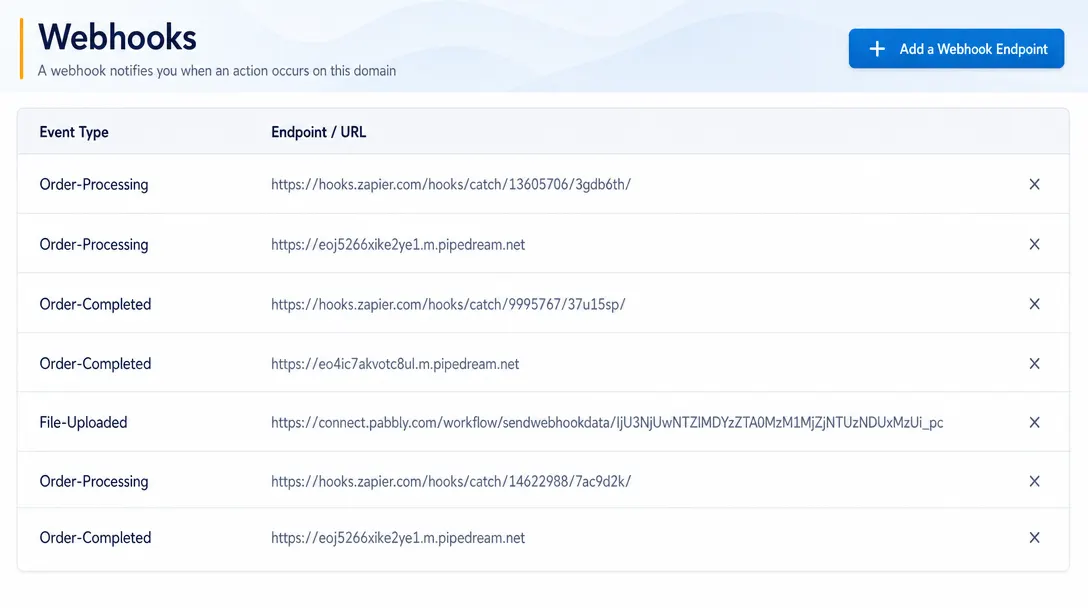
Webhooks
Send real-time event data from PitchPrint to CRMs, ERPs, fulfillment systems, and custom third-party workflows.
Learn more -
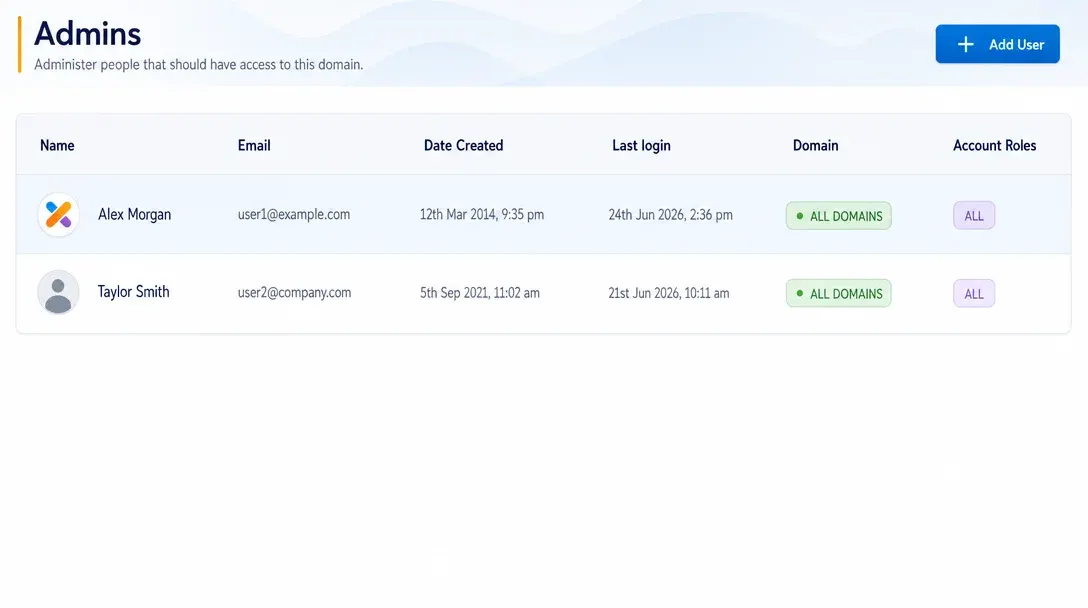
Manage Admins
Create administrator accounts, assign roles, and control team access to PitchPrint tools and resources.
Learn more