Use Cases

Promotional items web-to-print

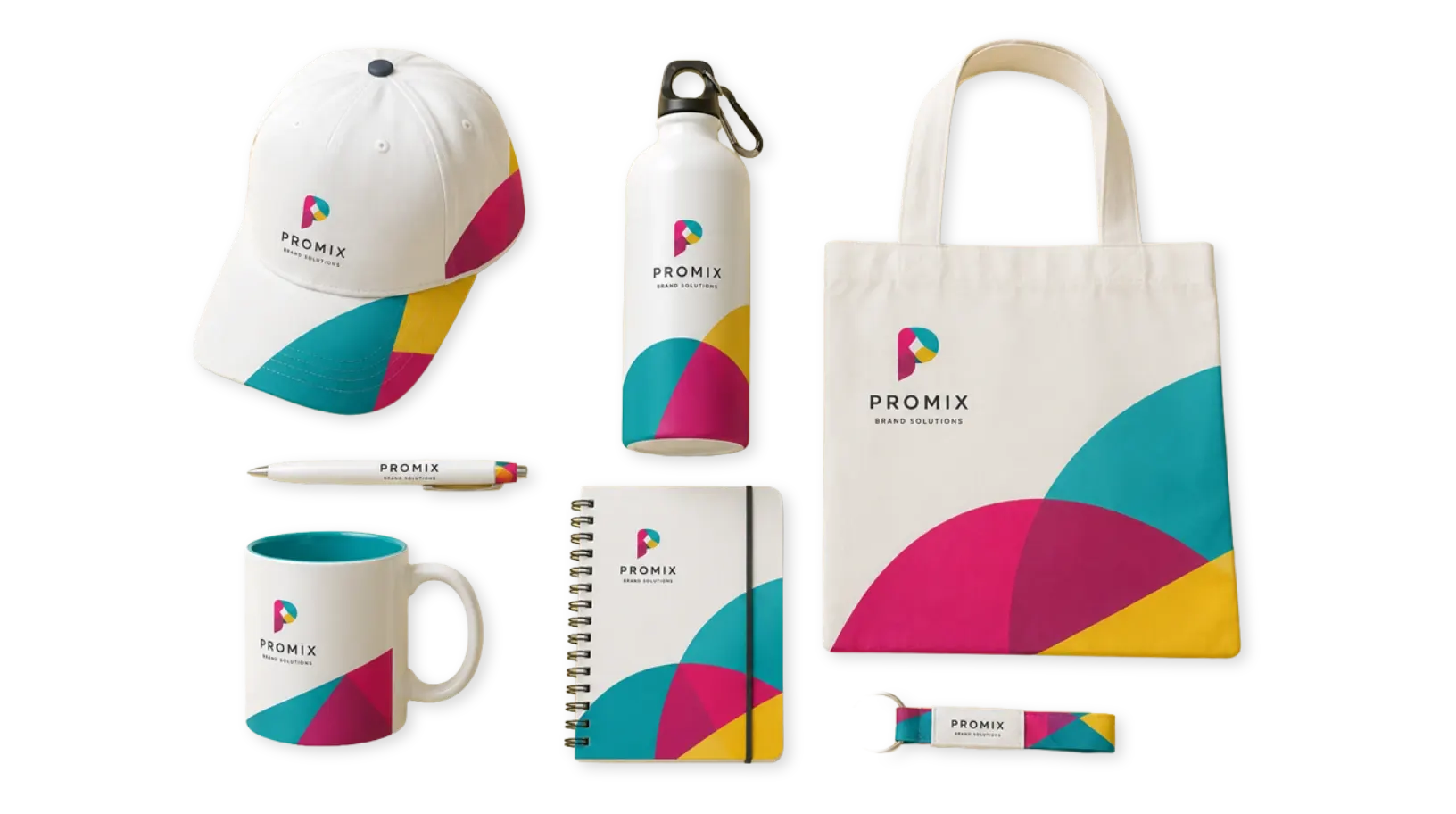
Customize mugs, pens, tote bags, corporate gifts, giveaways, and branded merchandise with guided artwork uploads, approved options, live previews, and print-ready output.

Why promotional items

Branded merchandise
without the manual order loop

Promotional products often involve many small choices: product color, logo placement, print area, campaign artwork, personalization, quantities, and finishing requirements. Without a guided editor, those details usually become email threads and manual mockups.

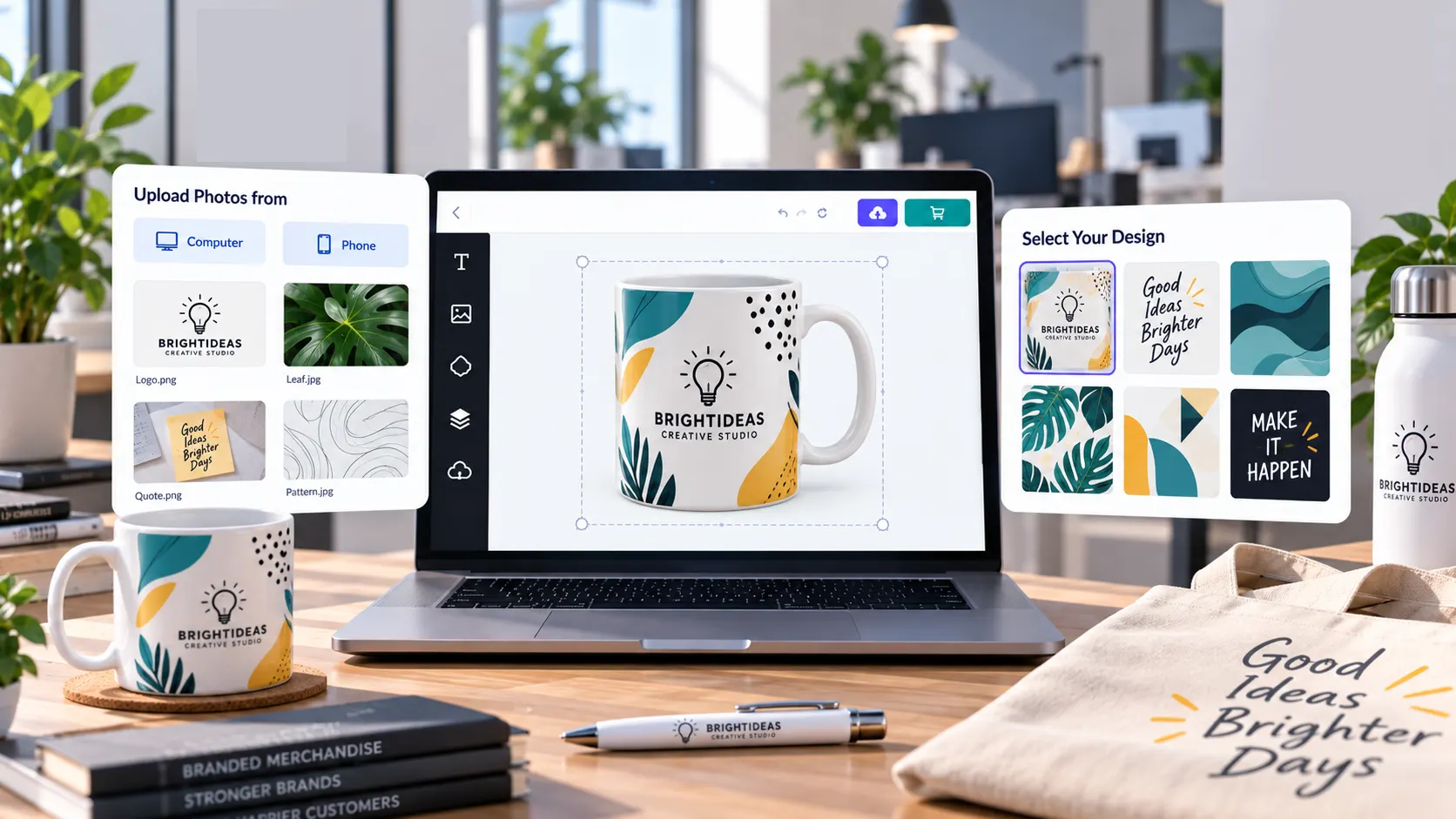
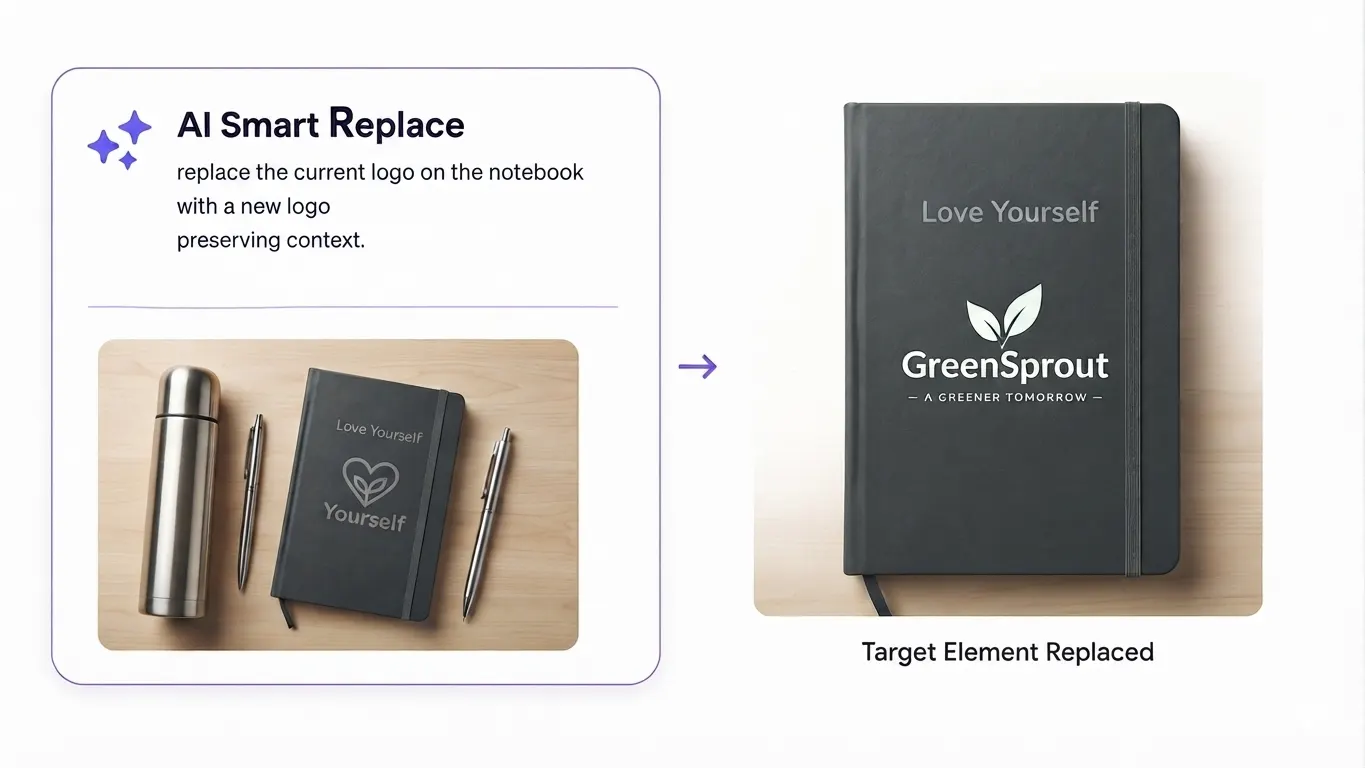
PitchPrint gives customers a controlled design experience for branded merchandise. Store owners can lock print zones, define approved options, offer swatches, and collect artwork directly inside the product workflow.

The result is a smoother path from idea to production. Buyers see what they are ordering, and print teams receive cleaner files with fewer missing details.

Web-to-print benefits

Why promotional stores
use PitchPrint

Promotional products need flexibility for buyers and control for production. Web-to-print gives both sides a clearer workflow.

  • Many

    Products, one workflow

    Support mugs, pens, tote bags, giveaways, office items, and branded merchandise with a consistent customization flow.

  • Brand

    Controlled personalization

    Lock approved logo areas, colors, print zones, and artwork rules while still giving customers room to personalize.

  • Live

    Better buying confidence

    Customers can preview logos, artwork, names, and campaign messages before committing to branded merchandise.

  • Less

    Production clarification

    Collect artwork, layout choices, color selections, and print-ready output in one order flow.

Promotional products

Launch customizable
branded merchandise

Each product can use artwork uploads, locked print areas, swatches, live previews, and production-ready output.

  • Mugs & Drinkware

    Let customers add logos, slogans, photos, names, and campaign artwork to reusable drinkware products.

    Try it out
  • Pens & Office Items

    Support small-format promotional products with controlled logo placement and simple text fields.

    Try it out
  • Tote Bags

    Create editable tote templates for retail campaigns, events, giveaways, conferences, and branded stores.

    Try it out
  • Giveaway Packs

    Group branded merchandise options into campaign-ready products with consistent logos and artwork.

    Try it out
  • Event Merchandise

    Let teams create promotional products for launches, trade shows, conferences, fundraisers, and festivals.

    Try it out
  • Corporate Gifts

    Sell personalized premium giveaways with brand-safe templates, name fields, logo uploads, and live previews.

    Try it out
Recommended setup

Features that support
promotional item workflows

These PitchPrint tools help stores manage product options, artwork rules, previews, and production files.

  • Swatch Module

    Offer approved product colors, materials, textures, or pattern choices for promotional merchandise.

  • Template Color

    Let customers switch between branded colorways and campaign variations without duplicate templates.

  • Design Selector

    Show multiple promotional layouts in one product flow so customers can compare campaign styles quickly.

  • AI Background Removal

    Clean logos, product photos, and uploaded artwork before placing them on merchandise templates.

  • Display Modes

    Use modal, inline, or mini editor layouts depending on product complexity and available page space.

  • Print-Ready Output

    Generate production-ready files that preserve logos, text, colors, and print-zone positioning.

Before and after

What changes when
promo ordering moves online

PitchPrint replaces manual mockup loops with controlled product personalization and cleaner production handoff.

Before PitchPrint

  • Customers describe logo placement and product color choices in notes or email threads.
  • Sales teams manually confirm artwork quality, print zones, quantities, and product variations.
  • Designers prepare repeated mockups for simple branded merchandise changes.
  • Production receives unclear files or missing customization details late in the order process.

After PitchPrint

  • Customers add artwork, choose approved options, and preview branded merchandise before checkout.
  • Locked print zones and swatches keep personalization inside production-ready boundaries.
  • Reusable templates reduce repeated mockup work for common promotional products.
  • Orders carry clearer artwork, color, layout, and output details into production.

Benefits for store owners

  • Sell a wider range of branded merchandise without adding manual ordering complexity.
  • Reduce design team time spent on routine product mockups and logo placement revisions.
  • Keep product options, artwork placement, and brand rules consistent across campaign orders.
  • Improve conversion by giving buyers confidence before they order promotional items.

Benefits for customers

  • Preview branded merchandise with their own artwork before checkout.
  • Choose product colors, textures, layouts, and campaign styles visually.
  • Upload logos and artwork without needing separate design tools.
  • Order promotional products faster with fewer proofing delays.
Features to use

PitchPrint features
for promotional items

Use these modules, AI tools, and capabilities to build a stronger promotional product customization workflow.

  • Swatch Module

    Apply predefined colors, textures, and material options to specific promotional product elements.

    View feature
  • Template Color

    Give customers instant color previews across approved branded or product-specific variations.

    View feature
  • Design Selector

    Let buyers browse multiple promotional layouts from a single product page.

    View feature
  • AI Background Removal

    Remove unwanted backgrounds from logos and uploaded images before production.

    View feature
  • Display Modes

    Place the editor inline, in a modal, or in a compact interface based on each product type.

    View feature
  • Vector PDF Output

    Create crisp production files for logos, shapes, text, and artwork on promotional products.

    View feature