
Use Cases

Online photo printing software

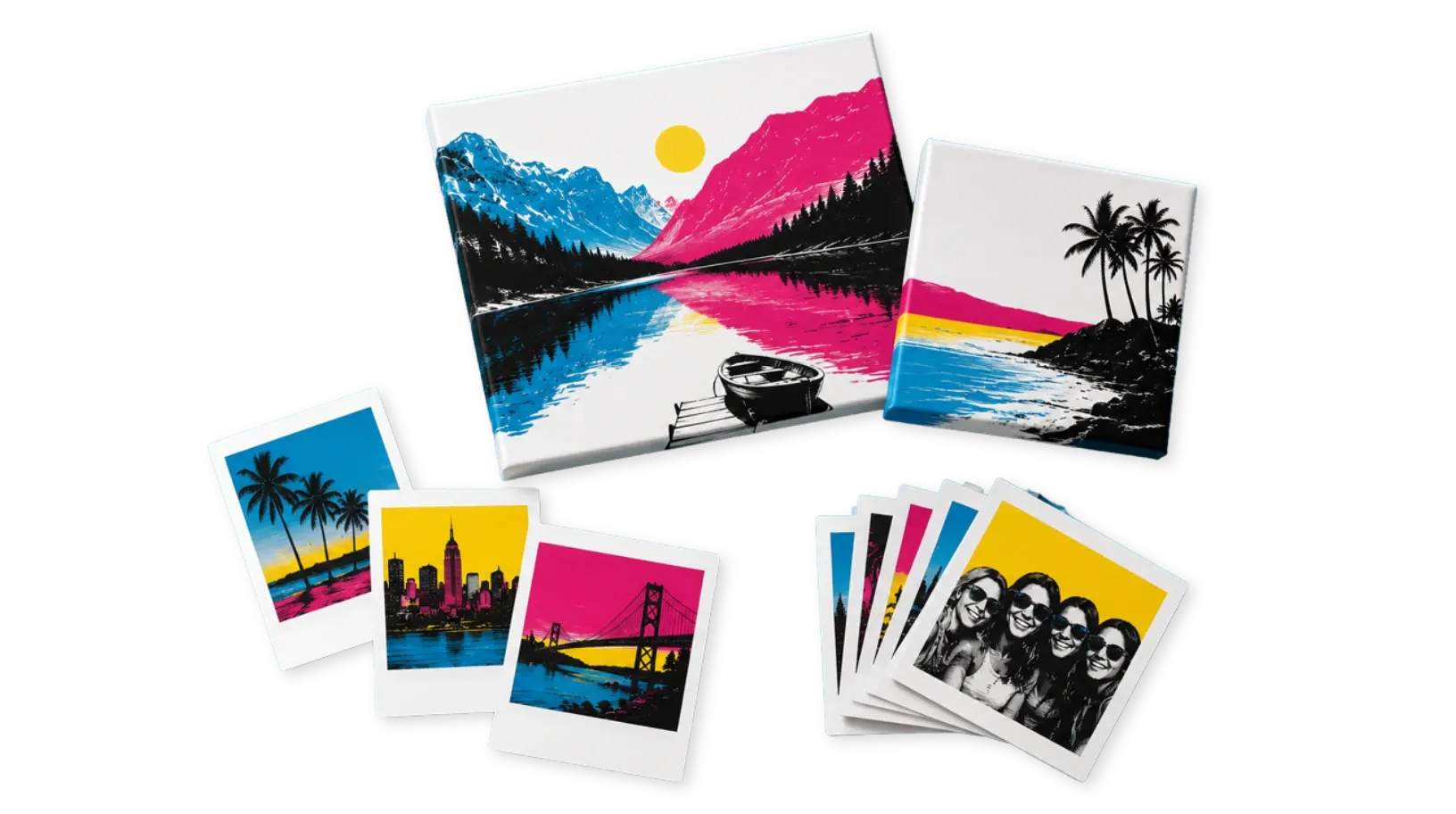
Allow customers to upload, edit, personalize, and order photo prints, canvas prints, vintage products, albums, and keepsakes online with live previews and AI-powered editing tools.

Try It Out
Personalized photo print products created with PitchPrint
Photo Prints

Built for print shops,
photo labs, and ecommerce stores

PitchPrint helps photo labs and print businesses simplify online photo printing by giving customers powerful customization tools directly inside the browser.

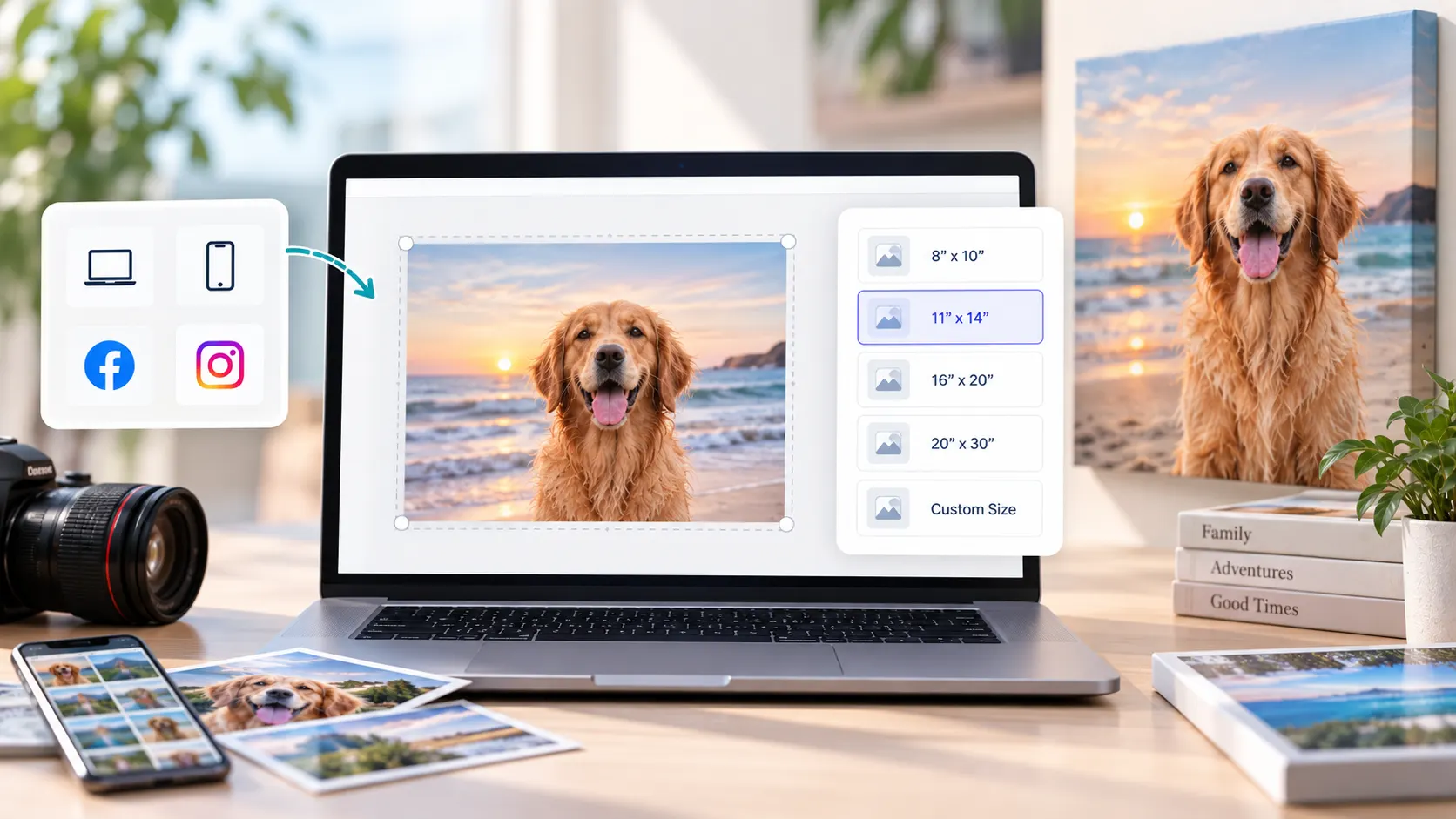
Customers can upload photos from multiple sources, remove backgrounds using AI, generate creative artwork with AI text-to-image tools, select different paper finishes, and customize print sizes before ordering.

From everyday photo printing to premium wall art and personalized keepsakes, PitchPrint streamlines the entire online photo ordering workflow while maintaining professional print quality and production efficiency.

Trusted by print companies worldwide to sell personalized photo products online faster.

Web-to-print benefits

Why photo labs
sell with PitchPrint

Photo products need fast uploads, visual editing, flexible sourcing, premium finish choices, and reliable print-ready output.

  • Upload

    Flexible photo sourcing

    Let customers upload photos from multiple sources and prepare images directly inside the browser.

  • AI

    Smarter photo editing

    Use AI background removal and text-to-image tools to create cleaner, more creative photo products.

  • Finish

    Premium print options

    Let customers choose print sizes, paper finishes, captions, layouts, and personalized product styles before ordering.

  • Print

    Automatic output

    Generate print-ready output that preserves image placement, selected options, and professional print quality.

Features to use

PitchPrint features
for photo print products

Use these modules, AI tools, and workflow helpers to create a complete online photo printing experience.

PitchPrint bulk photo upload and sizing interface

Bulk Photo Prints

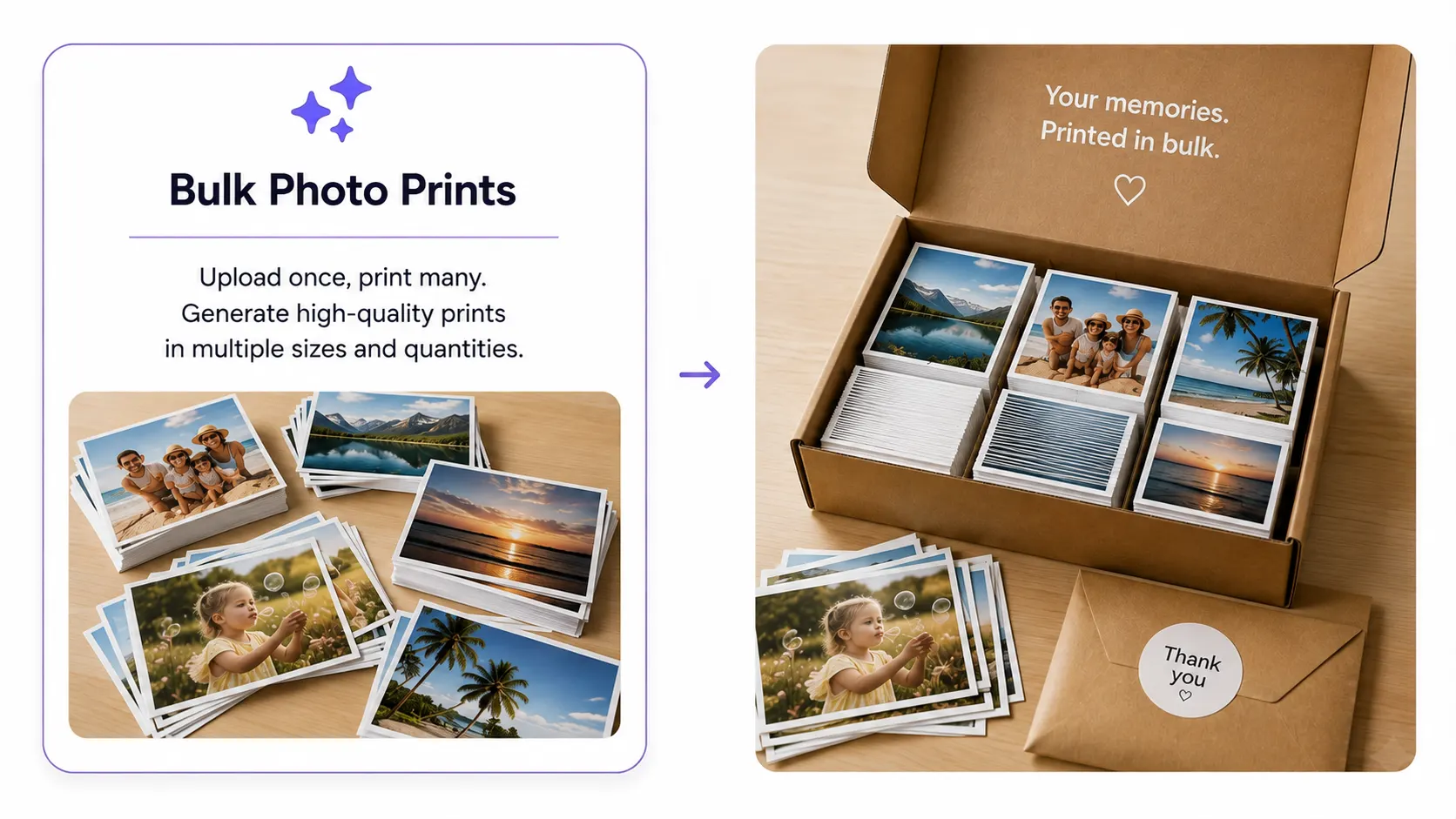
When someone needs fifty prints as easily as one, this is where PitchPrint pays for itself. Customers drop in a whole folder, sizes and quantities get matched automatically, and every print queues up ready for checkout, no back-and-forth with your support team.

  • Batch pricing rules per photo and per quantity
  • Auto-matches common sizes on upload

A few print shops already run their busiest wedding and school seasons on this feature. See a live store →

Try out Demo
PitchPrint vintage-style decorated photo print

Vintage Photo Prints

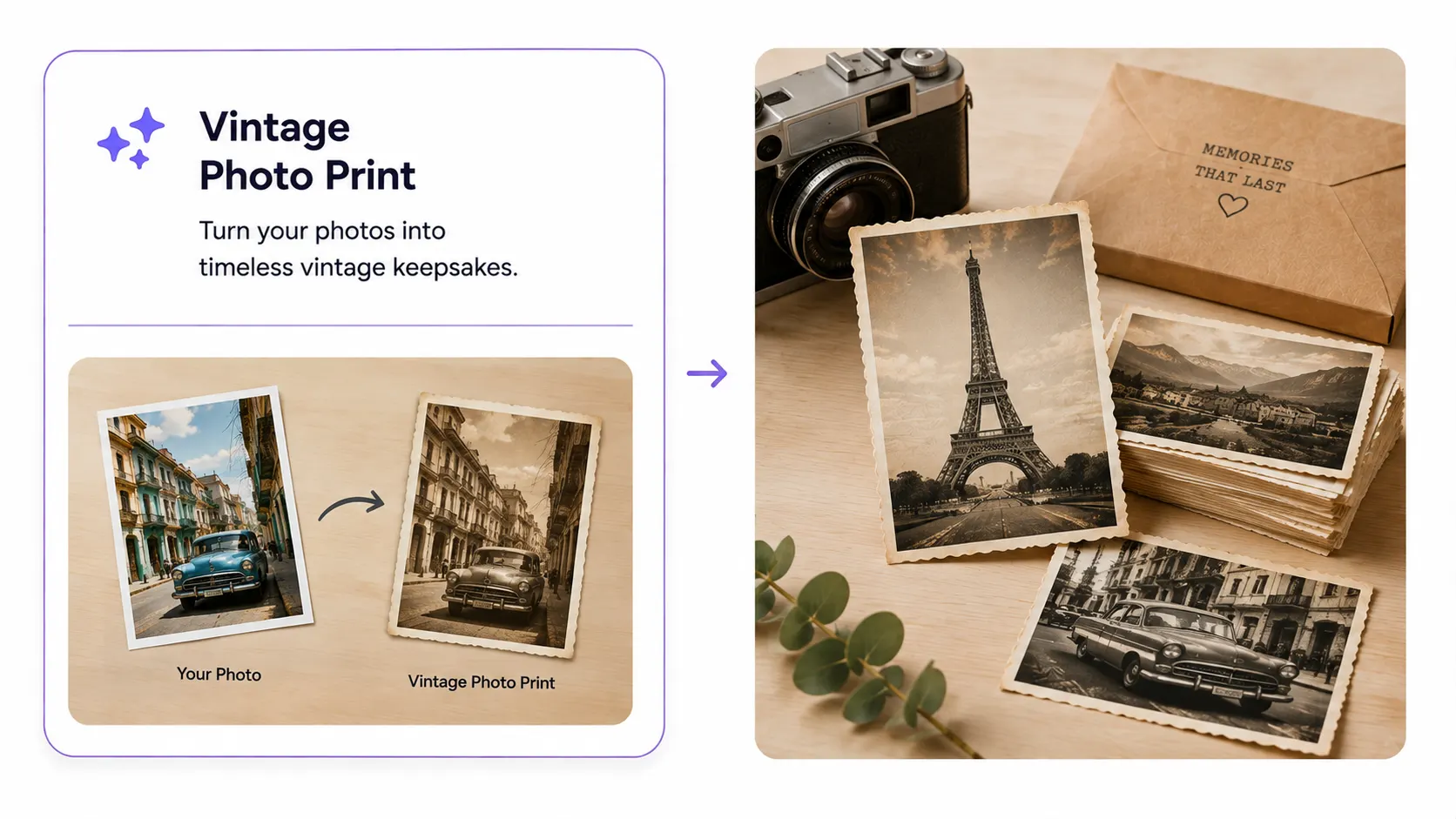
Retro is one of the easiest upsells in photo printing, if the layouts and filters feel authentic. PitchPrint ships with polaroid frames, film-strip borders, and warm-tone presets customers can apply themselves, no design tool required.

  • One-click film and polaroid presets
  • Custom captions, borders, and filters

A handful of stores have built an entire product line around this feature alone. See how →

Try out Demo
PitchPrint paper finish selector interface

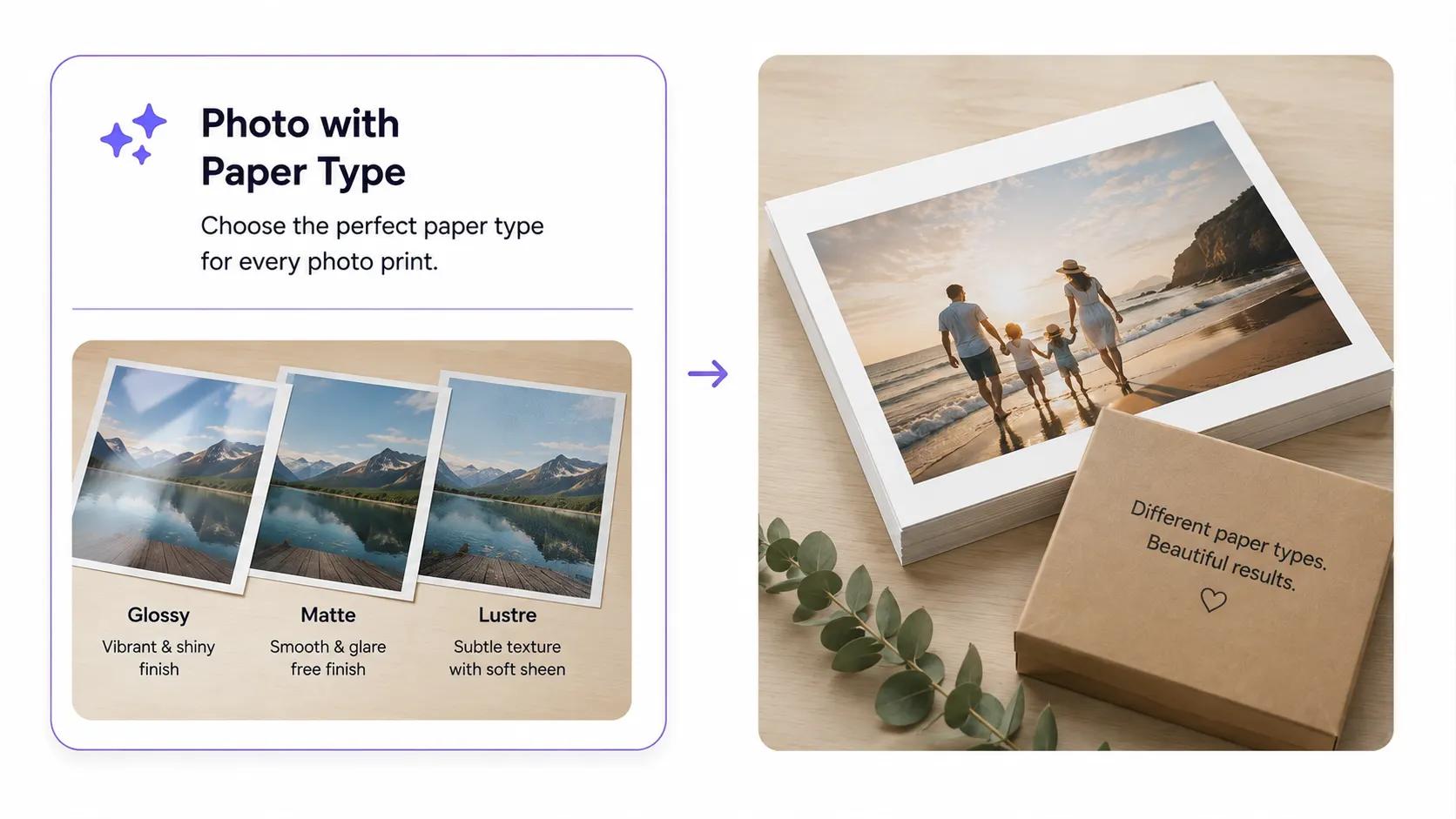
Photo Print with Paper Type

Paper is where a nice photo becomes a gallery print. Let customers pick matte, gloss, satin, or lustre right on the product page, and that choice carries straight through to your production file, no separate spec sheet required.

  • Per-order finish and material selection
  • Production notes generated automatically

It's one of the most requested upgrades from stores selling premium prints. See it live →

Try out Demo
Recommended setup

Features that support
photo print workflows

These PitchPrint tools help customers upload, source, place, edit, style, and order photo products with fewer manual steps.

  • Bulk Photo Prints

    Let customers upload and order large batches of photos quickly, with batch quantities, sizes, and settings.

  • Vintage Photo Prints

    Create retro-style printed photo products with themed layouts, borders, filters, and customizable captions.

  • Photo Print with Paper Type

    Allow customers to choose professional print finishes such as glossy, matte, satin, lustre, textured, or fine art paper.

  • Photo Source

    Let customers choose preferred image sources when adding photos into masks, layouts, and placeholders.

Ready to set up photo printing?

Review the documentation or try the photo print design workflow for yourself.

Documentation

View Documentation

Full API reference, integration guides, and code examples for developers.

View docs
Live demo

Try It For Free

Spin up a free account and test this feature on your own products in minutes.

Try It For Free
Before and after

What changes when
photo ordering moves online

PitchPrint gives customers a visual ordering flow and gives production teams cleaner photo print orders.

Before PitchPrint

  • Customers upload photos through generic forms or send files after checkout.
  • Staff manually sort images, match quantities, confirm sizes, and request missing details.
  • Cropping, background cleanup, source selection, and image placement issues are discovered late.
  • Premium options like paper type, captions, vintage layouts, and creative artwork require manual handling.

After PitchPrint

  • Customers upload, edit, personalize, and configure photo prints before placing the order.
  • Sizes, quantities, paper finishes, captions, layouts, and image sources are collected in the product workflow.
  • Bulk uploads, auto mask placement, and AI editing tools reduce repetitive setup.
  • Production receives clearer files and configuration data for each photo print order.

Benefits for store owners

  • Sell standard prints, bulk prints, albums, canvas products, cards, calendars, wall art, and keepsakes from one platform.
  • Reduce manual file sorting, image placement, background cleanup, and production clarification on photo orders.
  • Offer premium paper, creative AI tools, image sourcing, captions, sizes, and layouts without complicating checkout.
  • Improve repeat ordering for families, schools, events, photographers, and photo labs.

Benefits for customers

  • Upload multiple photos and configure print options in one guided experience.
  • Preview cropping, layout, captions, backgrounds, paper finishes, and product choices before checkout.
  • Use AI editing and creative generation without separate photo editing software.
  • Move faster through repeat photo orders, albums, collages, and large image collections.