Use Cases

Online product casing design software

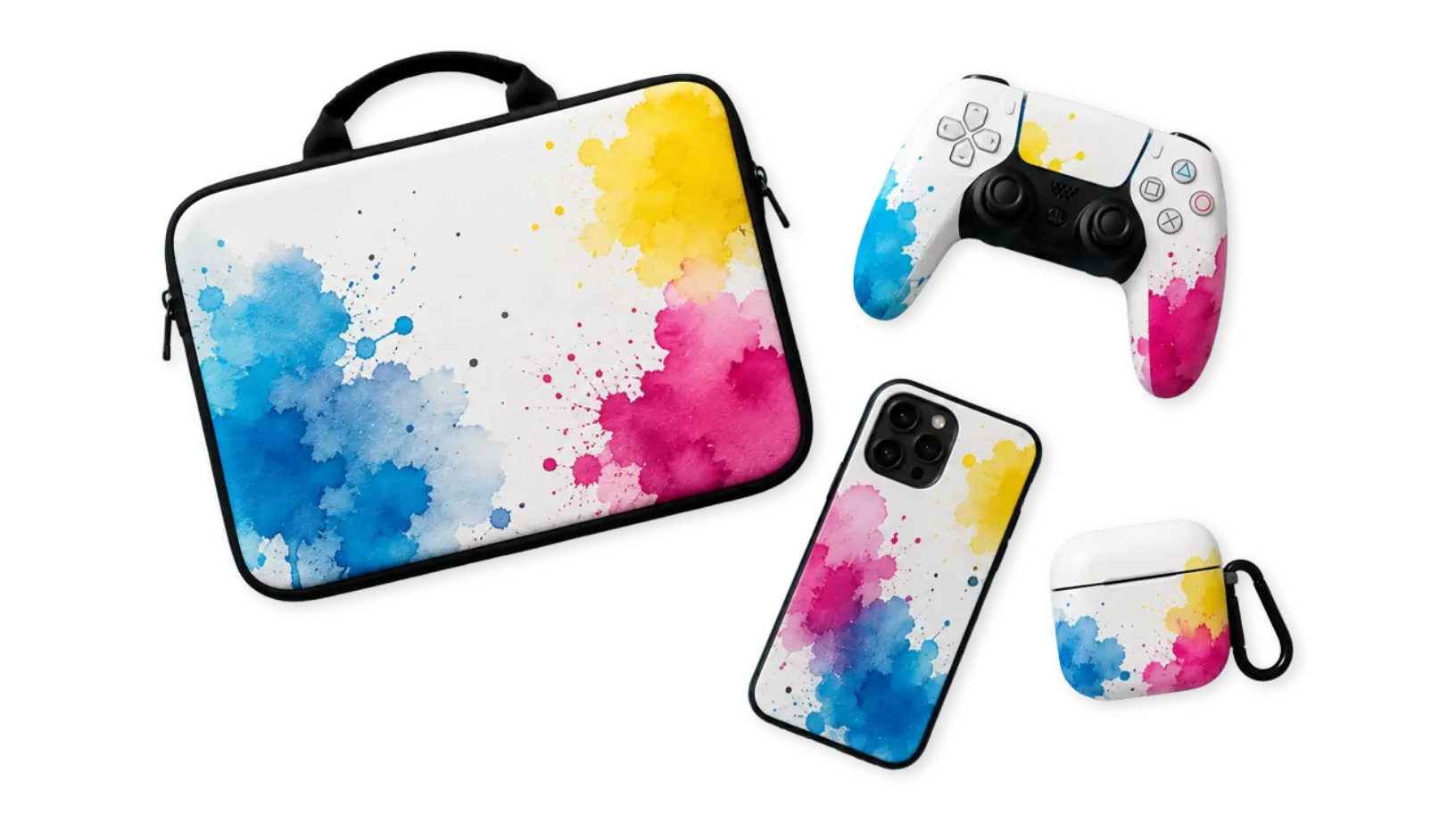
Allow customers to personalize phone cases, tablet covers, laptop skins, gaming console covers, AirPods cases, and other product casings online.

Product Casings

Built for print shops,
promotional stores, and ecommerce

PitchPrint helps print businesses and ecommerce stores simplify personalized product casing sales by giving customers an interactive online design experience.

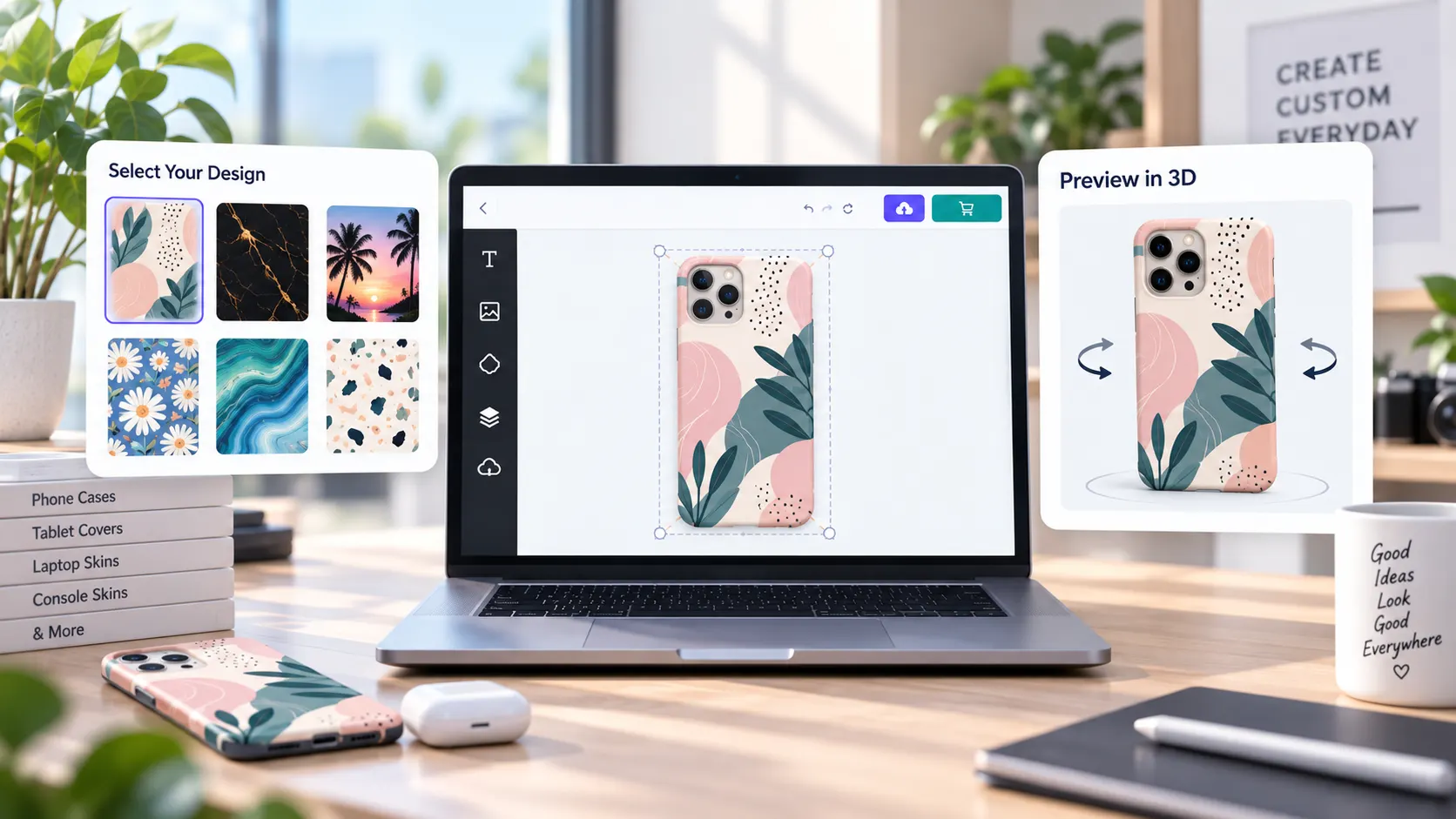
Customers can upload artwork, select product colors, choose design templates, apply branded themes, and preview their custom casings before ordering.

From custom phone cases and branded device covers to promotional tech accessories and personalized gift products, PitchPrint streamlines the product customization workflow while maintaining accurate print positioning and professional production quality.

Trusted by print companies worldwide to sell personalized product casings online faster.

Web-to-print benefits

Why casing stores
sell with PitchPrint

Product casings need live previews, color customization tools, template variations, accurate positioning, and print-ready output.

  • Live

    Interactive previews

    Let customers preview phone cases, tablet covers, laptop skins, gaming skins, and device accessories before ordering.

  • Color

    Visual color control

    Support product color customization, swatches, palettes, branded themes, and template variations in one flow.

  • Safe

    Accurate positioning

    Keep artwork aligned around camera cutouts, product frames, button markers, safety areas, and device-specific surfaces.

  • PDF

    Print-ready output

    Generate production-ready files for custom casings, promotional tech accessories, and personalized gift products.

Product types

Launch a complete
product casing catalog

Group device casing products into guided customization flows with templates, color variations, swatches, themes, and print-ready output.

Phone Cases

Popular smartphone casing products with model-specific template and preview requirements.

Try it out

Tablet & Laptop Covers

Protective covers, sleeves, skins, and wraps for tablets, laptops, and notebooks.

Try it out

Audio & Charging Cases

Small tech accessory covers where color, artwork scale, and product fit matter.

Try it out

Gaming Console Skins

Gaming device skins, controller wraps, and console covers with design template variations.

Try it out

Wearables & Tech Accessories

Smaller electronic accessories, wearable covers, camera skins, wraps, and device gifts.

Try it out

Promotional Device Covers

Branded casing products for corporate campaigns, events, giveaways, and personalized gifts.

Try it out
Recommended setup

Features that support
product casing workflows

These PitchPrint tools help manage sticky overlays, color variants, swatches, template selection, palettes, and customer onboarding.

  • Sticky Items

    Keep camera cutout guides, logo placements, product frames, button markers, and safety areas fixed during editing.

  • Template Color Module

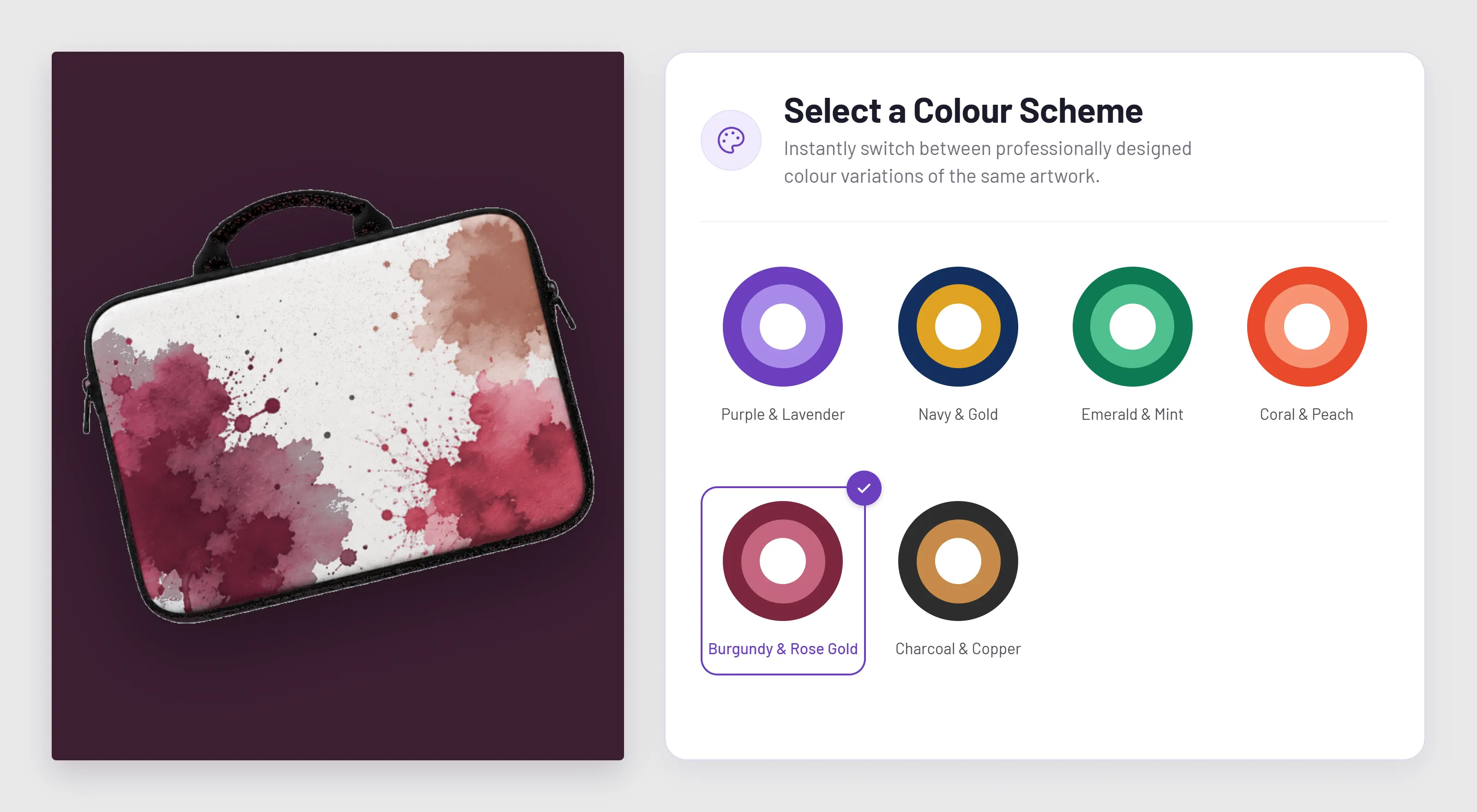
    Let customers preview product casing color variations directly inside the editor while artwork updates live.

  • Swatch Module

    Allow customers to switch between predefined color themes, background styles, and visual design variations.

  • Design Selector

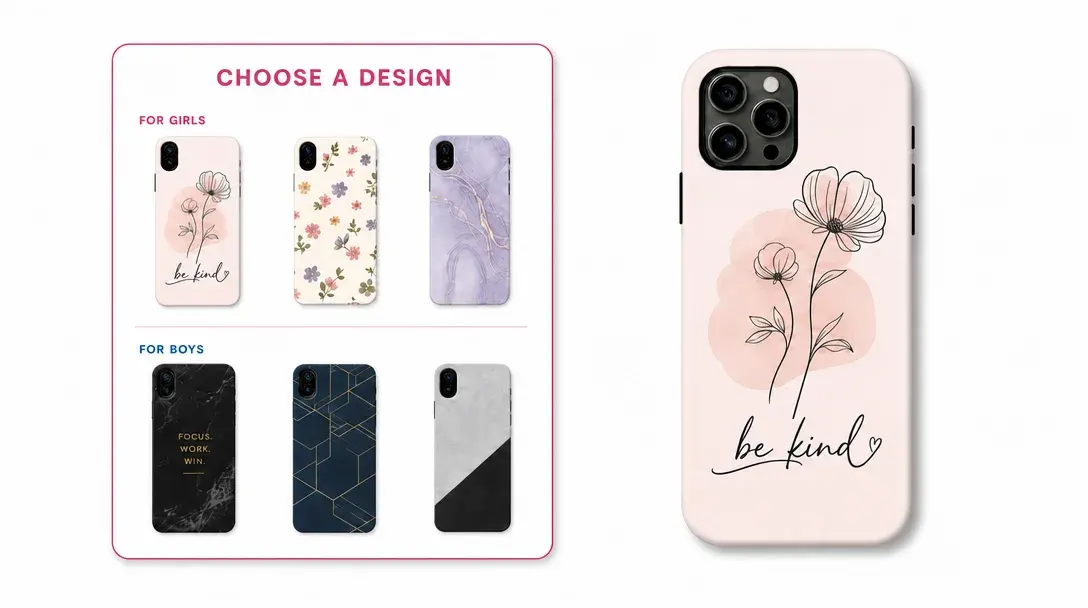
    Let customers browse and choose from multiple ready-made casing templates before customizing.

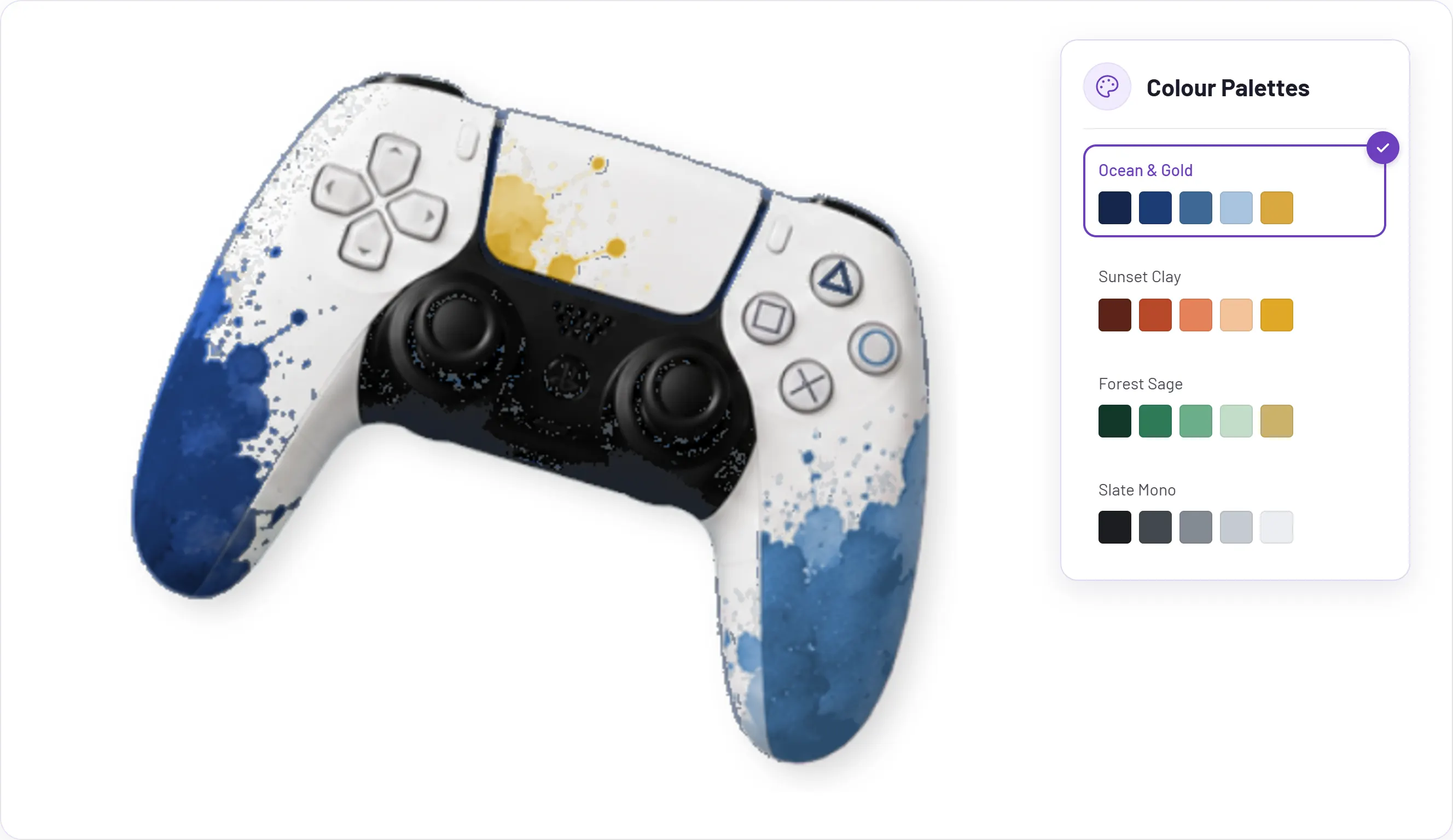
  • Color Palettes

    Provide organized color collections that customers can apply to text, graphics, backgrounds, and design elements.

  • Welcome Message

    Display onboarding instructions, promotional messages, customization tips, or branding guidance when customers start designing.

Before and after

What changes when
casing orders move online

PitchPrint gives customers visual product personalization while helping stores enforce print and fit requirements.

Before PitchPrint

  • Customers send artwork, device details, and color choices separately, leaving staff to interpret fit and placement.
  • Designers manually check artwork against camera cutouts, button markers, frames, and safety areas.
  • Product colors, themes, swatches, and template variations are difficult to preview before ordering.
  • Production often needs clarification when artwork does not match the selected casing model or template.

After PitchPrint

  • Customers personalize model-specific casing templates directly with live previews and guided options.
  • Sticky guides protect cutouts, logo placements, frames, button markers, and safety zones during editing.
  • Template colors, swatches, palettes, and design selectors make visual choices easy to compare.
  • Orders arrive with artwork positioned for the selected phone case, device cover, skin, or tech accessory.

Benefits for store owners

  • Sell more phone cases, tablet covers, laptop skins, AirPods cases, gaming skins, and tech accessories online.
  • Reduce mistakes caused by wrong device models, unsafe artwork placement, unclear color choices, or covered cutout areas.
  • Protect production requirements while still giving customers creative freedom.
  • Create reusable template and theme collections for device models, branded accessories, promotions, and gift products.

Benefits for customers

  • Personalize phone cases, tablet covers, laptop skins, gaming covers, AirPods cases, and device accessories without design software.
  • Preview how artwork, colors, templates, themes, and text look before checkout.
  • Choose from approved swatches, palettes, branded themes, and ready-made casing designs visually.
  • Avoid common fit issues around camera cutouts, button areas, frames, and protected product zones.
Features to use

PitchPrint features
for product casings

Use these modules and workflow helpers to support casing colors, themes, templates, protected guides, and customer onboarding.

  • Sticky Items

    Keep important casing guides and overlays fixed so customers cannot cover critical product areas.

    Try it out
  • Template Color Module

    Allow live previewing of casing color variations without creating separate templates for each color.

    View feature
  • Swatch Module

    Let customers switch between color themes, branded styles, seasonal designs, and casing aesthetics.

    View feature
  • Design Selector

    Offer collections of trendy, seasonal, branded, or themed casing designs in one product flow.

    View feature
  • Color Palettes

    Provide organized brand and theme color collections for casing text, graphics, and backgrounds.

    Try it out
  • Welcome Message

    Guide first-time customers with onboarding instructions, promotions, and design tips inside the editor.

    Try it out