
Take Control of
Product Colors
Give customers the freedom to choose the right colors for their personalized products while keeping your designs and print output accurate.
Show the colors that make sense for each product
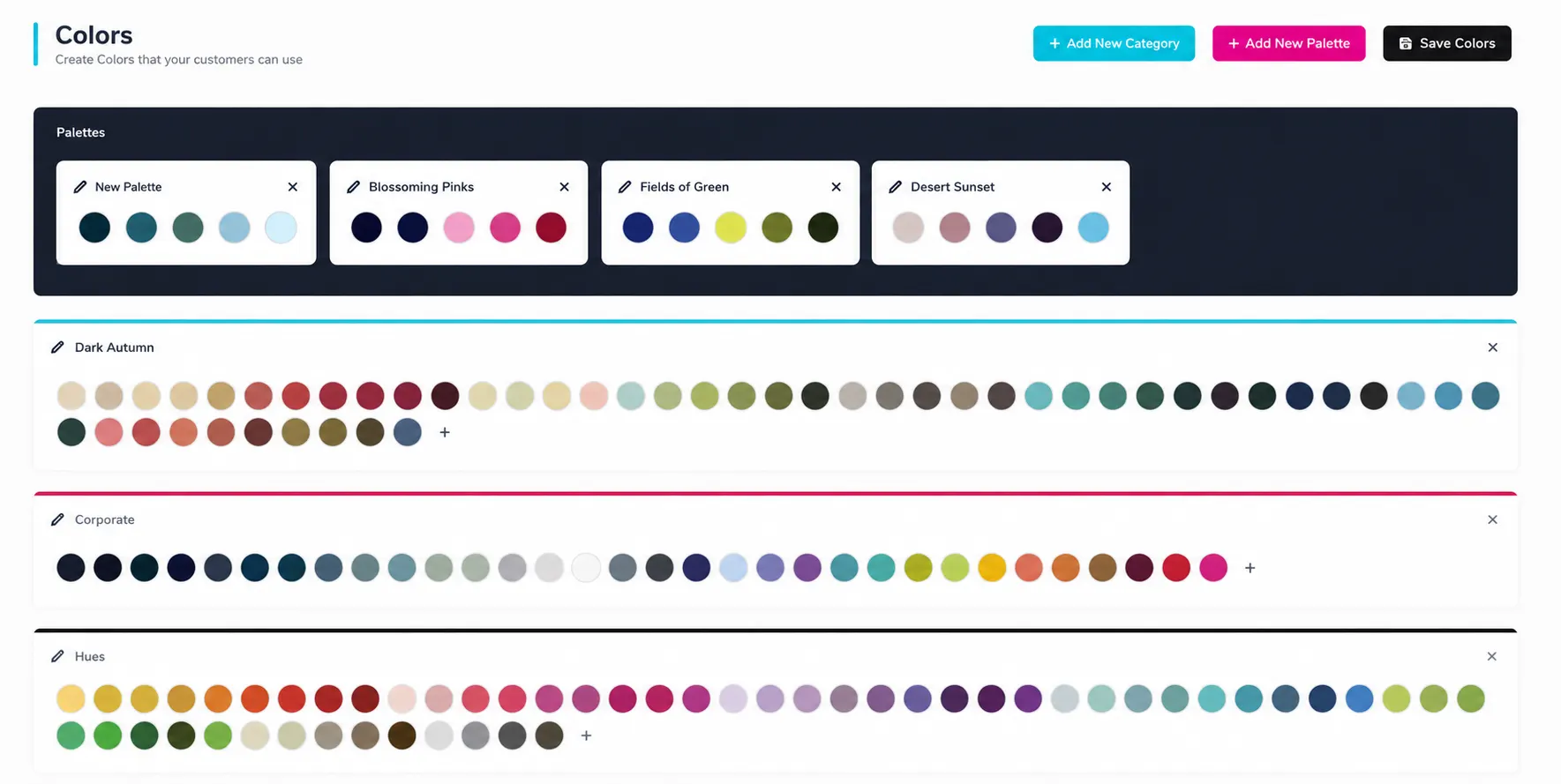
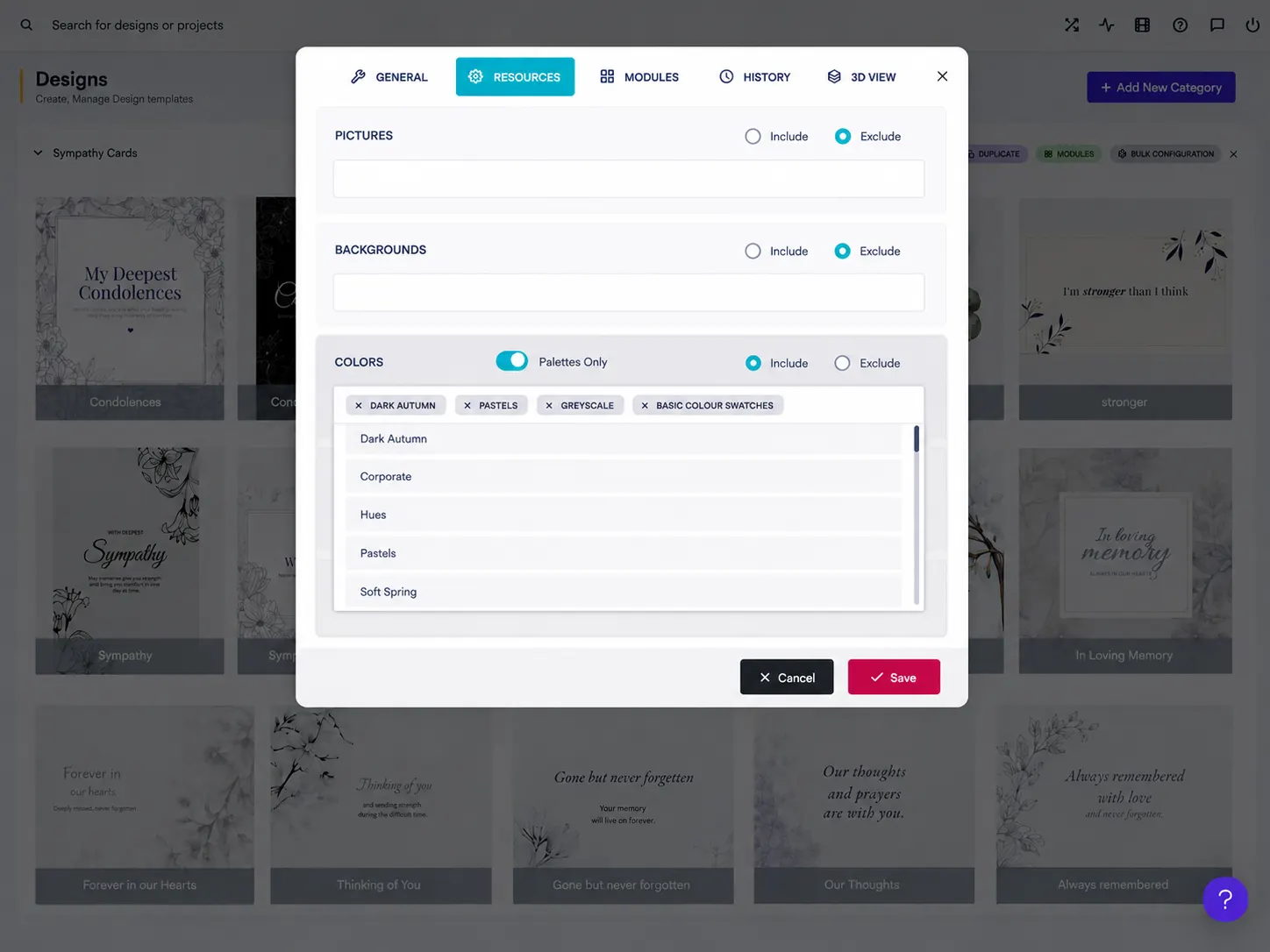
Let customers choose colors with confidence. PitchPrint Colors gives you control over the colors available in your designs. You can create color categories, add the colors you want customers to use, and assign or exclude them from specific designs. Each color can also have RGB/HEX, CMYK, and SPOT values, helping the color shown on screen stay aligned with the color used for the final print file.
No need to overwhelm customers with every possible color. Show the colors that make sense for each product and let them make their choice right inside the designer.
Approved colors for
personalized products
Custom T-Shirts: Let customers choose the shirt or design colors that best match their style.
Custom Mugs: Offer specific color choices for personalized mugs and drinkware.
Phone Cases: Give shoppers controlled color options for cases and other accessories.
Hoodies & Apparel: Make it easy to select approved clothing and design colors before ordering.
Business Cards: Keep brand colors consistent across personalized business cards and other printed stationery.
Curated colors
inside the editor
-
Controlled Color Options
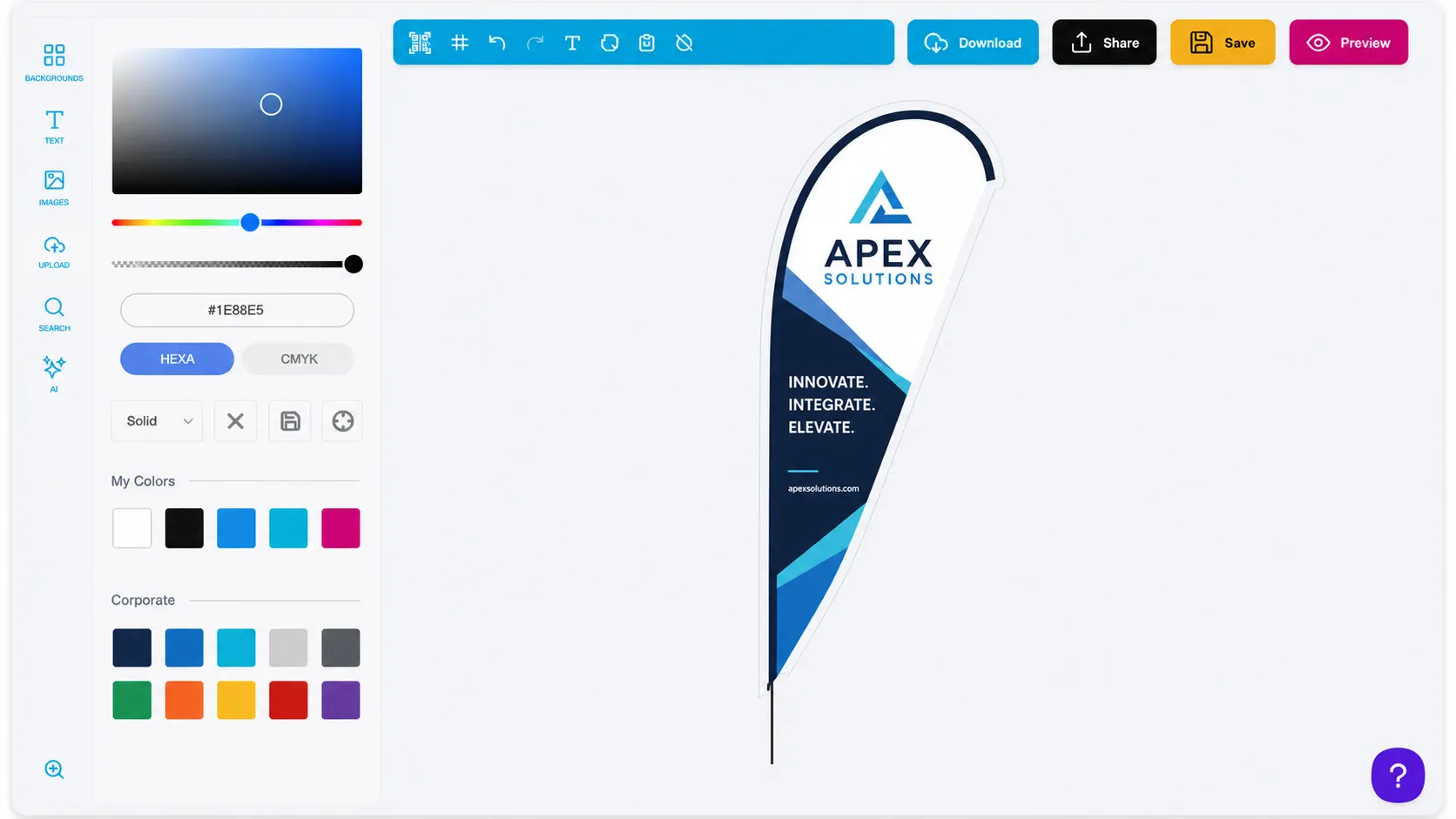
Choose which colors customers can use for each design, instead of giving them a confusing list of every available color.
-
Accurate Print Colors
Set RGB/HEX, CMYK, and SPOT values for your colors so your digital designs are ready for print production.
-
Easy Color Management
Create, rename, or remove color categories to keep your color library organized. PitchPrint starts each new domain with 13 color categories, which you can customize to fit your store.
-
Faster Design Decisions
Give shoppers a focused set of colors that work with your product, making customization easier and reducing guesswork.
Color control that supports
brand and print accuracy
Show customers a focused set of approved colors while keeping every design print-ready behind the scenes.
- Brand
Consistent
Keep your brand and product colors consistent across designs and customer orders.
- Clear
Simple
Show customers the colors they actually need instead of making them search through an endless color list.
- Ready
Print-Ready
Use CMYK and SPOT color values when needed for the final PDF, while HEX values handle the on-screen preview.
- Flex
Flexible
Create your own color categories and decide which color resources are available for each design.
Build your color library in PitchPrint
Review the color setup guidance or start curating color categories for your own customized products.
View Documentation
Full API reference, integration guides, and code examples for developers.
Try It For Free
Spin up a free account and test this feature on your own products in minutes.
Create Your Account
No credit card required. Start customizing products in minutes.
FAQ
PitchPrint Colors questions
What does PitchPrint Colors do?
Give customers the freedom to choose the right colors for their personalized products while keeping your designs and print output accurate.
How does PitchPrint Colors work?
Let customers choose colors with confidence. PitchPrint Colors gives you control over the colors available in your designs. You can create color categories, add the colors you want customers to use, and assign or exclude them from specific designs. Each color can also have RGB/HEX, CMYK, and SPOT values, helping the color shown on screen stay aligned with the color used for the final print file.
Who should use PitchPrint Colors?
Show customers a focused set of approved colors while keeping every design print-ready behind the scenes.
More ways to shape
color and print output
-
Template Color Module
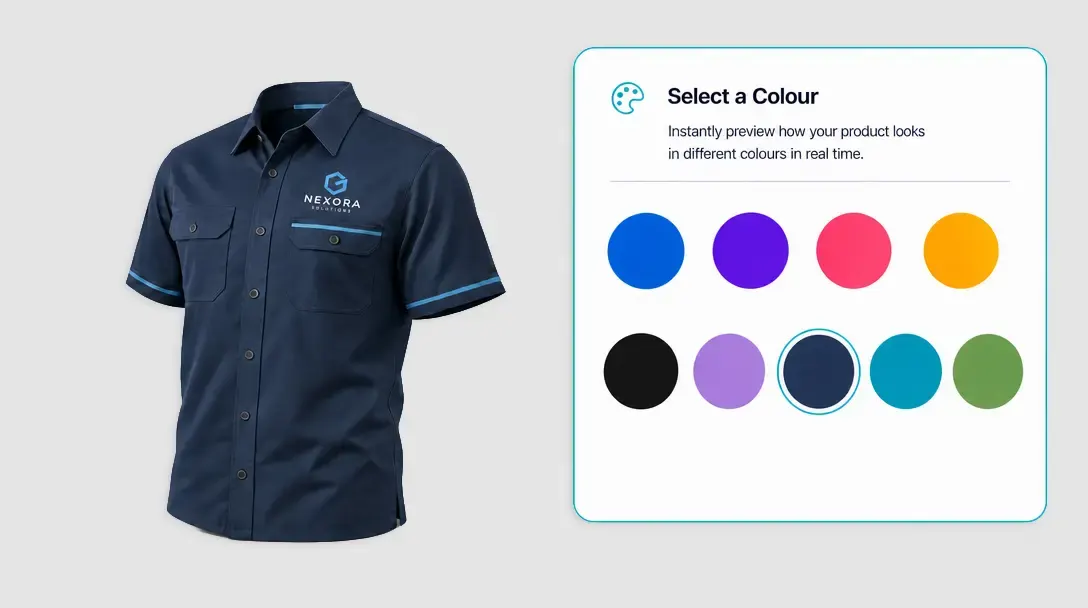
Let customers switch between pre-approved product colors from a single design template.
Learn more -
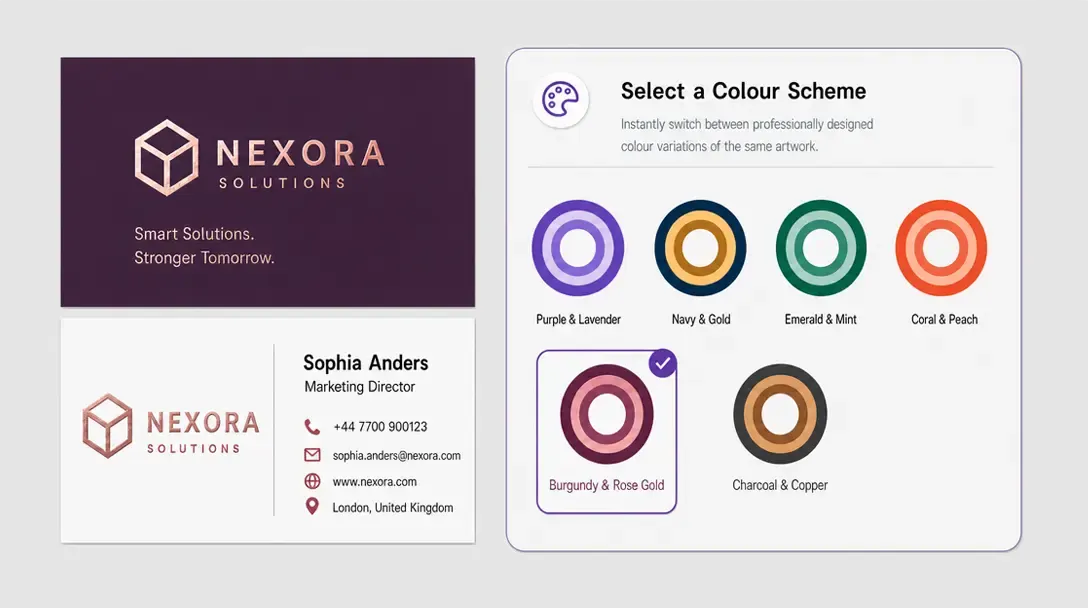
Swatch Module
Create different color variations of a design without building separate templates for each one.
Learn more -
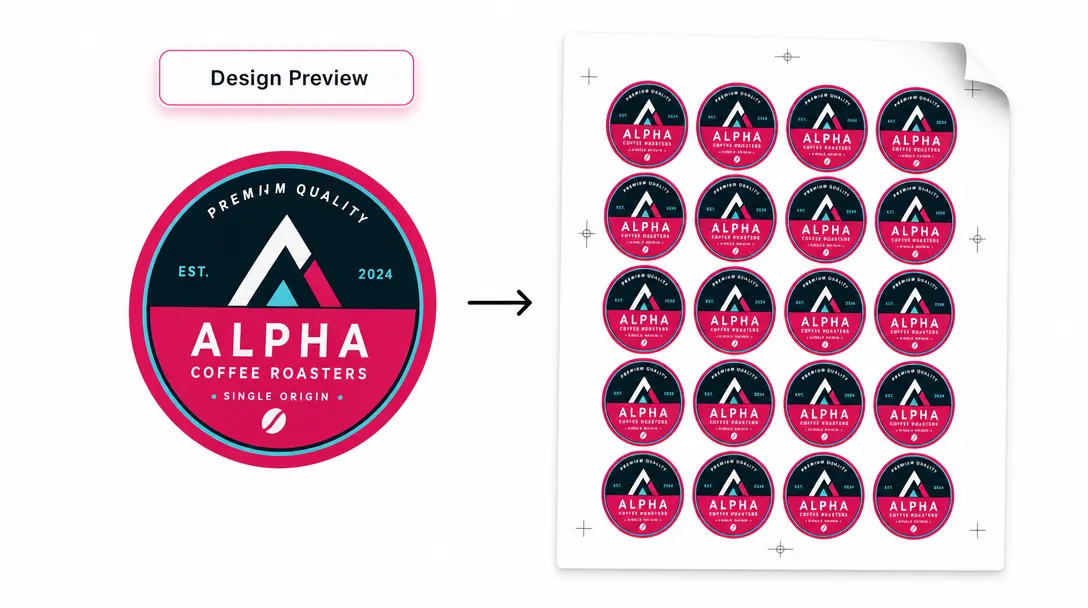
Print-Ready Vector PDFs
Export high-res, print-ready PDF files with full support for CMYK, SPOT colors, RGB, and layered graphics.
Learn more