
Create & Manage
Designs
Build, edit, maintain, reuse, and update customizable product templates across products and storefronts.
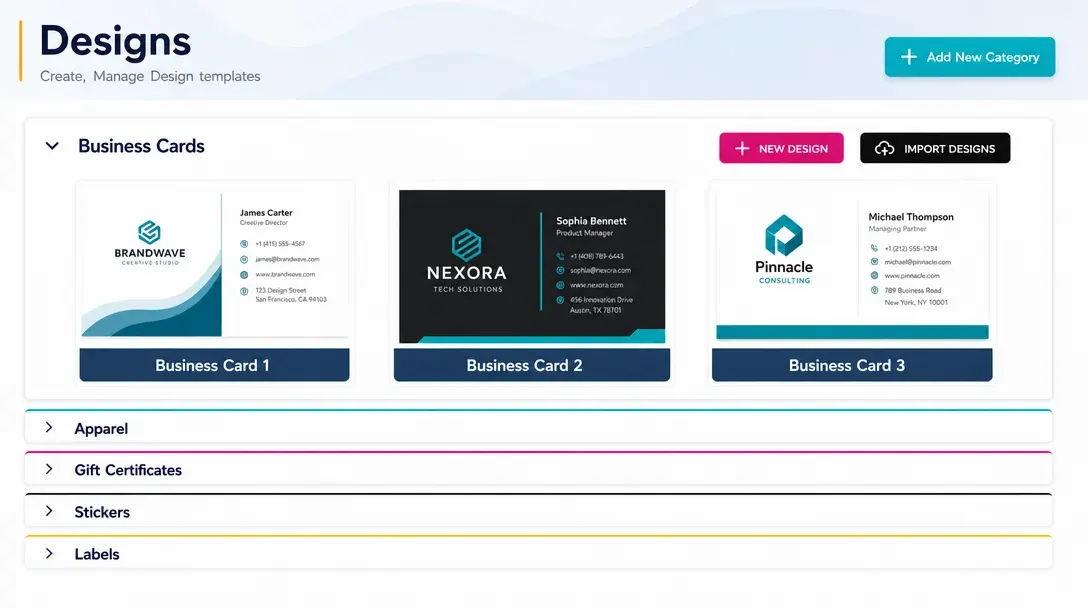
Design template management for product catalogs
Create & Manage Designs enables administrators to build, edit, and maintain customizable product templates directly within the platform.
Designs can be updated and reused across multiple products and storefronts.
Built for reusable design systems. Teams can keep product templates current while maintaining consistent branding across catalogs.
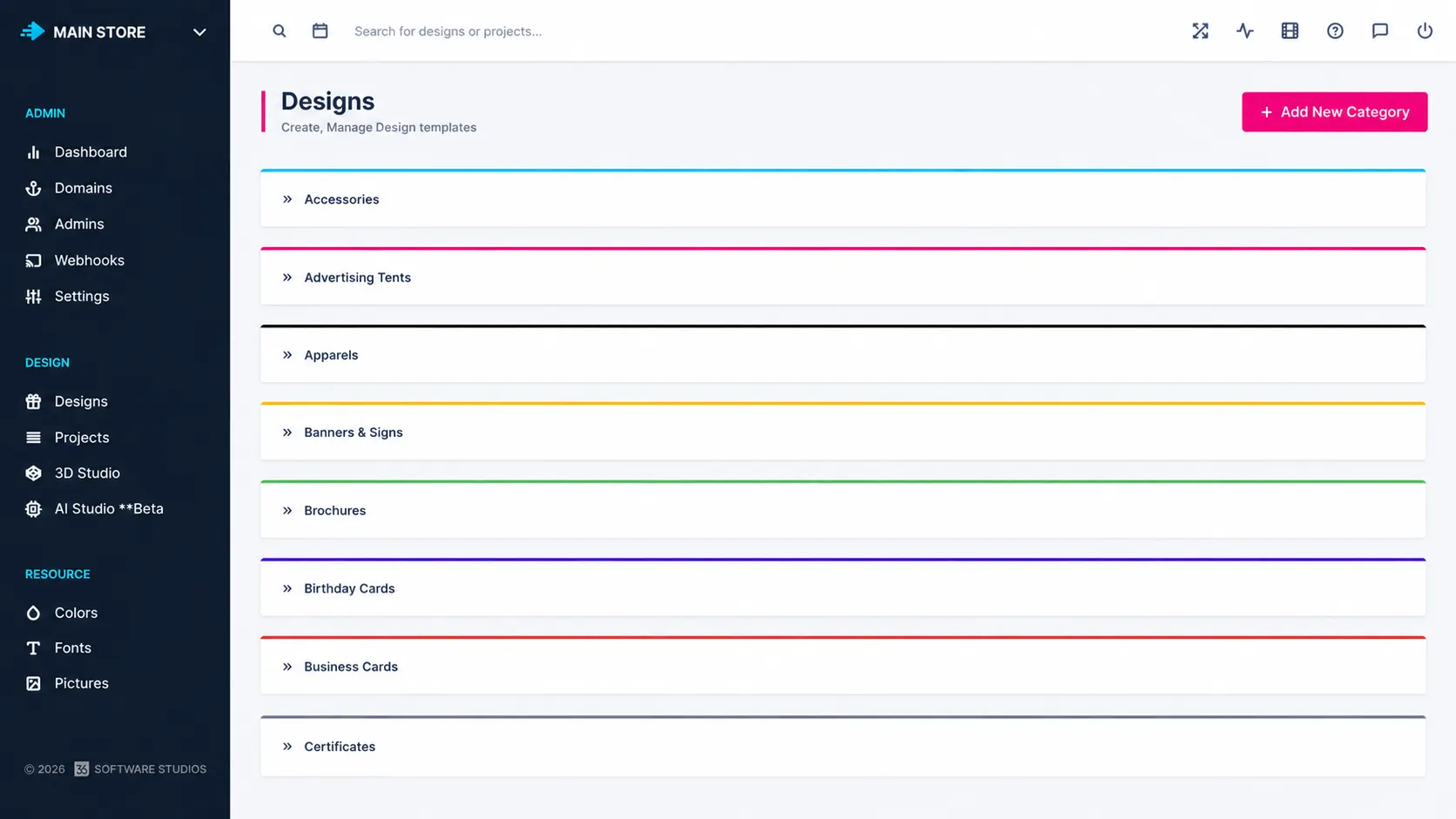
Template management for
product catalogs
New product launches: Build and assign templates as your catalog grows.
Brand refreshes: Update reusable designs across products in one place.
Multi-storefront stores: Share consistent templates across storefronts.
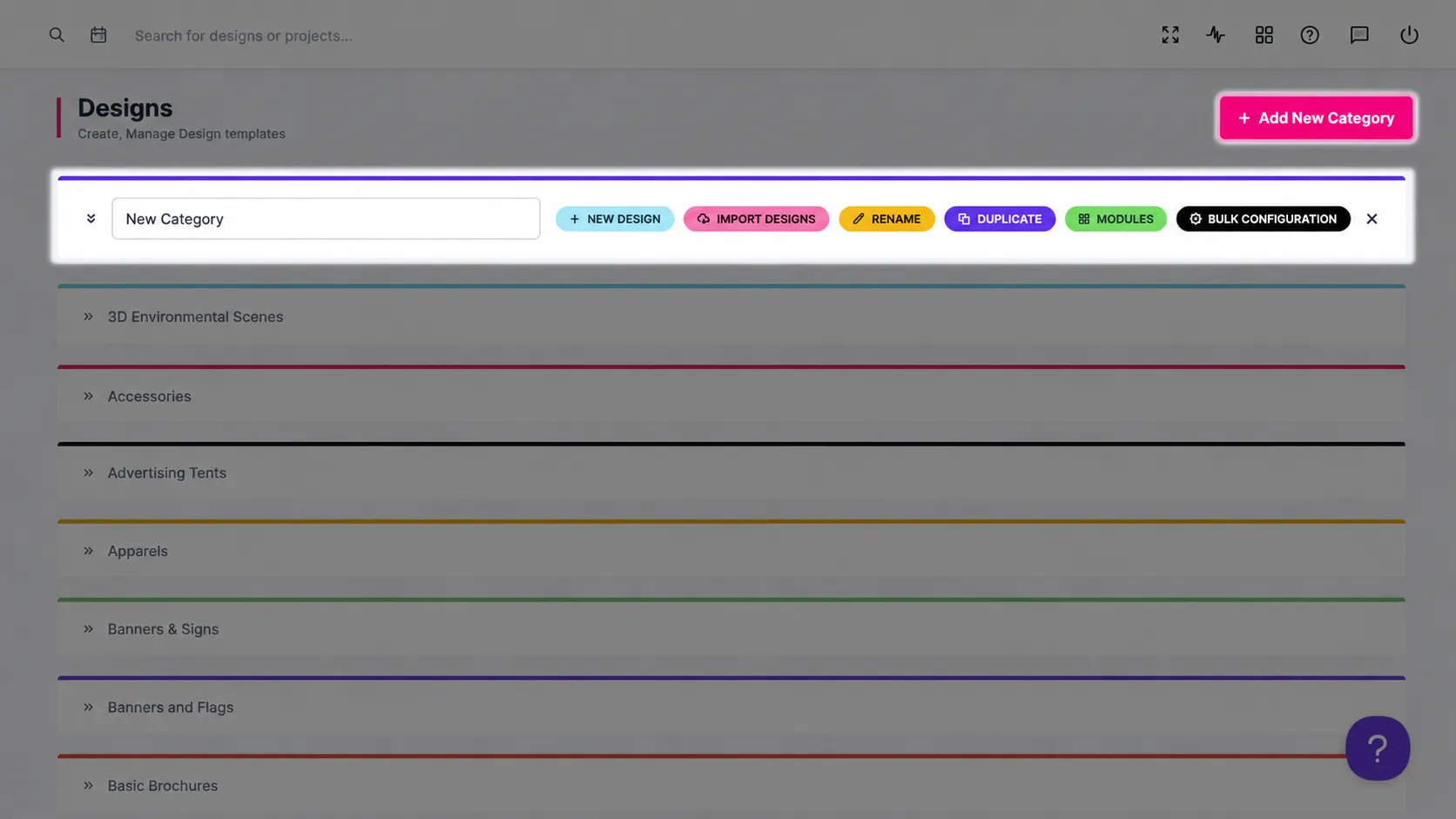
for practical
admin control
-
Template creation
Build customizable product templates directly inside the platform.
-
Design editing
Update existing templates as product, brand, or campaign needs change.
-
Reusable designs
Reuse templates across multiple products and storefront experiences.
-
Catalog consistency
Maintain consistent branding and structure across customizable products.
Better visibility,
control, and workflow
Admin features help teams manage customization, production, and platform operations with less friction.
-
Simpler template management
Simplifies the management of customizable product templates.
-
Consistent branding
Supports consistent branding across product catalogs.
-
Reusable efficiency
Improves efficiency by reusing and updating existing designs.
Learn more about Create & Manage Designs
Review setup guidance or start testing this admin feature in your PitchPrint account.
View Documentation
Full API reference, integration guides, and code examples for developers.
Try It For Free
Spin up a free account and test this feature on your own products in minutes.
Create Your Account
No credit card required. Start customizing products in minutes.
FAQ
Create & Manage Designs questions
What is Create & Manage Designs?
Build, edit, maintain, reuse, and update customizable product templates across products and storefronts.
How does Create & Manage Designs work?
Create & Manage Designs enables administrators to build, edit, and maintain customizable product templates directly within the platform.
Who should use Create & Manage Designs?
Create & Manage Designs is useful for New product launches, Brand refreshes, Multi-storefront stores.
More ways to manage
your PitchPrint store
-
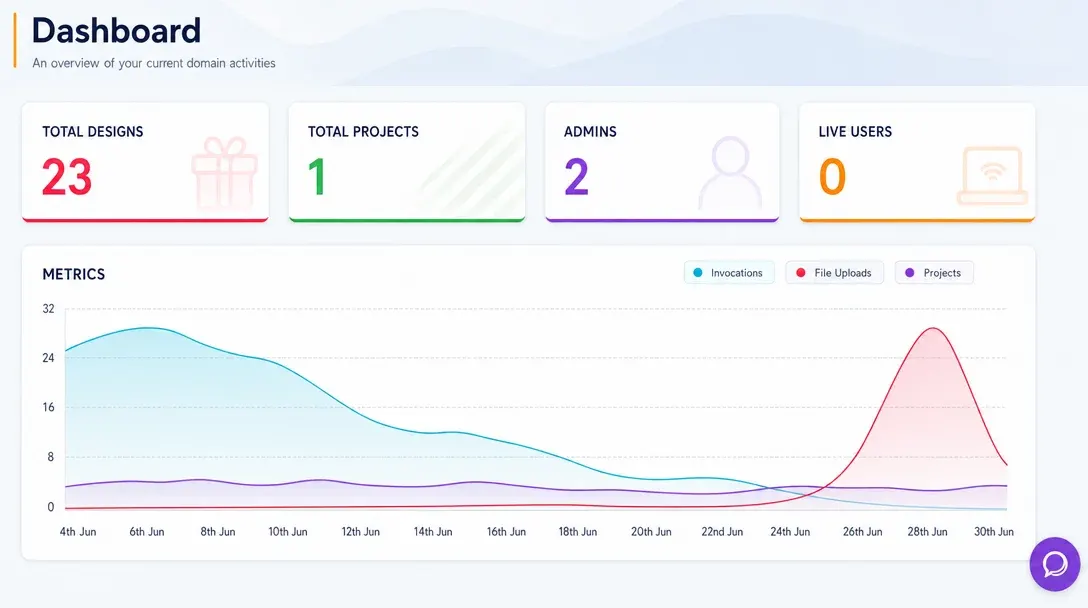
Analytics Dashboard
Monitor store activity, customer engagement, order trends, and design performance from one real-time admin dashboard.
Learn more -
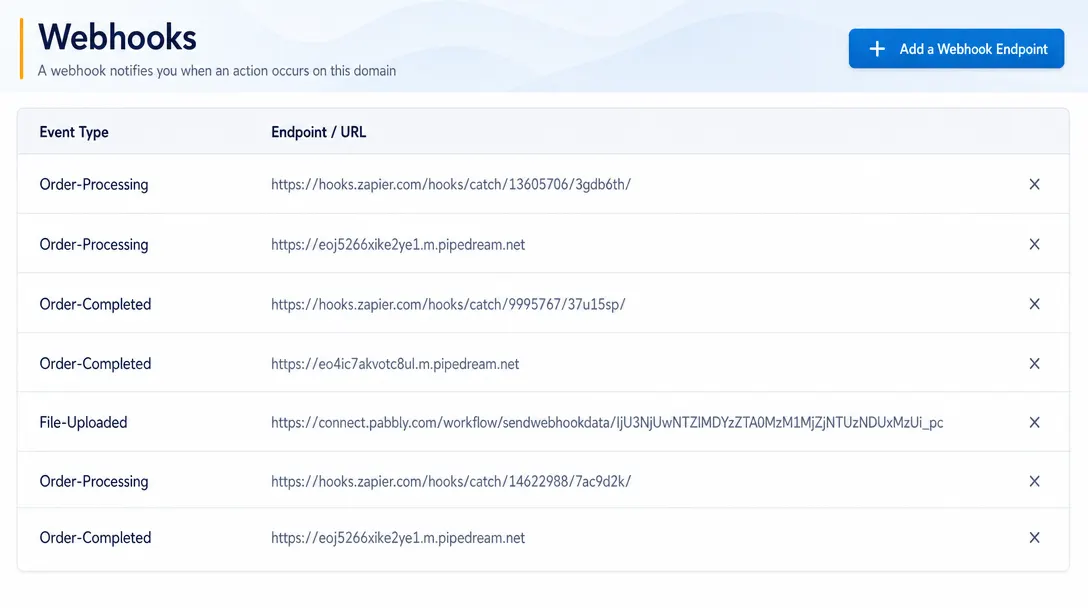
Webhooks
Send real-time event data from PitchPrint to CRMs, ERPs, fulfillment systems, and custom third-party workflows.
Learn more -
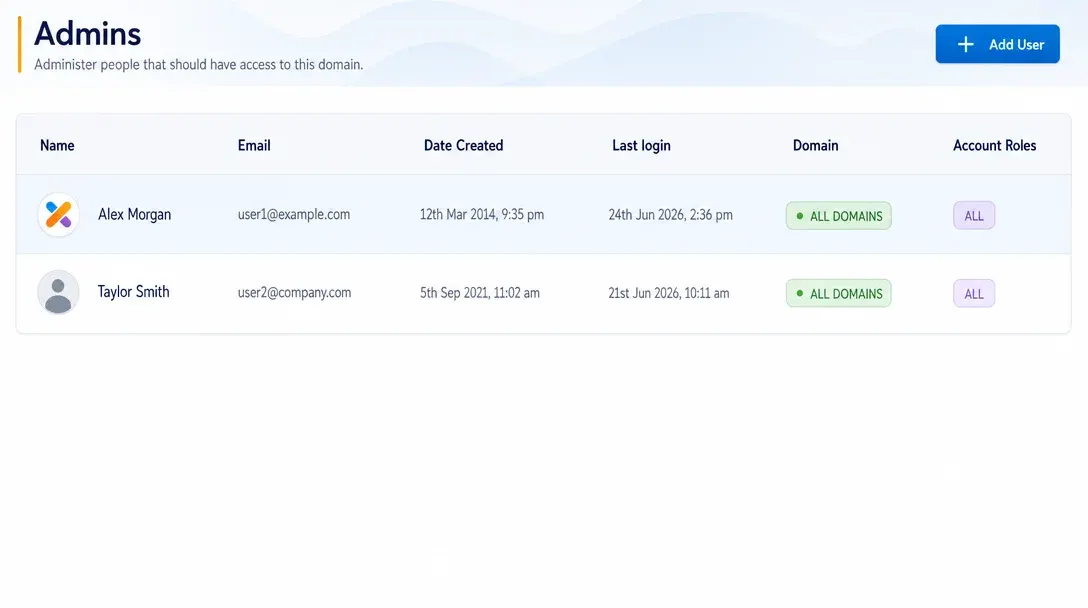
Manage Admins
Create administrator accounts, assign roles, and control team access to PitchPrint tools and resources.
Learn more