
Use Cases

Online large format printing software

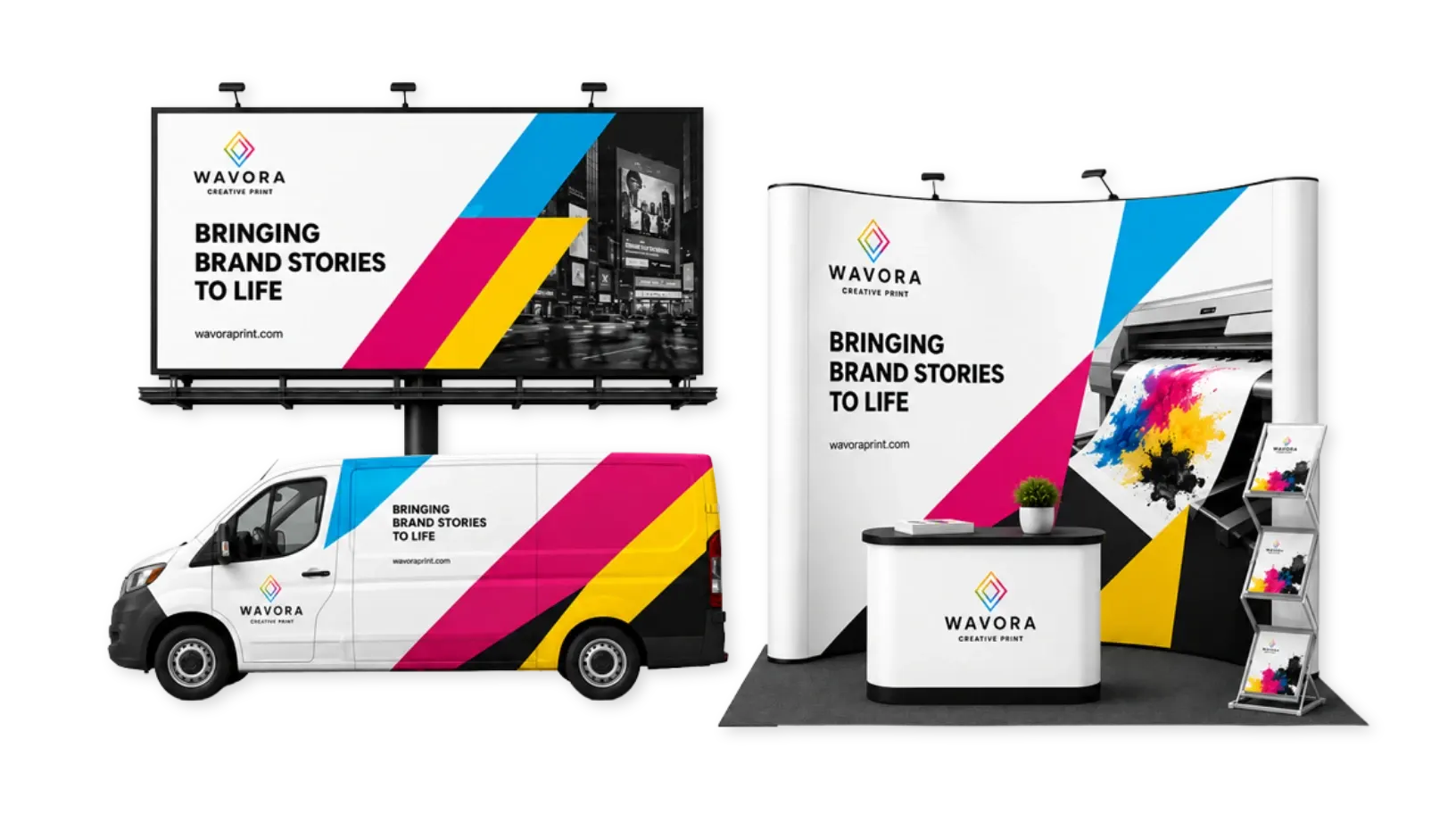
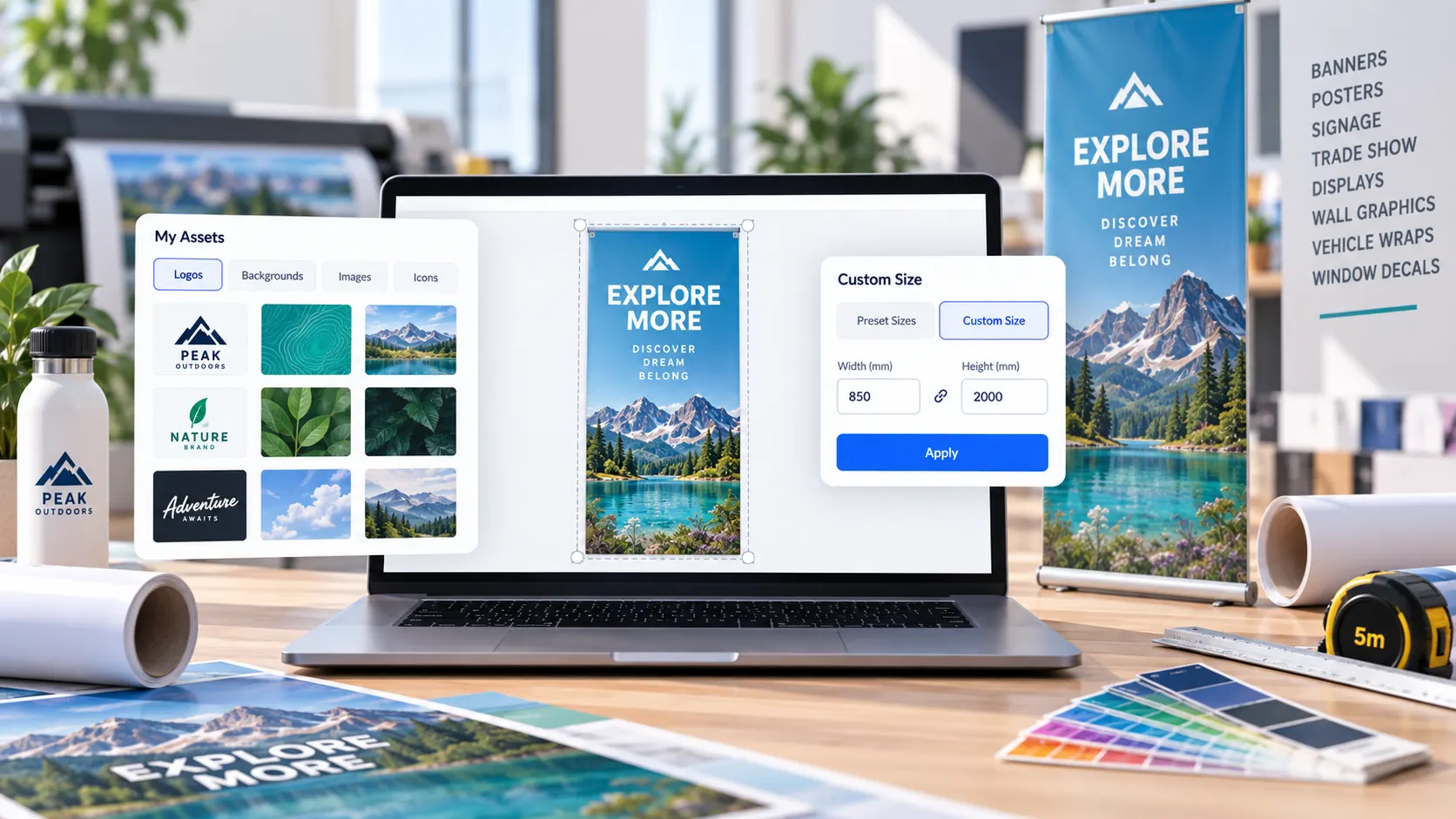
Allow customers to design banners, posters, signage, trade show displays, wall graphics, vehicle wraps, window decals, and other large-format print products online.

Try It Out
Personalized large-format print products created with PitchPrint
Large Prints

Built for print shops,
sign shops, and ecommerce stores

PitchPrint helps print businesses streamline large-format print production by giving customers the flexibility to customize oversized products with accurate scaling, professional layouts, and production-ready output.

From indoor retail signage to outdoor event branding, customers can personalize their large prints directly online while maintaining print quality and layout consistency.

Trusted by print companies worldwide to sell personalized large-format print products online faster.

Large-format print products created with PitchPrint
Web-to-print benefits

Why large-format stores
sell with PitchPrint

Large-format ordering needs live previews, adjustable dimensions, smart sizing, and print-ready output before production starts.

  • Live

    Online customization

    Allow customers to design banners, posters, signage, displays, wall graphics, and wraps online with live previews.

  • Exact

    Adjustable dimensions

    Support preset sizes and custom measurements for installation spaces, event booths, storefronts, and outdoor advertising.

  • Smart

    Accurate scaling

    Help customers personalize oversized products with accurate scaling, professional layouts, and layout consistency.

  • PDF

    Production-ready output

    Automatically generate print-ready PDF files built for commercial large-format print production.

Features to use

PitchPrint features
for large prints

Use these modules and resources to build stronger workflows for banners, signage, displays, wraps, murals, posters, and canvas prints.

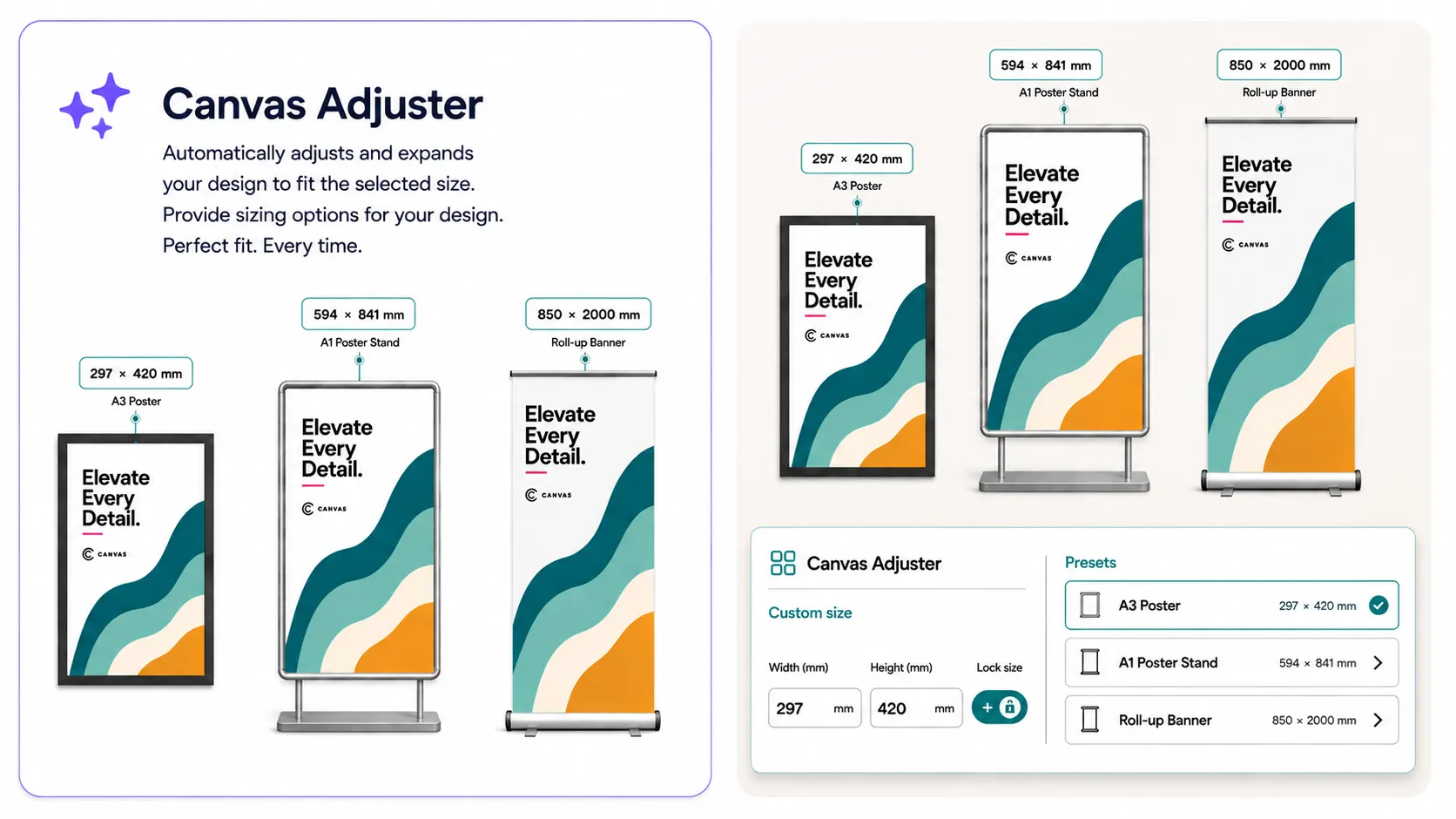
PitchPrint Canvas Adjuster module interface

Canvas Adjuster

Dynamically resize large-format products before or during design, with support for preset dimensions and fully custom measurements.

  • Preset sizes and fully custom dimensions in one flow
  • Layout rescales automatically as the canvas changes

Sign and banner shops use this to sell one product across dozens of installation sizes. See a live store →

Try out Demo
Smart Sizes

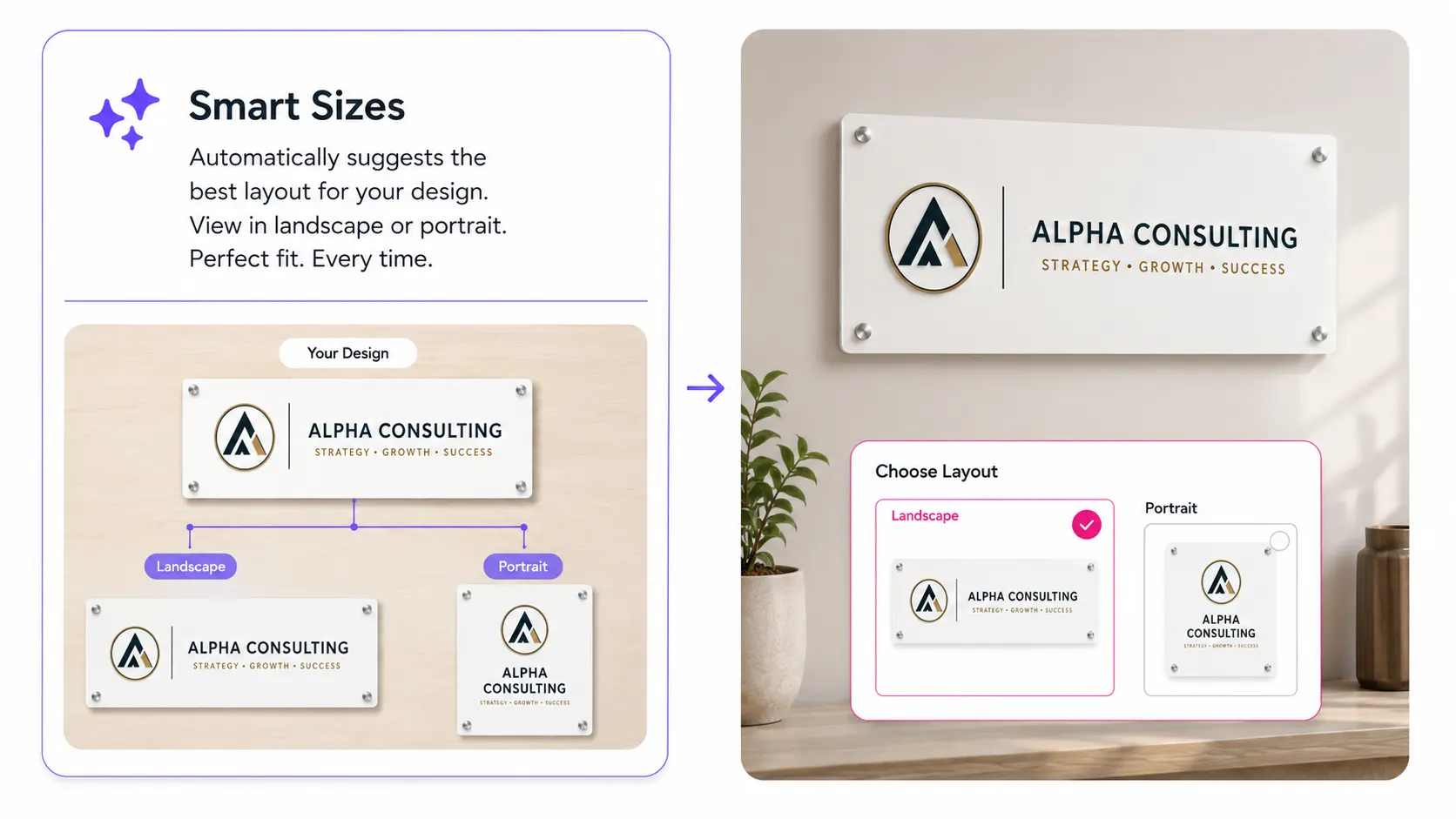
Smart Sizes

Offer multiple large-format size variations from a single template while preserving brand consistency across formats.

  • One master design drives every size variation
  • Keeps branding and layout consistent across formats

Stores use this to avoid rebuilding templates for every banner or poster size they sell. See how →

Try out Demo
Print-ready vector PDF output generated from a customer design

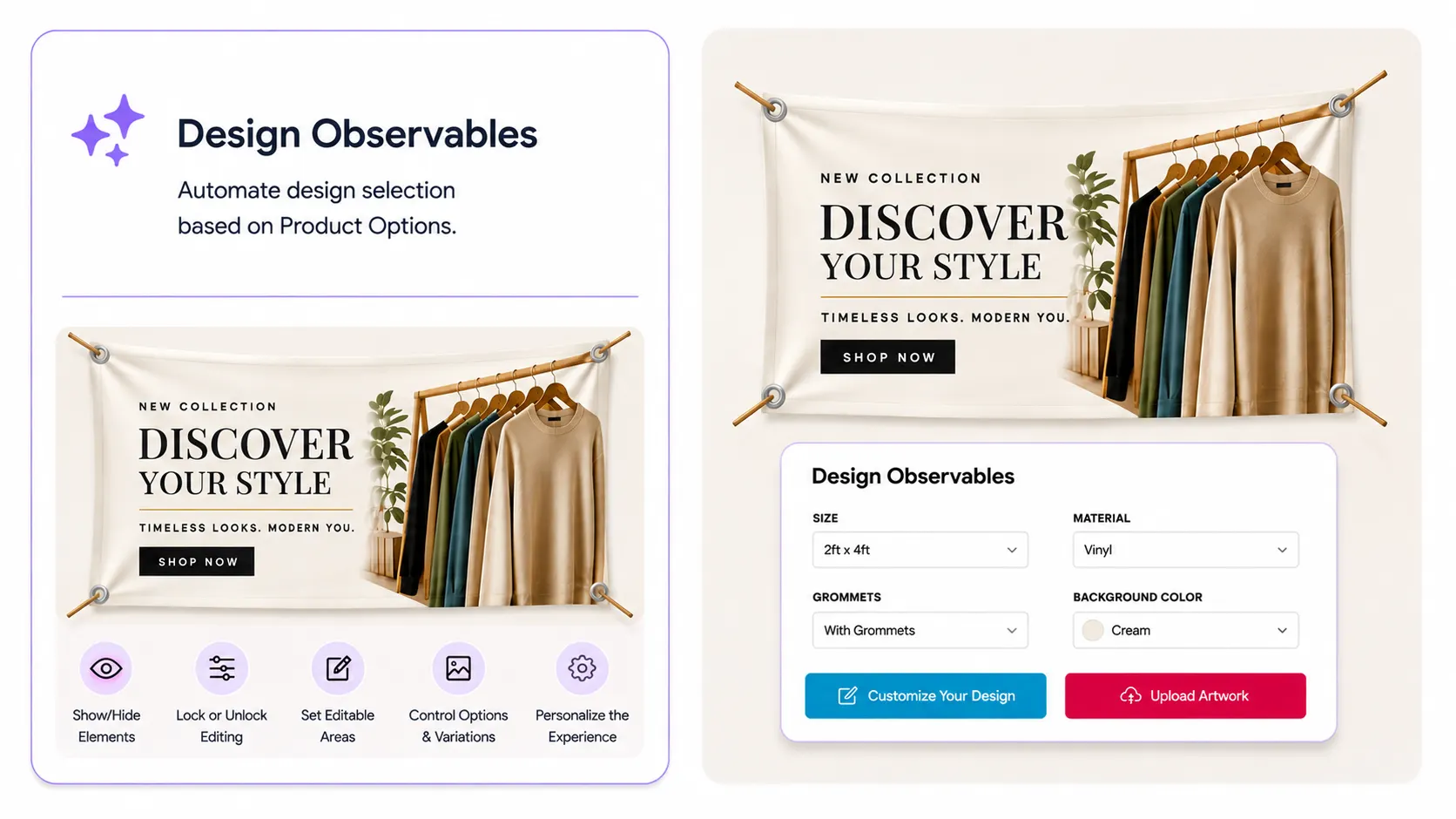
Design Observables

Automatically open the right design template based on the options your customers choose for large-format products.

  • Match designs automatically to options like material, finish, orientation, or mounting style
  • Create tailored templates for products such as floor graphics, building wraps, exhibition backdrops, hoarding panels, and pop-up displays
  • Keep large-format ordering simple by showing customers the design that fits their selected product configuration

Print shops use this to automatically deliver the right design experience for complex large-format products with multiple materials, sizes, and finishing options. View feature →

Try out demo
Recommended setup

Features that support
large-print workflows

These PitchPrint tools help manage flexible sizing, layout variations, mounting guides, editor workspace, production layouts, and vector output.

  • Canvas Adjuster

    Let customers choose preset dimensions or enter fully custom measurements for banners, posters, displays, wall murals, and signage.

  • Smart Sizes

    Create multiple layout variations from one large-format master design for portrait, landscape, square, vertical, or panoramic formats.

  • Grommets

    Add reinforced eyelet placement guides for banners, signage, backdrops, and outdoor displays that need hanging or mounting.

  • Display Modes

    Control whether the editor appears inline, in mini mode, or full-screen for large-format products that need more workspace.

  • Custom Layouts

    Create specialized structures for safe zones, cut lines, fold areas, panel divisions, and installation sections.

  • Vector PDF Output

    Generate print-ready PDF files that preserve sharp text, logos, illustrations, and layout accuracy at oversized print dimensions.

Ready to set up large-format printing?

Review the documentation or try the large-print design workflow for yourself.

Documentation

View Documentation

Full API reference, integration guides, and code examples for developers.

View docs
Live demo

Try It For Free

Spin up a free account and test this feature on your own products in minutes.

Try It For Free
Before and after

What changes when
large-format ordering moves online

PitchPrint gives customers clearer size-aware design tools and gives production teams better files to work from.

Before PitchPrint

  • Customers describe oversized dimensions, panel splits, and artwork placement in notes or email attachments.
  • Print teams manually translate installation requirements into artwork setup and production decisions.
  • Low-resolution images, wrong proportions, and missing mounting details are often found late in proofing.
  • Multiple large-format sizes require duplicated templates and repeated layout work.

After PitchPrint

  • Customers choose preset or custom dimensions and design against the correct oversized product shape.
  • The editor can support live previews, grommet guides, panel-aware layouts, and large workspaces.
  • Smart size variations can be managed from master designs instead of rebuilt from scratch.
  • Orders arrive with clearer dimensions, artwork placement, installation expectations, and print-ready PDFs.

Benefits for store owners

  • Sell more banners, signage, displays, wraps, murals, and posters online without adding manual setup work.
  • Reduce prepress checks for wrong proportions, low-quality artwork, unclear dimensions, and missing installation details.
  • Manage multiple sizes and orientations from consistent master templates and optimized layout variations.
  • Give customers a more confident visual ordering flow for high-value large-format products.

Benefits for customers

  • Enter custom dimensions and design against the correct product shape and orientation.
  • Preview banners, signs, posters, decals, murals, displays, and canvas prints before checkout.
  • Use professional layouts and smart sizing tools without external design software.
  • Avoid common mistakes like stretched artwork, poor scaling, missing grommet placement, or unsuitable low-resolution uploads.