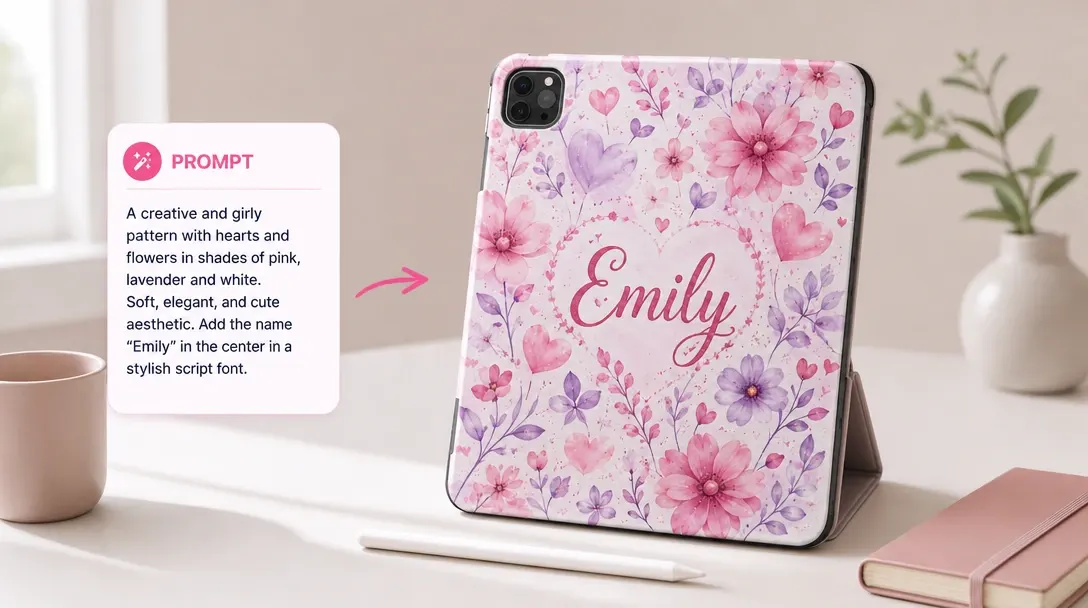
One-Click Tone Swapping
Customers can instantly change their message style to casual, formal, playful, motivational, or inspiring.

Help customers rewrite, improve, and polish text content directly inside their product designs.
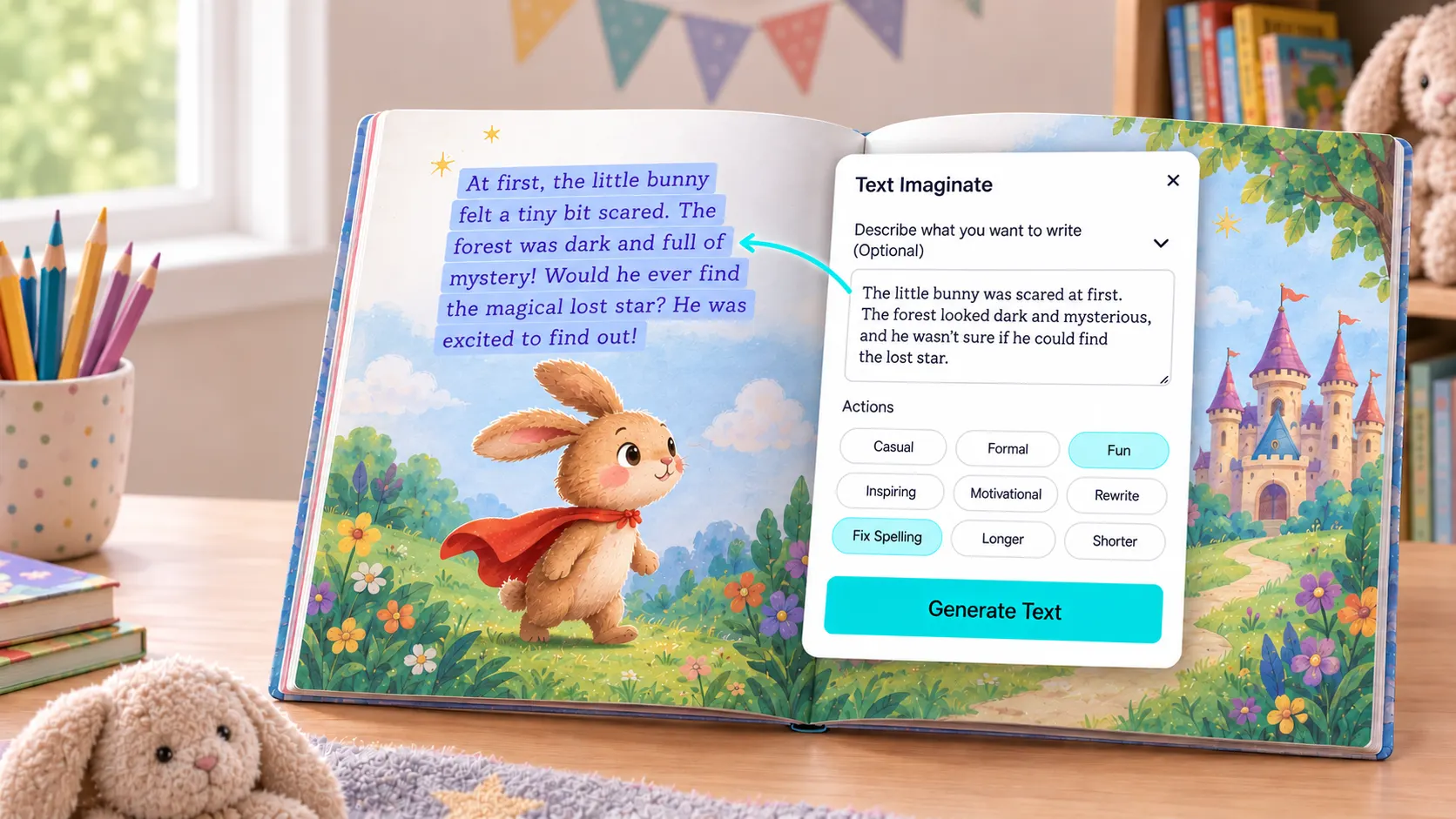
Spelling mistakes and paragraphs that spill over template edges can ruin a print job. This tool automatically checks spelling and grammar, helps customers rewrite text to fit the template, and shifts writing tones (like formal to playful) to match the product.
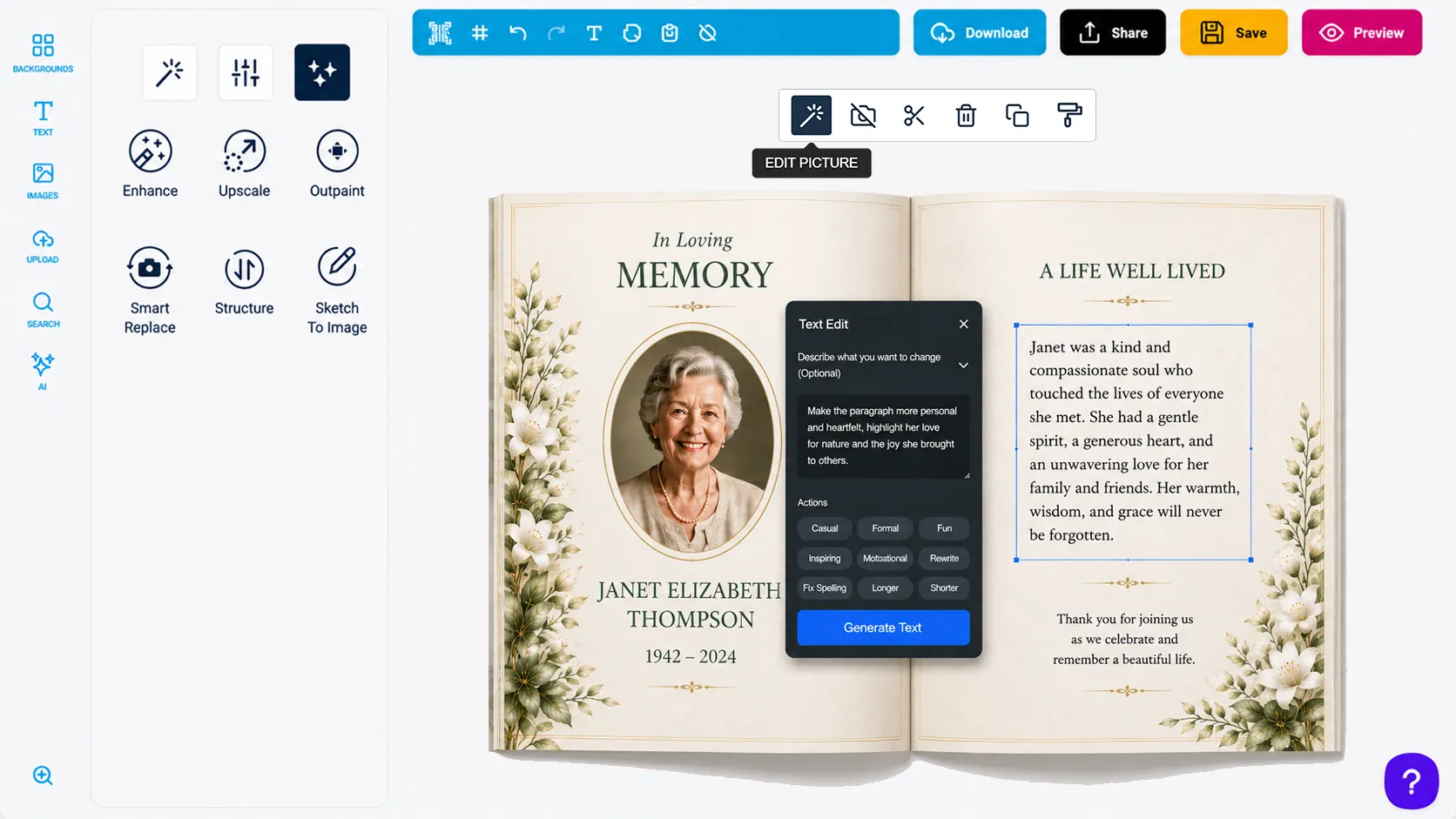
Customers can instantly change their message style to casual, formal, playful, motivational, or inspiring.
The tool automatically checks and corrects spelling and grammar issues to ensure professional printed results.
Users can quickly shorten or expand their text blocks to perfectly fit the physical layout of the template.
The editor automatically detects and targets active text fields, eliminating manual copying and pasting.

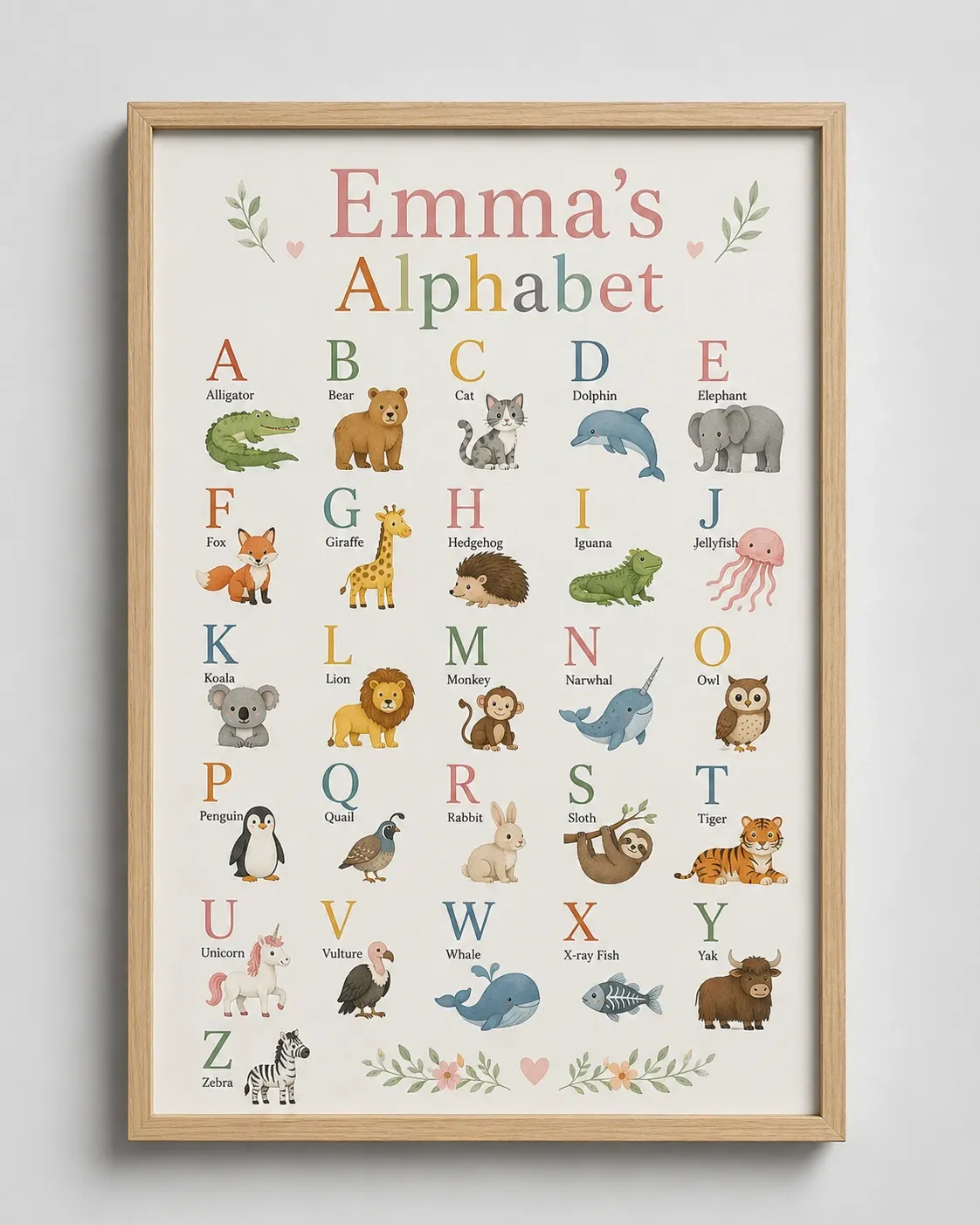
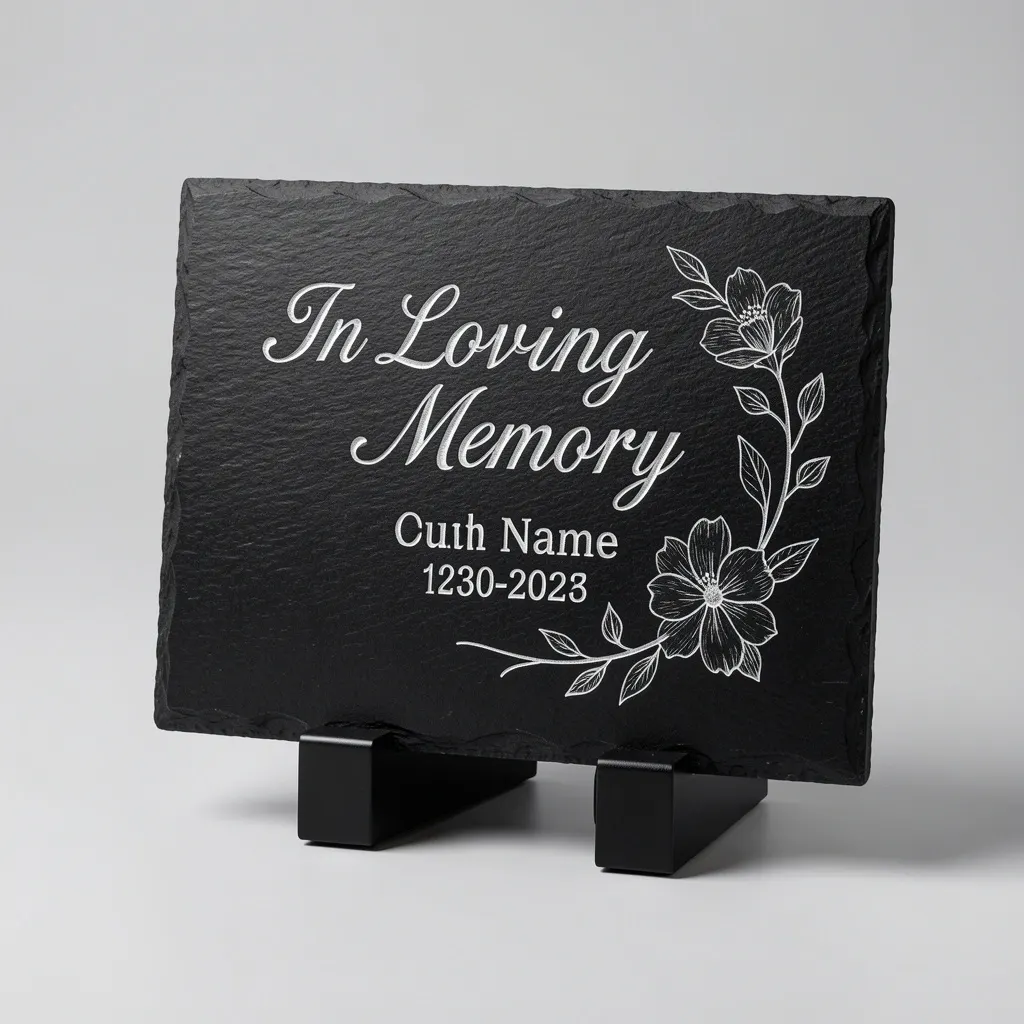
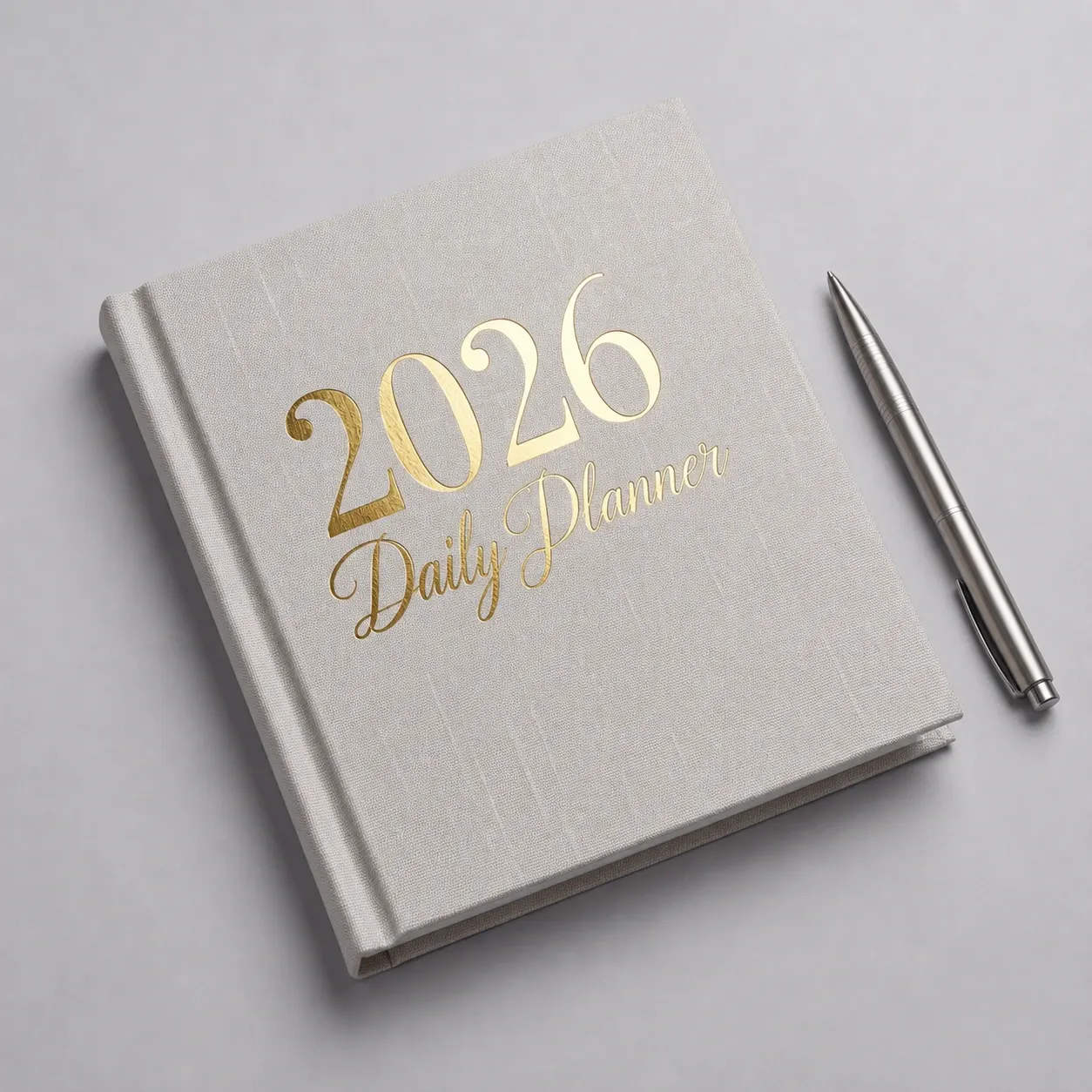
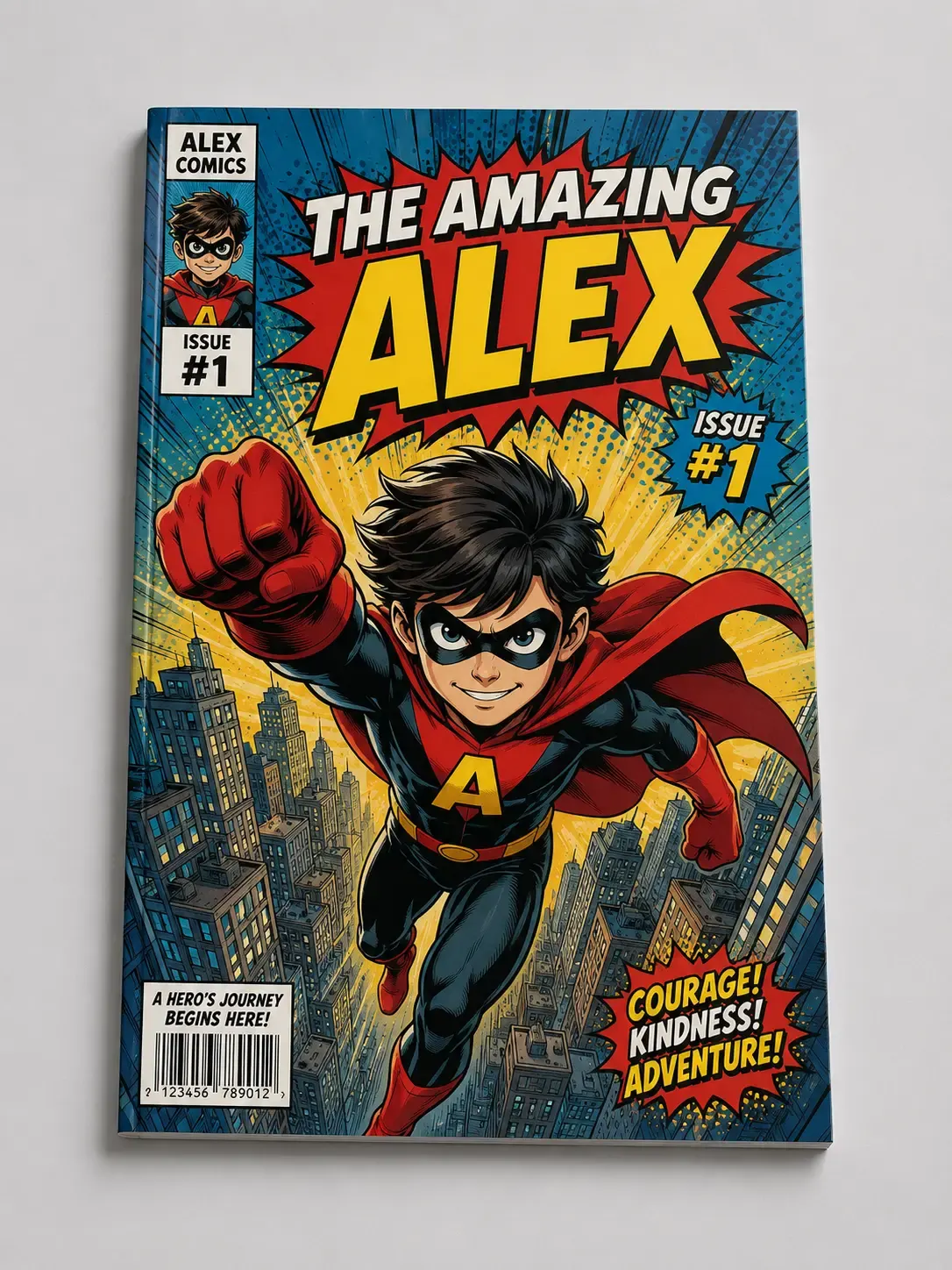
Use AI Text Edit when customer designs depend on polished written content.
AI Text Edit helps customers create clearer copy while reducing common spelling and grammar issues.
Customers can improve wording during customization.
AI assistance makes writing easier for non-design users.
Spelling, grammar, and formatting issues are easier to correct.
Updated text stays inside the active design workflow.
Review implementation guidance or try this AI feature in your own PitchPrint workflow.
Full API reference, integration guides, and code examples for developers.
Spin up a free account and test this feature on your own products in minutes.
No credit card required. Start customizing products in minutes.
FAQ
Spelling mistakes and paragraphs that spill over template edges can ruin a print job. This tool automatically checks spelling and grammar, helps customers rewrite text to fit the template, and shifts writing tones (like formal to playful) to match the product.
Help customers rewrite, improve, and polish text content directly inside their product designs.
Use AI Text Edit when customer designs depend on polished written content.