
Your entire store,
one control panel
PitchPrint's admin gives you complete control over every aspect of your print business, from managing designs and customer projects to configuring AI tools and tracking performance.
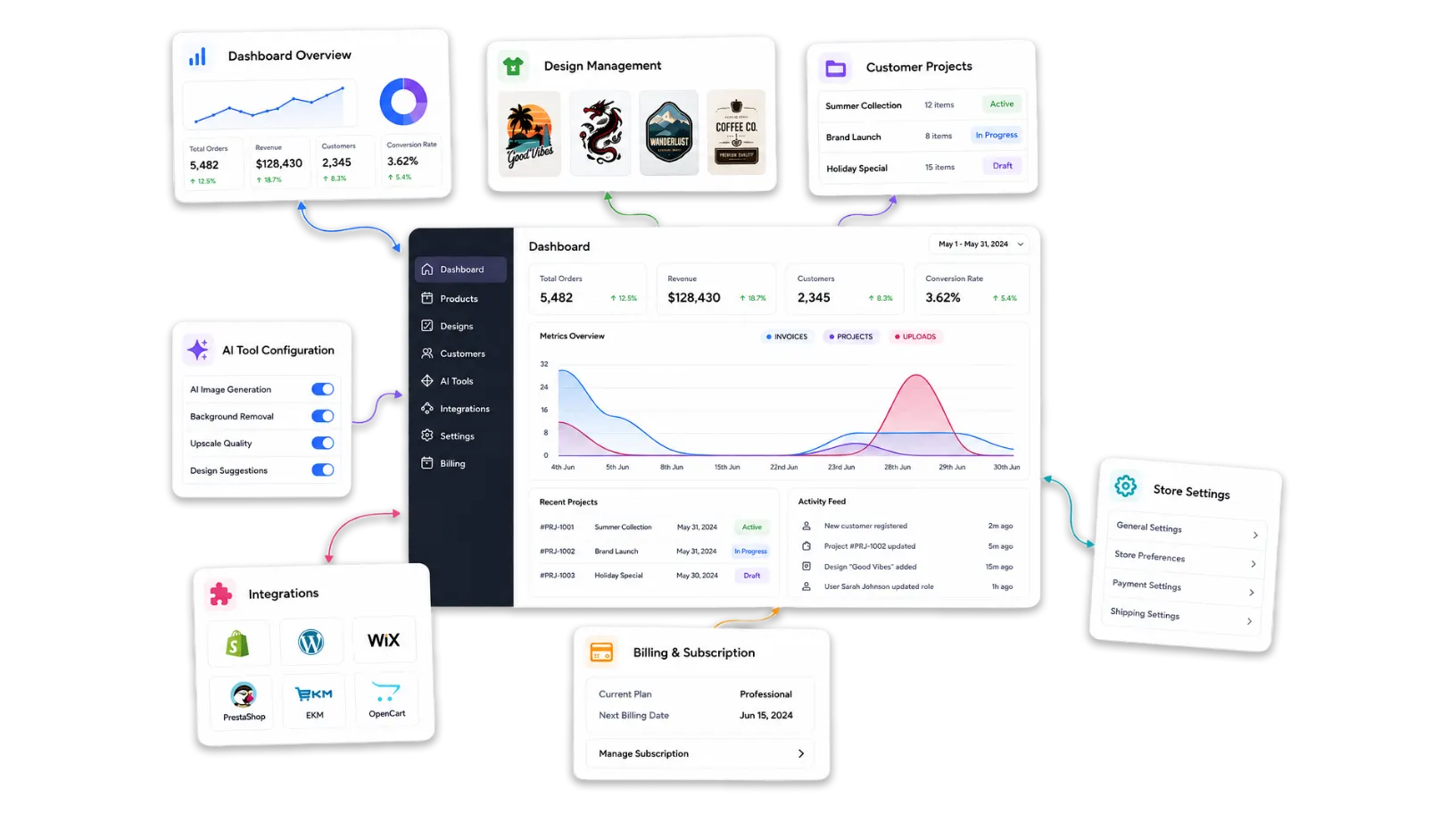
Everything you need
to run your store
All admin tools are available in your PitchPrint dashboard, no extra software, no separate logins.
-
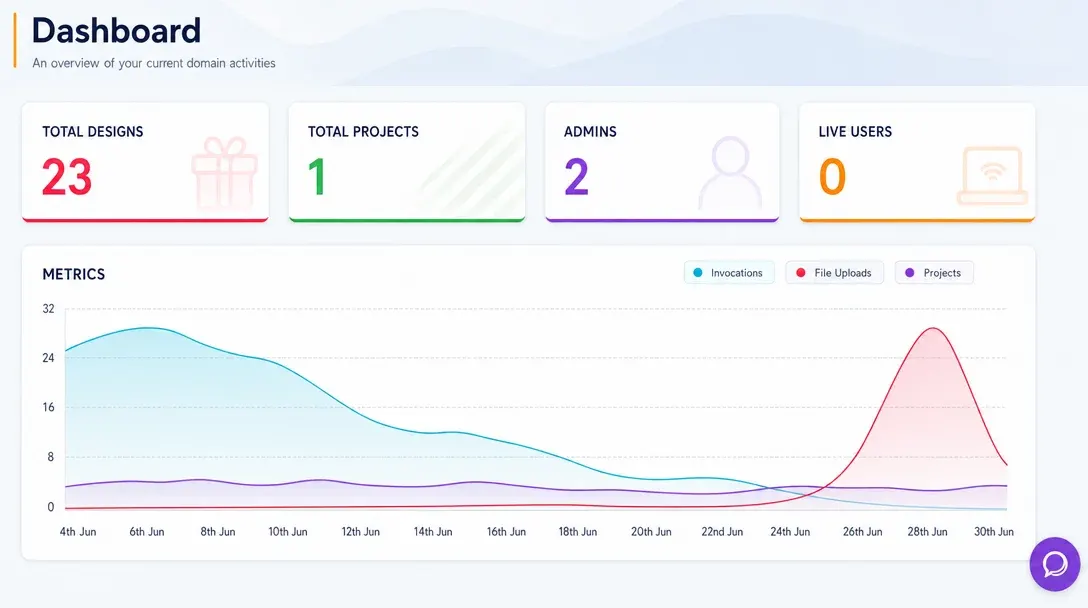
Analytics Dashboard
Monitor store activity, customer engagement, order trends, and design performance from one real-time admin dashboard.
Learn more -
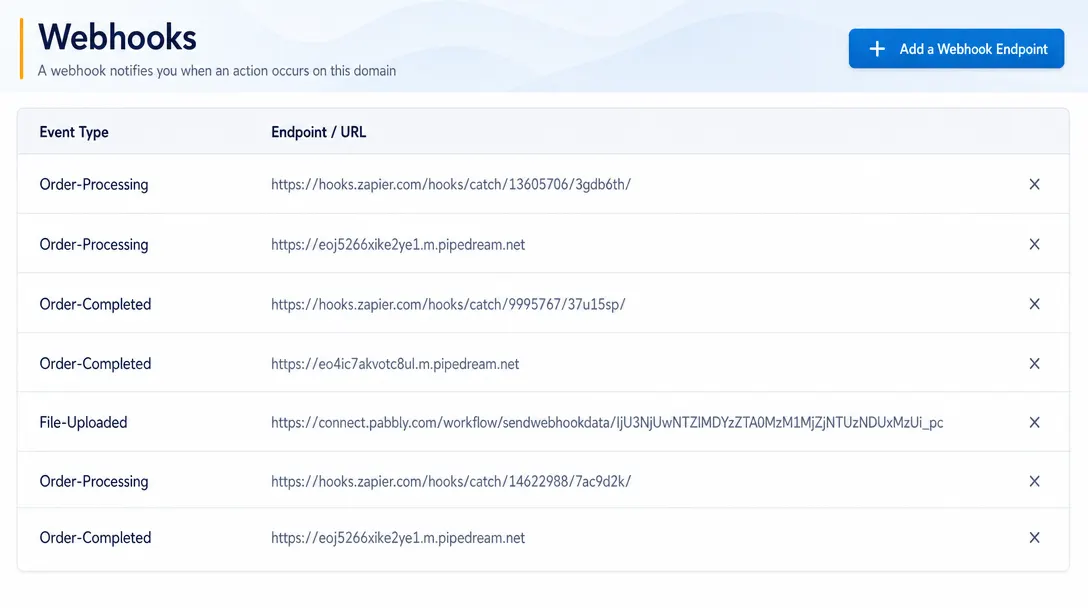
Webhooks
Send real-time event data from PitchPrint to CRMs, ERPs, fulfillment systems, and custom third-party workflows.
Learn more -
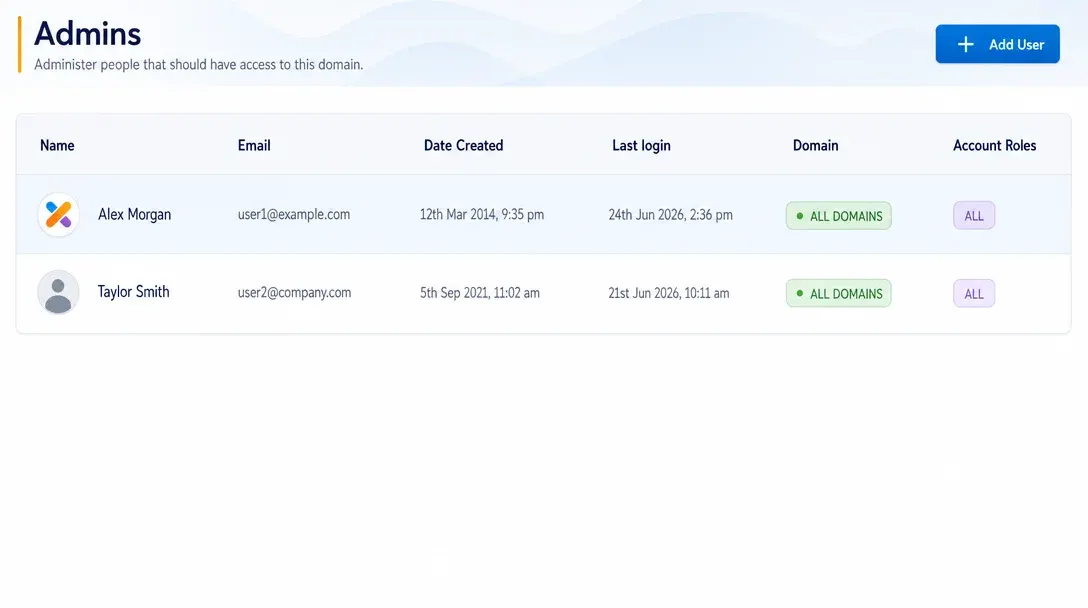
Manage Admins
Create administrator accounts, assign roles, and control team access to PitchPrint tools and resources.
Learn more -
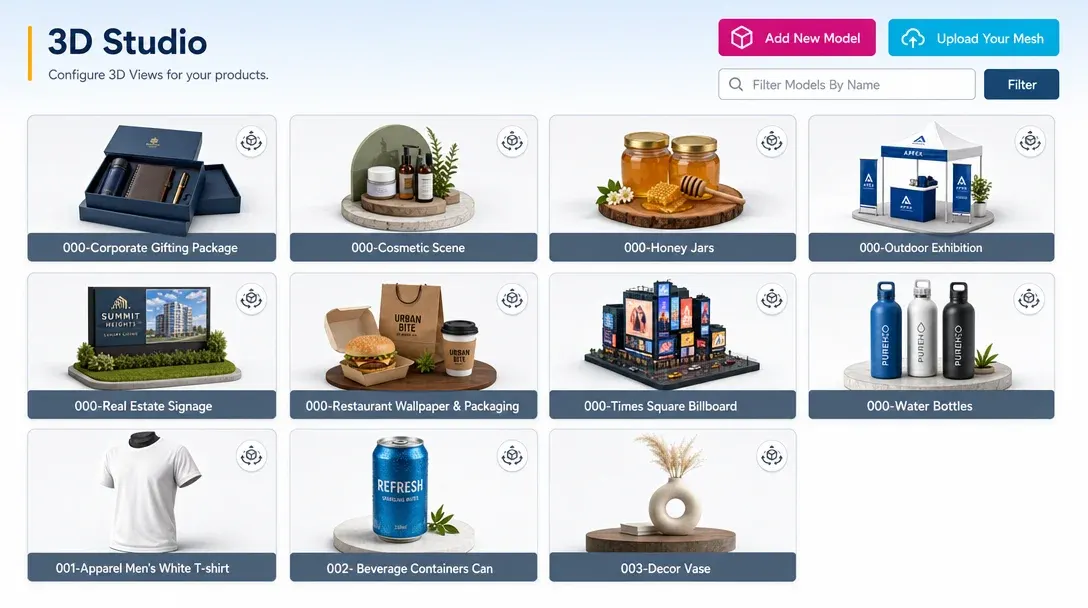
3D Studio
Create, configure, light, texture, and manage advanced 3D product experiences inside the PitchPrint platform.
Learn more -
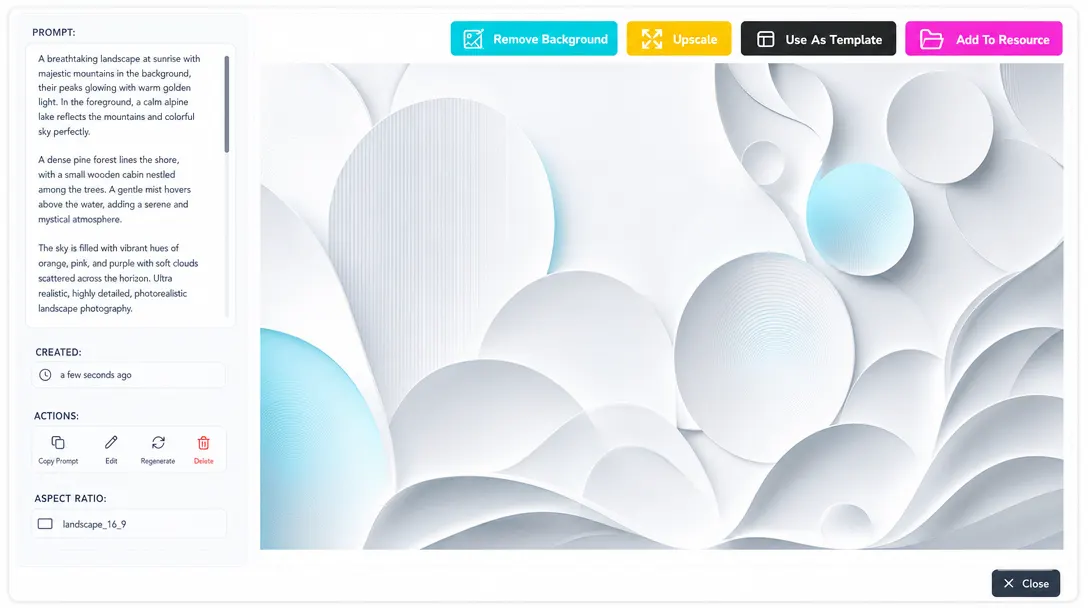
AI Studio
Use intelligent design tools and automation features to streamline content creation and customization workflows.
Learn more -
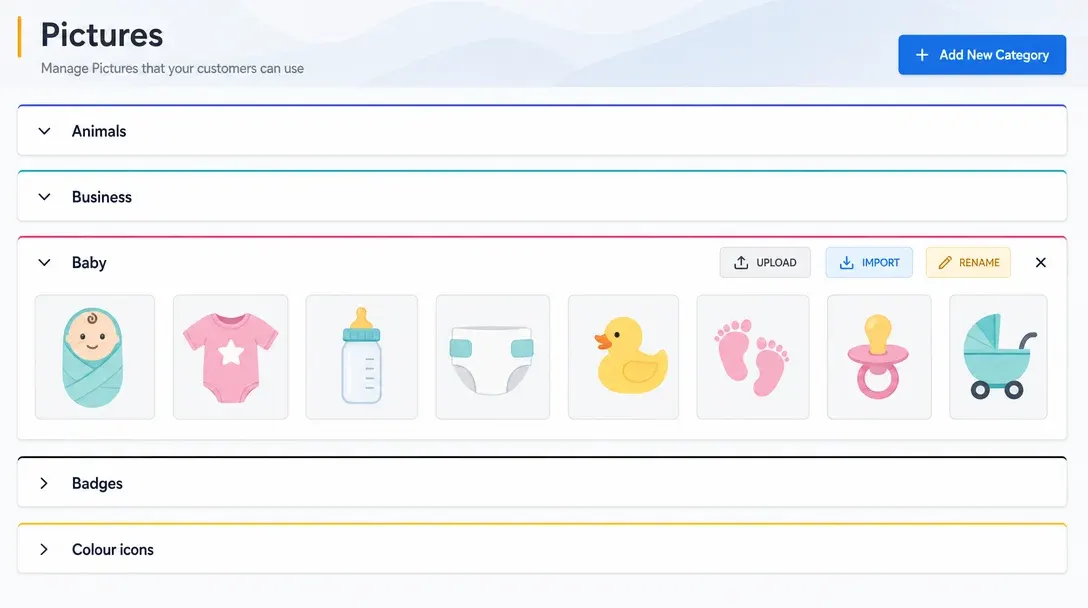
Set Up Resources
Organize fonts, images, templates, backgrounds, and approved design assets for consistent use across projects and products.
Learn more -
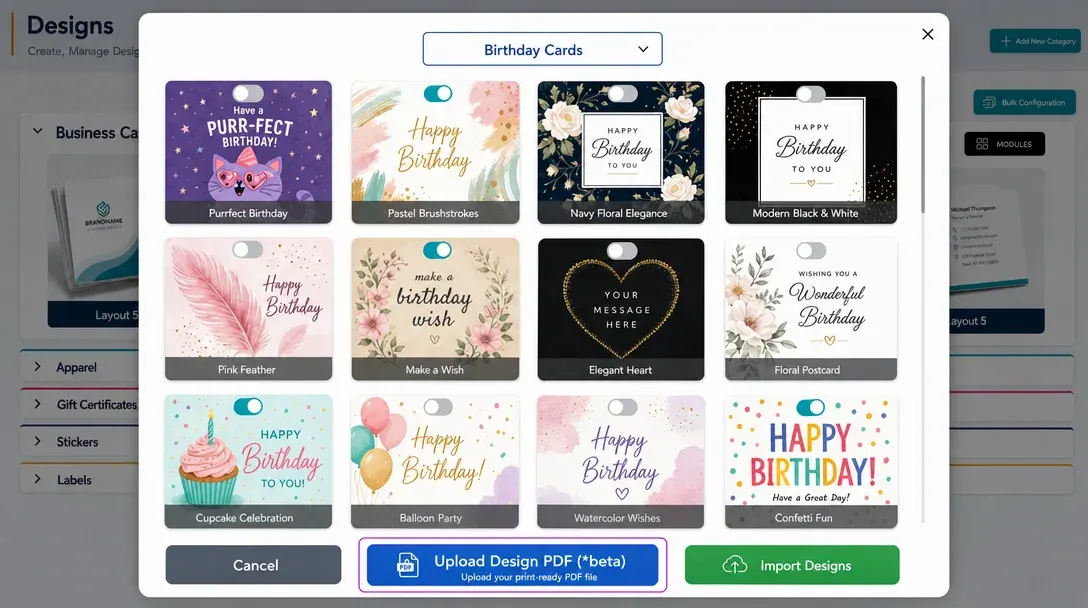
PDF Imports
Upload existing PDF artwork and convert production files into editable PitchPrint design templates.
Learn more -
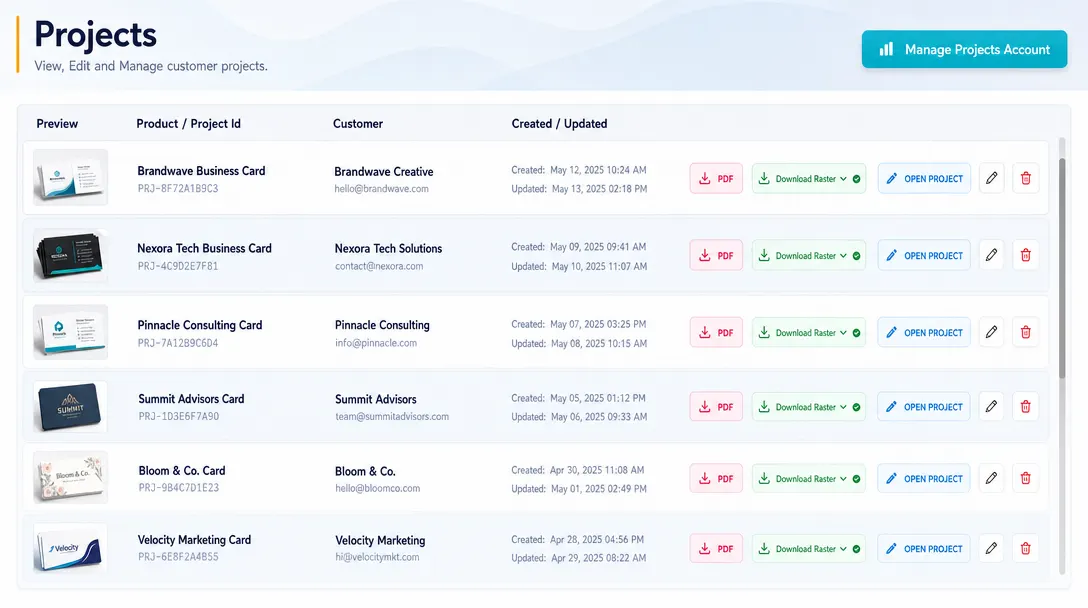
View & Manage Projects
Review, organize, edit, and manage customer and internal design projects from a centralized dashboard.
Learn more -
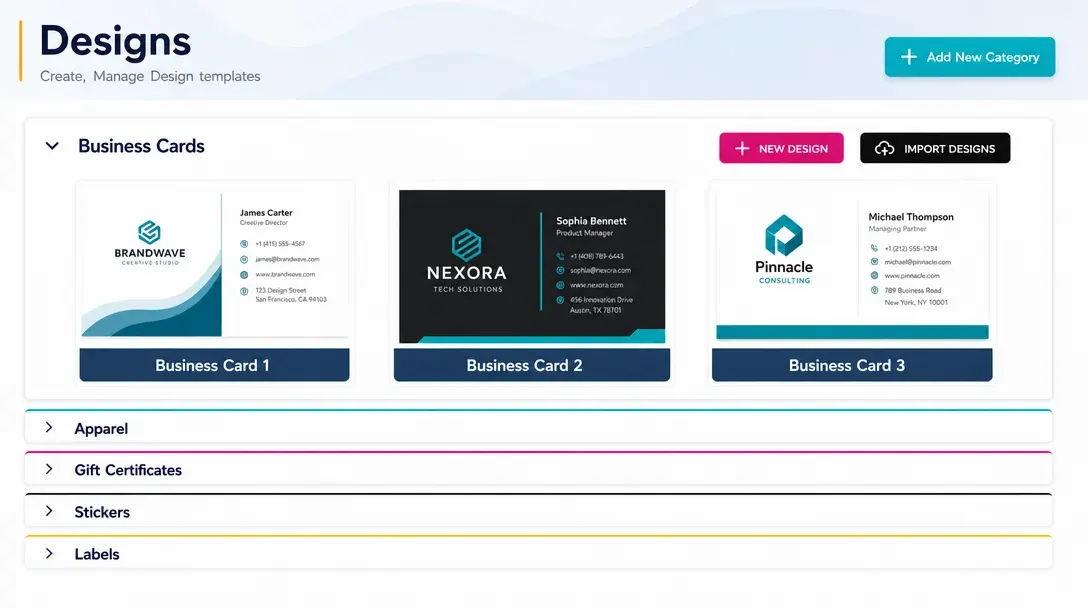
Create & Manage Designs
Build, edit, maintain, reuse, and update customizable product templates across products and storefronts.
Learn more -
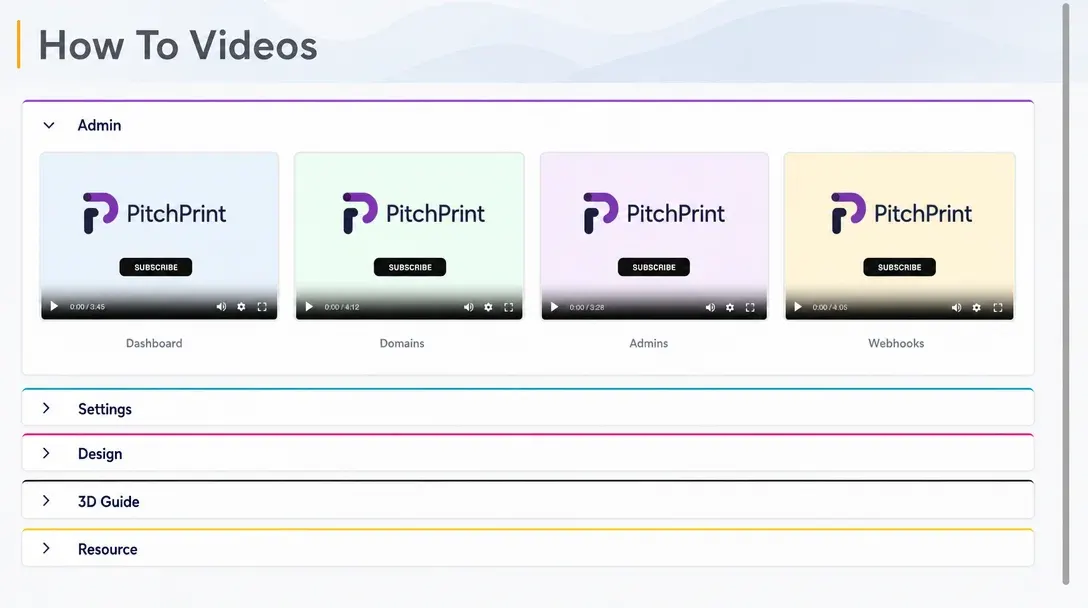
PitchPrint Academy
Access educational resources, tutorials, onboarding support, and best practices for getting more from PitchPrint.
Learn more