
Set Up
Resources
Organize fonts, images, templates, backgrounds, and approved design assets for consistent use across projects and products.
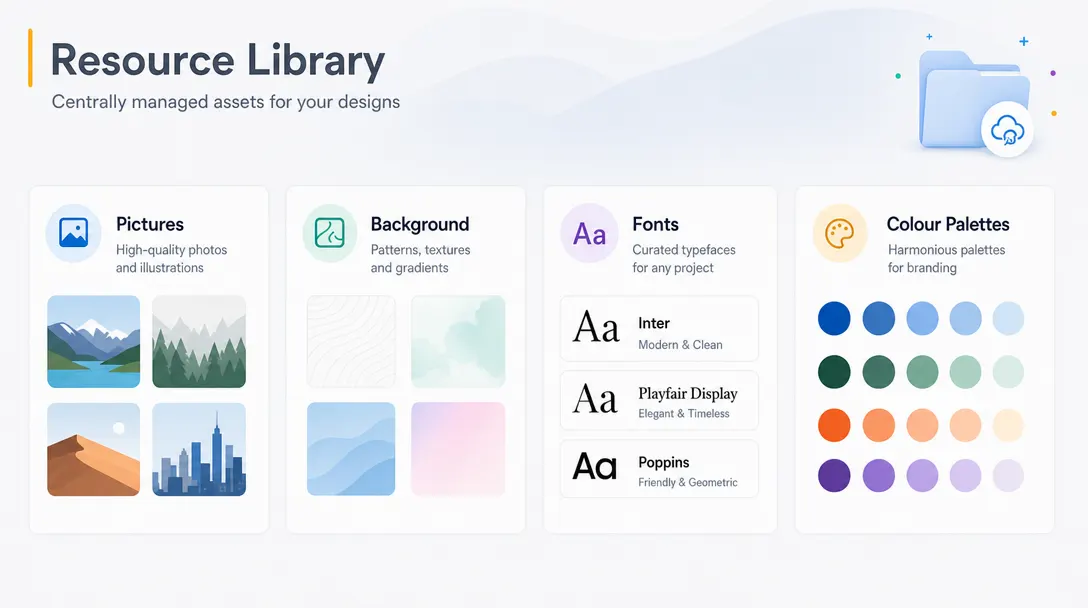
Centralized asset management for the editor
Set Up Resources allows administrators to organize and manage assets such as fonts, images, templates, and background elements within the platform.
Resources can be centrally managed for easy access across projects and products.
Keep approved assets easy to find. Teams can maintain consistency across storefronts, products, and customer design workflows.
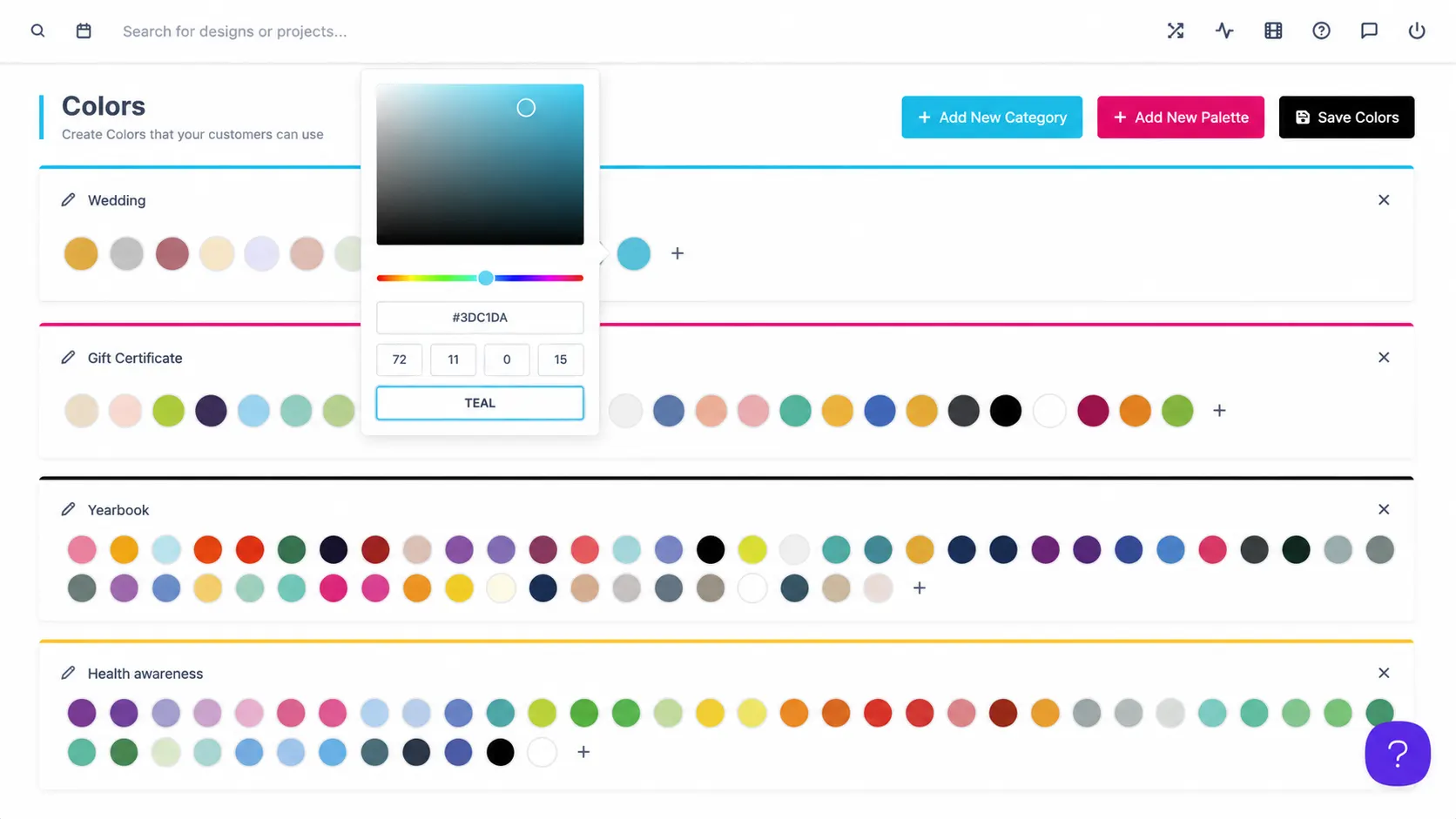
Asset control for
consistent branding
Brand kits: Curate approved fonts, colors, and logos for every product.
Template libraries: Keep reusable layouts organized across storefronts.
Seasonal campaigns: Swap curated image and background collections per campaign.
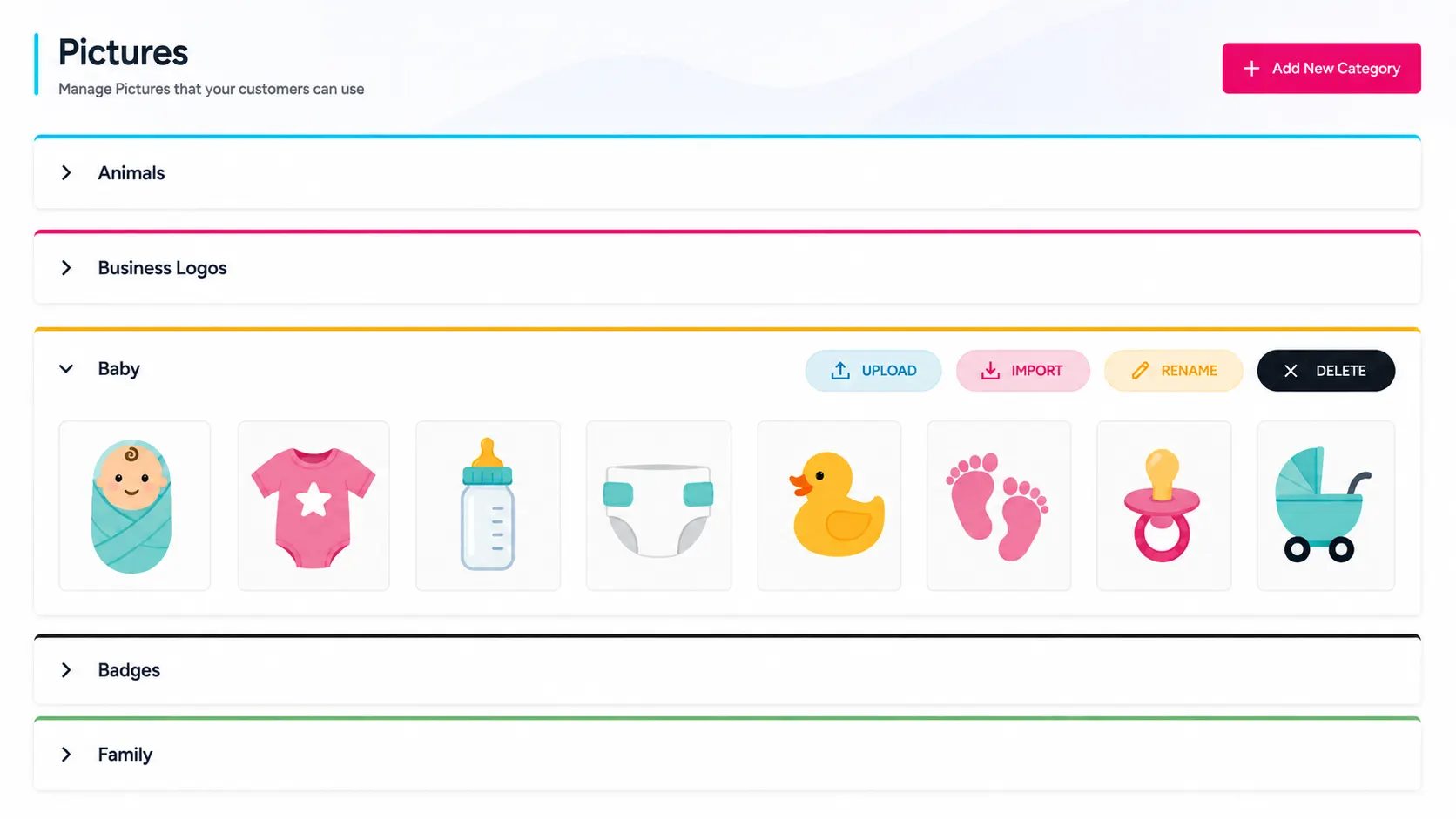
for practical
admin control
-
Font management
Organize approved typography resources for use inside the design editor.
-
Image libraries
Manage image assets, backgrounds, and reusable design elements.
-
Template resources
Centralize templates and reusable layouts for products and projects.
-
Brand consistency
Make approved resources available to the right teams and product experiences.
Better visibility,
control, and workflow
Admin features help teams manage customization, production, and platform operations with less friction.
-
Centralized assets
Centralizes design assets for easier management.
-
Consistent workflows
Improves workflow consistency across teams and products.
-
Approved resources
Simplifies access to approved brand resources and templates.
Learn more about Set Up Resources
Review setup guidance or start testing this admin feature in your PitchPrint account.
View Documentation
Full API reference, integration guides, and code examples for developers.
Try It For Free
Spin up a free account and test this feature on your own products in minutes.
Create Your Account
No credit card required. Start customizing products in minutes.
FAQ
Set Up Resources questions
What is Set Up Resources?
Organize fonts, images, templates, backgrounds, and approved design assets for consistent use across projects and products.
How does Set Up Resources work?
Set Up Resources allows administrators to organize and manage assets such as fonts, images, templates, and background elements within the platform.
Who should use Set Up Resources?
Set Up Resources is useful for Brand kits, Template libraries, Seasonal campaigns.
More ways to manage
your PitchPrint store
-
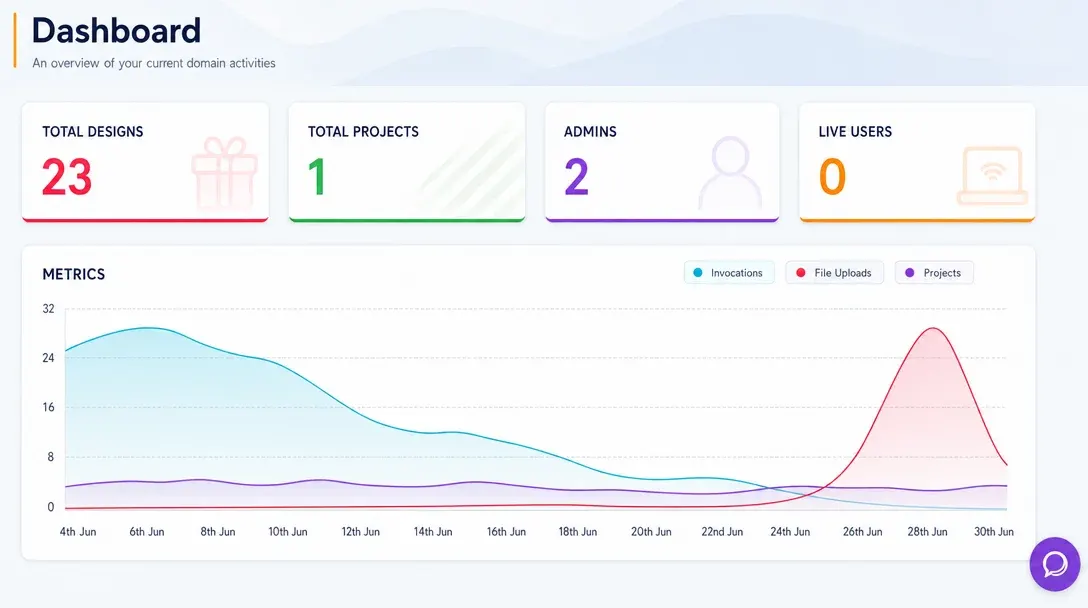
Analytics Dashboard
Monitor store activity, customer engagement, order trends, and design performance from one real-time admin dashboard.
Learn more -
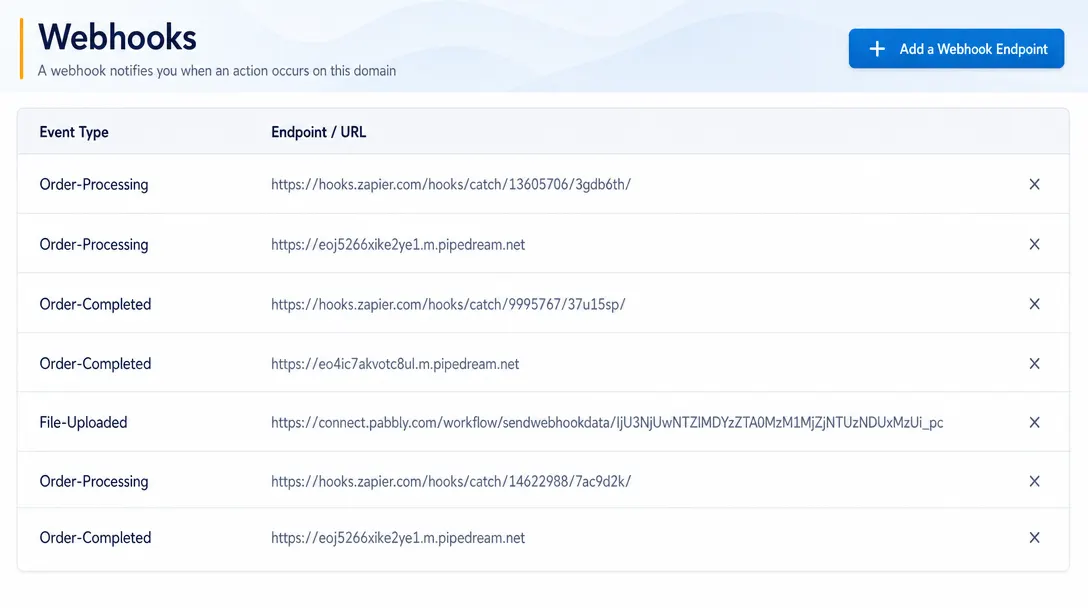
Webhooks
Send real-time event data from PitchPrint to CRMs, ERPs, fulfillment systems, and custom third-party workflows.
Learn more -
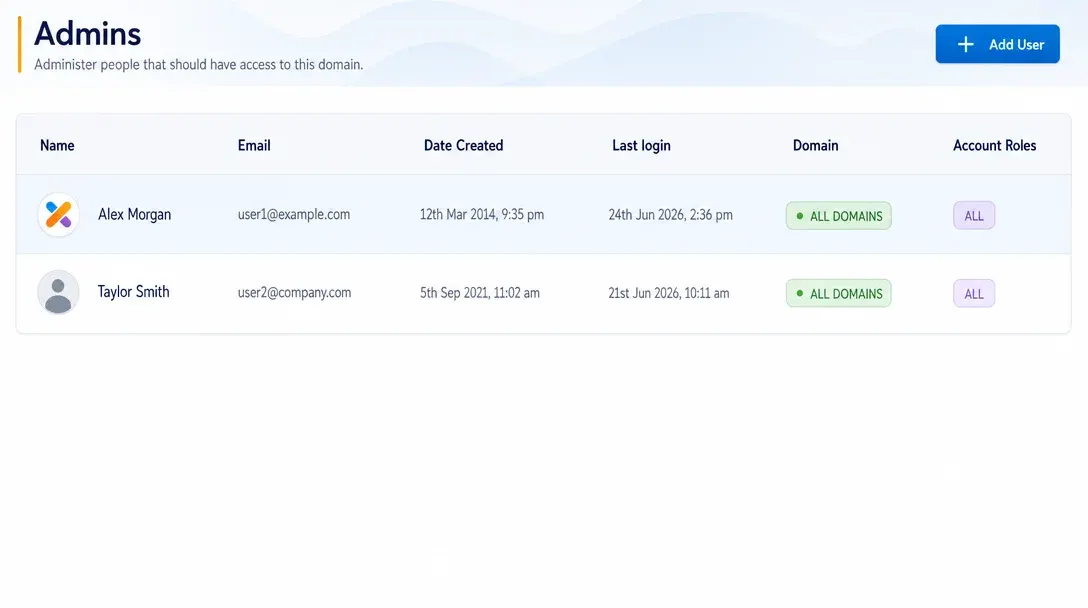
Manage Admins
Create administrator accounts, assign roles, and control team access to PitchPrint tools and resources.
Learn more