
Manage
Admins
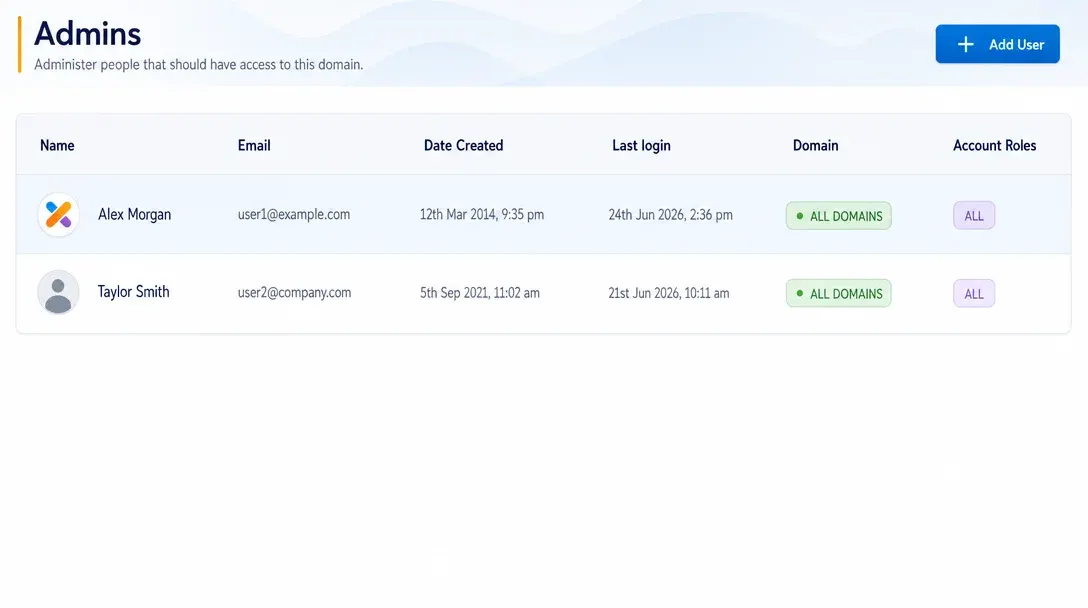
Create administrator accounts, assign roles, and control team access to PitchPrint tools and resources.
Role-based access for admin teams
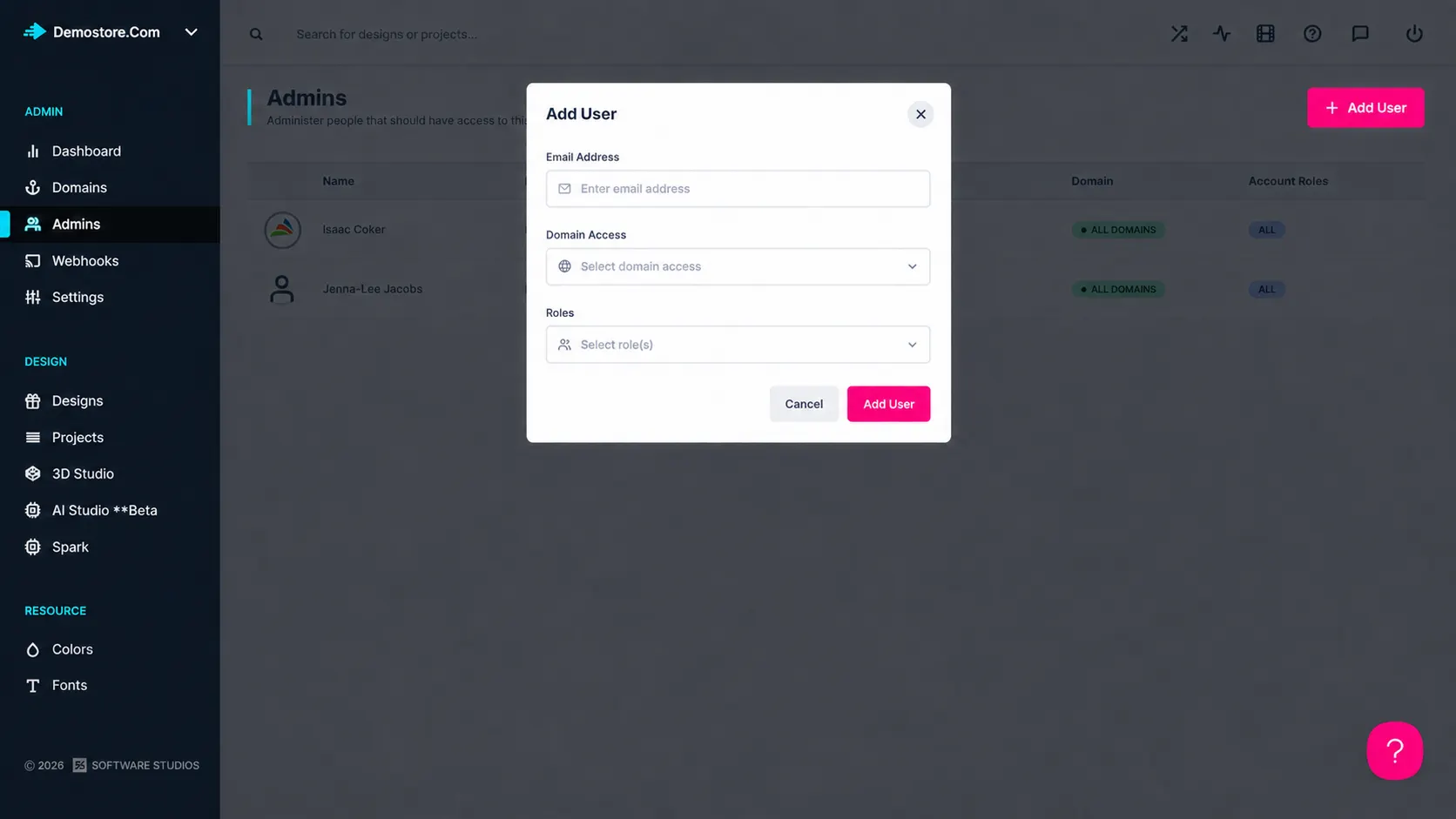
Manage Admins enables businesses to create and control administrator access within the platform.
Permissions and roles can be assigned to ensure team members have the appropriate level of access to tools and resources.
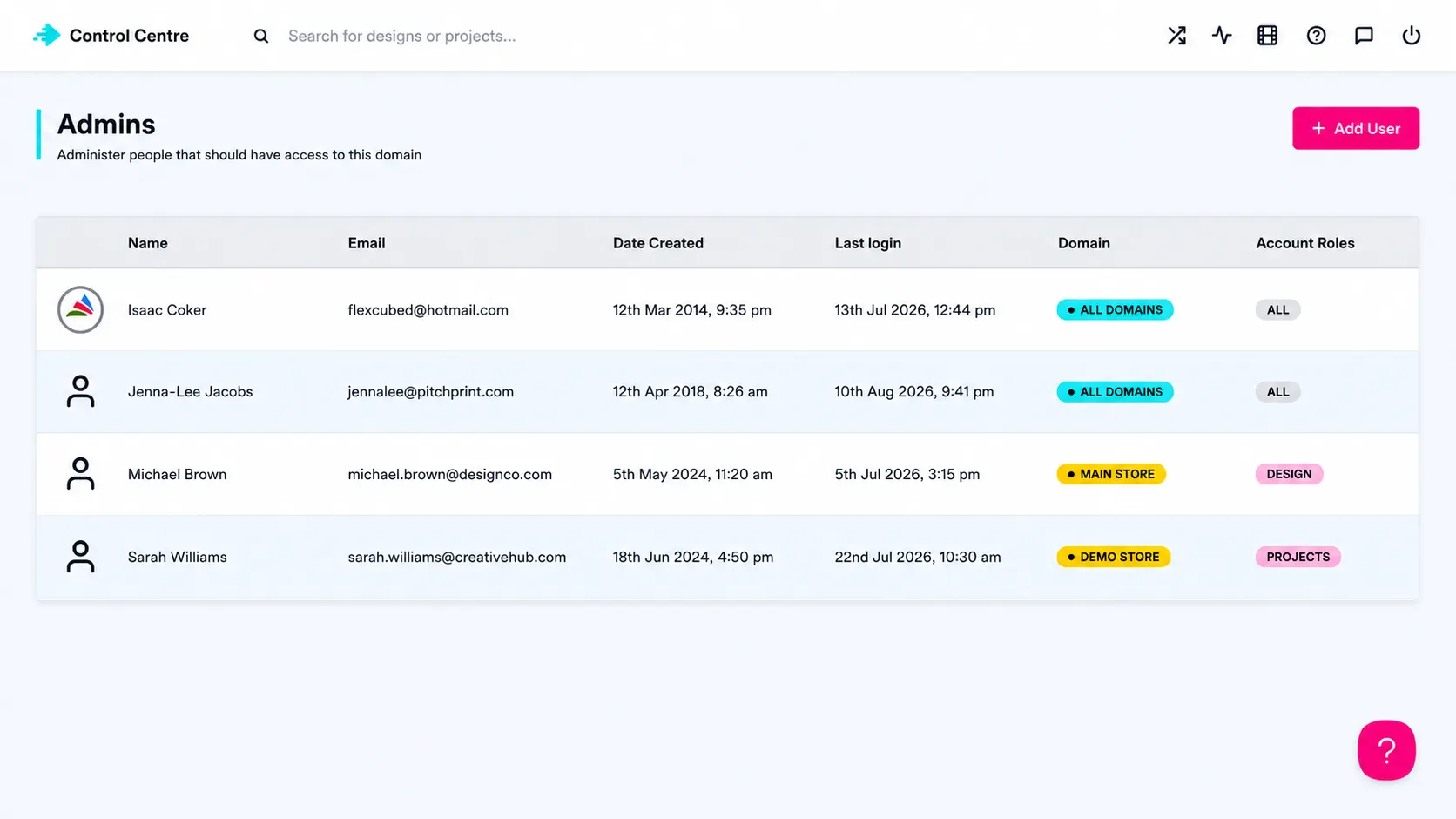
Secure collaboration at scale. Teams can share responsibility without giving every user the same level of control.
Access control for
admin teams
Growing teams: Give designers, support, and production staff the right level of access.
Agency partnerships: Let external partners work on setup without full account control.
Security-conscious stores: Keep sensitive settings and resources limited to trusted administrators.
for practical
admin control
-
Admin account creation
Create and manage administrator access for team members.
-
Permission control
Assign roles that match each user’s responsibilities.
-
Team collaboration
Let multiple team members work inside the platform with appropriate access.
-
Secure workflows
Keep sensitive settings and resources limited to authorized users.
Better visibility,
control, and workflow
Admin features help teams manage customization, production, and platform operations with less friction.
-
Role-based security
Improves security through role-based access control.
-
Simpler collaboration
Simplifies team collaboration and account management.
-
Organized administration
Helps maintain organized and secure administrative workflows.
Learn more about Manage Admins
Review setup guidance or start testing this admin feature in your PitchPrint account.
View Documentation
Full API reference, integration guides, and code examples for developers.
Try It For Free
Spin up a free account and test this feature on your own products in minutes.
Create Your Account
No credit card required. Start customizing products in minutes.
FAQ
Manage Admins questions
What is Manage Admins?
Create administrator accounts, assign roles, and control team access to PitchPrint tools and resources.
How does Manage Admins work?
Manage Admins enables businesses to create and control administrator access within the platform.
Who should use Manage Admins?
Manage Admins is useful for Growing teams, Agency partnerships, Security-conscious stores.
More ways to manage
your PitchPrint store
-
Analytics Dashboard
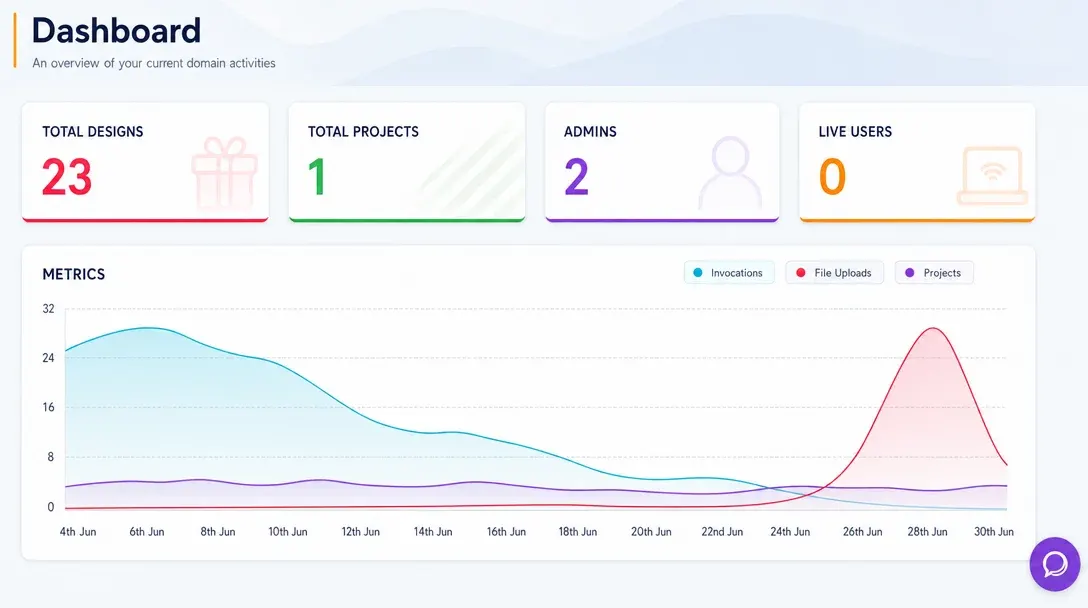
Monitor store activity, customer engagement, order trends, and design performance from one real-time admin dashboard.
Learn more -
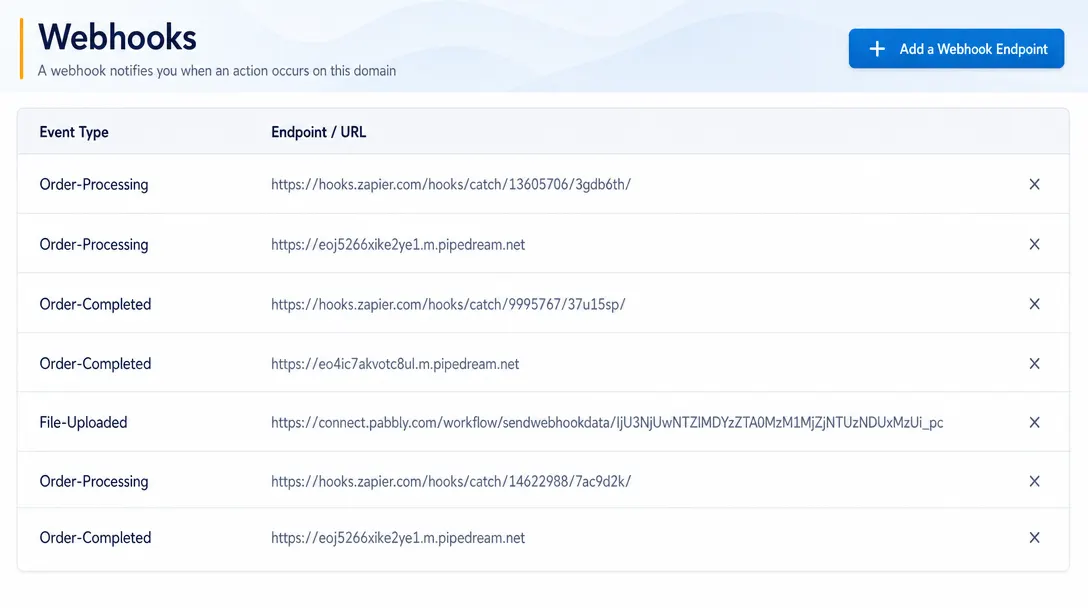
Webhooks
Send real-time event data from PitchPrint to CRMs, ERPs, fulfillment systems, and custom third-party workflows.
Learn more -

3D Studio
Create, configure, light, texture, and manage advanced 3D product experiences inside the PitchPrint platform.
Learn more