
A complete editor,
right out of the box
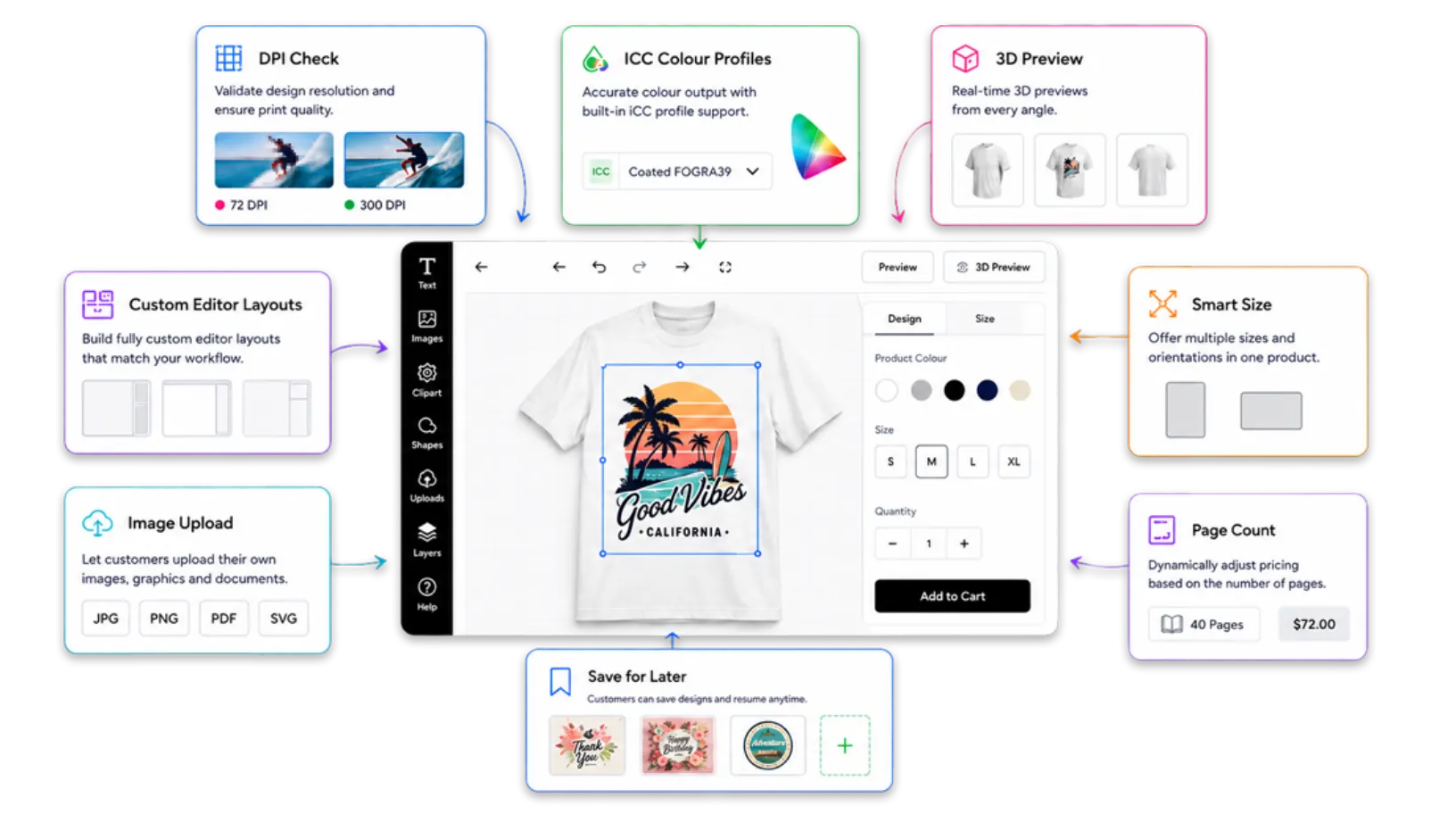
PitchPrint ships with every capability your print store needs, from DPI validation and ICC colour profiles to 3D previews and fully custom editor layouts. No dev work required.
Everything you need,
right out of the box
Every capability is built into PitchPrint and ready to configure from your admin dashboard, with no third-party integrations and no custom development.
-
Online Design Editor
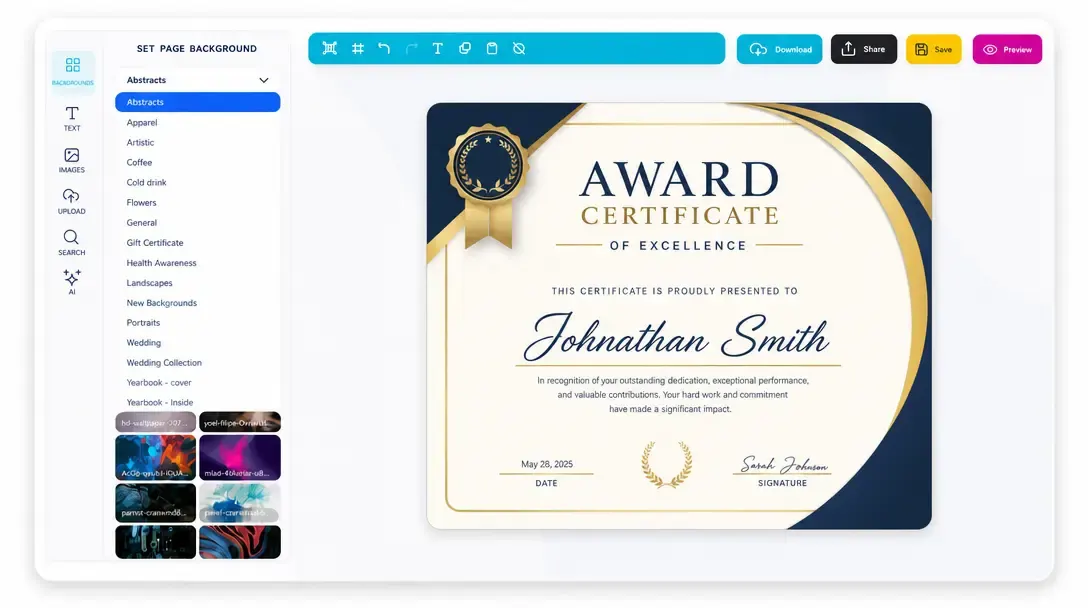
A powerful, canvas-based design editor that runs entirely in the browser. Customers get a professional-grade creative workspace without any downloads or plugins.
Learn more -
ICC Profiles
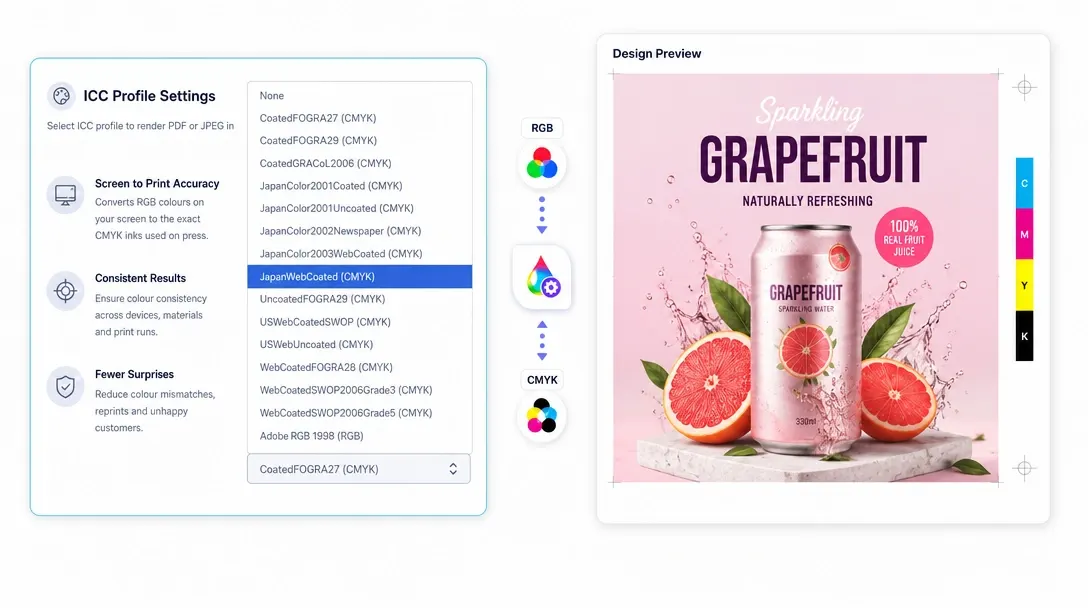
Full ICC colour profile support ensures output files are colour-accurate for professional print workflows, preserving brand colours from screen to press.
Learn more -
3D Previews
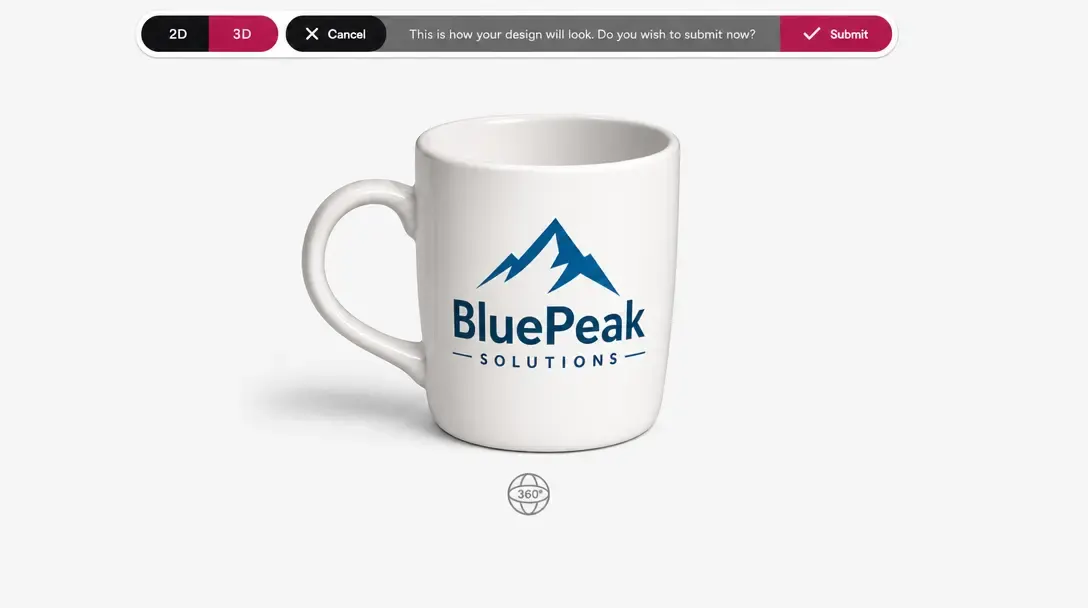
Let customers see their design wrapped on a realistic 3D product mockup before ordering, reducing returns and boosting buyer confidence.
Learn more -
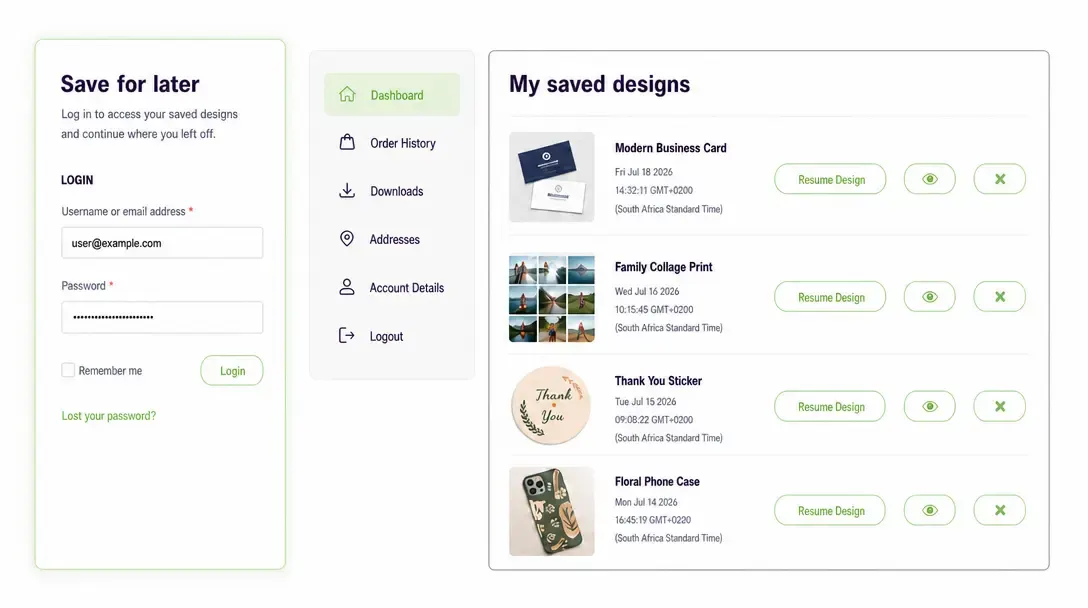
Save For Later
Customers can save projects mid-session and return to them any time, with the ability to duplicate or reorder saved designs directly from their account.
Learn more -
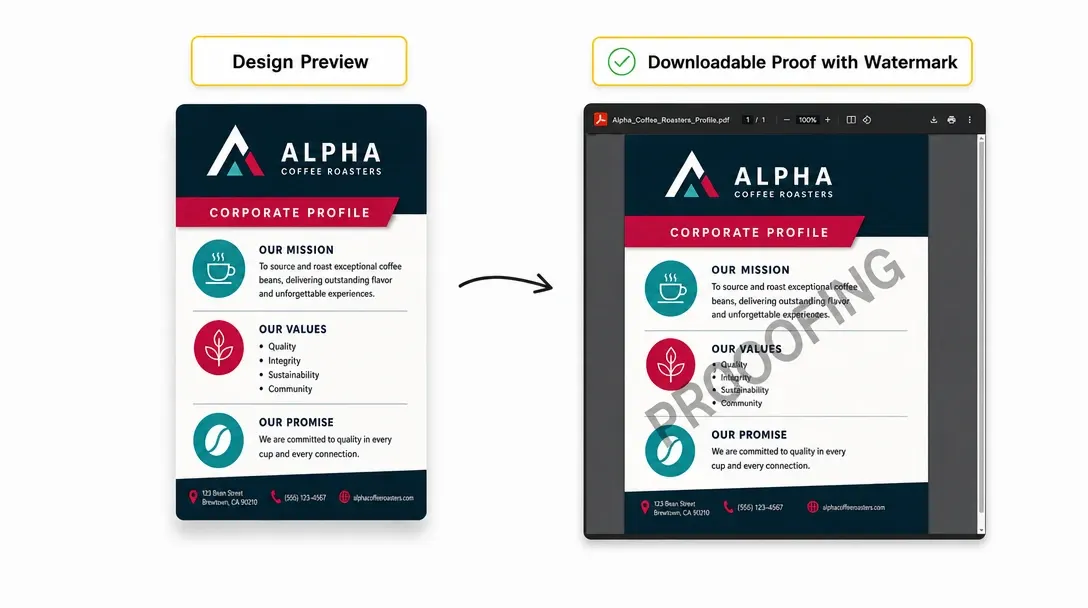
Watermarks
Apply configurable watermarks to project preview files, protecting your designs and ensuring customers only receive clean output files after purchase.
Learn more -
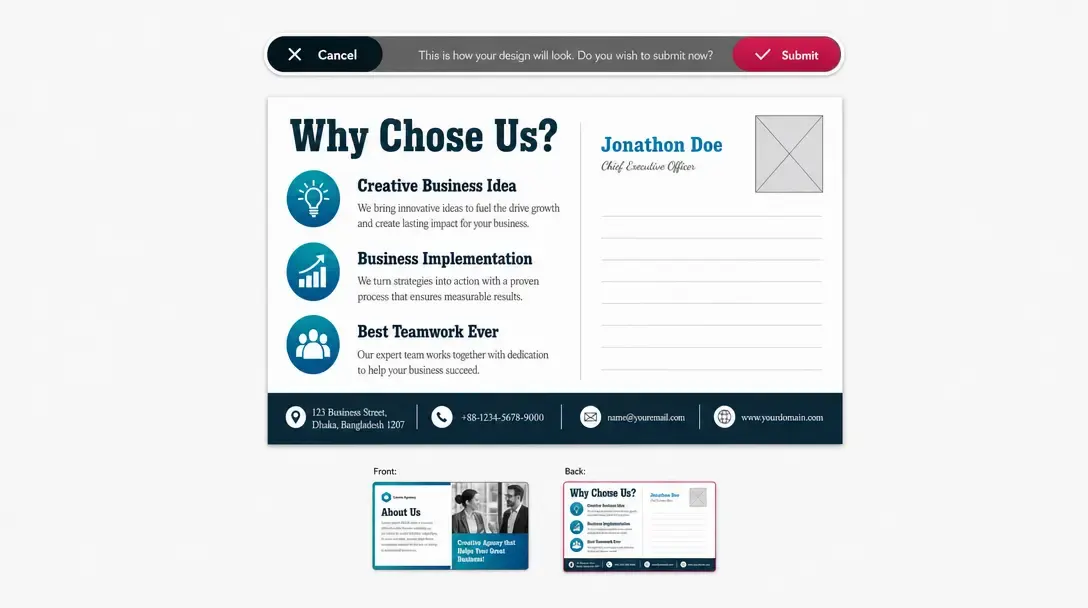
Page Verification
Prompt customers to review all pages before submitting an order, preventing missing content, blank pages, or accidental submissions.
Learn more -
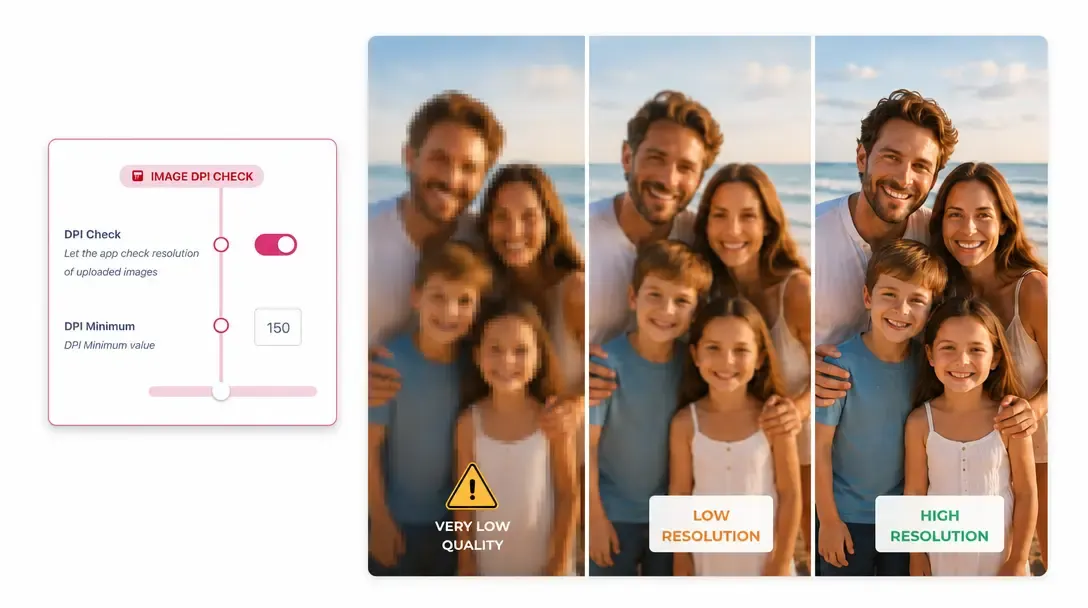
DPI Check
Automatically flag any image that falls below the required print resolution, guiding customers to upload higher-quality assets before checkout.
Learn more -
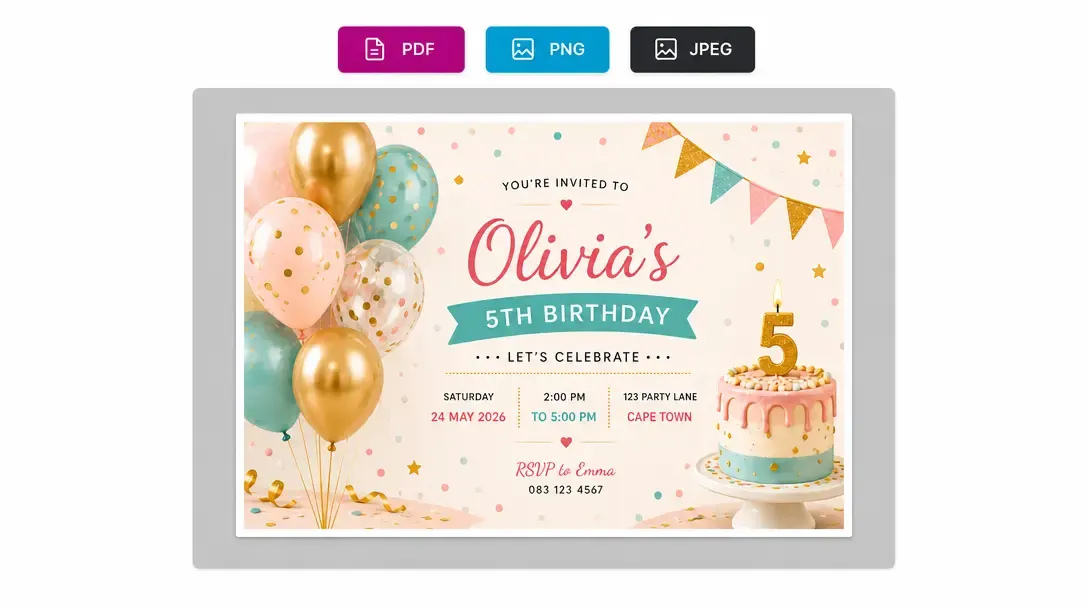
Download Formats
Generate print ready output files in PDF, JPEG, PNG or TIFF. Covering everything from print-ready press files to lightweight web previews
Learn more -
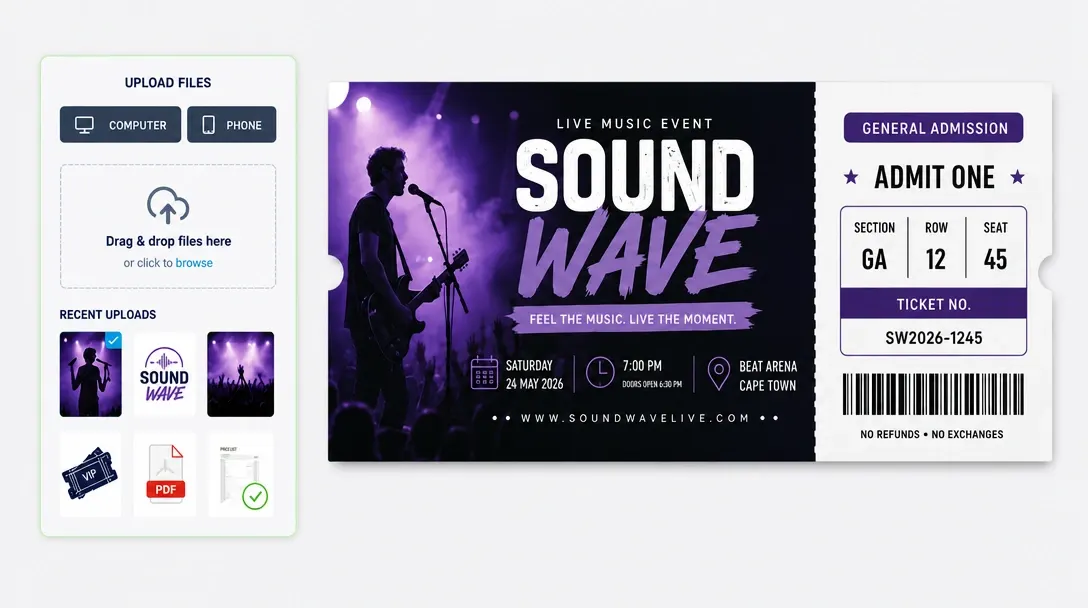
File Uploads
Customers can upload their own photos, logos, and artwork directly into the editor, with file validation and automatic quality checks on every upload.
Learn more -
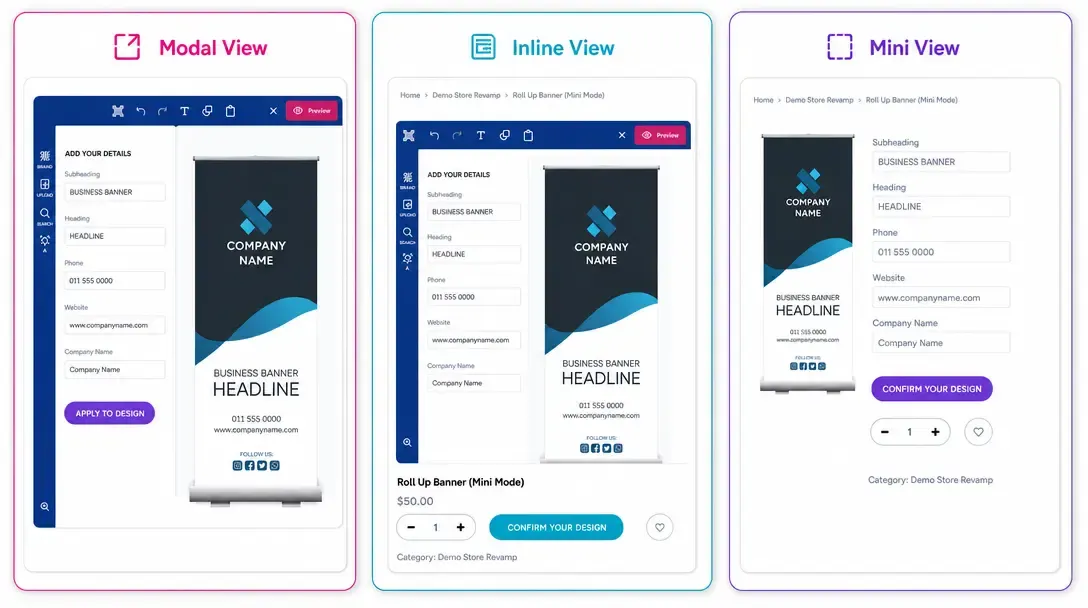
Display Modes
Choose how the design editor appears on your store with 3 layout options: full-screen overlay (Modal), built right into the product page (Inline), or as a sleek side panel (Mini).
Learn more -
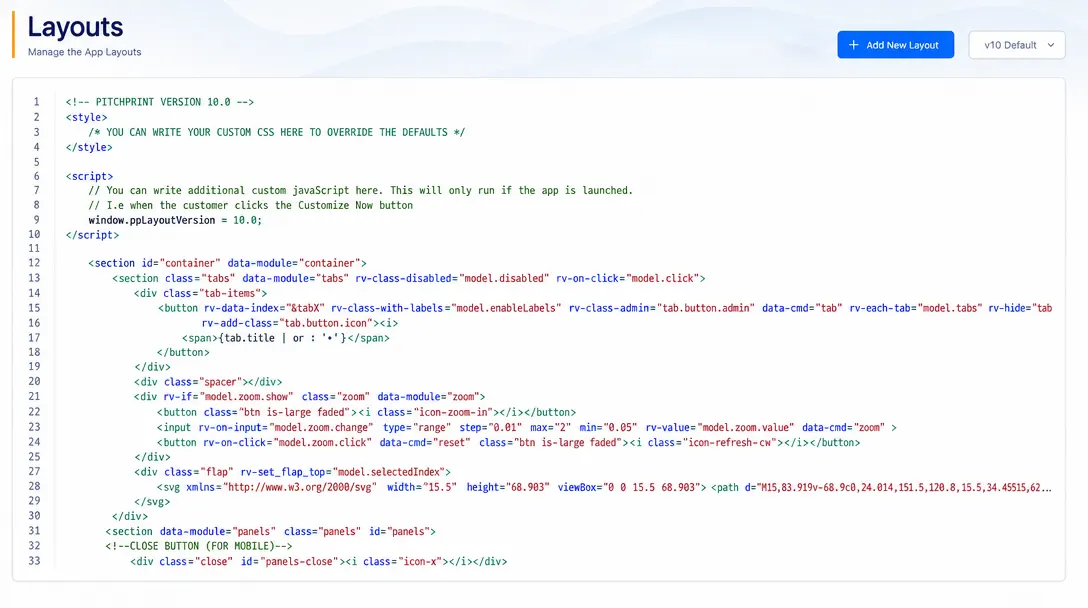
Custom Layouts
Create and assign specific editor layouts and tool structures per product category, so a business card editor looks and behaves differently from a banner editor.
Learn more -
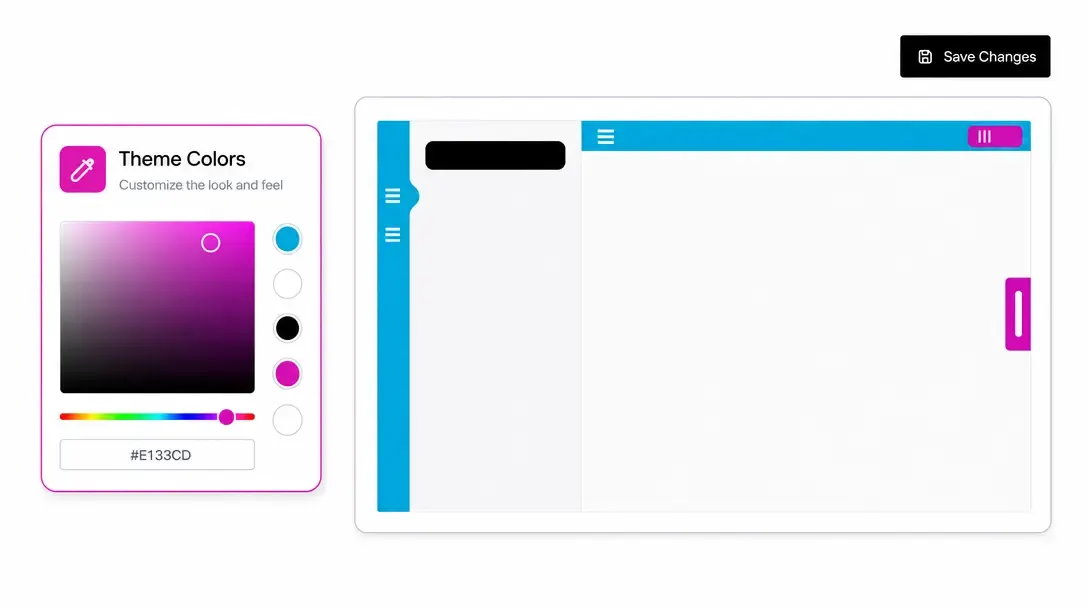
App Styling & Customisation
Comprehensive controls to edit themes, languages, HTML structure, and inject custom CSS and JavaScript, fully adapting the editor to your brand.
Learn more