
Page
Verification
Help customers review required pages, catch missing content, and complete multi-page projects before checkout.
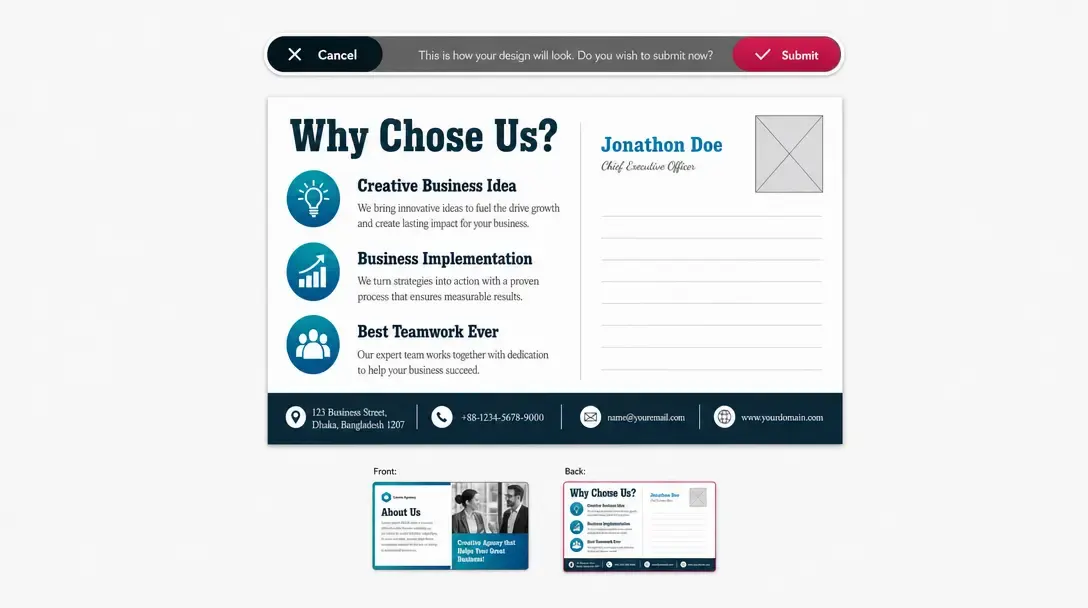
Ensure required multi-page designs are reviewed before checkout
Page Verification guarantees that required pages within a multi-page project are reviewed and completed by the customer before an order can proceed.
PitchPrint inspects the project for incomplete or missing content, keeping checkout locked until all verification conditions are met.
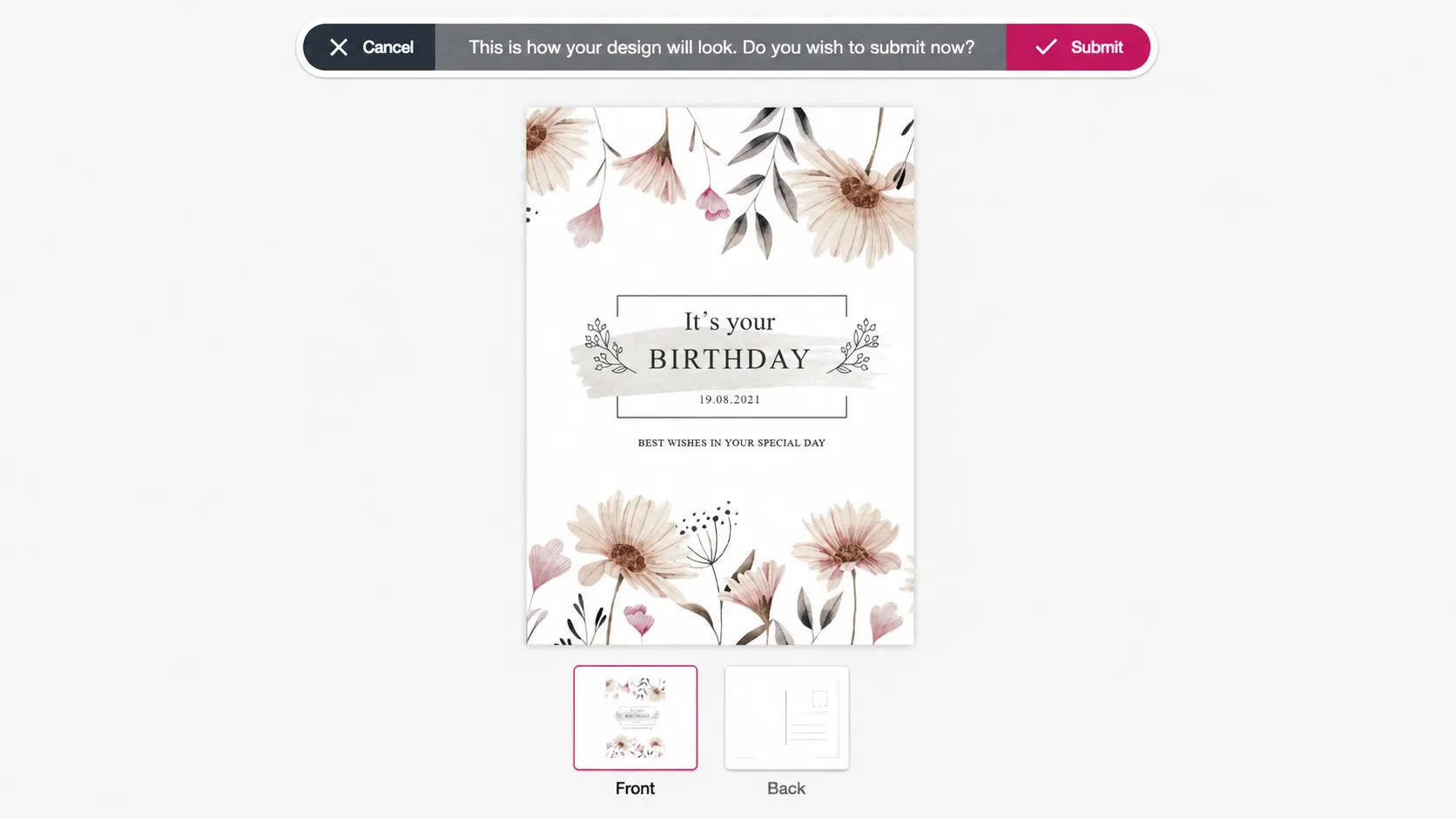
Must-have for
multi-page print collateral
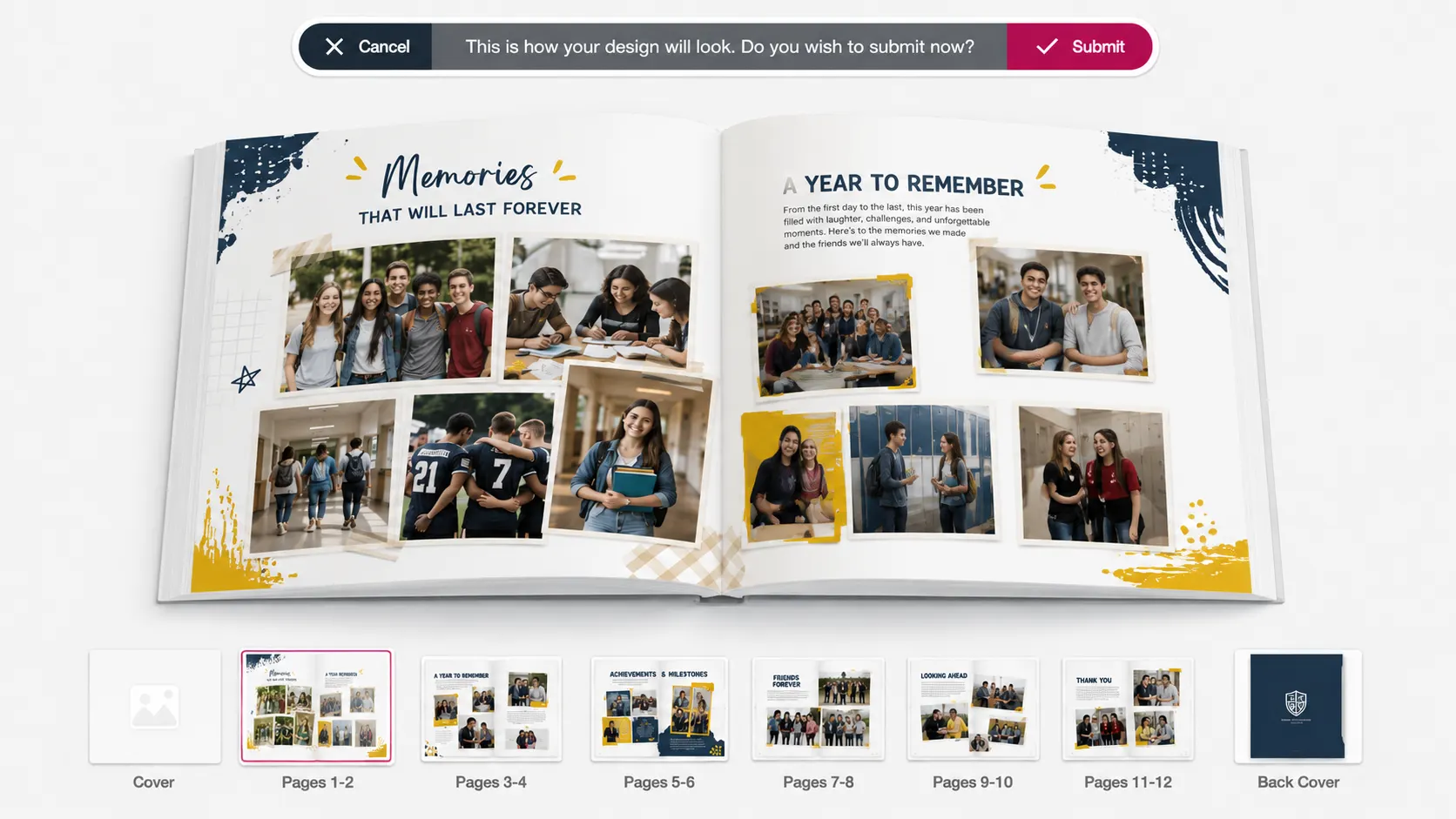
Booklets & Programs: Event programs, funeral booklets, church bulletins, and user guides.
Brochures & Menus: Trifold brochures, bi-fold restaurant menus, and price lists.
Catalogs & Albums: Product catalogs, photo albums, and corporate reports.
Guided page-by-page
proofing checklist
-
Configurable requirements
Define which pages must be completed or inspected prior to ordering.
-
Automated content checks
System flags empty text boxes, missing pages, or unedited placeholders.
-
Interactive review flow
Guides customers through an explicit page-by-page review step.
-
Checkout gatekeeper
Prevents order placement until all required pages are approved by the buyer.
Eliminate costly misprints
on multi-page print runs
Forcing page inspection catches blank pages and unedited templates before they hit the press.
- Less
Drastically reduced print errors
Catches missing content, blank pages, or unedited placeholders before printing starts.
- Trust
Improved customer accountability
Ensures buyers take responsibility for reviewing and approving every page layout.
- Save
Lower reprint overhead
Saves your store money on wasted paper, ink, and manual prepress labor.
- 100%
Guaranteed multi-page completeness
Ensures brochures, catalogs, and booklets are 100% complete before entering fulfillment.
Set up Page Verification
Review Page Verification guidance or test this workflow on your own products.
View Documentation
Full API reference, integration guides, and code examples for developers.
Try It For Free
Spin up a free account and test this feature on your own products in minutes.
Create Your Account
No credit card required. Start customizing products in minutes.
FAQ
Page Verification questions
What does Page Verification do?
Page Verification guarantees that required pages within a multi-page project are reviewed and completed by the customer before an order can proceed.
How does Page Verification work?
Help customers review required pages, catch missing content, and complete multi-page projects before checkout.
Who should use Page Verification?
Use Page Verification where missing pages, blank sections, or incomplete content would slow production.
More connected
capabilities
-
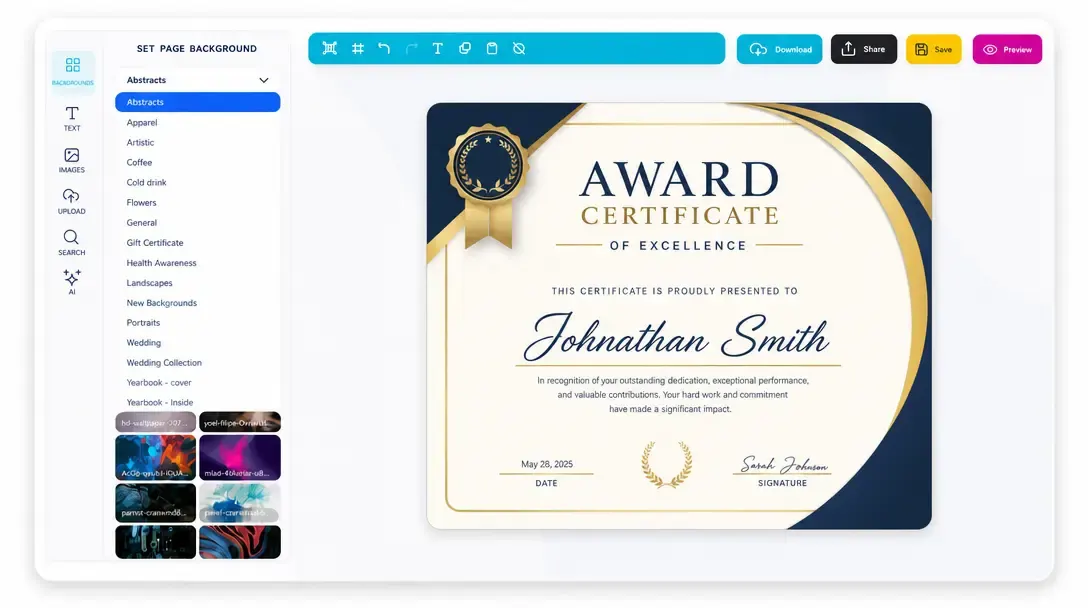
Online Design Editor
Let customers personalize products directly in the browser before generating output.
Learn more -
Print-Ready Vector PDFs
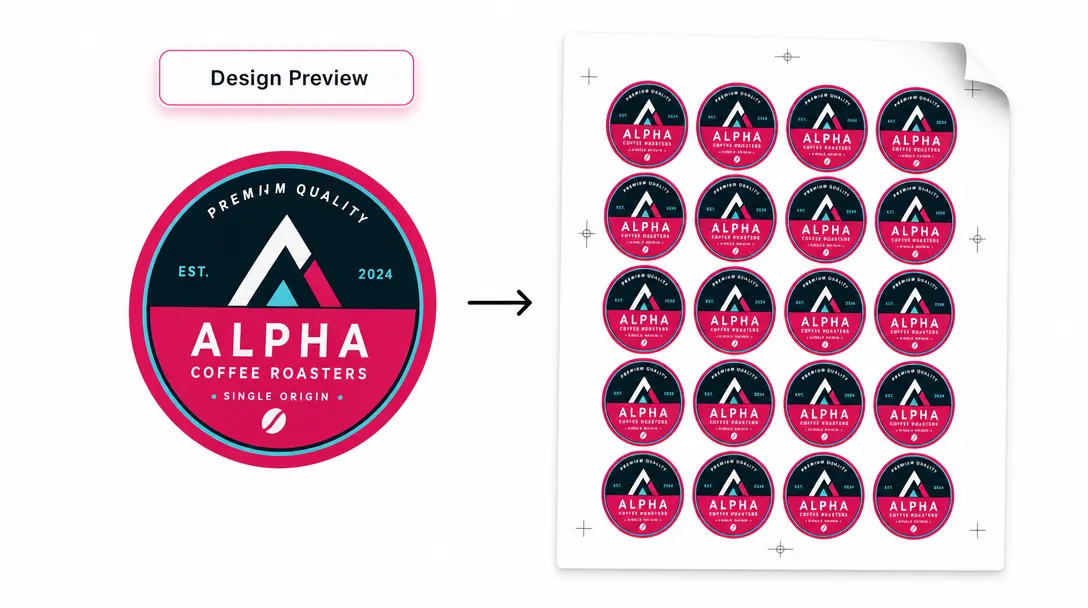
Generate high-resolution production files after customers complete their designs.
Learn more -
Display Modes
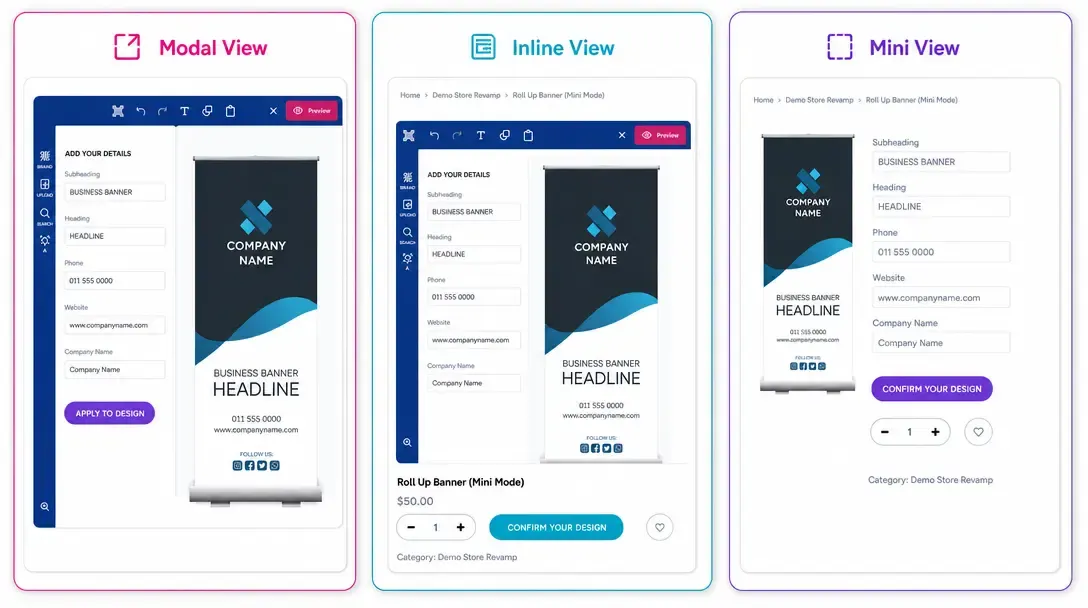
Choose Modal, Inline, or Mini layouts for how the editor appears on product pages.
Learn more