Use Cases

Stationery web-to-print

Create professional business cards, flyers, brochures, letterheads, forms, and branded office materials with an online editor built for quick personalization and print-ready output.

Why stationery

Everyday print products
with repeat-order potential

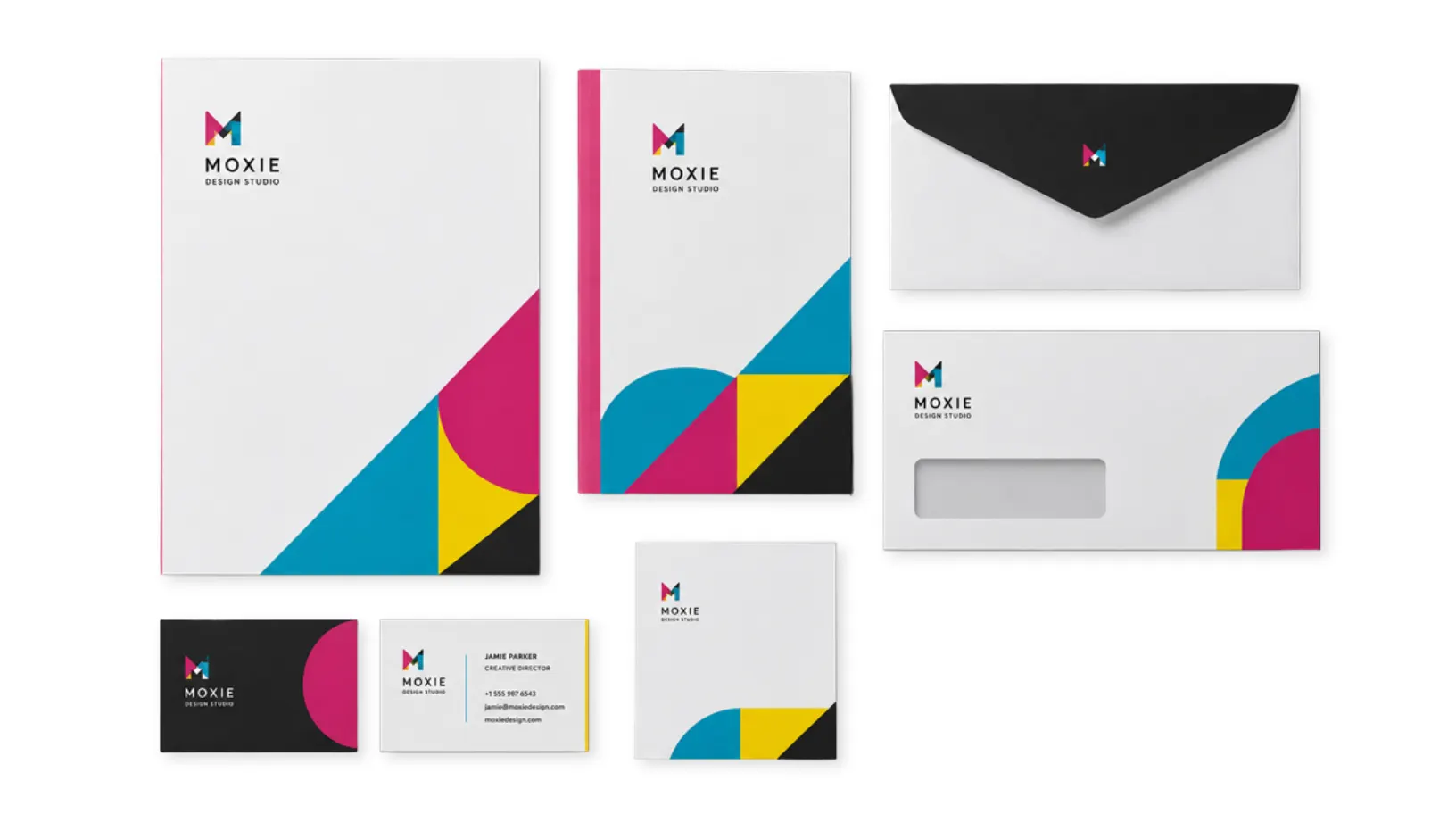
Stationery products are some of the most repeatable web-to-print opportunities: business cards, letterheads, flyers, brochures, envelopes, invitations, order forms, and branded office materials all need controlled personalization.

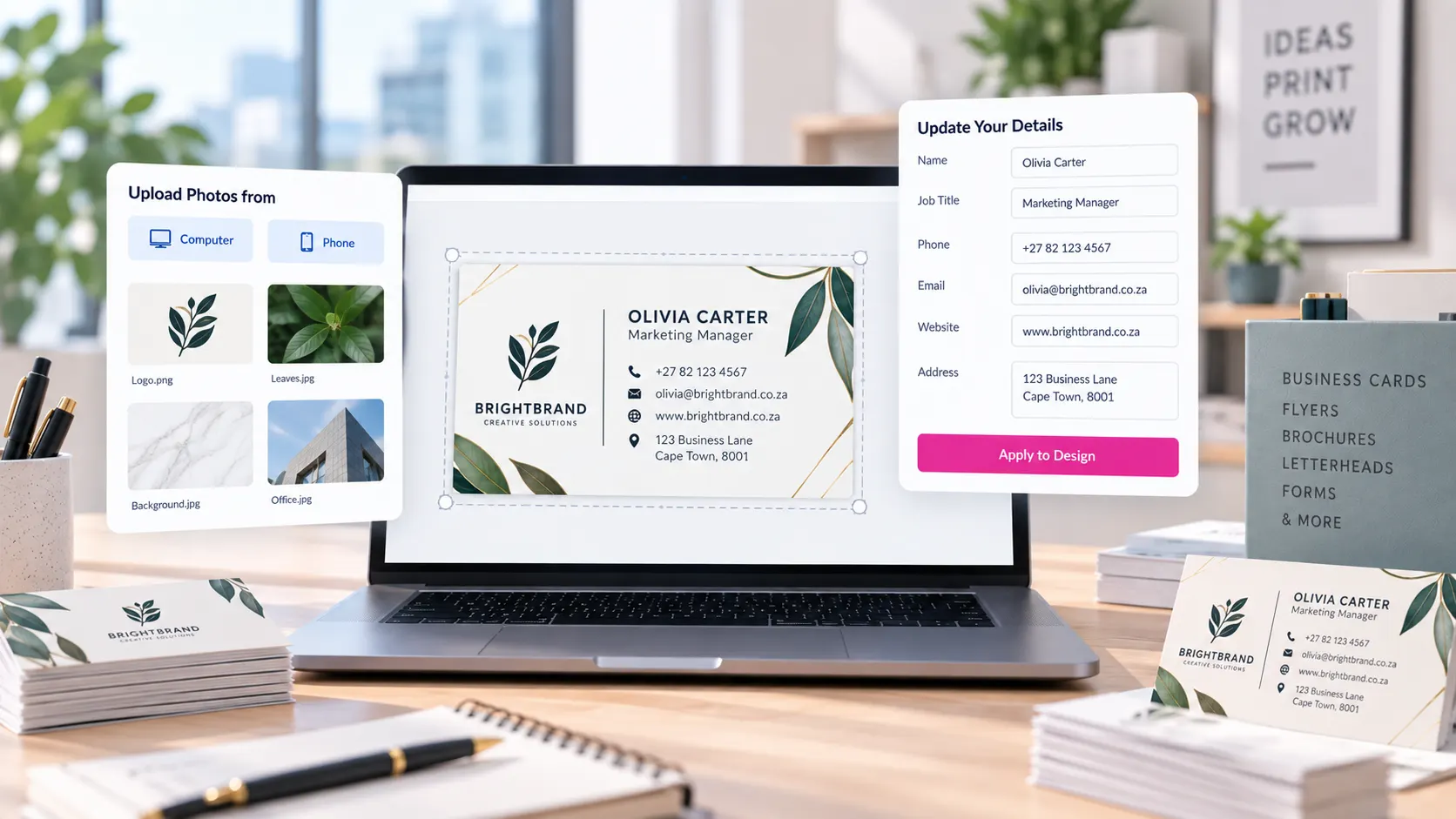
PitchPrint lets store owners turn those products into self-service ordering experiences. Customers can edit approved templates, upload logos or images, select brand-safe colors and fonts, preview the result, and submit print-ready files without the usual proofing loop.

The result is faster ordering for customers and cleaner production for print teams. Stationery stays consistent, simple changes stop consuming designer time, and stores can support more products online.

Web-to-print benefits

Why stationery stores
use PitchPrint

Stationery is detail-heavy, brand-sensitive, and often repeat ordered. Web-to-print turns that complexity into a guided customer workflow.

  • 24/7

    Always-open ordering

    Let customers personalize and approve business cards, letterheads, flyers, and forms without waiting for a designer or sales rep.

  • Less

    Manual artwork setup

    Prebuilt templates, locked brand elements, and guided editing reduce repeated back-and-forth before production.

  • Fast

    Repeat orders at scale

    Customers can reorder branded stationery and update only the details that changed, keeping routine orders moving quickly.

  • Print

    Ready output every time

    PitchPrint generates clean print-ready files so stationery jobs reach production with fewer prepress checks.

Stationery products

Launch editable
stationery product types

Each product can use templates, locked brand areas, upload fields, variable text, and print-ready output.

  • Business Cards

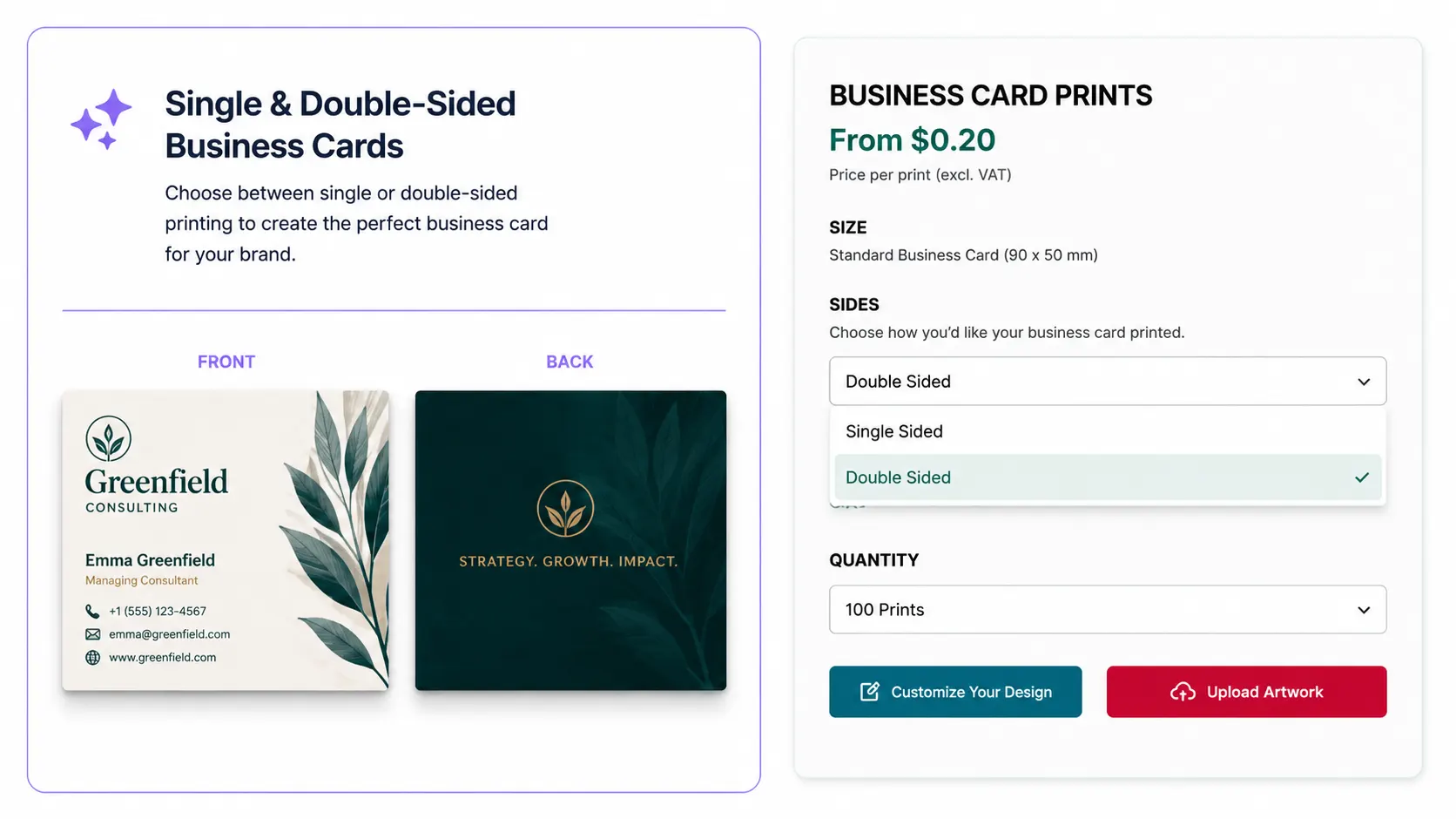
    Let teams update names, roles, phone numbers, email addresses, QR codes, and branch details while keeping every card on brand.

    Try it out
  • Flyers & Brochures

    Give customers editable layouts for campaigns, menus, sales sheets, service lists, and event promotions.

    Try it out
  • Letterheads

    Protect logo placement, margins, colors, and footer details while allowing approved contact information updates.

    Try it out
  • Envelopes

    Simplify return addresses, department labels, campaign marks, and franchise details on branded envelope templates.

    Try it out
  • Invitations & Cards

    Support personalized announcements, thank-you cards, event invites, and folded cards with live previews.

    Try it out
  • Forms & Notepads

    Create reusable order forms, invoices, NCR-style layouts, appointment cards, and branded notepads.

    Try it out
Recommended setup

Features that support
stationery workflows

These PitchPrint tools work together to keep stationery personalization simple for customers and controlled for store owners.

  • Data Form Module

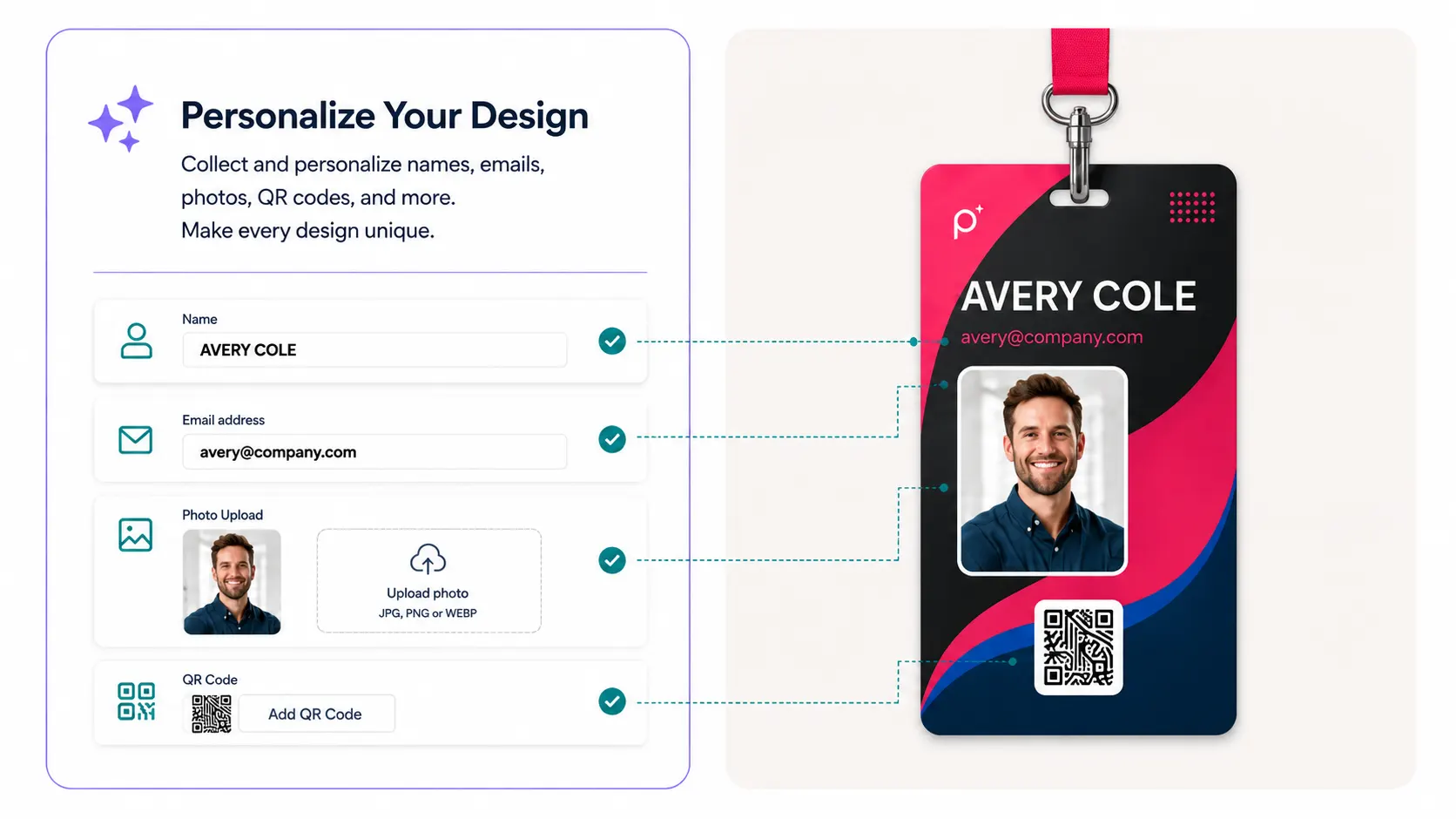
    Guide customers through names, titles, phone numbers, branch details, and addresses with structured form fields.

  • Variable Data

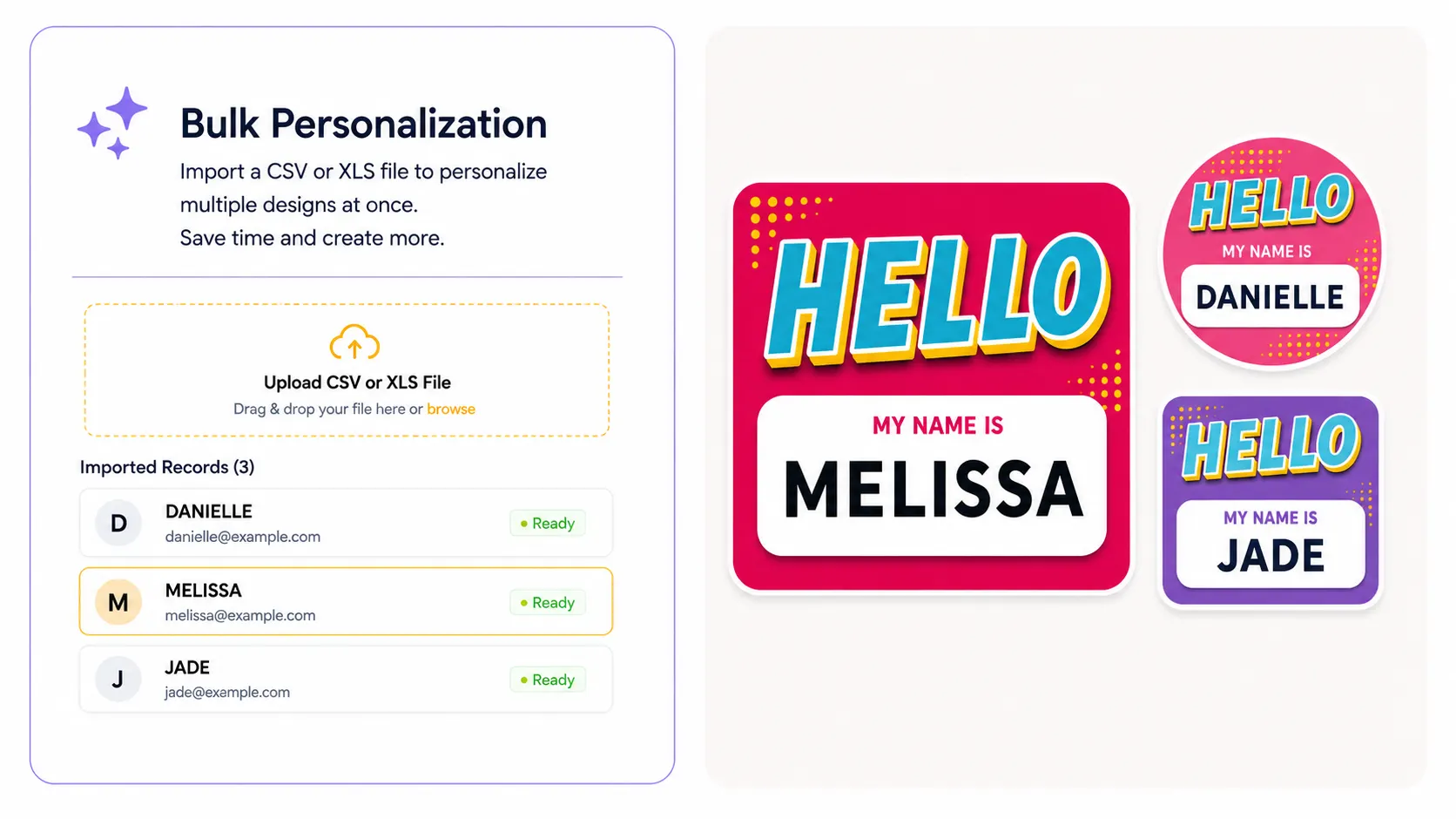
    Upload spreadsheets to generate employee business cards, name cards, certificates, or personalized mailers in bulk.

  • Google Fonts & Custom Typography

    Keep brand typography consistent with curated Google Fonts and proprietary custom font uploads.

  • Template Color

    Offer approved colorways for departments, campaigns, branches, seasonal sets, or franchise groups.

  • Design Selector

    Let customers switch between stationery templates without leaving the product page or starting over.

  • Print-Ready Vector PDFs

    Send crisp text, logos, shapes, and layout elements to production in professional high-resolution output files.

Before and after

What changes when
stationery moves online

PitchPrint replaces manual proofing loops with a guided, brand-controlled design experience for both buyers and print teams.

Before PitchPrint

  • Customers email text, logos, and revisions back and forth with the print team.
  • Designers recreate simple changes like names, phone numbers, addresses, and titles manually.
  • Brand rules depend on human checking, which slows down repeat stationery orders.
  • Proofing delays make small business-card and flyer jobs feel larger than they should.

After PitchPrint

  • Customers personalize approved templates directly in the browser with live previews.
  • Locked layouts protect logos, colors, margins, typography, and required brand elements.
  • Bulk records can populate stationery designs automatically through variable data workflows.
  • Orders arrive with clean print-ready output, reducing production handoffs and delays.

Benefits for store owners

  • Launch more stationery products without creating a custom ordering workflow for each item.
  • Reduce artwork setup time on repeat and employee-based stationery orders.
  • Keep franchise, corporate, school, or branch materials consistent across every buyer.
  • Accept smaller jobs profitably because customers handle more of the personalization flow.

Benefits for customers

  • Customize cards, flyers, brochures, and letterheads without design software.
  • Preview changes before checkout and feel confident about the final printed result.
  • Choose from approved templates, colors, and fonts without breaking the brand.
  • Complete repeat stationery orders faster when only small details need to change.
Features to use

PitchPrint features
for stationery products

Use these modules and resources to build a complete stationery customization workflow.

  • Data Form Module

    A guided form experience for text-heavy stationery products like business cards, ID cards, and forms.

    View feature
  • Variable Data

    Generate unique stationery files from CSV or Excel records for teams, schools, events, and direct mail.

    View feature
  • Custom Typography

    Curate Google Fonts and uploaded brand fonts so every stationery order stays visually consistent.

    View feature
  • Template Color

    Give customers approved color choices without creating separate product listings for each version.

    View feature
  • Design Selector

    Group stationery templates into a browsable gallery so customers can compare layouts in one flow.

    View feature
  • Vector PDF Output

    Export print-ready PDFs with sharp type, vector logos, and high-resolution imagery for production.

    View feature