
File
Uploads
Let customers upload their own images, graphics, and documents directly into a design and include them in the final output.
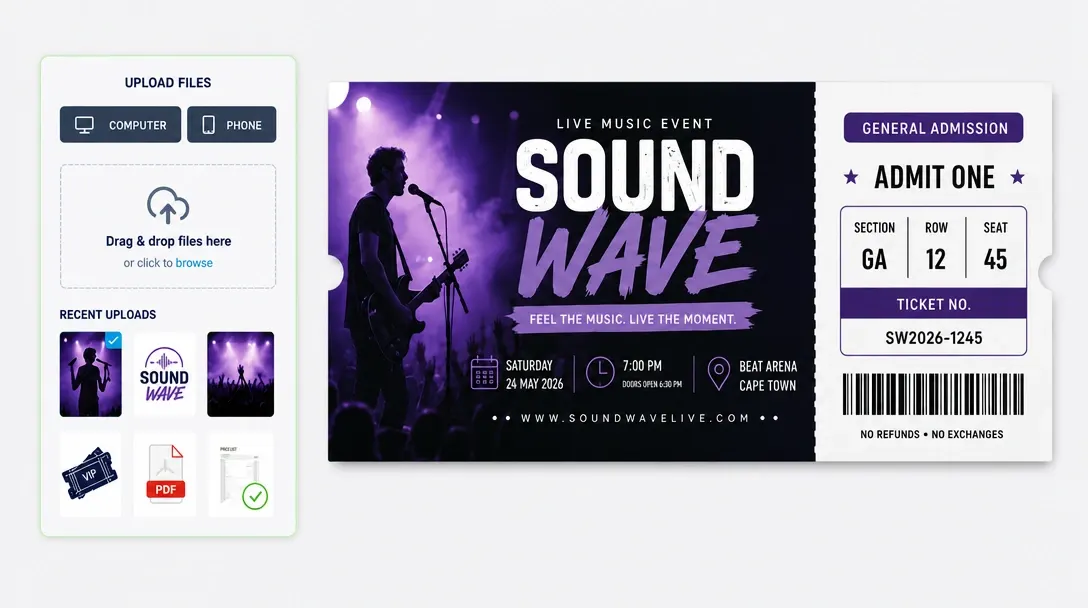
Import custom images, graphics, and documents directly to the canvas
File Uploads lets customers add their own photos, company logos, vector artwork, and documents directly into the PitchPrint editor.
Once uploaded from a desktop or mobile device, assets appear on the design canvas where shoppers can position, crop, scale, mask, and rotate them to build custom products.
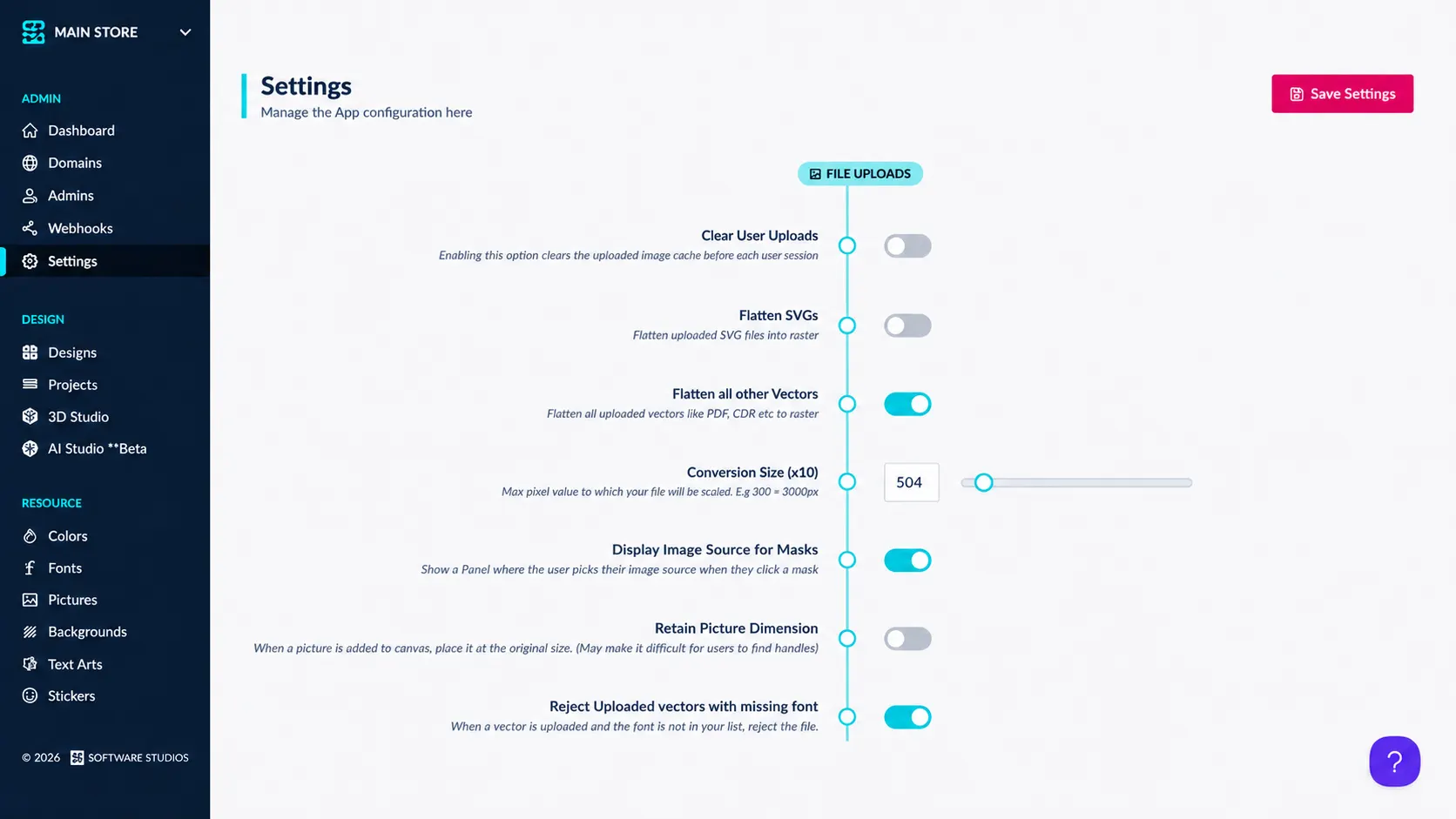
Ideal for branded goods
and personalized gifts
Promotional Merchandise: Branded company logos on mugs, pens, notebooks, and water bottles.
Photo Products: Personal photos on canvas prints, calendars, phone cases, and greeting cards.
Corporate Apparel: Company branding on embroidery-ready polo shirts, jackets, and high-vis vests.
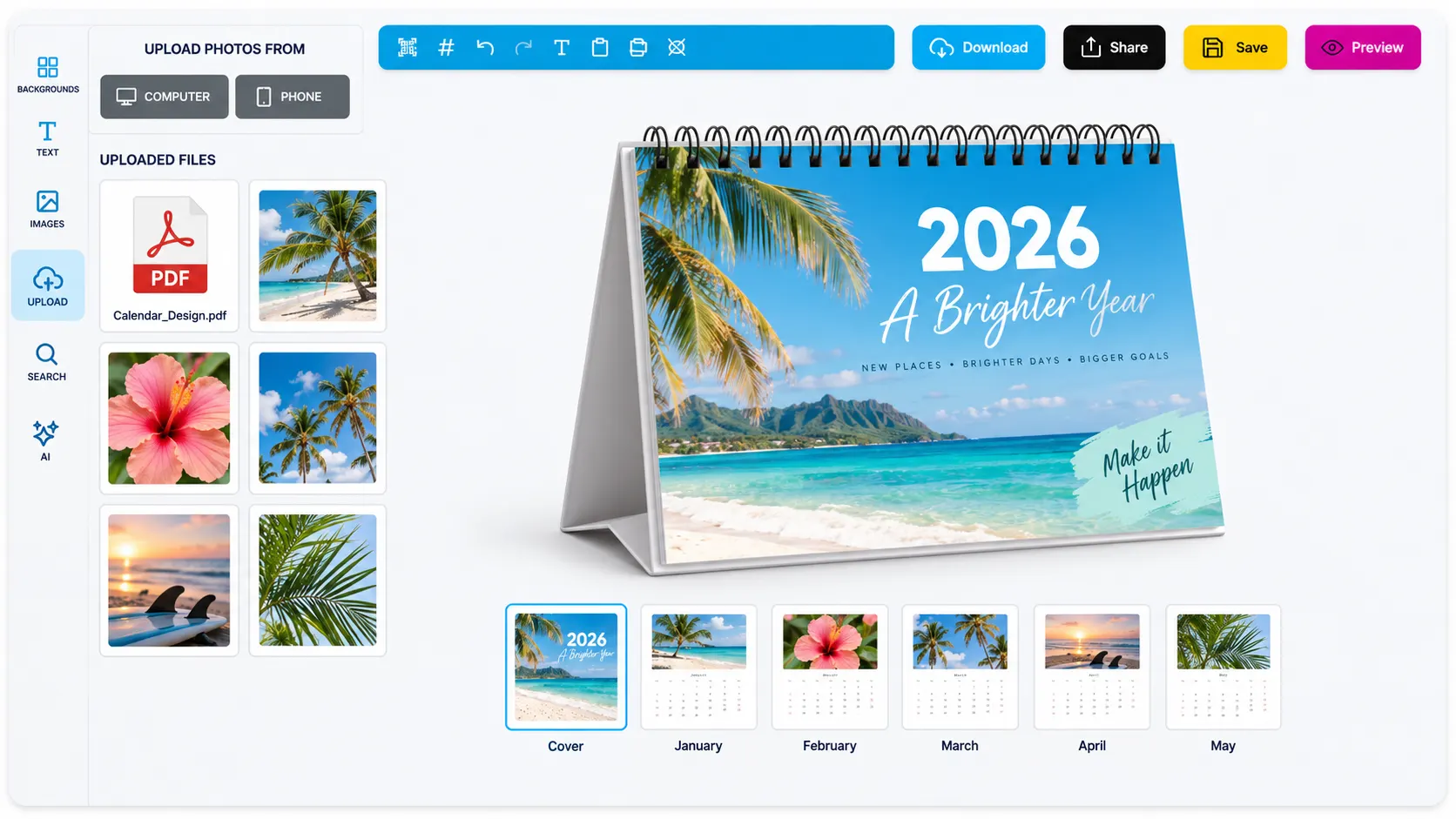
Give shoppers complete
creative freedom
-
Cross-device uploads
Drag-and-drop file uploading from desktop, tablet, or smartphone.
-
Multi-format support
Accepts popular image and graphic file formats including PNG, JPEG, and SVG.
-
On-canvas editing tools
Crop, scale, rotate, layer, and apply mask effects to uploaded media.
-
Asset retention
Uploaded files become part of the final print-ready output generation.
Expand product
personalization options effortlessly
Allowing custom asset imports opens up endless customization possibilities for your storefront.
- More
Broader product range
Sell branded gear and photo gifts without pre-set design limitations.
- Easy
Simple content management
Shoppers manage their own uploads without needing staff assistance.
- Happy
Enhanced customer satisfaction
Buyers can use their exact logos, photos, and branded assets.
Set up File Uploads
Review File Uploads guidance or test this workflow on your own products.
View Documentation
Full API reference, integration guides, and code examples for developers.
Try It For Free
Spin up a free account and test this feature on your own products in minutes.
Create Your Account
No credit card required. Start customizing products in minutes.
FAQ
File Uploads questions
What does File Uploads do?
File Uploads lets customers add their own photos, company logos, vector artwork, and documents directly into the PitchPrint editor.
How does File Uploads work?
Let customers upload their own images, graphics, and documents directly into a design and include them in the final output.
Who should use File Uploads?
Use File Uploads wherever customer photos, logos, graphics, or documents need to become part of the final design.
More connected
capabilities
-
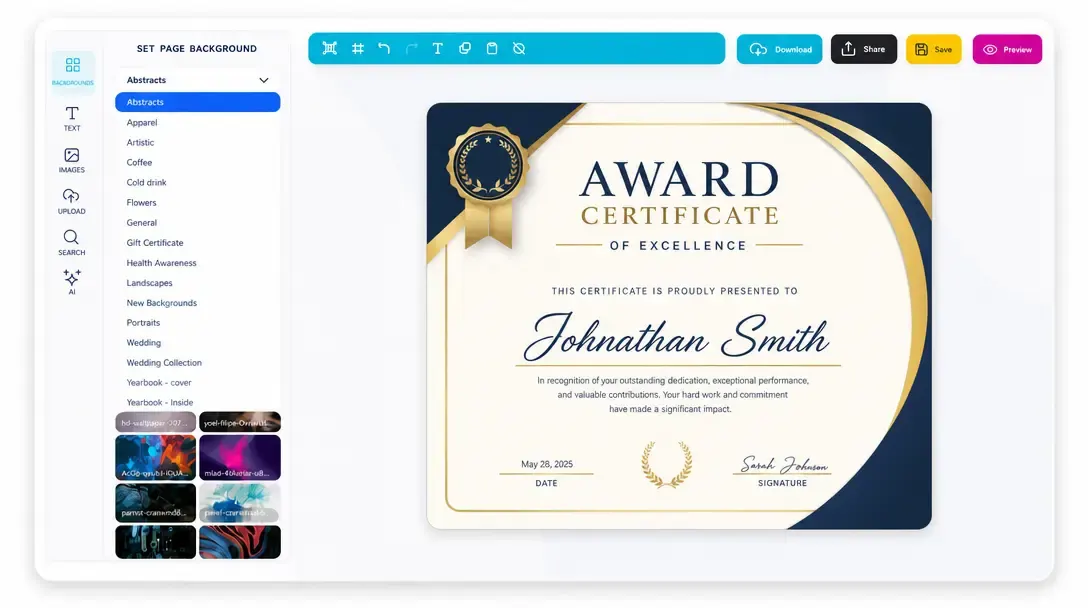
Online Design Editor
Let customers personalize products directly in the browser before generating output.
Learn more -
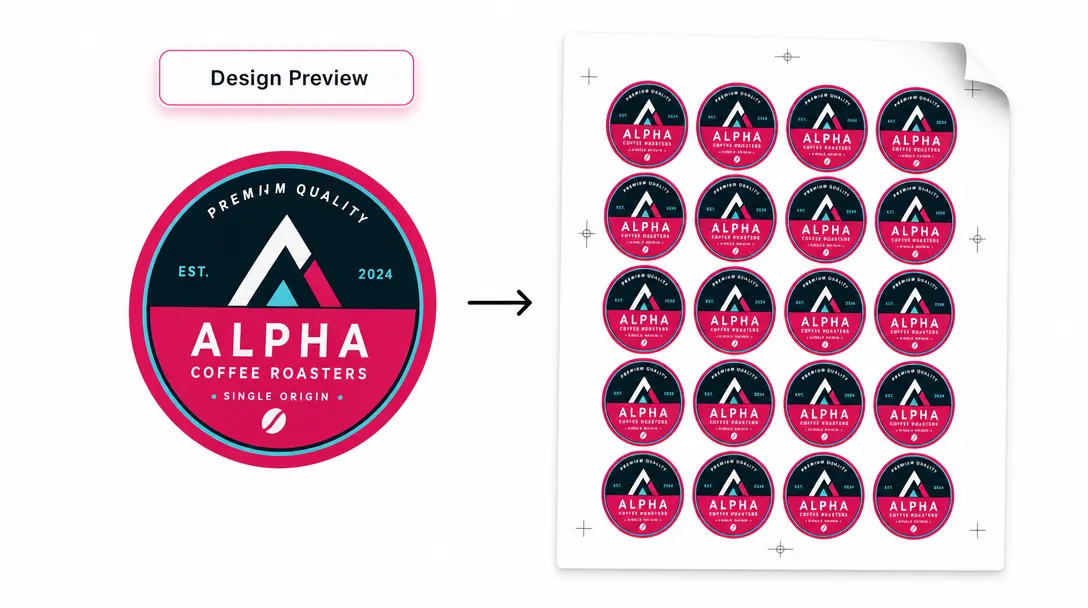
Print-Ready Vector PDFs
Generate high-resolution production files after customers complete their designs.
Learn more -
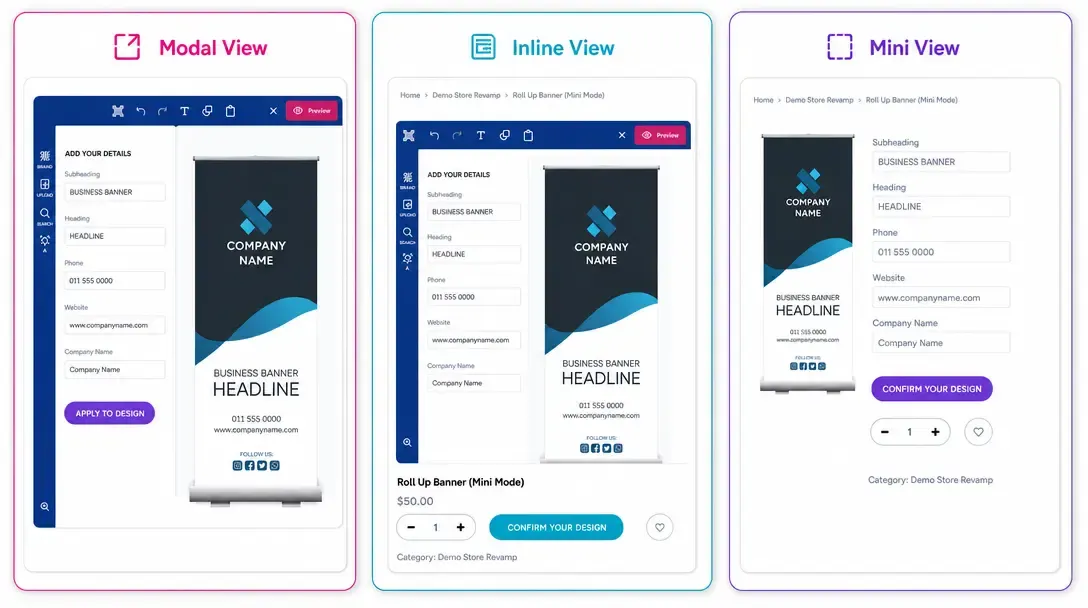
Display Modes
Choose Modal, Inline, or Mini layouts for how the editor appears on product pages.
Learn more