
Custom
Layouts
Give developers full control over the editor interface with custom HTML structure, CSS styling, and JavaScript functionality.
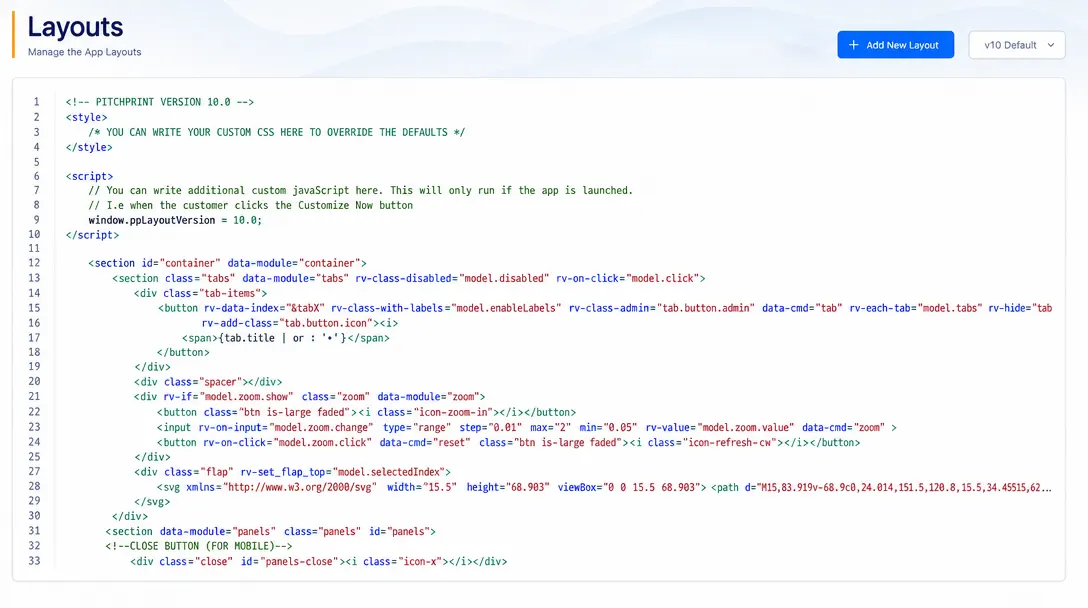
Tailor the editor structure and tools for specific products
Custom Layouts allow businesses to modify the structure, visible tools, and functionality of the PitchPrint editor.
Store owners can hide unnecessary editing tools, rearrange interface elements, or build simplified workflows tailored to specific products or customer skill levels.
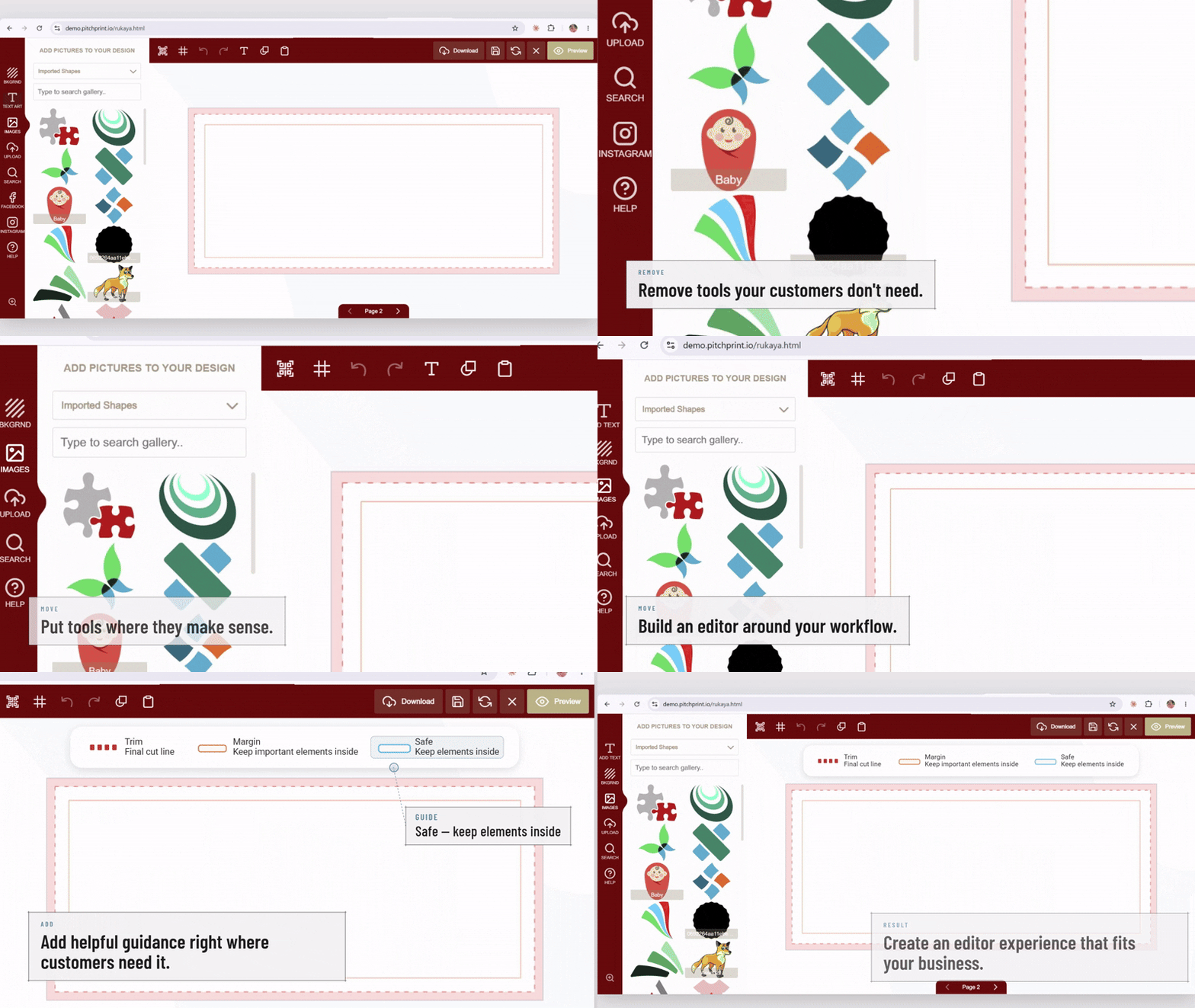
Optimized editing for
specialized catalog items
Simple Products: Minimalist layouts for quick text-only custom stamps, name badges, or engraved pens.
Enterprise Print: Advanced layouts with multi-layer tools for complex packaging, catalogs, and booklets.
B2B Portals: Locked template layouts for corporate stationery and brand-compliant business cards.
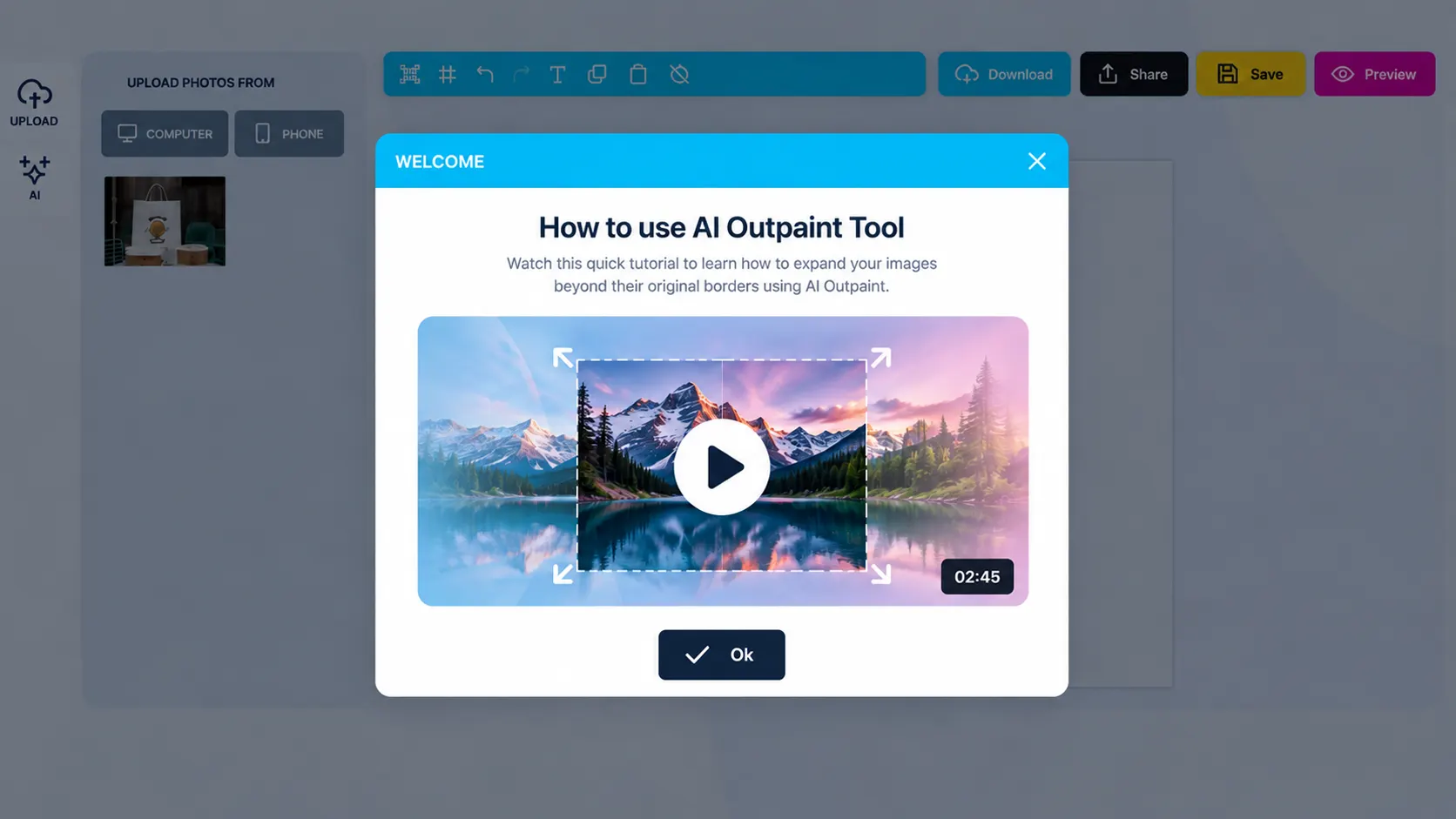
Design unique editor
workflows per product
-
Modular UI controls
Show, hide, or lock specific design tools (e.g., lock fonts or hide shape tools).
-
Product-level assignment
Assign distinct editor layouts to individual products or categories.
-
Interface rearrangement
Position toolbars, sidebars, and action buttons where they make the most sense.
-
Workflow optimization
Guide customers step-by-step through specific editing tasks.
Reduce customer confusion
and speed up order completion
Customizing the interface per product prevents shoppers from getting overwhelmed by extra tools.
- Simple
Simplified user experience
Shows customers only the tools they need for a specific product.
- Fast
Faster order checkout
Fewer distractions lead to faster design completion and purchasing.
- B2B
Tailored enterprise solutions
Supports unique B2B and specialized print shop workflows.
Set up Custom Layouts
Review Custom Layouts guidance or test this workflow on your own products.
View Documentation
Full API reference, integration guides, and code examples for developers.
Try It For Free
Spin up a free account and test this feature on your own products in minutes.
Create Your Account
No credit card required. Start customizing products in minutes.
FAQ
Custom Layouts questions
What does Custom Layouts do?
Custom Layouts allow businesses to modify the structure, visible tools, and functionality of the PitchPrint editor.
How does Custom Layouts work?
Give developers full control over the editor interface with custom HTML structure, CSS styling, and JavaScript functionality.
Who should use Custom Layouts?
Use Custom Layouts when a product, client, or storefront needs a tailored editing experience.
More connected
capabilities
-
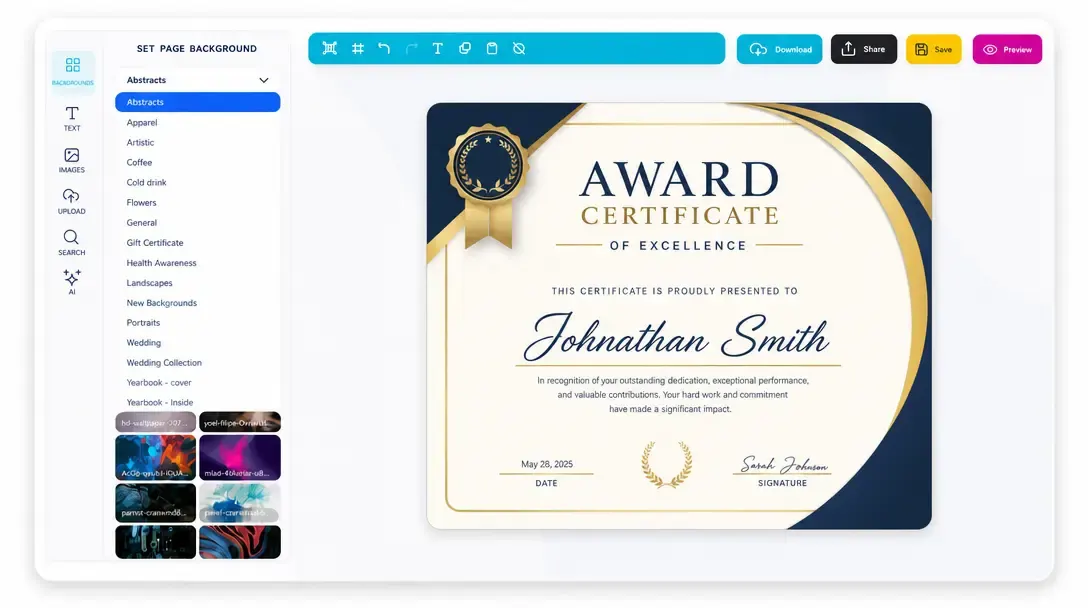
Online Design Editor
Let customers personalize products directly in the browser before generating output.
Learn more -
Print-Ready Vector PDFs
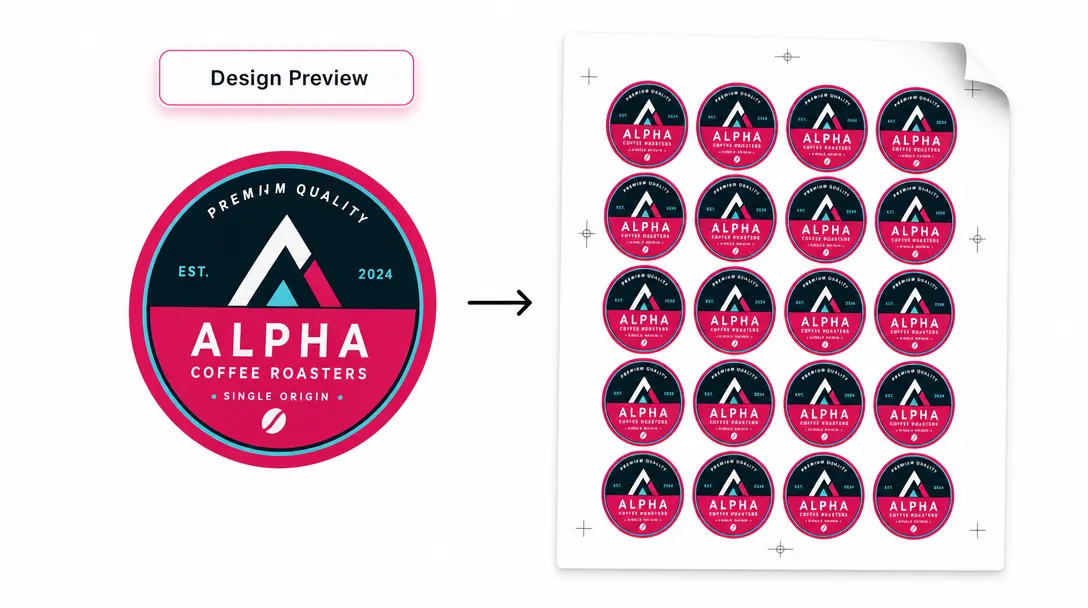
Generate high-resolution production files after customers complete their designs.
Learn more -
Display Modes
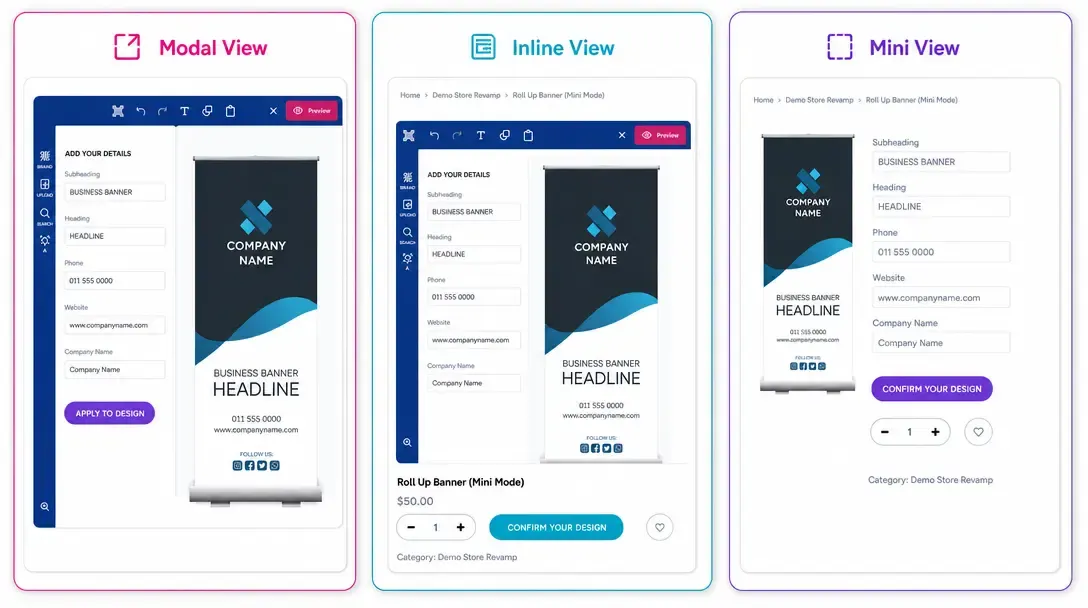
Choose Modal, Inline, or Mini layouts for how the editor appears on product pages.
Learn more