
App Styling
& Customization
Customize colors, themes, and interface styling so the PitchPrint editor feels fully aligned with your storefront brand.
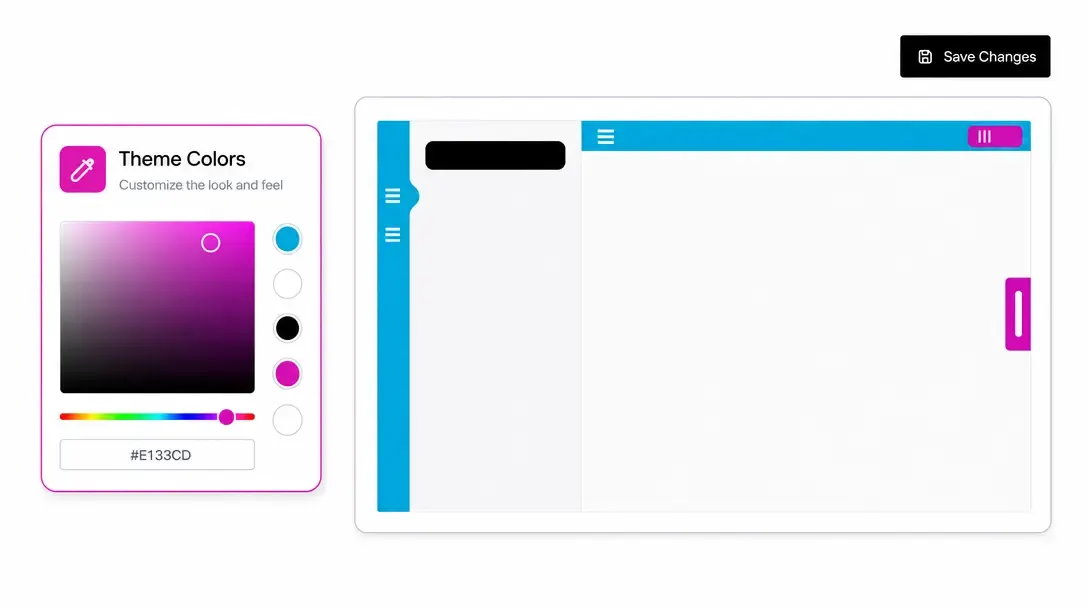
Full white-label branding and custom CSS control
App Styling & Customisation allows businesses to fully align the visual appearance of the PitchPrint editor with their brand identity.
Admins can configure editor colors, fonts, icons, and logos, or apply custom CSS and JavaScript to create a seamless white-label customization experience.

Seamless brand
integration for any store
White-Label Print Partners: Agencies and trade printers embedding an editor under their client's brand.
Enterprise E-Commerce: Custom-branded stores requiring pixel-perfect CSS theme integration.
B2B Corporate Stores: Dedicated portals matching corporate design guidelines and color palettes.
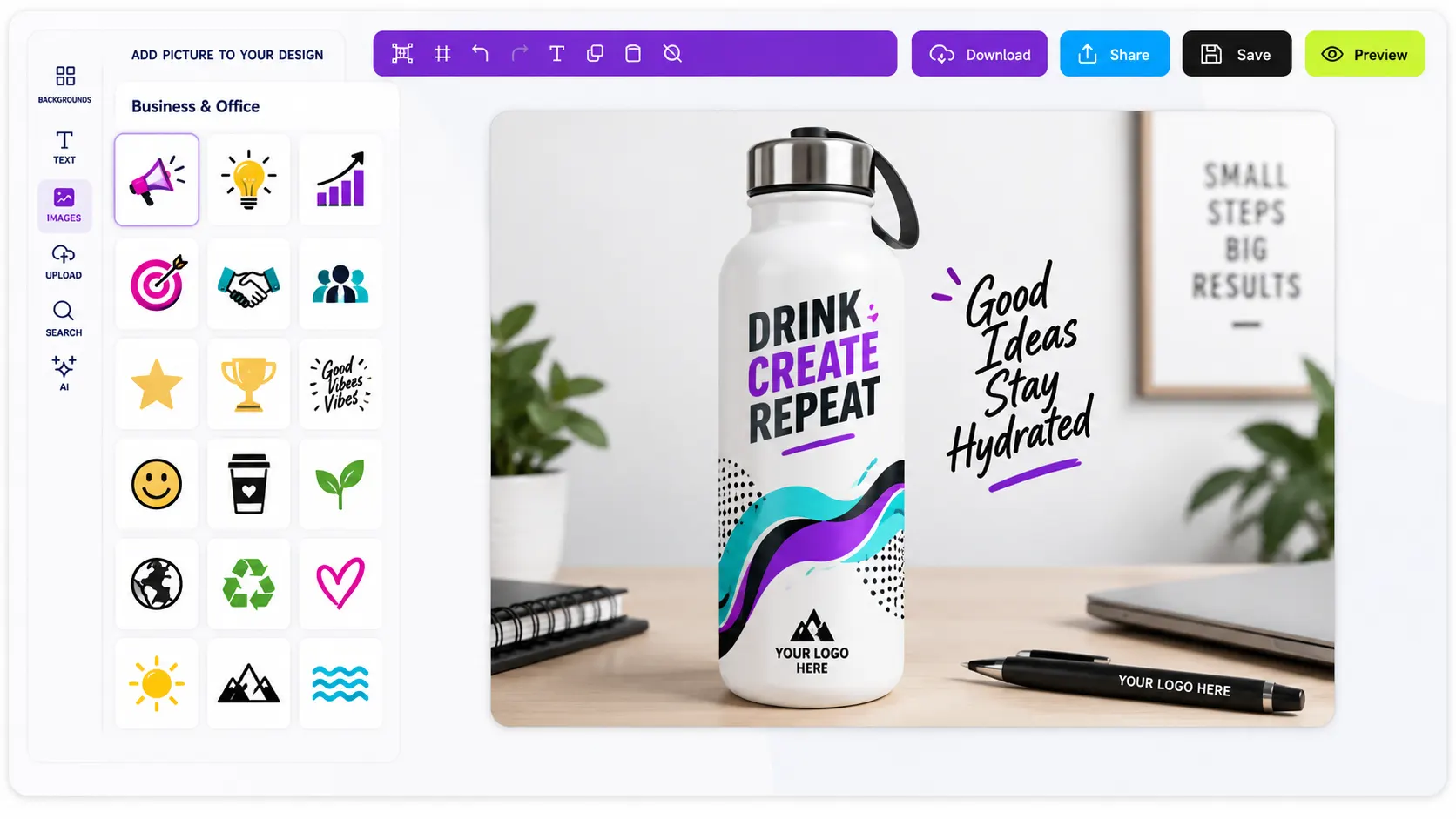
Make the editor feel
like a native part of your website
-
Complete color & font control
Set custom button colors, background tones, tooltips, and font styles.
-
Custom CSS & JS support
Apply advanced CSS stylesheets and custom JavaScript hooks for deep customization.
-
White-label branding
Replace default logos, icons, and loader animations with your own brand assets.
-
Consistent visual theme
Keep the editor design in sync with your main website storefront.
Build brand trust with
a cohesive shopping experience
A fully branded editor makes your store look professional and established.
- Brand
Consistent brand presence
Keeps the customization experience visually tied to your store theme.
- Trust
Higher brand trust
Shoppers feel confident using a modern, professionally styled tool.
- Full
Total creative control
Modify every visual detail to meet agency, client, or enterprise design standards.
Set up App Styling & Customization
Review App Styling & Customization guidance or test this workflow on your own products.
View Documentation
Full API reference, integration guides, and code examples for developers.
Try It For Free
Spin up a free account and test this feature on your own products in minutes.
Create Your Account
No credit card required. Start customizing products in minutes.
FAQ
App Styling & Customization questions
What does App Styling & Customization do?
App Styling & Customisation allows businesses to fully align the visual appearance of the PitchPrint editor with their brand identity.
How does App Styling & Customization work?
Customize colors, themes, and interface styling so the PitchPrint editor feels fully aligned with your storefront brand.
Who should use App Styling & Customization?
Use App Styling where the editor needs to feel native to a brand, client portal, or ecommerce identity.
More connected
capabilities
-
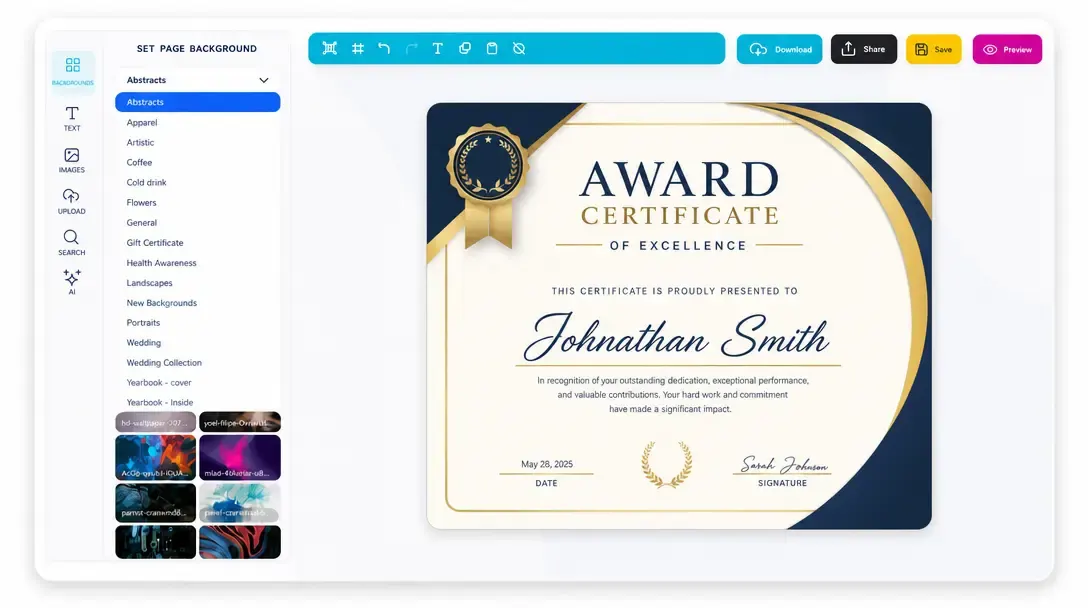
Online Design Editor
Let customers personalize products directly in the browser before generating output.
Learn more -
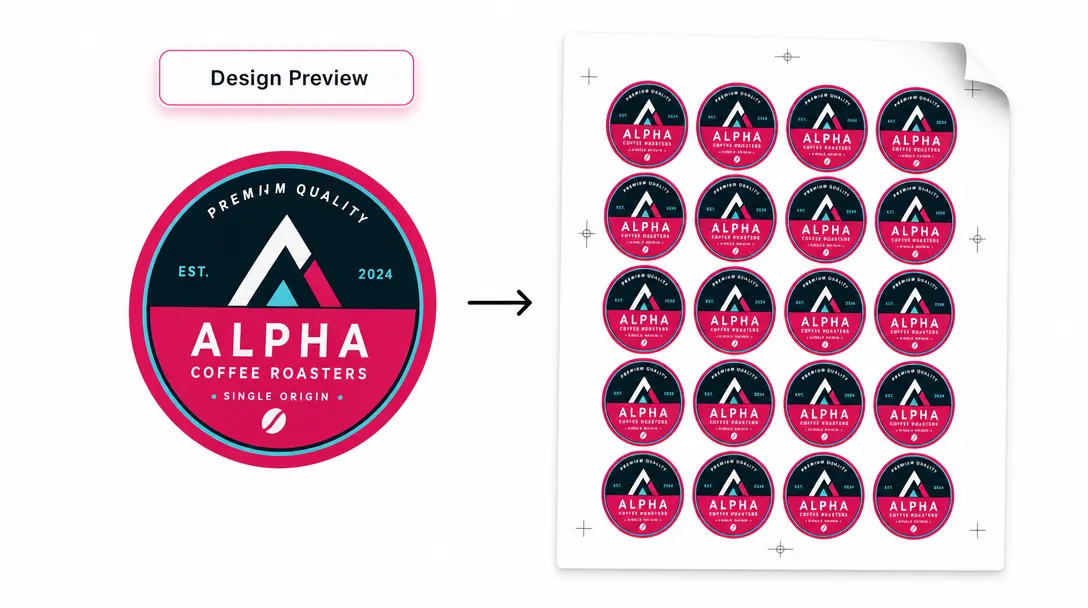
Print-Ready Vector PDFs
Generate high-resolution production files after customers complete their designs.
Learn more -
Display Modes
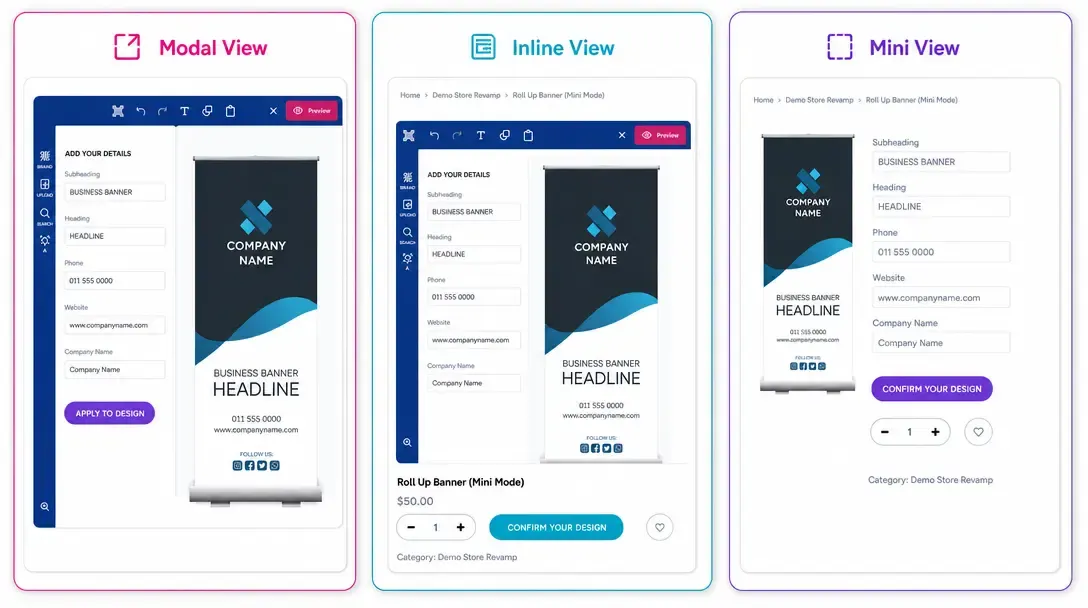
Choose Modal, Inline, or Mini layouts for how the editor appears on product pages.
Learn more