
Simplify Customization with the PitchPrint Page Loader Module
Give customers full control over multi-page documents: add, swap, reorder, and delete pages using layouts pulled from a master source design.
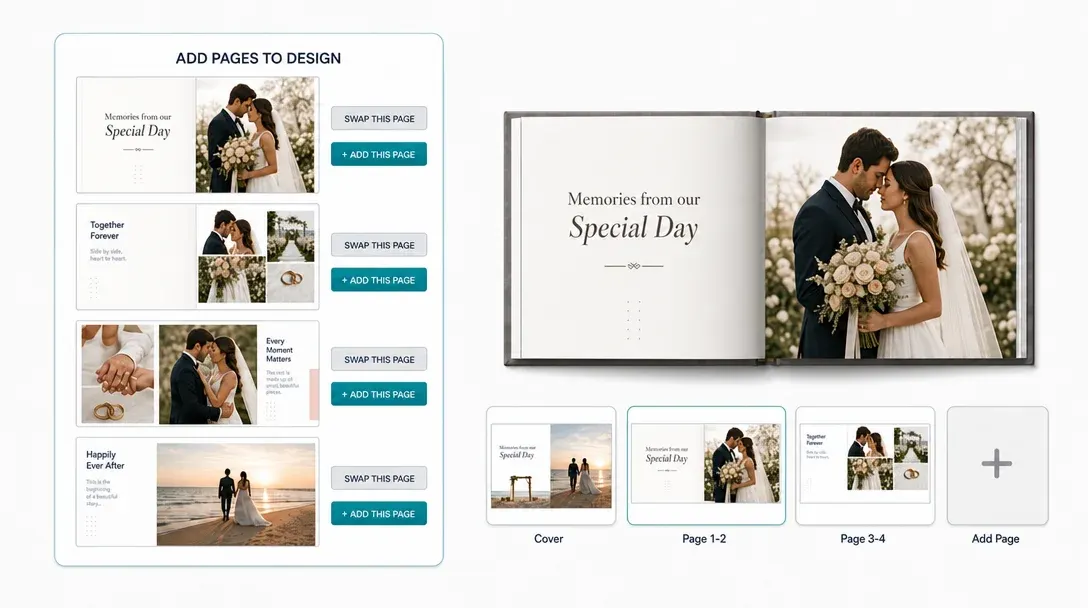
Build multi-page documents, page by page
Do you sell products like Booklets, Funeral order of service, Presentation folders, Brochures, Journals, or Calendars, the PitchPrint Page Loader Module makes multi-page customization simple and efficient.
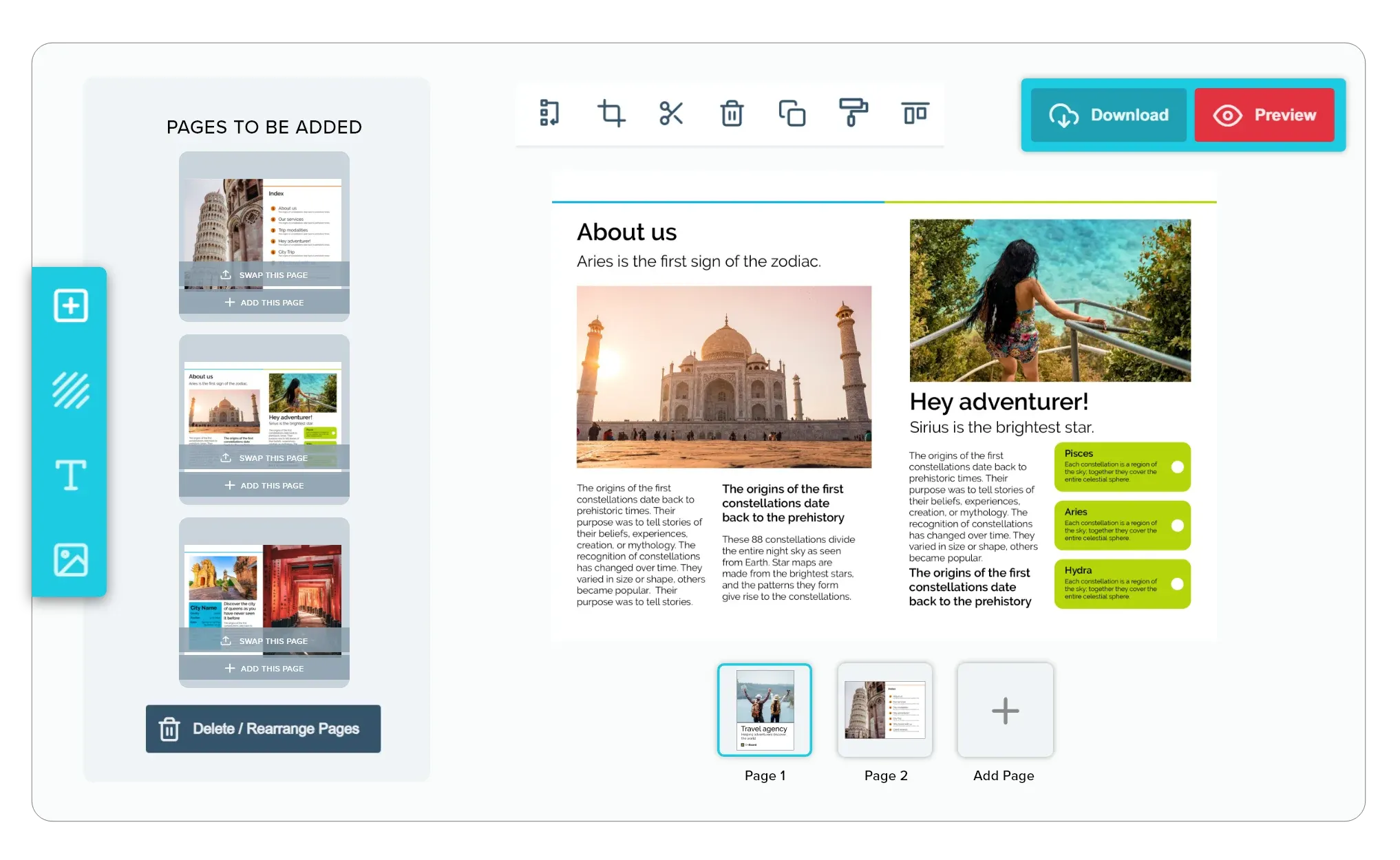
Instead of designing every page from scratch, customers can add professionally designed template pages to their project, then easily add, replace, reorder, or remove pages as needed. Every page is loaded from a master template, ensuring consistent branding, design, and a seamless editing experience.
Built for products where
the layout should stay fixed
Booklets: Build custom booklets from print templates easily.
Funeral Order of Service: Add extra tribute pages to memorial booklets.
Presentation Folders: Swap pocket styles in custom presentation folder designs.
Brochures: Load dynamic panels into custom brochure print designs.
Journals: Add daily trackers into custom planner journal layouts and many more products...
Why you'll love Page Loader Module
-
Keep Your Layouts Structured
You want your multi-page documents or multi-part print jobs to stay professional. With this module, customers can add, swap, or delete pages using your approved source designs without messing up page dimensions or print margins.
-
Focus on What Matters
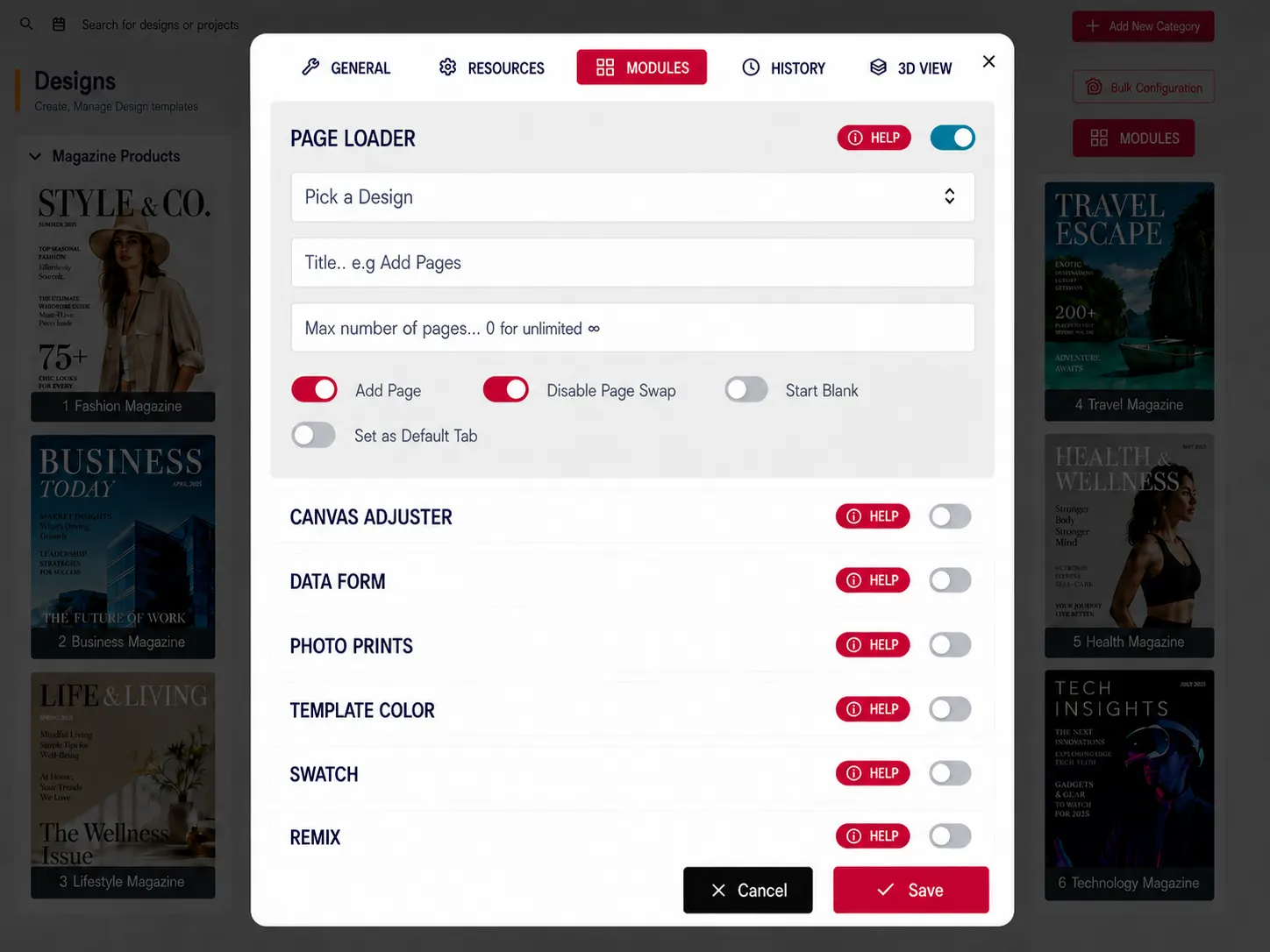
You have total control. You can set limits on the minimum or maximum number of pages and decide exactly which templates your customers can load, keeping the customization process straightforward.
-
Create a Distraction-Free Experience
Sometimes, less is more. You can enable a "Start Blank" option so customers only load the pages they actually want to customize, rather than getting overwhelmed by a large default layout.
-
Faster Checkout
By simplifying the process of compiling multi-page files, you remove the friction of custom file setup. When it’s this easy to add pages or choose print areas, customers are much more likely to complete their purchase.
The business case
for flexible page building
Page Loader unlocks a category of products that's simply impossible with single-page editors, without adding complexity.
- ↑
Layout flexibility for every customer
Buyers build exactly the document they need, adding, removing, and reordering layouts without any design tool.
- ∞
Document variations from one template
A single base template plus a source design file supports unlimited multi-page combinations without duplication.
- ⚡
Fast initial editor load
Only the default design loads on open. Extra page layouts stream in on demand, keeping the editor consistently snappy.
- ✓
Consistent branding throughout
Every page sourced from the master file inherits its headers, footers, and brand colours, with no manual alignment required.
Enable Page Loader on your store
Read the integration docs to set up your source design and link it to your first multi-page product template.
View Documentation
Full API reference, integration guides, and code examples for developers.
Try It For Free
Spin up a free account and test this feature on your own products in minutes.
Create Your Account
No credit card required. Start customizing products in minutes.
FAQ
Page Loader Module questions
What does the Page Loader Module do?
Give customers full control over multi-page documents: add, swap, reorder, and delete pages using layouts pulled from a master source design.
How does the Page Loader Module work?
The Page Loader Module lets customers build multi-page documents like booklets, order of service programs, presentation folders, brochures, journals, and calendars without designing every page from scratch. Customers add professionally designed template pages to their project, then add, replace, reorder, or remove pages as needed, with every page loaded from a master template to keep branding and design consistent throughout.
Who should use the Page Loader Module?
Page Loader unlocks a category of products that's simply impossible with single-page editors, without adding complexity.
More modules
to discover
-
Data Form Module
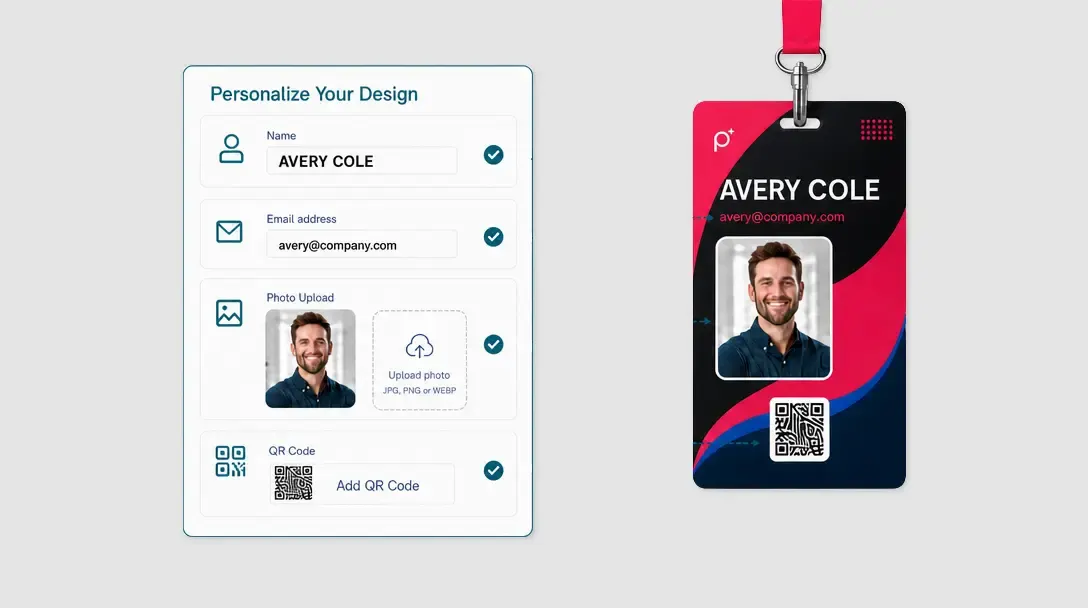
Speed up text-heavy product personalisation with a guided form that syncs directly to the design canvas.
Learn more -
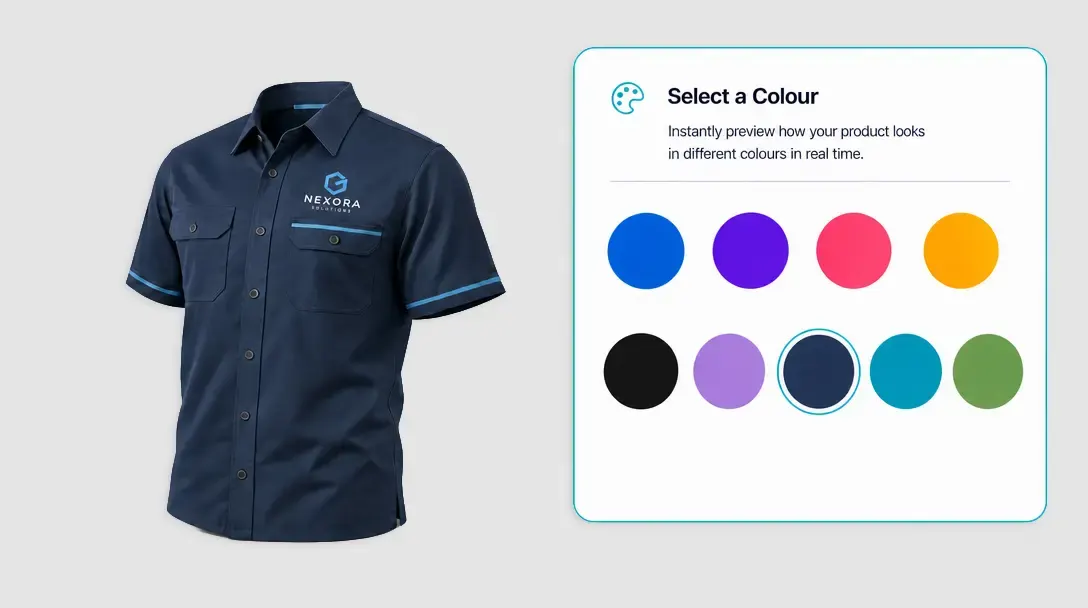
Template Color
Let customers swap between pre-approved product colours with instant live preview, no duplicate templates needed.
Learn more -
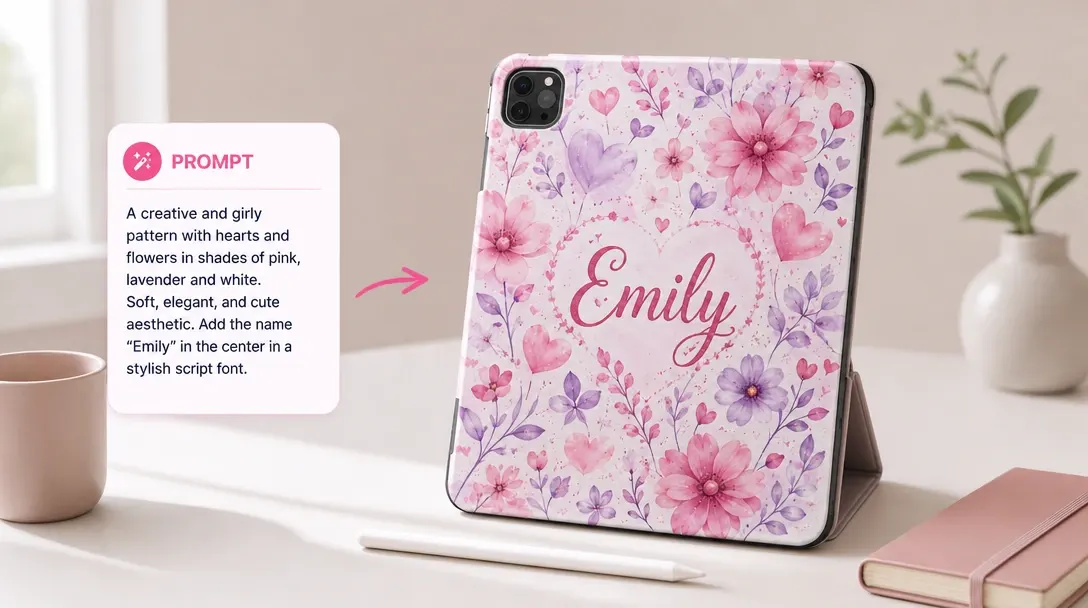
AI Imaginate
Let customers generate unique print-ready artwork from a single text prompt, directly inside the editor.
Learn more