Simplify Customization with the PitchPrint Remix Module
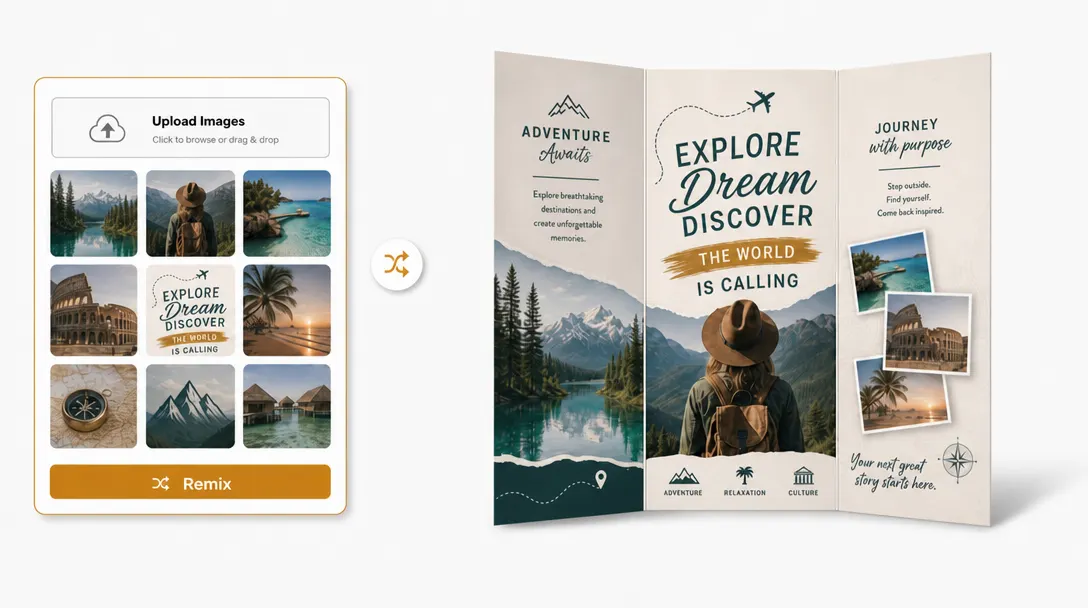
Automatically generate creative layout variations by filling custom mask shapes with customer-uploaded photos.
Generate photo layouts
with one remix flow
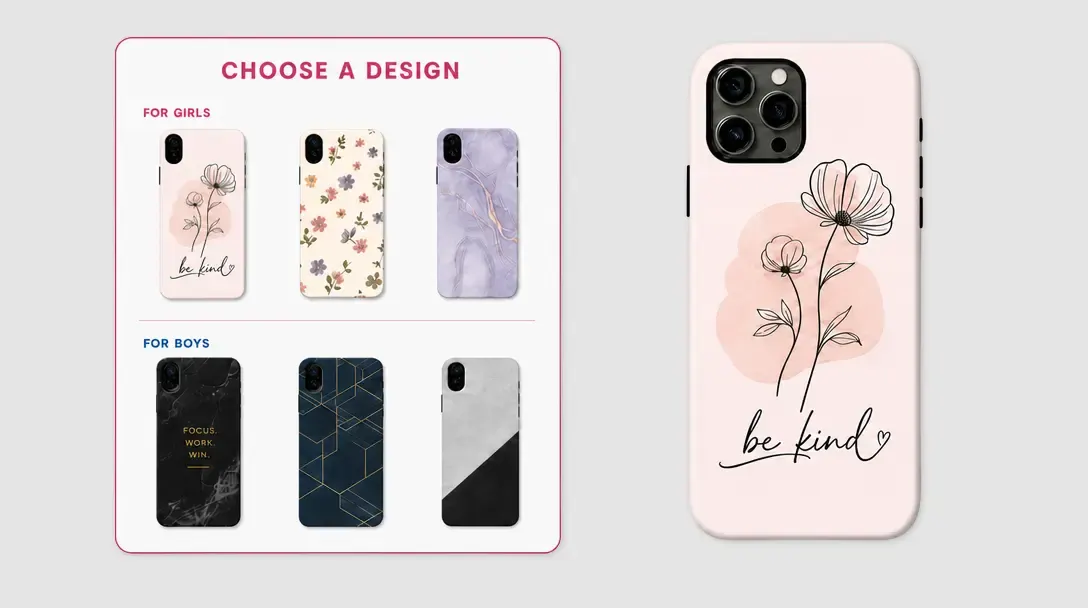
Do you sell custom Collage mugs & Water bottles, Yearbooks, Graduation & Wedding announcements, Funeral and Memorial programs, Personalized wrapping paper, Memorial or Family reunion T-Shirts, Collage phone & Laptop cases, or Collage blankets, Pillows, & Tapestrie? the PitchPrint Remix Module makes creating photo collage products fast and effortless.
Instead of manually dragging, dropping, and cropping every image, customers can upload their photos once, and the module automatically fills your template's photo placeholders in a single click. It's the quickest way to deliver beautiful, personalized collage products with a smooth ordering experience.
Built for products where
photo uploads define the order
Collage Blankets: Auto-fill large photo grids instantly while keeping the blanket's overall design locked.
Graduation & Wedding Announcements: Keep portrait photos neatly aligned and cropped within a fixed, elegant invitation layout.
Yearbooks: Populate multiple student photos into structured grids without shifting or disrupting the page design.
Collage Mugs & Water Bottles: Easily wrap multiple images onto drinkware templates without altering design boundaries.
Collage Phone & Laptop Cases: Let buyers instantly auto-fill complex photo grids with their favorite memories, automatically aligning images around specific camera cutouts and device borders, and many more products...
Upload photos,
then remix layouts
-
Automate Collage Creation
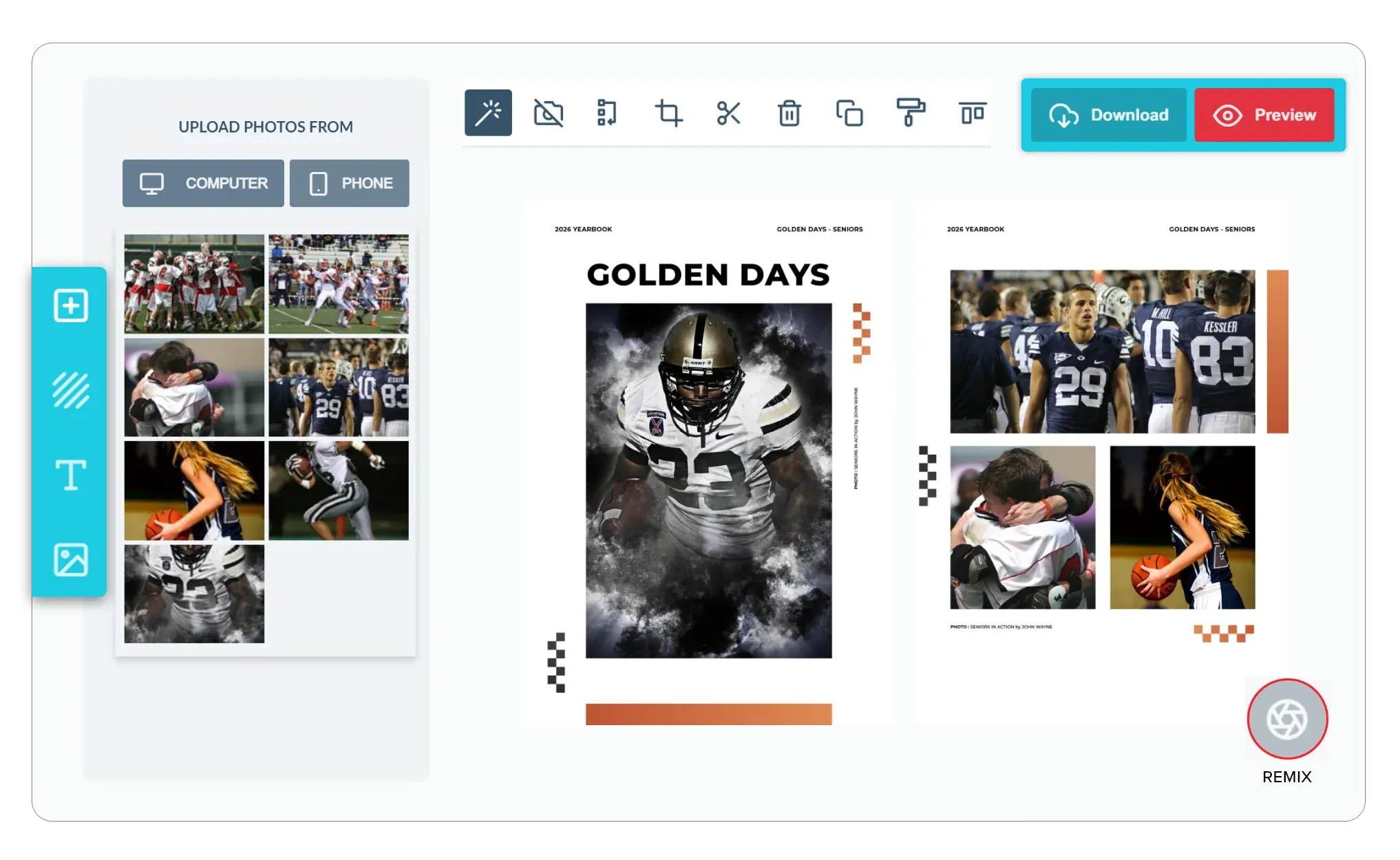
Keep the design process seamless. Customers can simply upload their favorite photos, and the module randomly and neatly fills the pre-defined template mask shapes with their images.
-
Support Quick Shuffling
Give your customers absolute flexibility. If they want to try a different arrangement, they can click the remix action to shuffle the photos into different slots, helping them find a combination they like.
-
Maintain Professional Design Borders
Take total control of your layout. The module keeps your masks, borders, and margins exactly where they need to be, so the customers shuffled photos are clipped to look clean and structured.
-
Faster Checkout for Photo Collages
By removing the tedious work of manually positioning dozens of individual photos into separate design slots, you eliminate buyer fatigue. When creating a multi-photo keepsake is as easy as uploading a folder and clicking a button, customers are much more likely to complete their purchase.
More layout options
with less manual work
Remix Module speeds up photo layout creation while giving customers a more interactive design experience.
- Play
Creative experimentation
Customers can explore fresh layout options without rebuilding the design manually.
- Fast
Quicker layout generation
Photo-based products move from upload to composed layouts in fewer steps.
- Many
More design variation
One photo set can produce multiple compositions for customers to compare.
- Fun
Interactive experience
Remixing adds a more engaging customization moment for photo products.
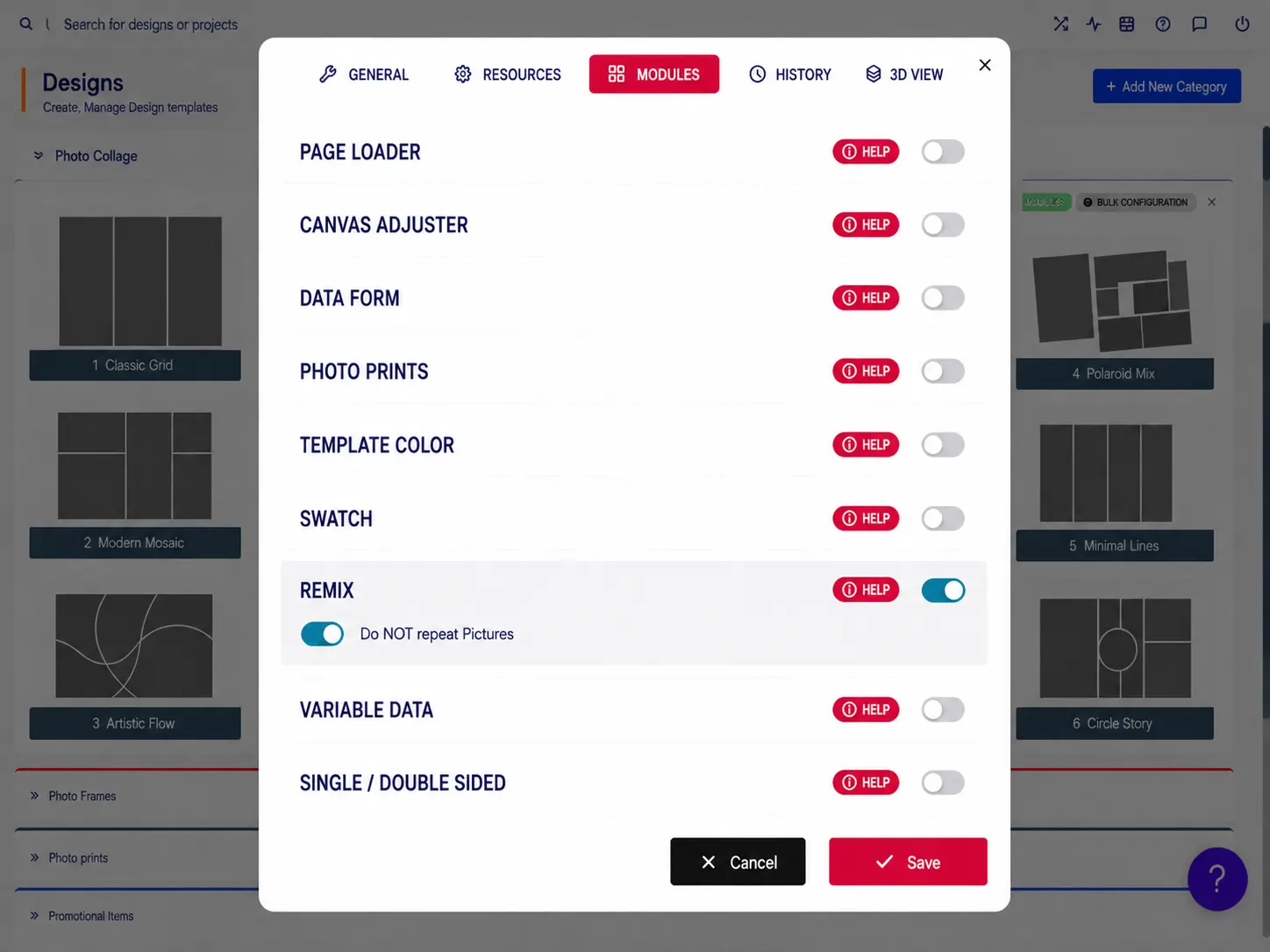
Set up Remix Module
Review remix setup guidance or start testing mask-based photo layouts on your products.
View Documentation
Full API reference, integration guides, and code examples for developers.
Try It For Free
Spin up a free account and test this feature on your own products in minutes.
Create Your Account
No credit card required. Start customizing products in minutes.
FAQ
Remix Module questions
What does the Remix Module do?
Automatically generate creative layout variations by filling custom mask shapes with customer-uploaded photos.
How does the Remix Module work?
The Remix Module makes it fast to create custom photo collage products like collage mugs and water bottles, yearbooks, graduation and wedding announcements, memorial programs, personalized wrapping paper, memorial or family reunion t-shirts, collage phone and laptop cases, and collage blankets, pillows, and tapestries. Instead of manually dragging, dropping, and cropping every image, customers upload their photos once and the module automatically fills the template's photo placeholders in a single click.
Who should use the Remix Module?
Remix Module speeds up photo layout creation while giving customers a more interactive design experience.
More modules
for photo workflows
-
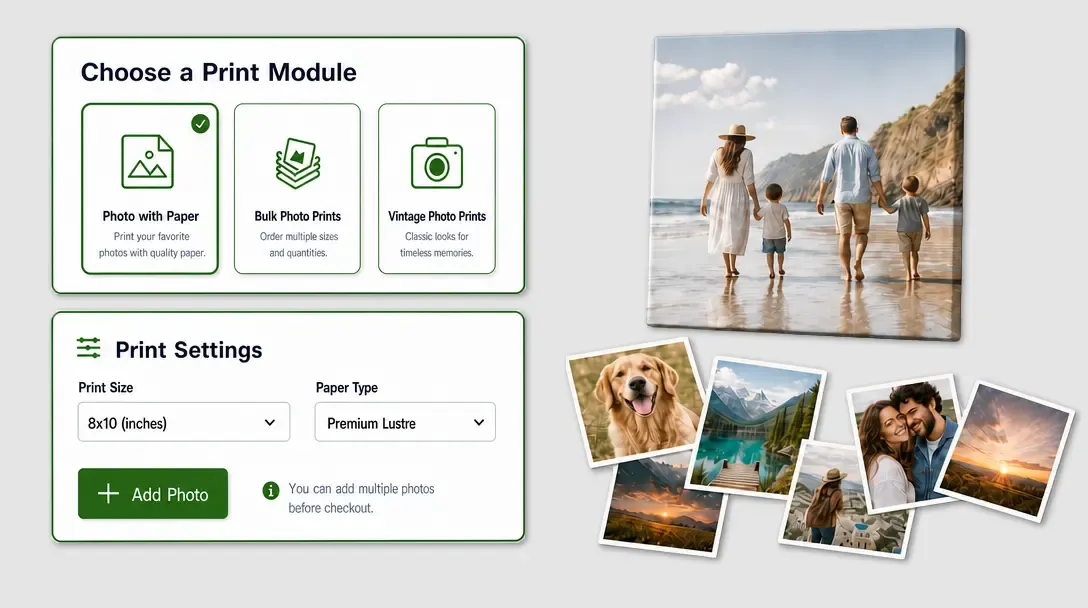
Photo Print Module
Streamline photo uploads, paper options, quantities, and styled print experiences.
Learn more -
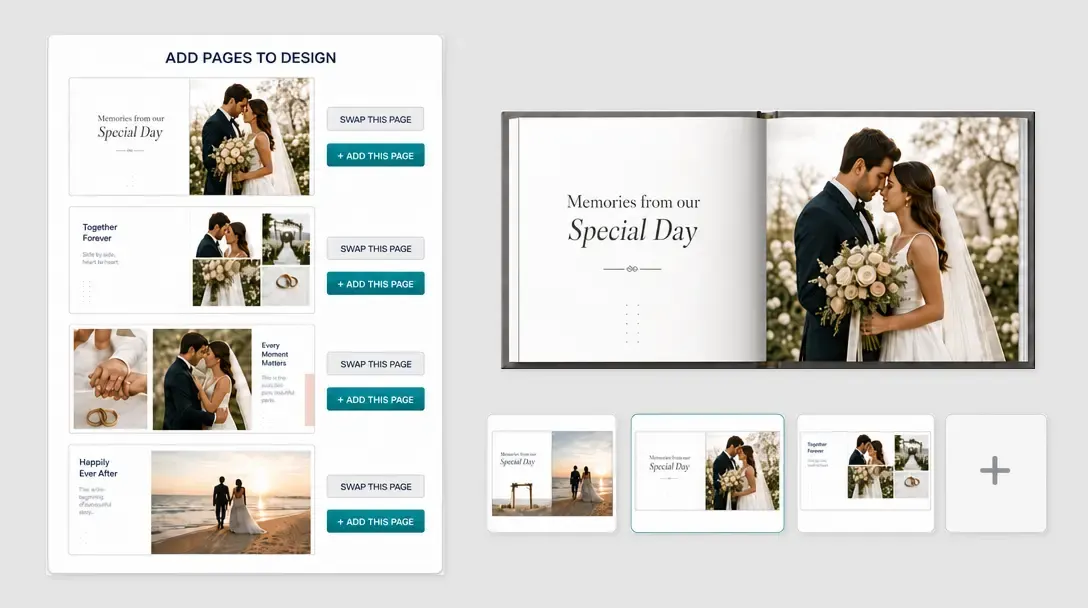
-