Simplify Customization with the PitchPrint Photo Print Module
Streamline photo print ordering with bulk uploads, automated crops, styled print templates, paper options, and faster customer configuration.
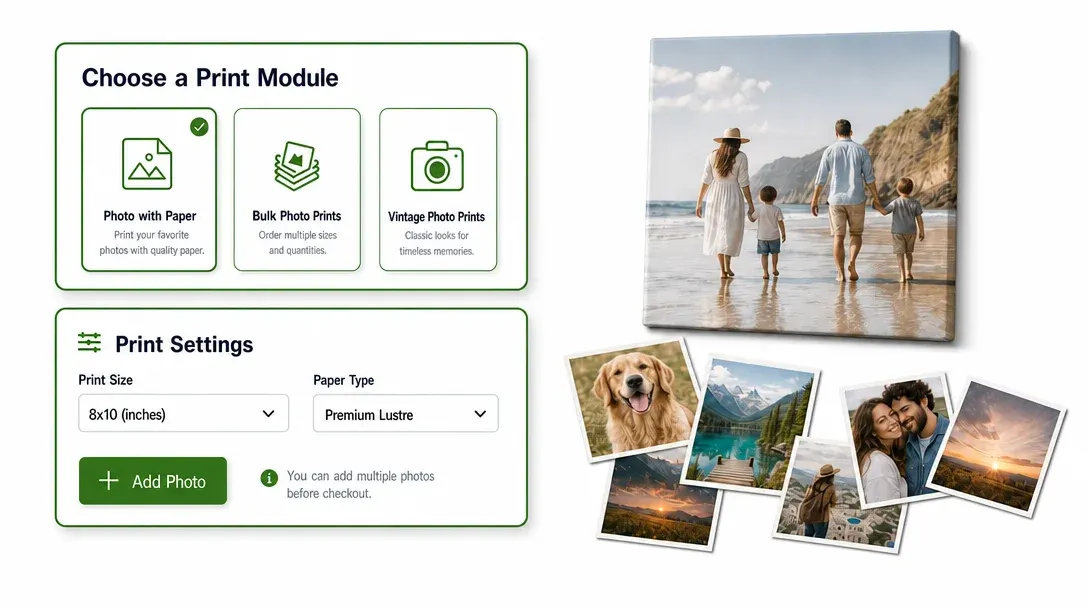
Photo ordering built for different print workflows
Do you sell products like Retro polaroid-Style aesthetic prints, Custom photo booth strips, Archival fine art prints, DIY bedroom wall collage kits, Miniature locket & Wallet-Sized photo prints, Custom photo sticker sheets for journaling, Ultra-Wide panoramic landscape prints or Magnetic photo fridge prints? If you want to offer photo-focused ordering workflows without the headache of an intimidating or complex layout editor, the PitchPrint Photo Print Module is exactly what you need.
Instead of forcing your customers to build layouts from scratch, this module turns photo uploads and ordering into a highly streamlined selection and quick-edit workflow.
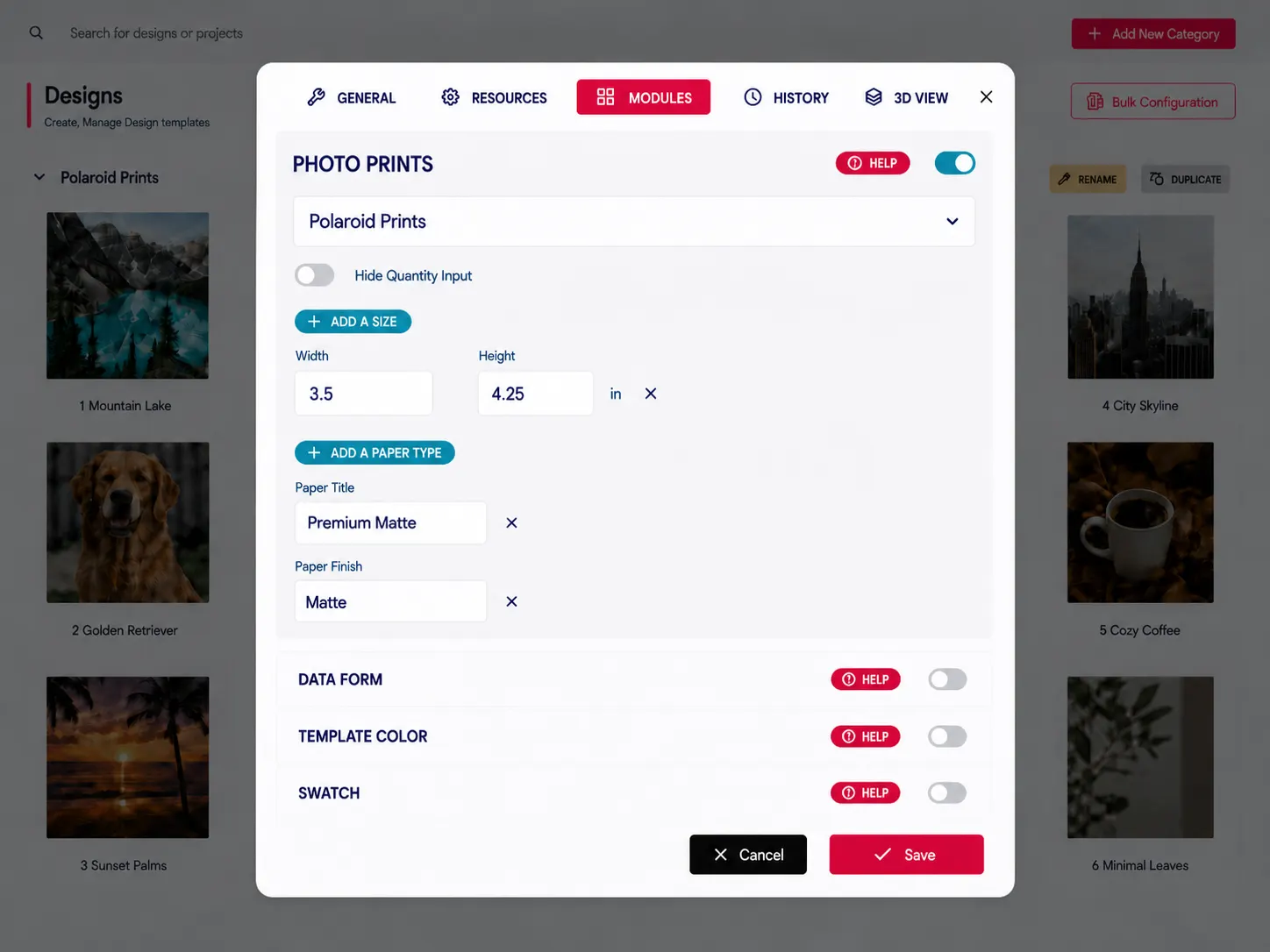
Built for products where
photo uploads define the order
Retro Polaroid-Style Aesthetic Prints: Apply vintage filters to custom polaroid style prints.
Custom Photo Booth Strips: Drop snapshot sequences into vertical photo strip templates.
Archival Fine Art Prints: Print gallery reproductions on premium sustainable paper types.
DIY Bedroom Wall Collage Kits: Bulk upload aesthetic images for bedroom collage kits.
Miniature Locket & Wallet-Sized Photo Prints: Crop custom portraits to fit tiny locket frames and many more products...
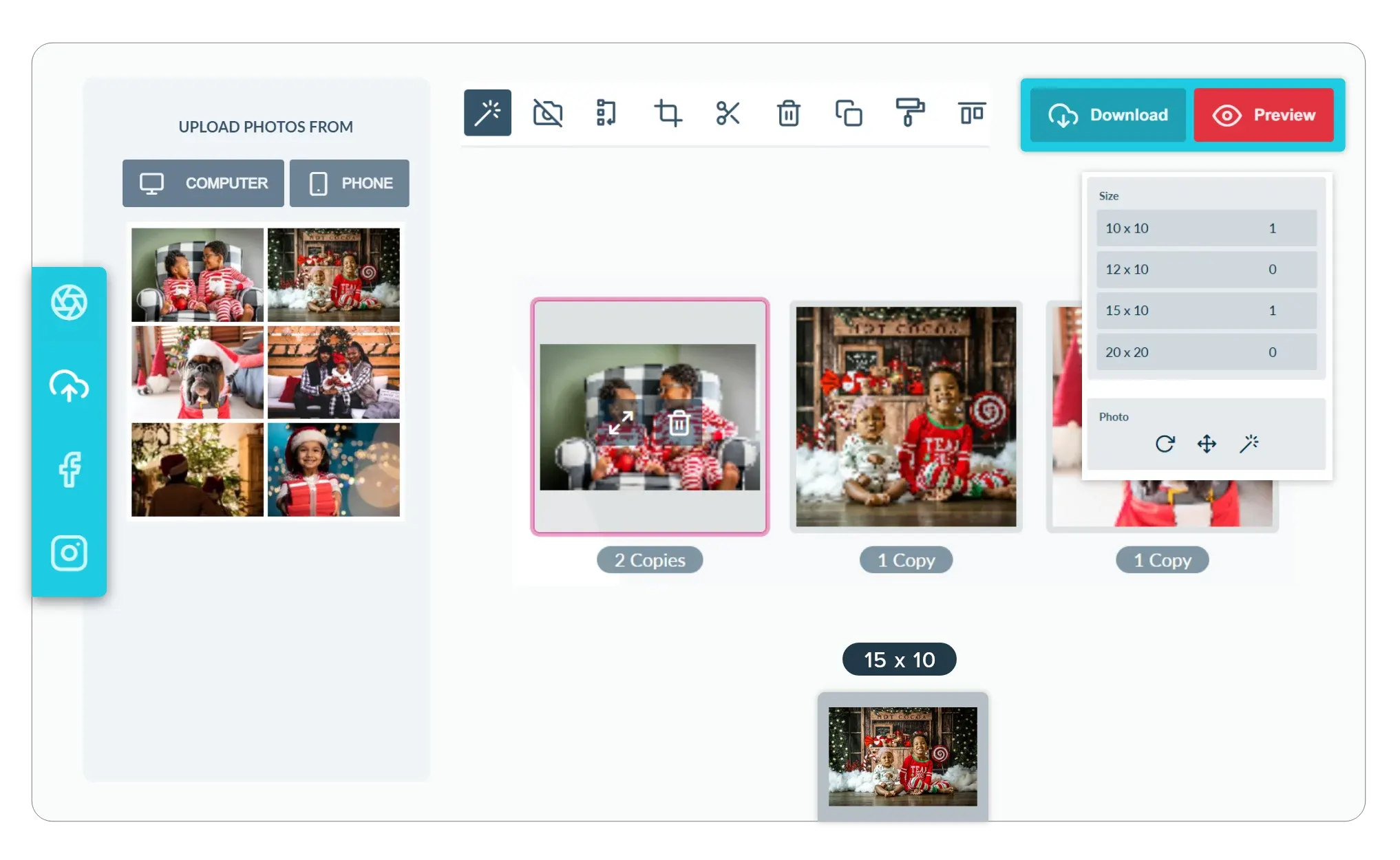
Photo print tools
for uploads and options
-
Support Diverse Print Modes
Take total control of your product types. This module easily toggles between three specialized modes: Photo with Paper Type selection, Bulk Photo Prints, and Vintage Photo Prints with retro borders and custom text captions.
-
Make Bulk Ordering Straightforward
Remove friction for high-volume customers. With the Bulk Print mode, customers can upload multiple photos at once and use a simple plus or minus counter to set quantities and dimensions for each unique image.
-
Enable Essential Image Adjustments
Keep your customers satisfied with their final prints. The module comes with built-in cropping, scaling, rotation, and basic photo filters, allowing users to align and edit their images within the print area.
-
Faster Checkout for Photo Runs
By allowing users to pull photos directly from their social media accounts or local devices and configure multiple sizes at once, you simplify the path to purchase. When bulk photo ordering is this easy, customers are much more likely to complete their order.
Three photo workflows
for different orders
Choose the photo print experience that matches volume, style, and customer print preferences.
-
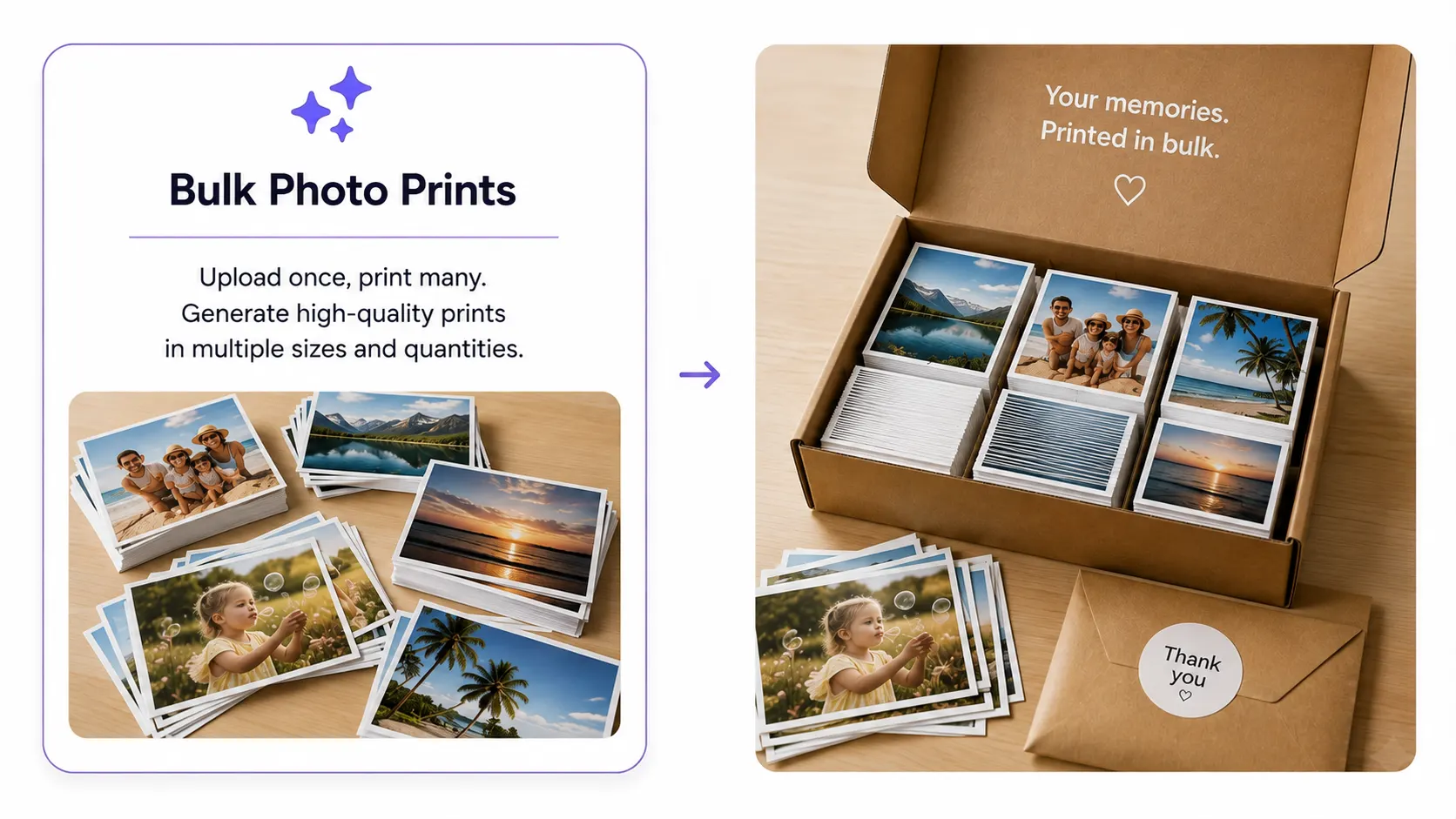
Bulk Photo Print
Upload multiple photos, choose sizes and quantities per image, and manage a large print collection quickly.
Learn more -
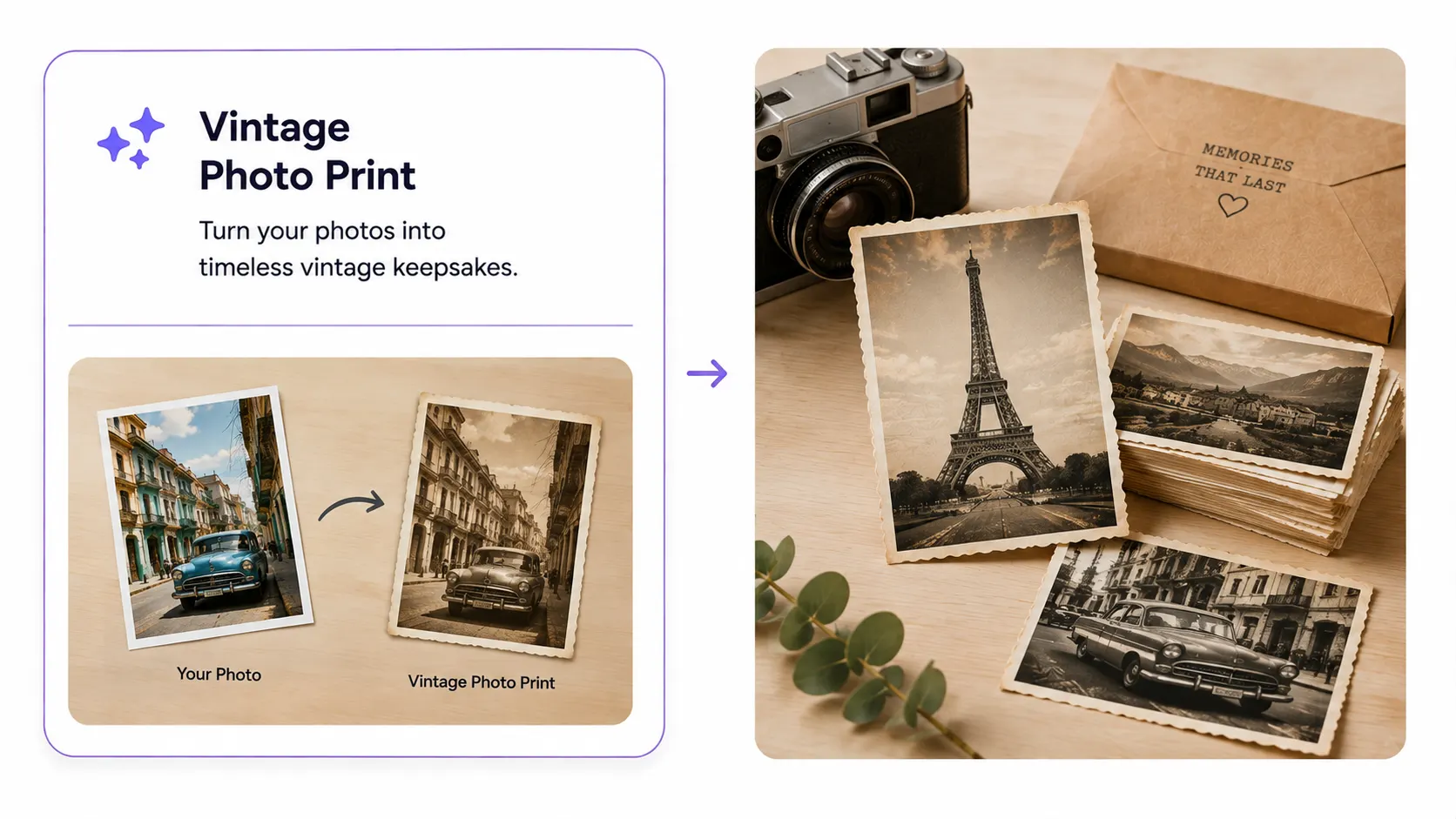
Vintage Photo Print
Use styled templates with photo masks, captions, layouts, and decorative retro backgrounds.
Learn more -
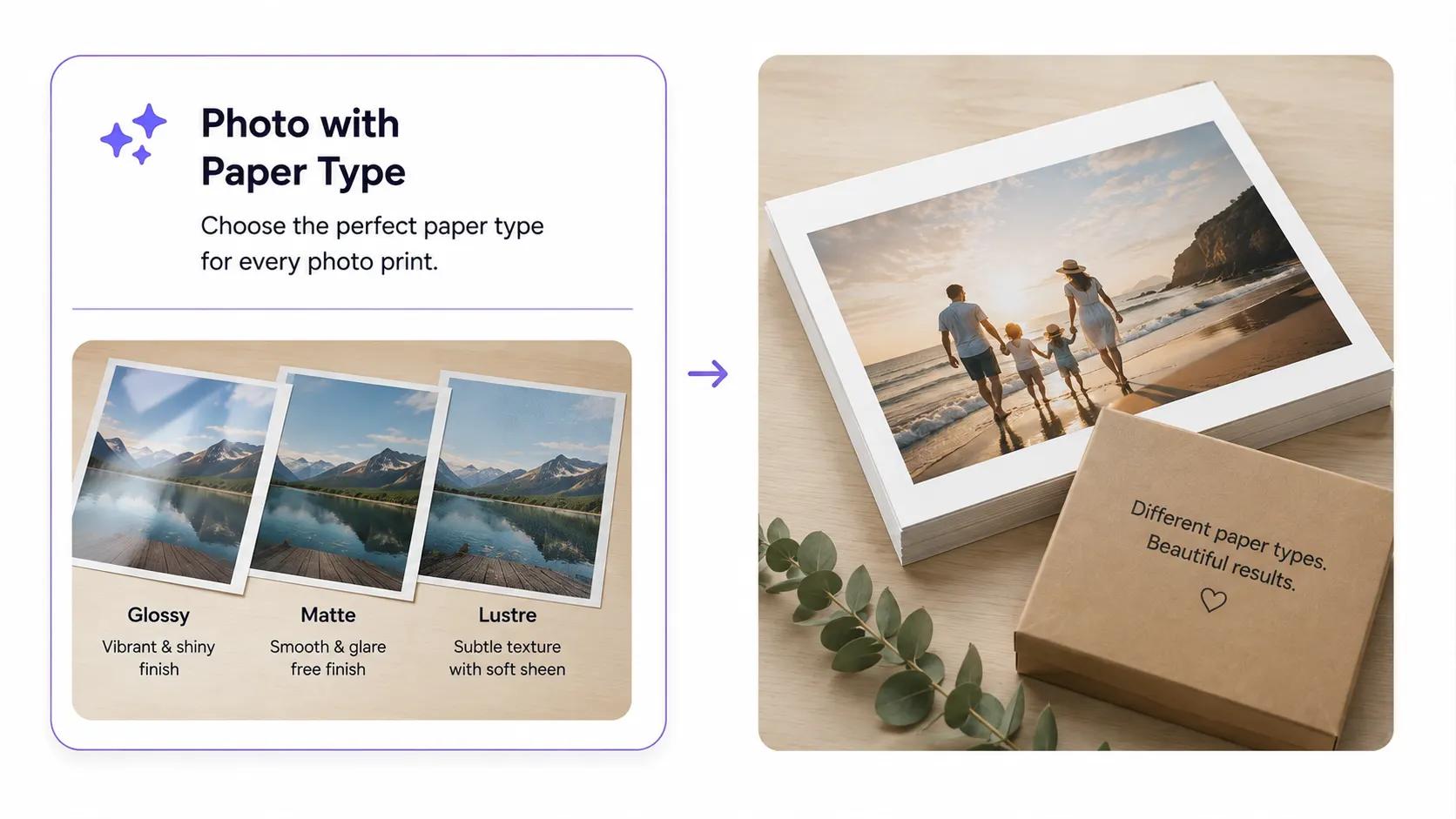
Photo with Paper Type
Configure photo size, paper type, and quantity for premium or smaller individual photo orders.
Learn more
A faster path
from photos to prints
Photo Print Module keeps photo-focused products easier to upload, configure, personalize, and order.
- Bulk
Fast ordering
High-volume photo print orders become quicker and easier to manage.
- Pick
Flexible print options
Customers control sizes, paper choices, captions, and quantities where needed.
- Style
Creative photo formats
Vintage templates create more expressive personalized photo products.
- Flow
Intuitive experience
Purpose-built tools simplify upload, configuration, and checkout steps.
Set up Photo Print Module
Review photo workflow guidance or start testing print modes on your products.
View Documentation
Full API reference, integration guides, and code examples for developers.
Try It For Free
Spin up a free account and test this feature on your own products in minutes.
Create Your Account
No credit card required. Start customizing products in minutes.
FAQ
Photo Print Module questions
What does the Photo Print Module do?
Streamline photo print ordering with bulk uploads, automated crops, styled print templates, paper options, and faster customer configuration.
How does the Photo Print Module work?
The Photo Print Module supports photo-focused products like retro polaroid-style prints, custom photo booth strips, archival fine art prints, DIY bedroom wall collage kits, miniature locket and wallet-sized prints, custom photo sticker sheets, ultra-wide panoramic prints, and magnetic photo fridge prints. Instead of forcing customers to build layouts from scratch, it turns photo uploads and ordering into a streamlined selection and quick-edit workflow.
Who should use the Photo Print Module?
Photo Print Module keeps photo-focused products easier to upload, configure, personalize, and order.