Simplify Customization with the PitchPrint Design Selector Module
Let customers browse related templates, compare visual options, and switch the active design without leaving the PitchPrint editor.
Multiple templates in one editor journey
Do you sell products like Personalized engraved cutting boards, Custom coir doormats, Personalized travel jewelry organizers, Custom car air fresheners, Personalized leather catchall trays, Custom garden flags, Custom printed socks or Personalized enamel camp mugs? If you want to offer multiple design styles or product variants without forcing users to navigate back and forth on your store, the PitchPrint Design Selector Module is exactly what you need.
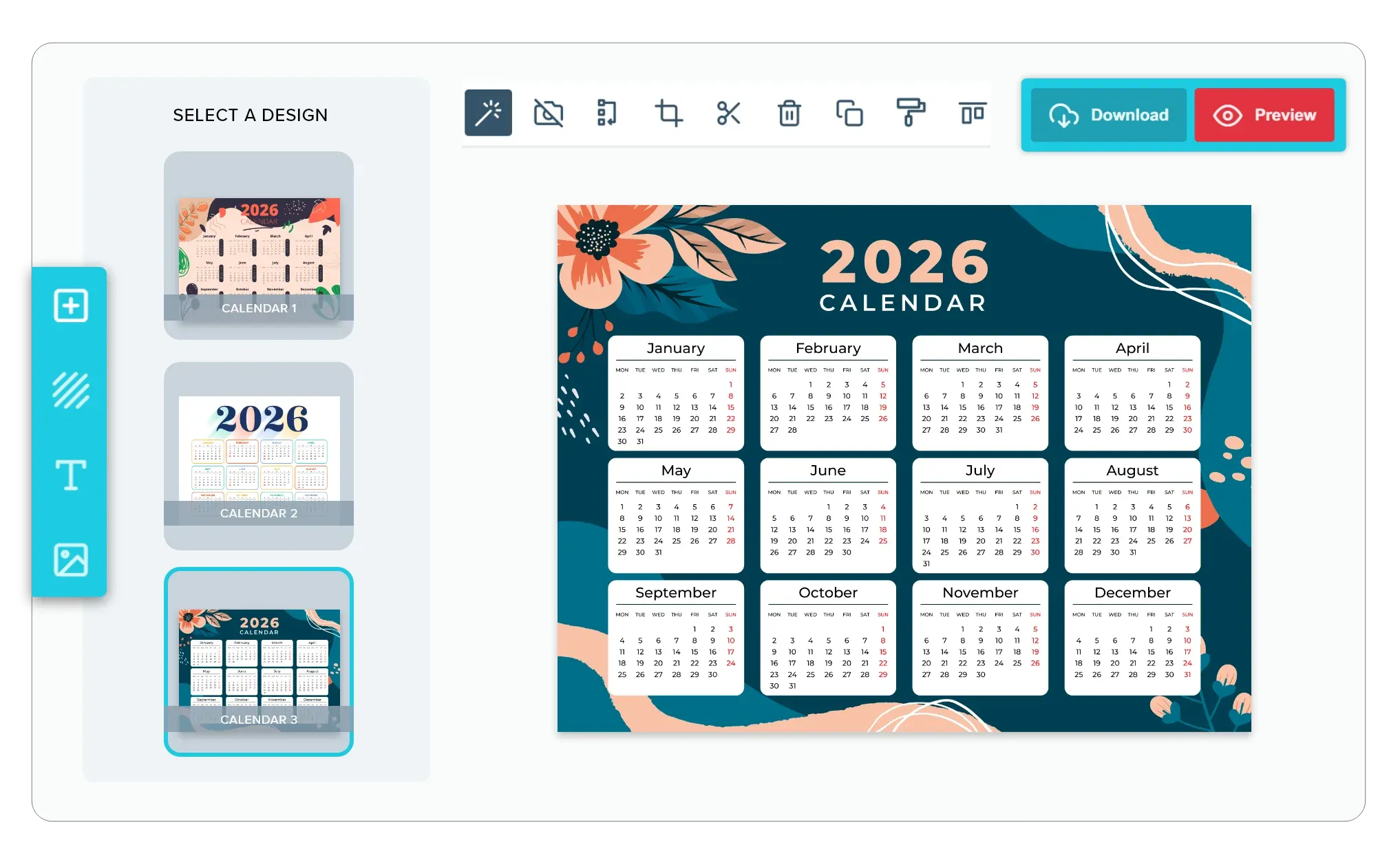
Instead of making customers select a template on your product page and reload the customizer every time they want to try a new look, this module adds an interactive design selector tab directly inside the active editor window.
Built for products where
the layout should stay fixed
Personalized Engraved Cutting Boards: Switch engraving templates on custom wood cutting boards.
Custom Coir Doormats: Center custom doormat greetings across various porch templates.
Personalized Travel Jewelry Organizers: Swap travel case patterns without reentering your monogram.
Custom Car Air Fresheners: Adjust custom text on different air freshener shapes.
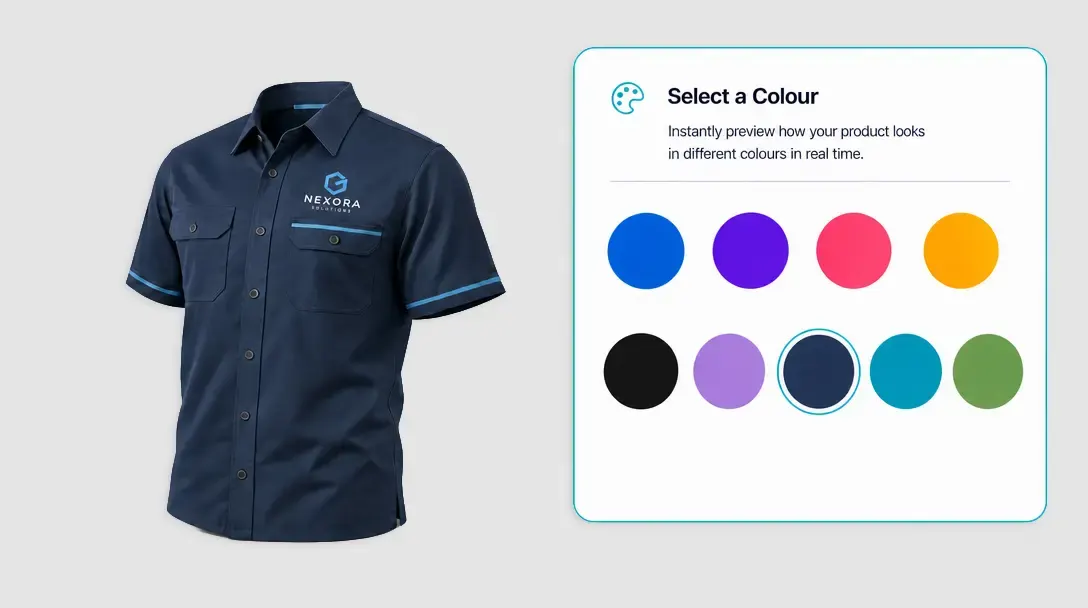
Apparel: Let customers add names, numbers, or sizes for custom sports jerseys and team wear.
Personalized Leather Catchall Trays: Adjust custom engraving layouts on leather valet trays and many more products...
Template browsing
built into customization
-
Consolidate Your Templates
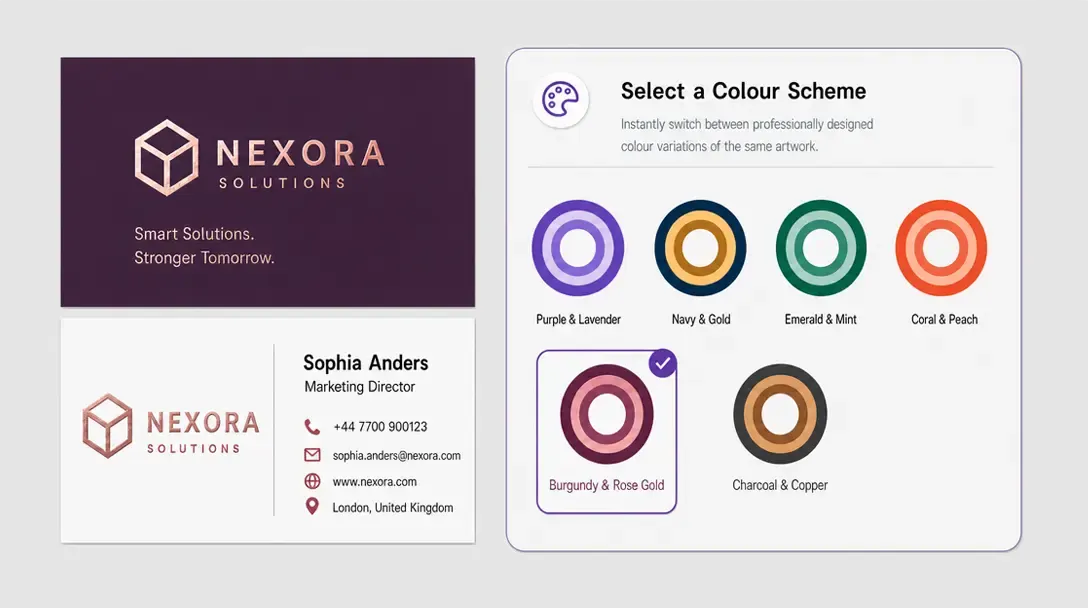
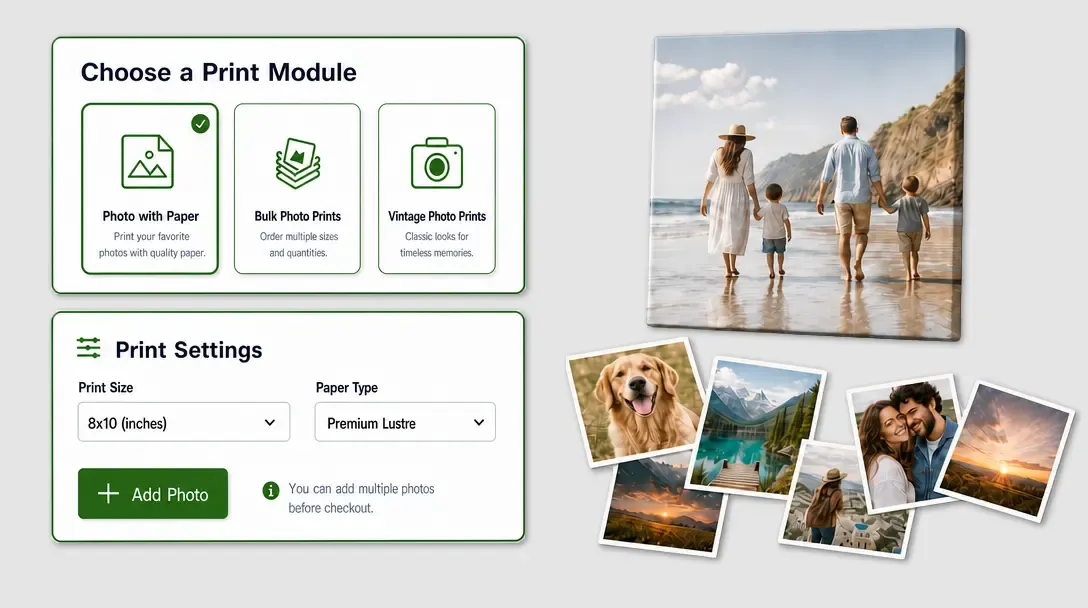
Keep your catalog neat and organized. Group similar design templates or product options under a single product listing and let your customers browse and swap them inside the design panel.
-
Support Single-Option Selections
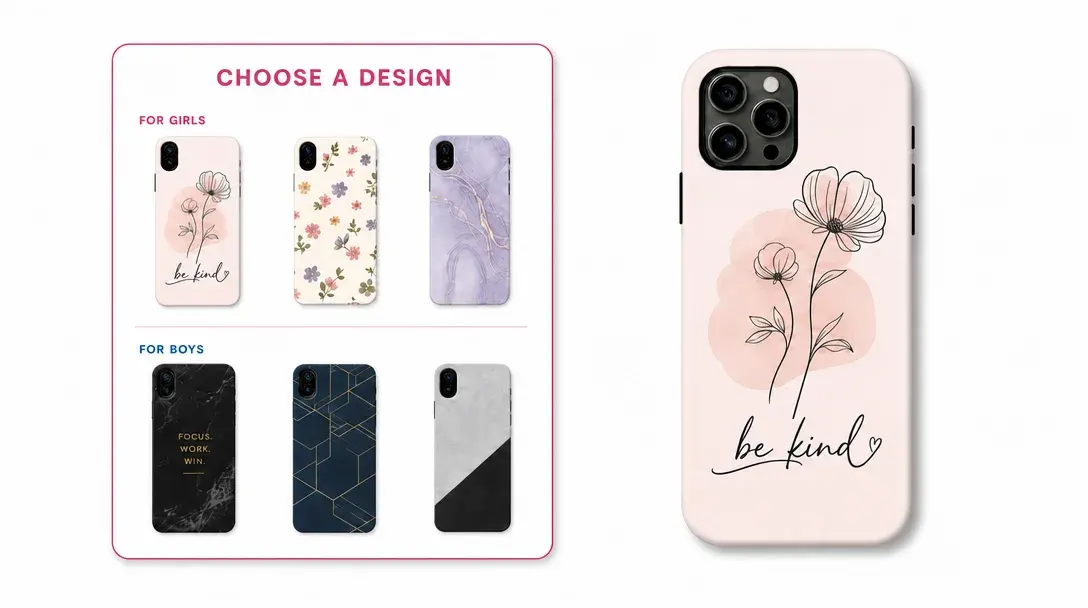
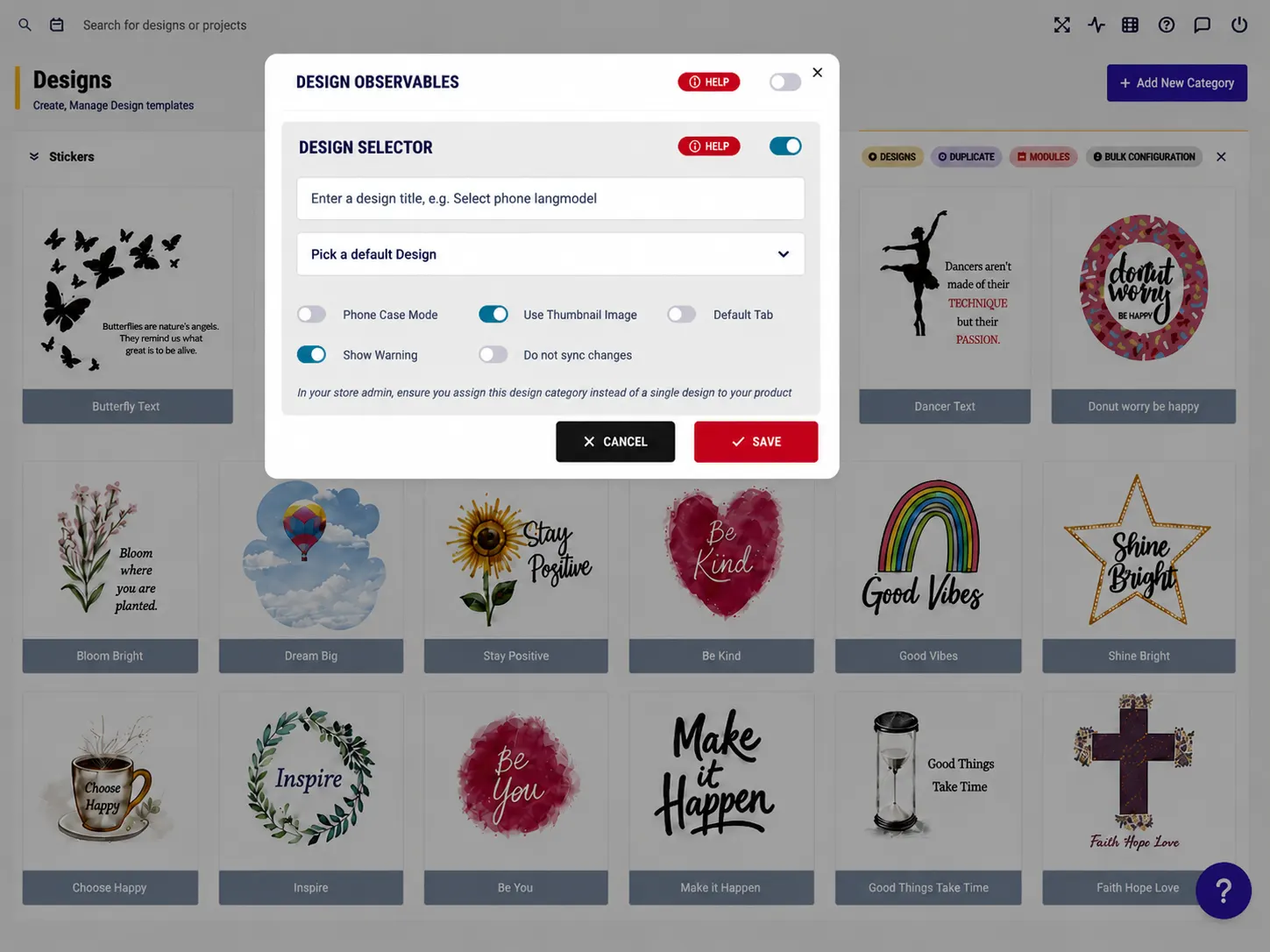
Use the specialized Phone Case Mode to treat individual template pages as standalone layout options. Instead of forcing multi-page printing, customers can see different design choices presented as layouts and customize only the one they need.
-
Instant Dynamic Previews
Improve the user experience. Toggle between text-based lists or visual image thumbnails for your design templates, letting customers easily preview and select their preferred style with zero wait time.
-
Faster Checkout for Design Variants
When it’s this easy for customers to experiment with different design themes, colours, and product options side-by-side, they can confidently find the right match and complete their purchase much faster.
More design choice
with less shopping clutter
Design Selector turns large related template sets into a clearer customer decision.
- One
Product page flow
Design exploration stays attached to the same customization journey.
- Try
More experimentation
Thumbnail switching helps customers compare designs before committing.
- Less
Duplicate listings
One product can present a collection of design choices more cleanly.
- Order
Organized libraries
Related templates are grouped into a simpler shopping experience.
Configure Design Selector
Review design category setup guidance or start grouping templates for your products.
View Documentation
Full API reference, integration guides, and code examples for developers.
Try It For Free
Spin up a free account and test this feature on your own products in minutes.
Create Your Account
No credit card required. Start customizing products in minutes.
FAQ
Design Selector Module questions
What does Design Selector Module do?
Let customers browse related templates, compare visual options, and switch the active design without leaving the PitchPrint editor.
How does Design Selector Module work?
The PitchPrint Design Selector Module lets customers browse and switch between multiple design templates or product variants, such as engraved cutting boards, doormats, travel organizers, and camp mugs, without leaving the active editor. Instead of reloading the customizer every time they want to try a new look, customers can compare styles through an interactive design selector tab built into the editor.
Who should use Design Selector Module?
Design Selector turns large related template sets into a clearer customer decision.