
Simplify Customization with the PitchPrint Design Observables Module
Automatically load the right design template based on the product options customers select.
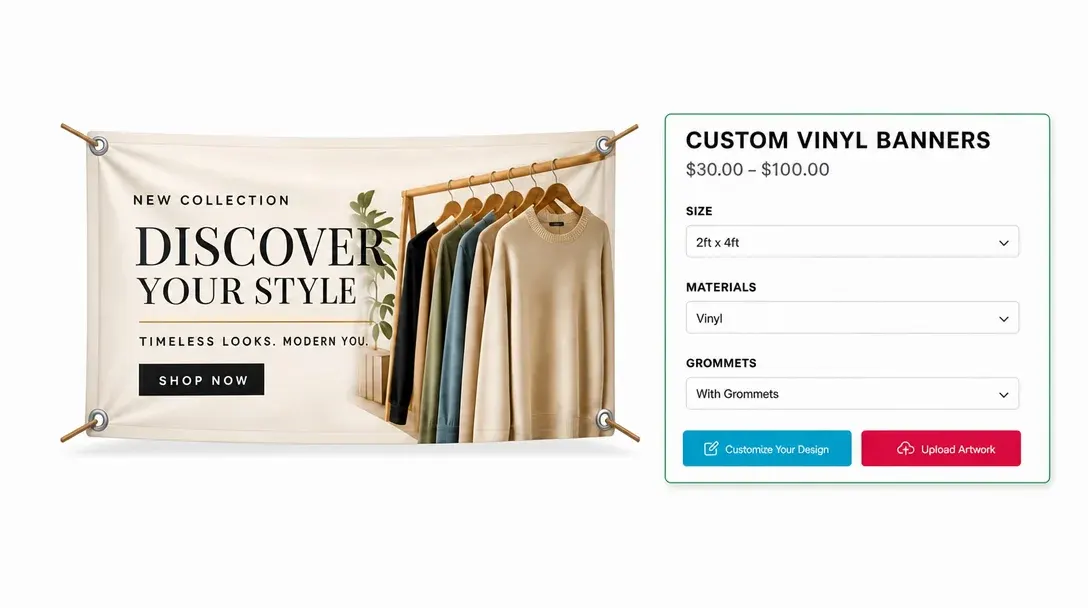
Product options that
load the right design
Do you sell products like Custom metal wall signs, Custom kraft paper bags, Wooden keepsake boxes, Custom promotional water bottles, Personalized canvas tote bags, Embroidered beanies, Printed acrylic photo blocks, or custom enamel pins.? If you want to automatically open the correct design template based on the options your customer selects on your product page, the PitchPrint Design Observables Module is exactly what you need.
Instead of making customers guess which template matches their chosen size, material, or finish, this module watches their choices on your product page and automatically loads the matching design template when the customizer launches.
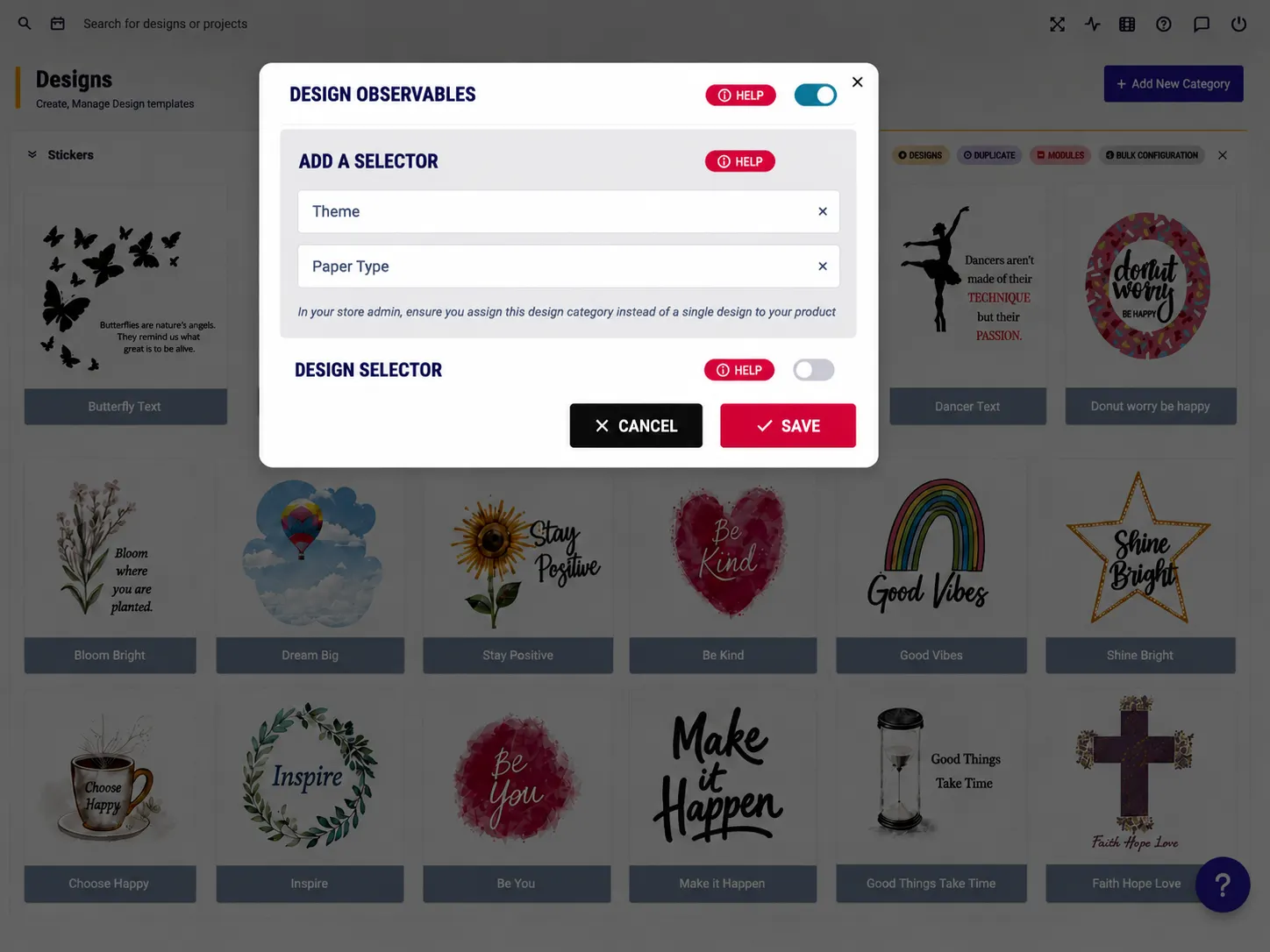
Built for products where
the layout should stay fixed
Custom Metal Wall Signs: Match design templates to selected metal plate finishes.
Custom Kraft Paper Bags: Load bag templates matching chosen handle size variations.
Wooden Keepsake Boxes: Open engraving files matching selected wood type colors.
Custom Promotional Water Bottles: Launch bottle wraps scaled to selected lid styles.
Apparel: Let customers add names, numbers, or sizes for custom sports jerseys and team wear.
Personalized Canvas Tote Bags: Match canvas print templates to chosen bag colors and many more products...
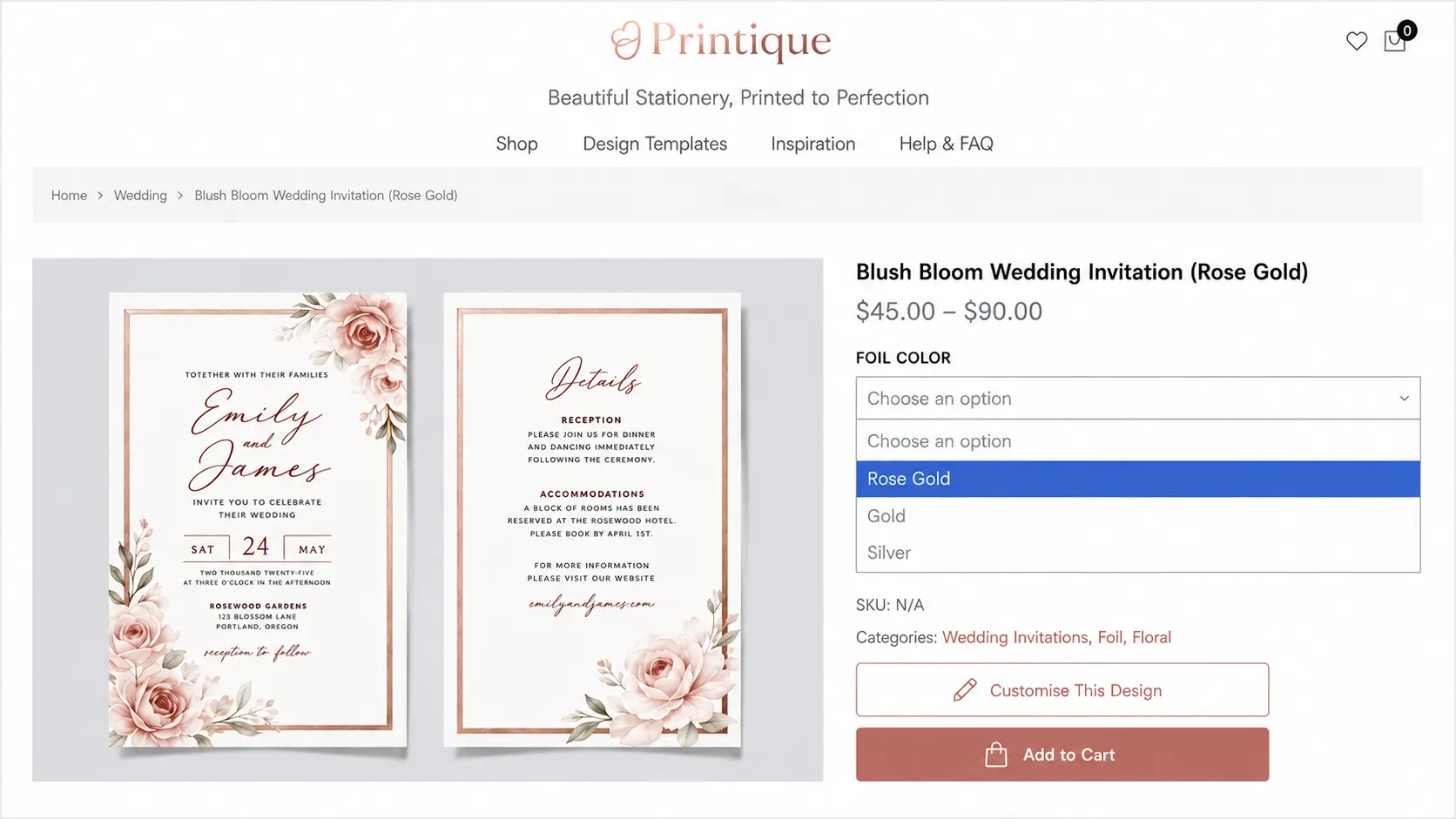
Option-aware templates
that update automatically
-
Automate Template Matching
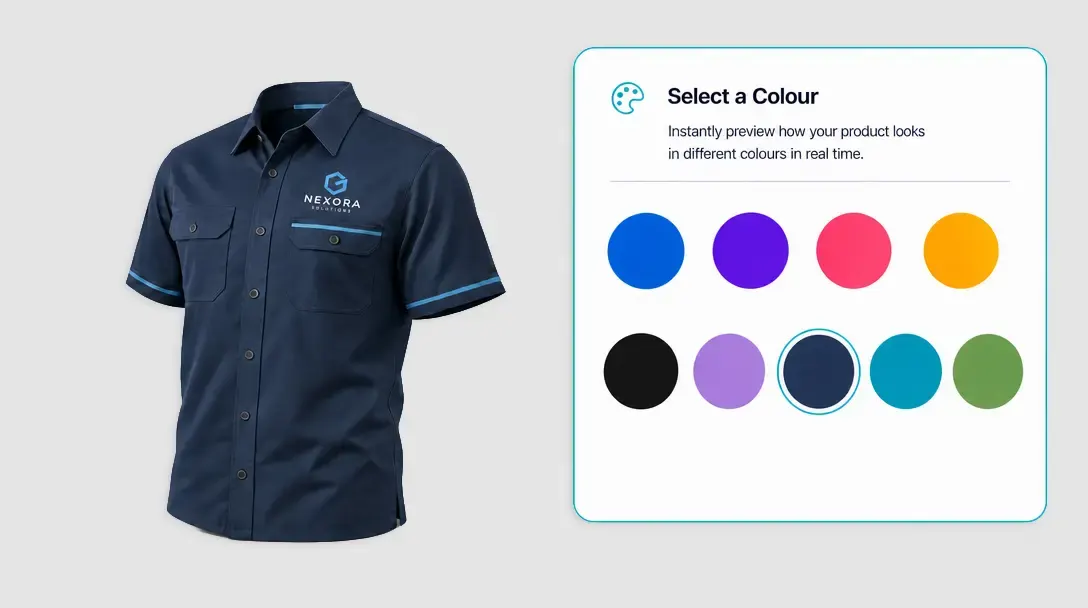
Keep your shop running smoothly. When a customer chooses options on your product page, like a large brass plaque with pre-drilled mounting holes, the module instantly loads the corresponding layout in the editor.
-
Support Complex Product Variations
Take total control over your inventory. You can tie your designs to any combination of product page variables, including size, color, material types, grommet options, and custom finishes.
-
Create a Unified Store Experience
Avoid customer confusion. Customers do not have to select their specifications twice or worry about their options resetting inside the design tool. The editor launches with their exact product selections already applied.
-
Faster Checkout for Custom Specifications
By removing the step of manually matching template files to product options, you eliminate purchase hesitation. When customers see their exact product choices reflected in the designer, they can finish their layout and check out much faster.
Simpler ordering
for configurable products
Design Observables keeps complex product choices connected to the right template experience.
- Auto
Automated variation workflows
Automates complex product variation workflows.
- Clear
Less customer confusion
Reduces confusion by loading the correct design for the selected option.
- Easy
Simpler multi-option setup
Simplifies setup for products with multiple configurations.
- Fit
Works across complex products
Ideal for packaging, signage, brochures, stationery, and promotional materials.
Set up Design Observables
Review setup guidance or try option-aware templates on your own products.
View Documentation
Full API reference, integration guides, and code examples for developers.
Try It For Free
Spin up a free account and test this feature on your own products in minutes.
Create Your Account
No credit card required. Start customizing products in minutes.
FAQ
Design Observables questions
What does Design Observables do?
Automatically load the right design template based on the product options customers select.
How does Design Observables work?
The PitchPrint Design Observables Module automatically loads the correct design template for products like metal wall signs, kraft paper bags, keepsake boxes, tote bags, and enamel pins based on the options customers select on the product page. Instead of making customers guess which template matches their chosen size, material, or finish, the module watches those selections and loads the matching template automatically when the customizer launches.
Who should use Design Observables?
Design Observables keeps complex product choices connected to the right template experience.
More modules
for smart templates
-
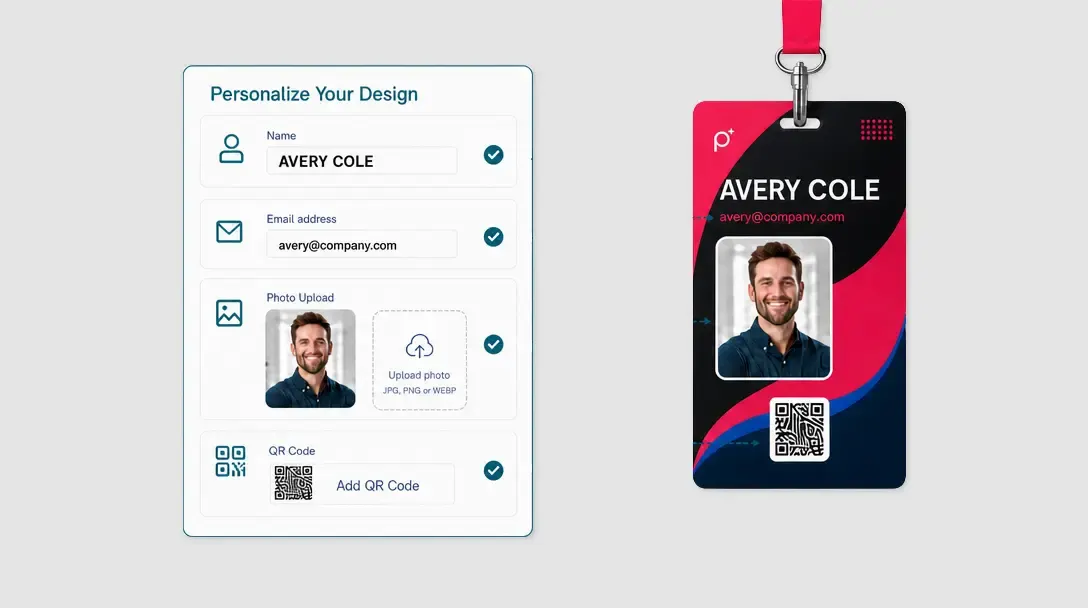
Data Form Module
Guide customers through structured fields instead of direct canvas editing.
Learn more -
-
Smart Sizes
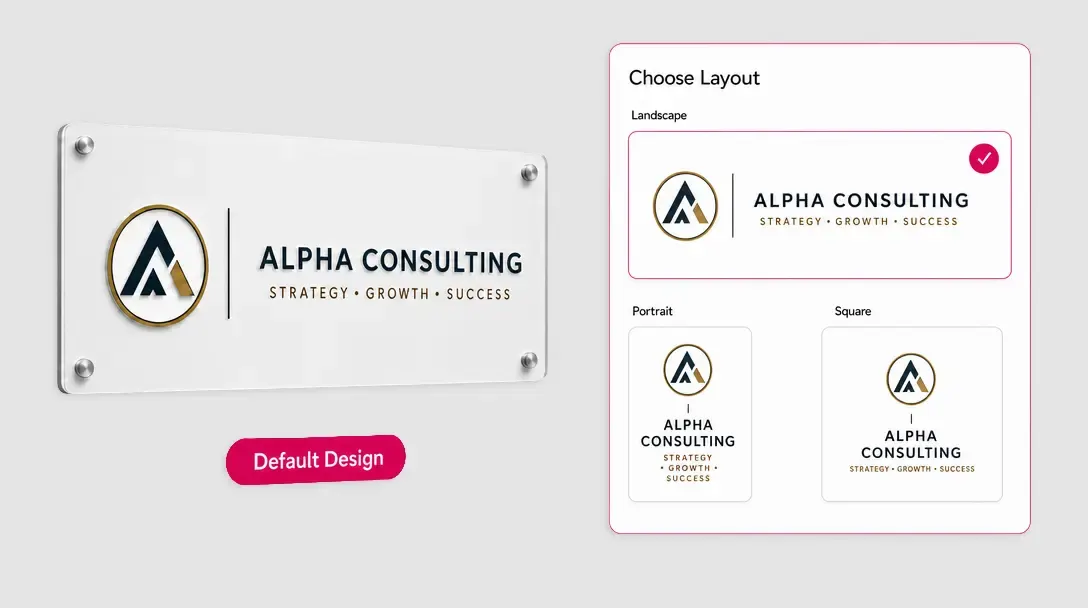
Generate optimized layouts for multiple product sizes from one master design.
Learn more