
Simplify Customization with the PitchPrint Single/Double Sided Module
Let customers choose between single-sided and double-sided printing before the editor opens.
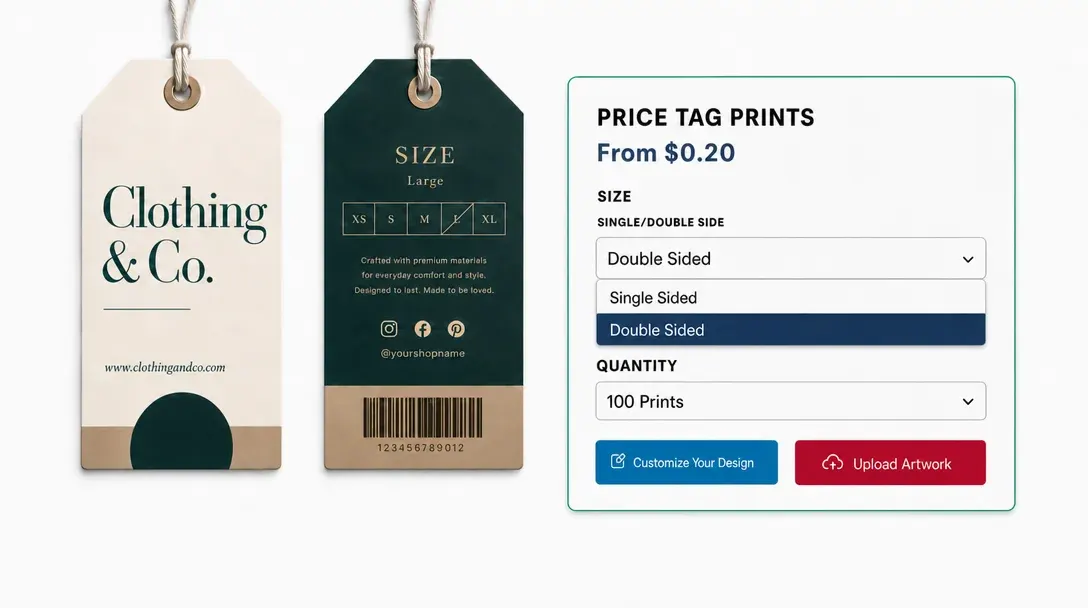
The right number of
editable pages from the start
Do you sell products like Custom Pillowcases, Personalized luggage tags, Custom garden flags, Custom desk mats, Custom cardstock bookmarks, Custom car sun shades, Personalized golf towels, or Custom plastic loyalty cards? If you want to give customers the choice to print on either one side or both sides of an item without the hassle of setting up completely different listings in your store, the PitchPrint Single/Double Sided Module is exactly what you need.
Instead of forcing you to build and maintain separate single-sided and double-sided products, this module lets customers toggle between printing options directly inside the active editor window.
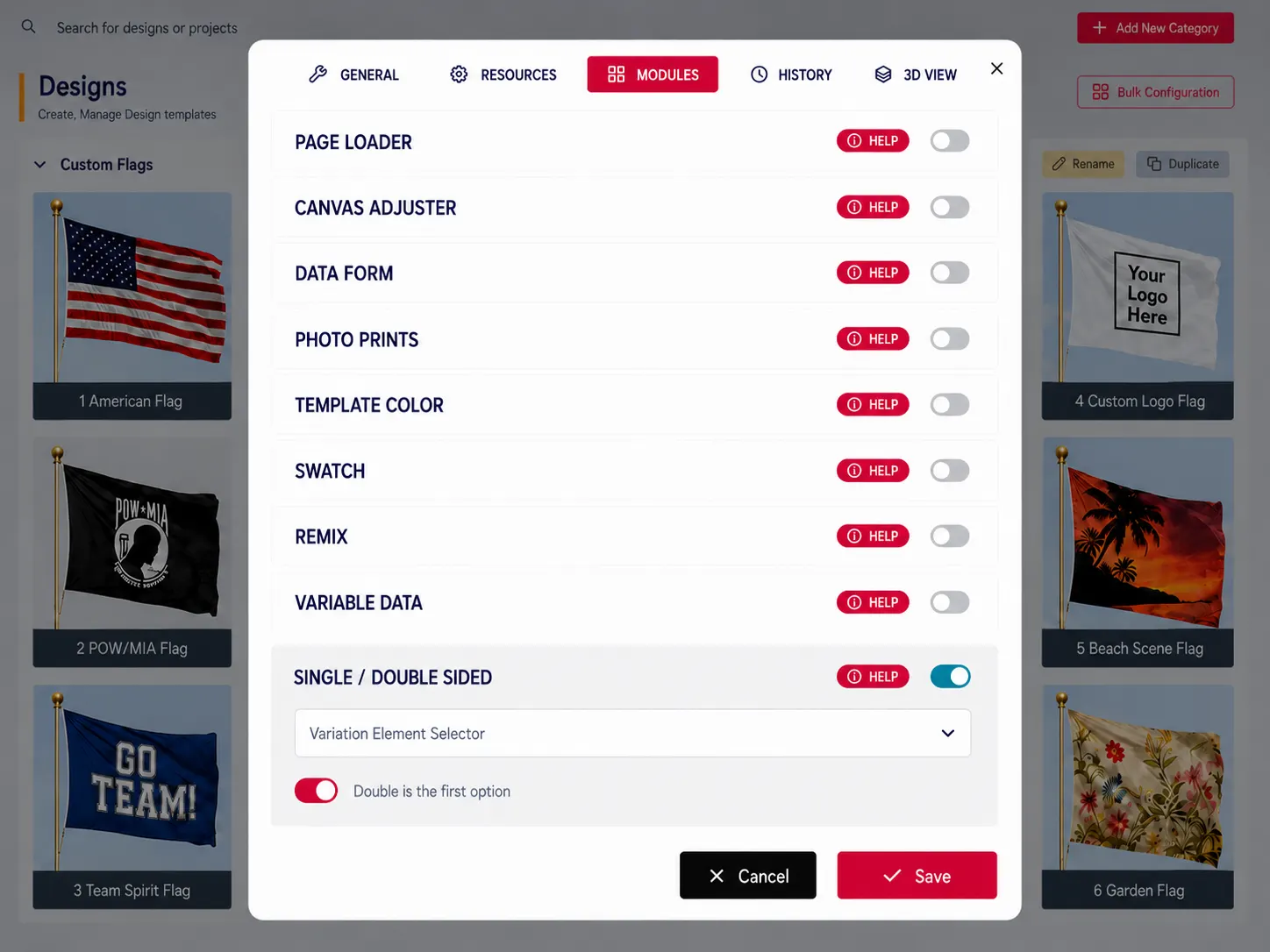
Built for products where
photo uploads define the order
Custom Pillowcases: Toggle front only or dual sided pillowcase prints.
Personalized Luggage Tags: Add custom contact info to back tag layouts.
Custom Garden Flags: Toggle printing on single or both flag sides.
Custom Desk Mats: Create reversible designs for custom dual desk mats.
Custom Cardstock Bookmarks: Enable back page templates for custom printed bookmarks and many more products...
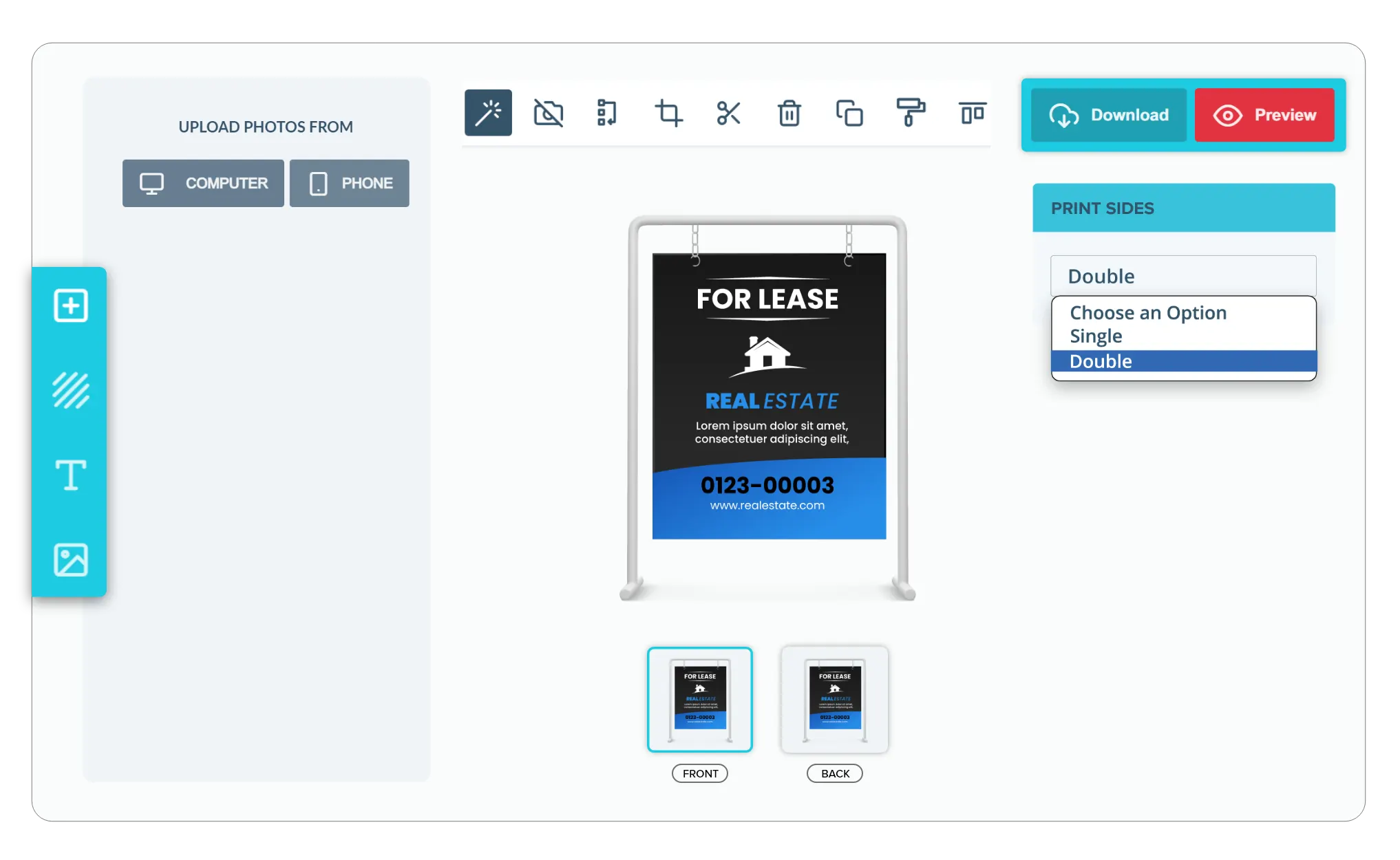
Side selection
connected to editor setup
-
Dynamic Page Shifting
Keep your layouts clean. When a customer switches between single and double-sided options, the editor automatically adds or removes the second page, ensuring they only design the sides they intend to print.
-
Simple Two-Way Pricing Sync
Keep your pricing accurate. The module communicates directly with your product page. When a user chooses to print on both sides, your product price dynamically updates to include your double-sided printing surcharge.
-
Consolidate Your Catalog
Save time on backend management. You only need to create a single double-sided product template rather than maintaining duplicate listings for different print variations.
-
Faster Checkout with Clear Choices
By letting buyers toggle the second side on or off instantly, you eliminate purchasing confusion. When choosing between front-only or double-sided prints is this straightforward, customers complete their orders much faster.
Cleaner setup for
one-sided and two-sided print
Single / Double Sided keeps customers on the right print workflow before they begin designing.
- Easy
Simpler double-sided setup
Simplifies setup for double-sided products.
- Less
Fewer customer errors
Reduces ordering mistakes by loading the right number of editable pages.
- One
Fewer product listings
Eliminates the need for duplicate product listings.
- Fit
Works for card products
Ideal for postcards, menus, invitations, brochures, and promotional cards.
Set up Single / Double Sided
Review setup guidance or try side-selection on your own print products.
View Documentation
Full API reference, integration guides, and code examples for developers.
Try It For Free
Spin up a free account and test this feature on your own products in minutes.
Create Your Account
No credit card required. Start customizing products in minutes.
FAQ
Single / Double Sided questions
What does the Single / Double Sided do?
Let customers choose between single-sided and double-sided printing before the editor opens.
How does the Single / Double Sided work?
The PitchPrint Single/Double Sided Module lets customers choose to print on one side or both sides of products like pillowcases, luggage tags, garden flags, and desk mats, without you having to create separate single-sided and double-sided product listings. Customers simply toggle between printing options directly inside the editor.
Who should use the Single / Double Sided?
Single / Double Sided keeps customers on the right print workflow before they begin designing.
More modules
for print setup
-
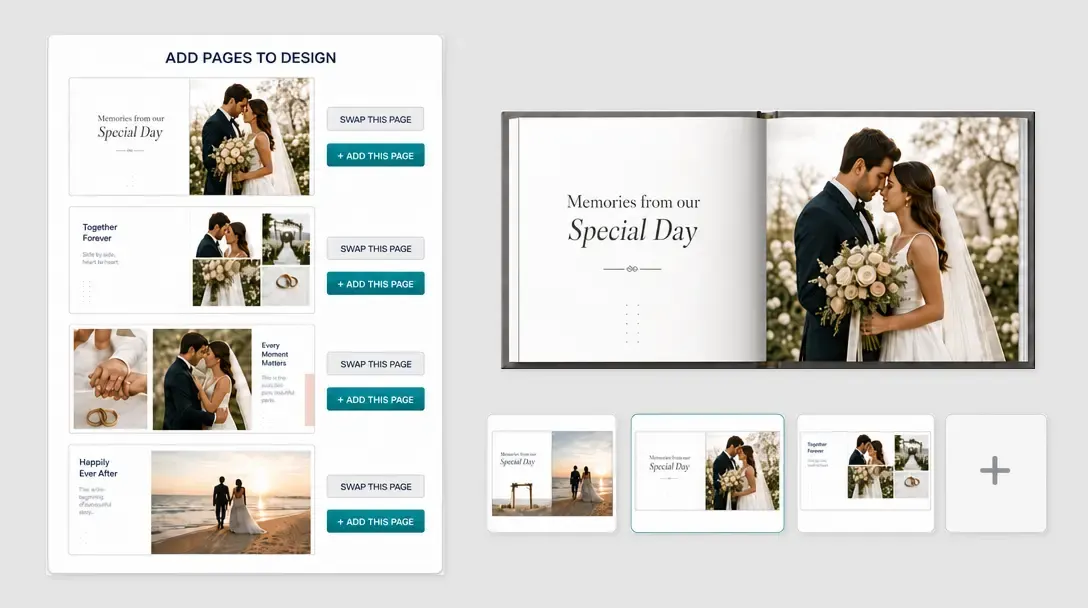
Page Loader
Let customers add, swap, or manage design pages from approved source layouts.
Learn more -
Data Form Module
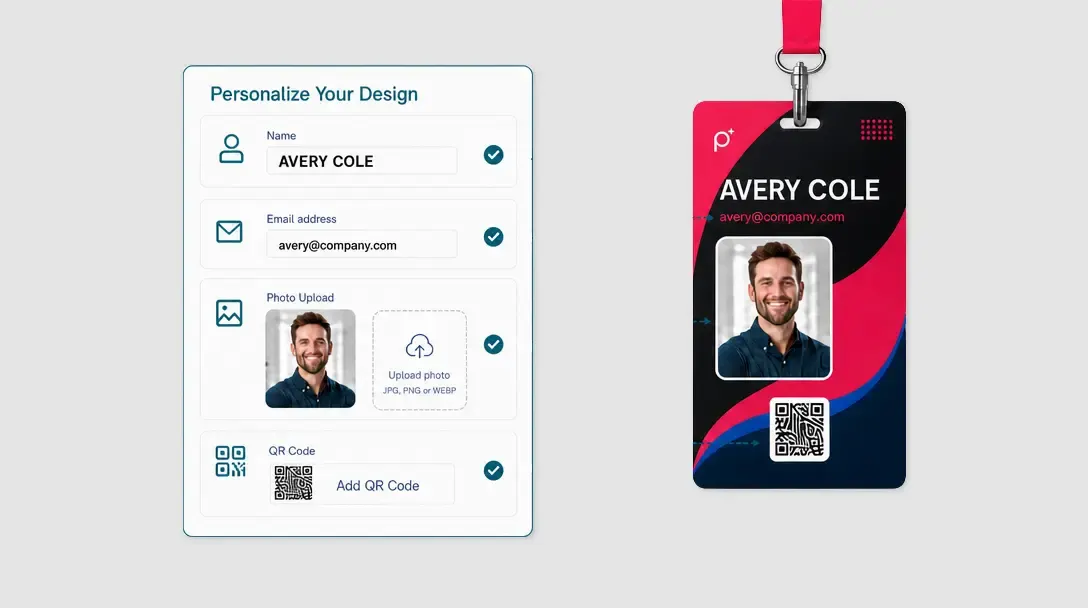
Guide customers through structured fields instead of direct canvas editing.
Learn more -
Print-Ready Vector PDFs
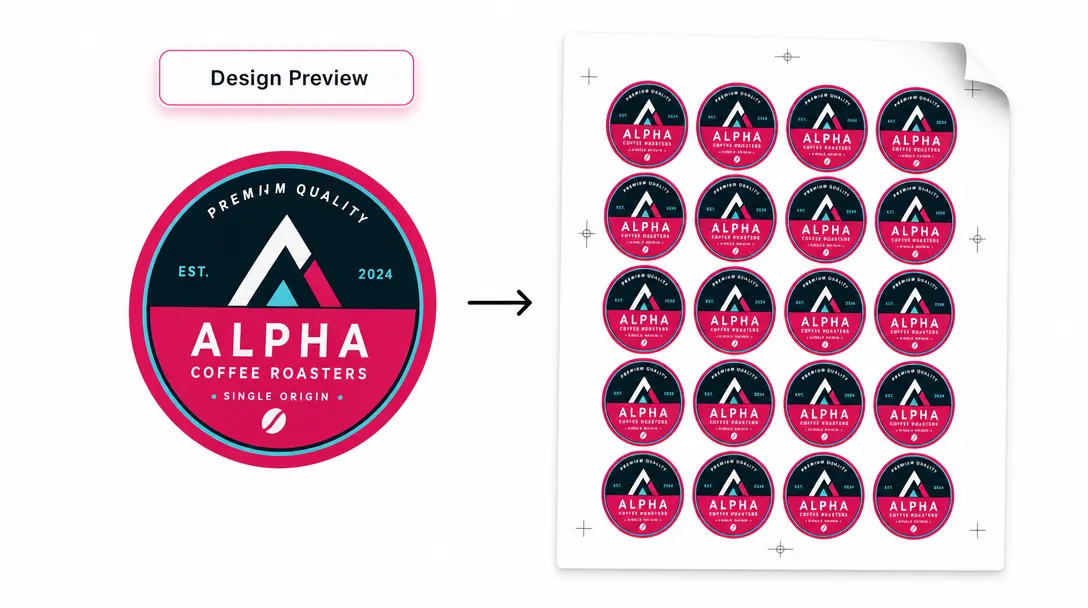
Export customer artwork as scalable, production-ready vector PDF files.
Learn more