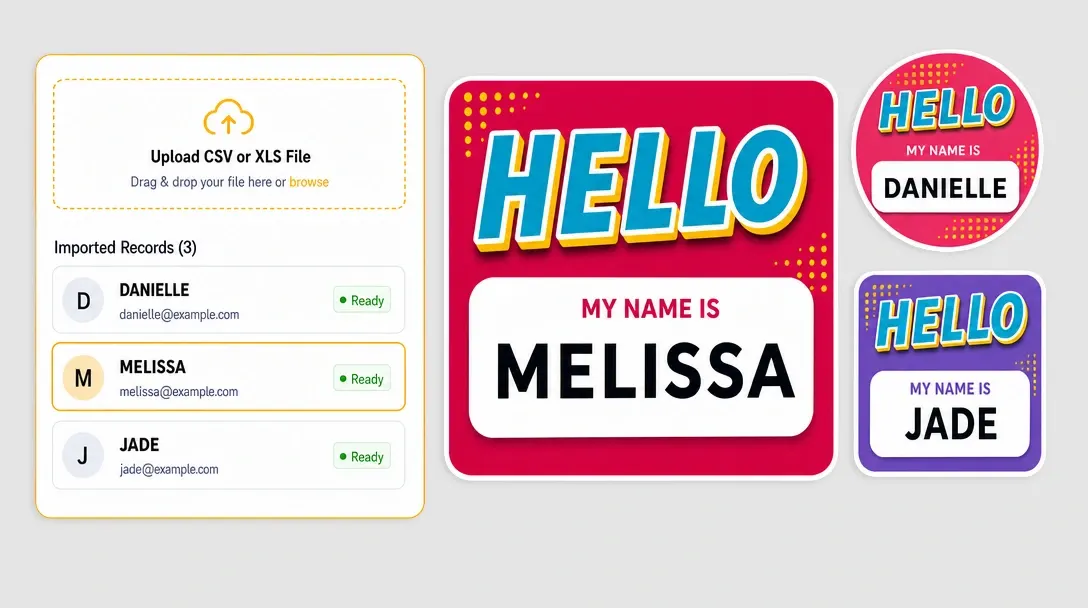
Simplify Multi-Page Orders with the PitchPrint Page Count Module
Track the number of pages customers add or remove in multi-page products and update storefront pricing automatically.
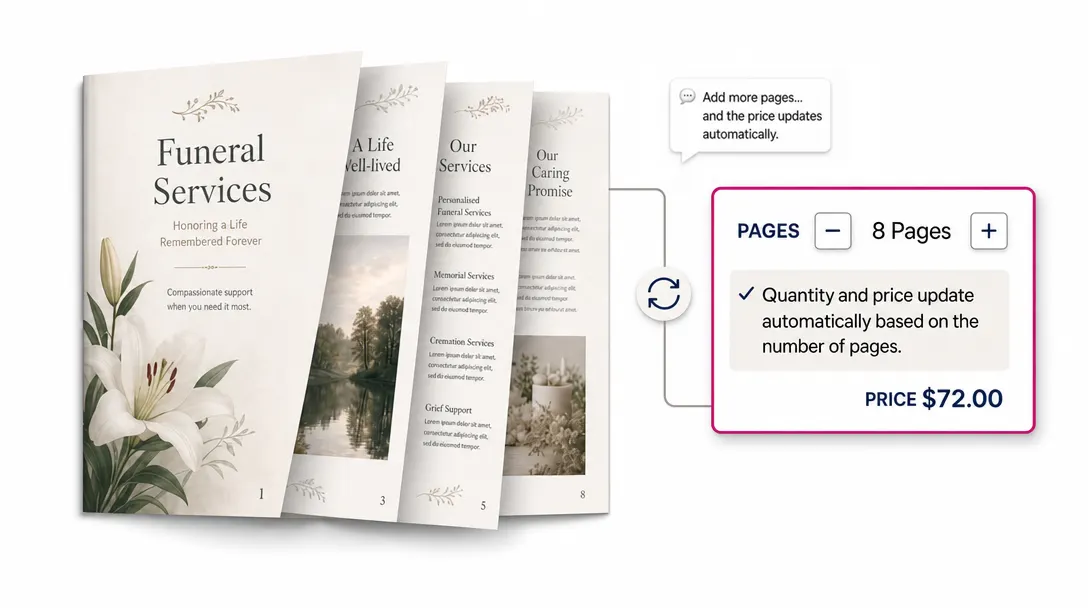
Real-time page tracking
for multi-page products
Do you sell products like Custom family recipe cookbooks, Personalized children's adventure books, Self-Published poetry chapbooks, Custom employee onboarding handbooks, Real estate listing booklets, Funeral memorial programs, Wholesale product line sheets or Customized wedding planner notebooks? If you want to make it easy to charge customers based on the exact number of pages in their design, the PitchPrint Page Count Module is exactly what you need.
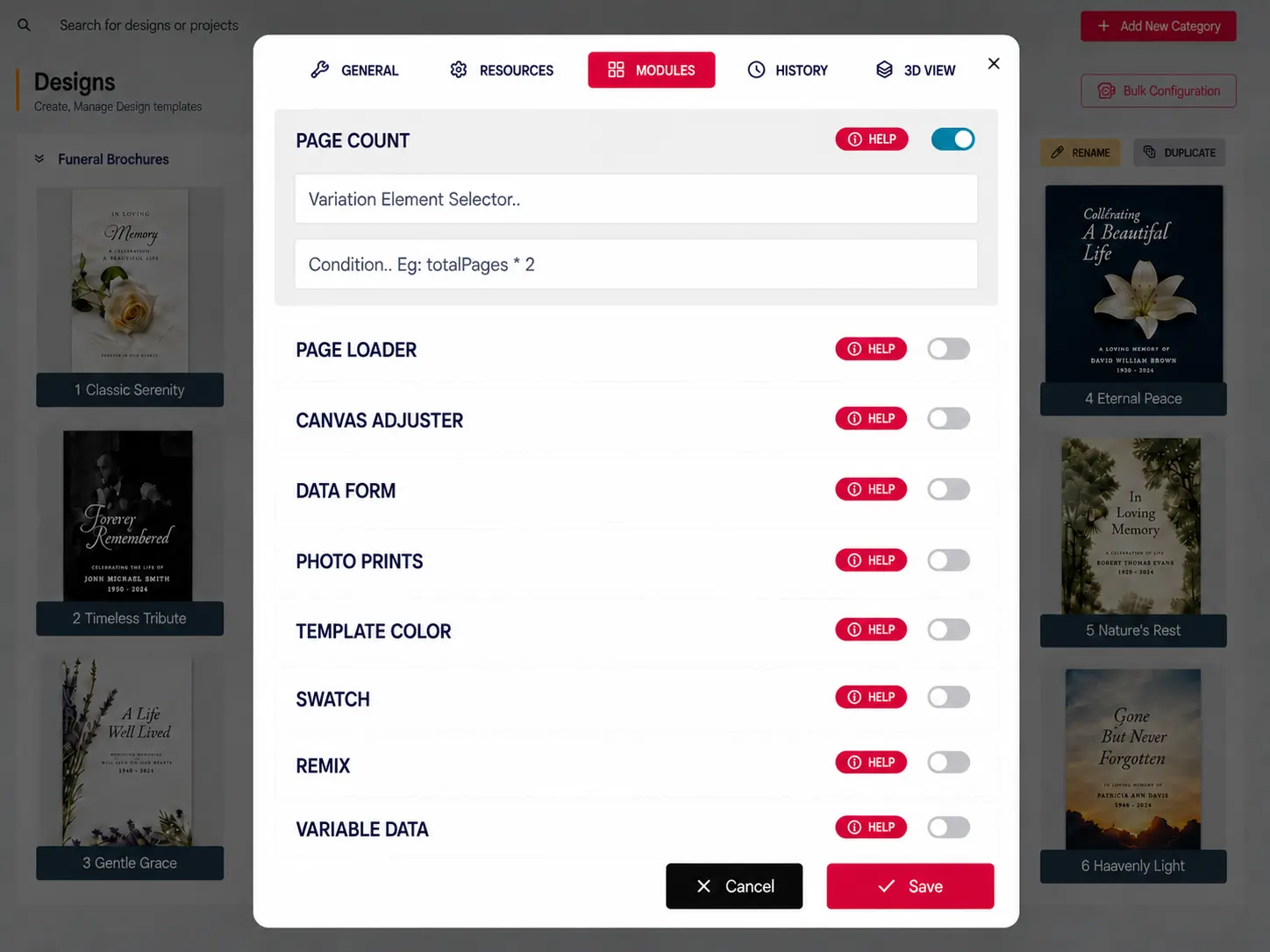
This module is highly flexible and can be set up in two ways. On its own, it simply counts the total number of pages in a design and sends that number to your product page to calculate the correct price. It also works alongside the Page Loader module, tracking the page count in real time as customers add or remove pages directly inside the editor.
Built for products where
the layout should stay fixed
Custom Family Recipe Cookbooks: Compile custom recipe books with dynamic page pricing.
Personalized Children's Adventure Books: Build personalized children's books with automatic cost scaling.
Self-Published Poetry Chapbooks: Design custom poetry chapbooks with instant print quotes.
Custom Employee Onboarding Handbooks:>Assemble custom onboarding handbooks with dynamic booklet pricing.
Real Estate Listing Booklets: Create custom property booklets with instant cost updates and many more products...
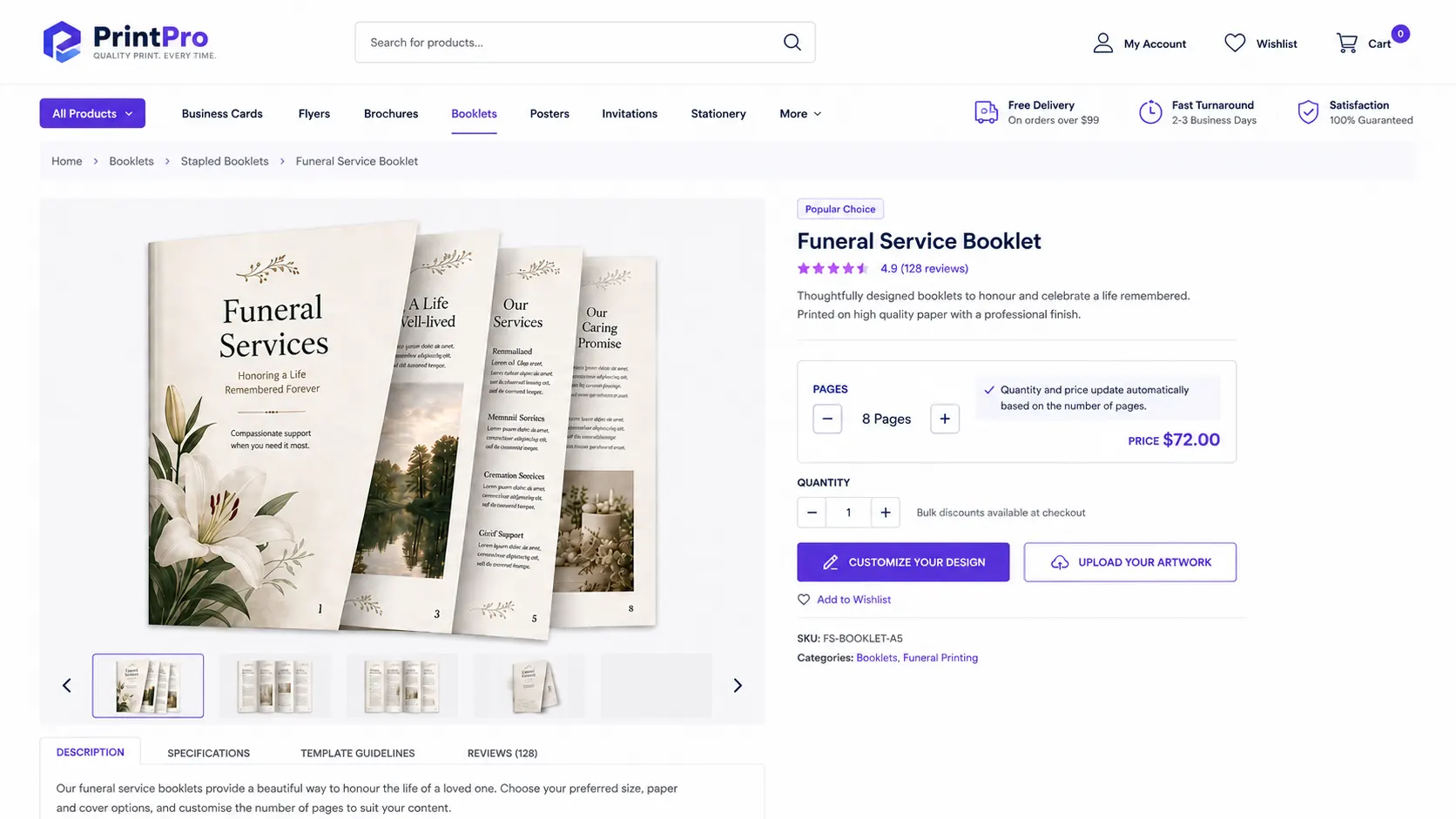
Page rules,
live totals, dynamic pricing
-
Works Great on Its Own
You do not need a complicated setup to get started. The module can run independently by simply reading the page count of the customers design and sending that final number directly to your product page quantity.
-
Integrates with Page Loader
Give your customers the freedom to build their own layouts. When paired with the Page Loader, this module tracks pages as they are added or deleted on the fly and updates the product page quantity instantly.
-
No More Math at Checkout
Let the system do the work. If a customer adds five pages to their layout, the product page quantity updates with the new count and in turn the price is updated automatically, ensuring you never undercharge for prints.
-
Avoid Production Mistakes
What they design is exactly what they order. Since the cart matches the page count in the editor, your print team always knows the exact length of the file they need to print.
Simpler pricing
for multi-page print
Page Count keeps page totals and pricing aligned as customers customize document-style products.
- Live
Accurate page totals
Customers and stores see the current page count as designs change.
- Auto
Dynamic pricing
Pricing can update based on the number of pages in the customized product.
- Clear
Fewer configuration errors
Page rules help customers stay within supported product requirements.
- Fit
Better document ordering
Multi-page print products become easier to customize and price correctly.
Set up Page Count
Review page count guidance or test dynamic page pricing on your own multi-page products.
View Documentation
Full API reference, integration guides, and code examples for developers.
Try It For Free
Spin up a free account and test this feature on your own products in minutes.
Create Your Account
No credit card required. Start customizing products in minutes.
FAQ
Page Count Module questions
What does Page Count Module do?
Track the number of pages customers add or remove in multi-page products and update storefront pricing automatically.
How does Page Count Module work?
The PitchPrint Page Count Module tracks the number of pages in multi-page products like cookbooks, children's books, chapbooks, handbooks, and planners, and sends that count to the product page to calculate the correct price. It can run on its own by simply counting the pages in a finished design, or work alongside the Page Loader module to track the page count in real time as customers add or remove pages inside the editor.
Who should use Page Count Module?
Page Count keeps page totals and pricing aligned as customers customize document-style products.
More modules
for document products
-
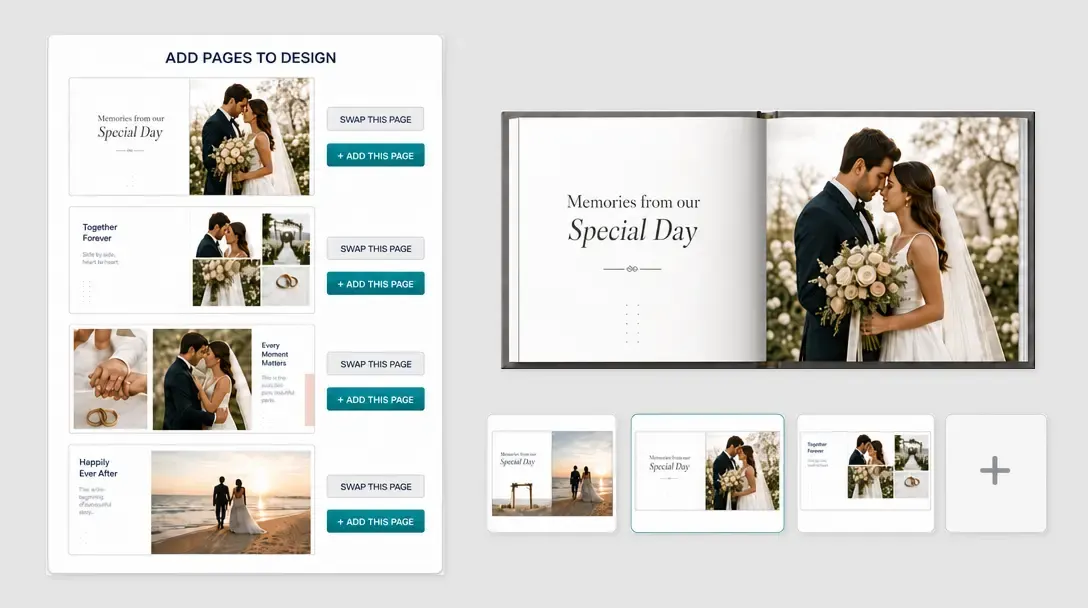
Page Loader
Let customers add, swap, delete, or start blank pages from assigned source designs.
Learn more -
-