Smart Resolution Upscaling
Automatically increases pixel count so small phone photos print crisply at large sizes.

Improve customer photos automatically with smarter brightness, color, clarity, and sharpness adjustments.
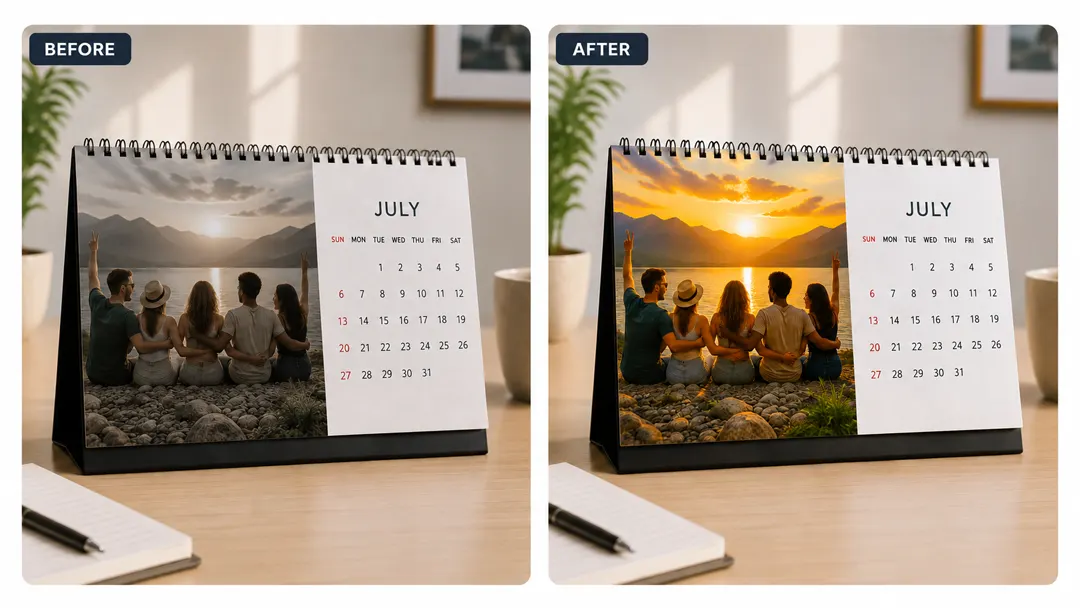
When shoppers upload blurry phone snapshots or low-resolution files, they often worry about pixelated prints and abandon their carts. PitchPrint AI-Enhance solves this by letting them click a single button to instantly restore sharp details directly on their design page.
This means your customers don't have to struggle with editing software or settle for poor print quality. They get crystal clear, high-definition images in seconds, keeping them confident in their order and moving smoothly toward checkout.
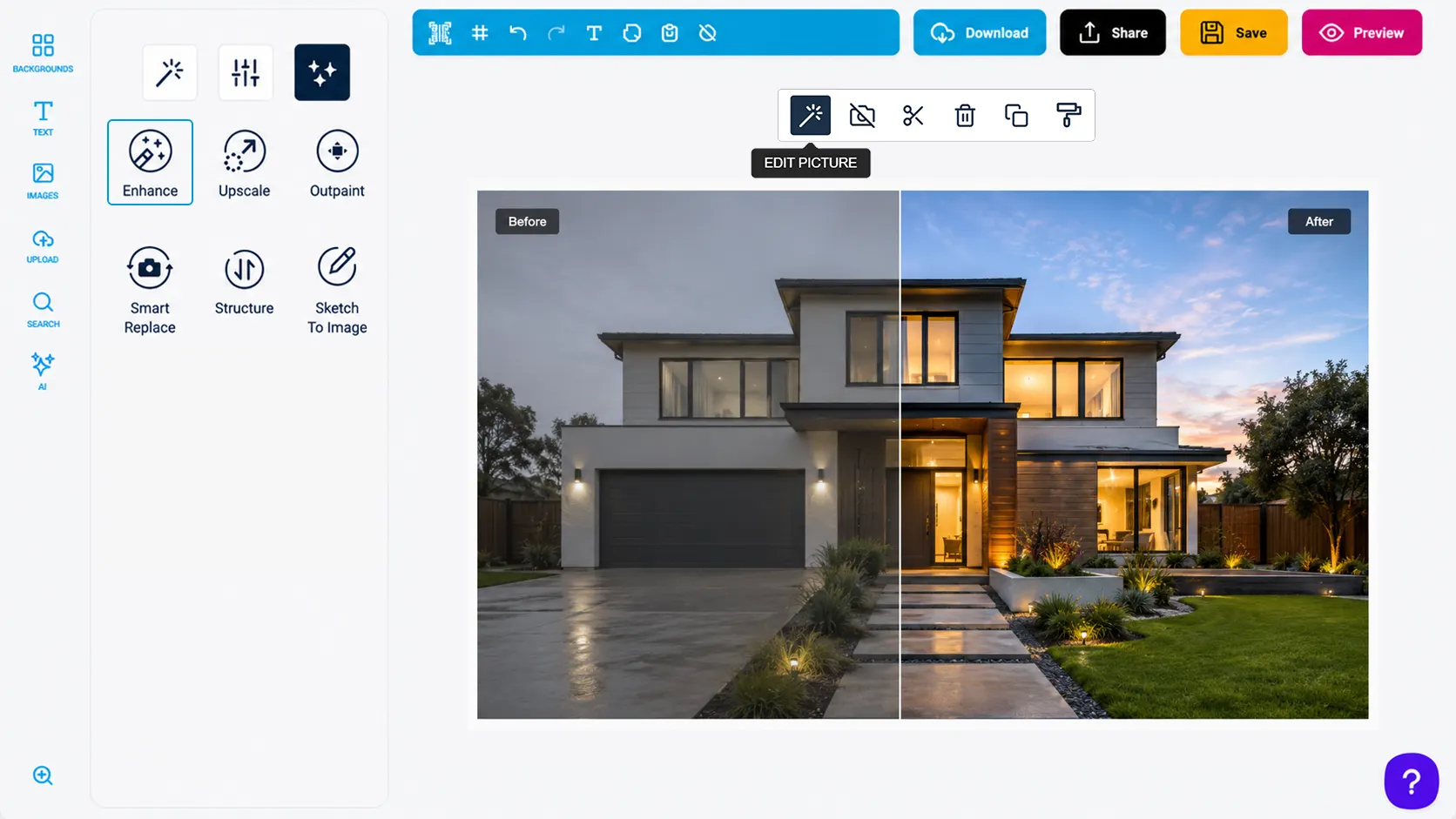
Automatically increases pixel count so small phone photos print crisply at large sizes.
Brings old, faded family pictures back to life by sharpening blurry faces and details.
Saves your team from manually rejecting or editing low-quality customer uploads before production.
Customers get professional, high-definition results instantly without needing any graphic design experience.
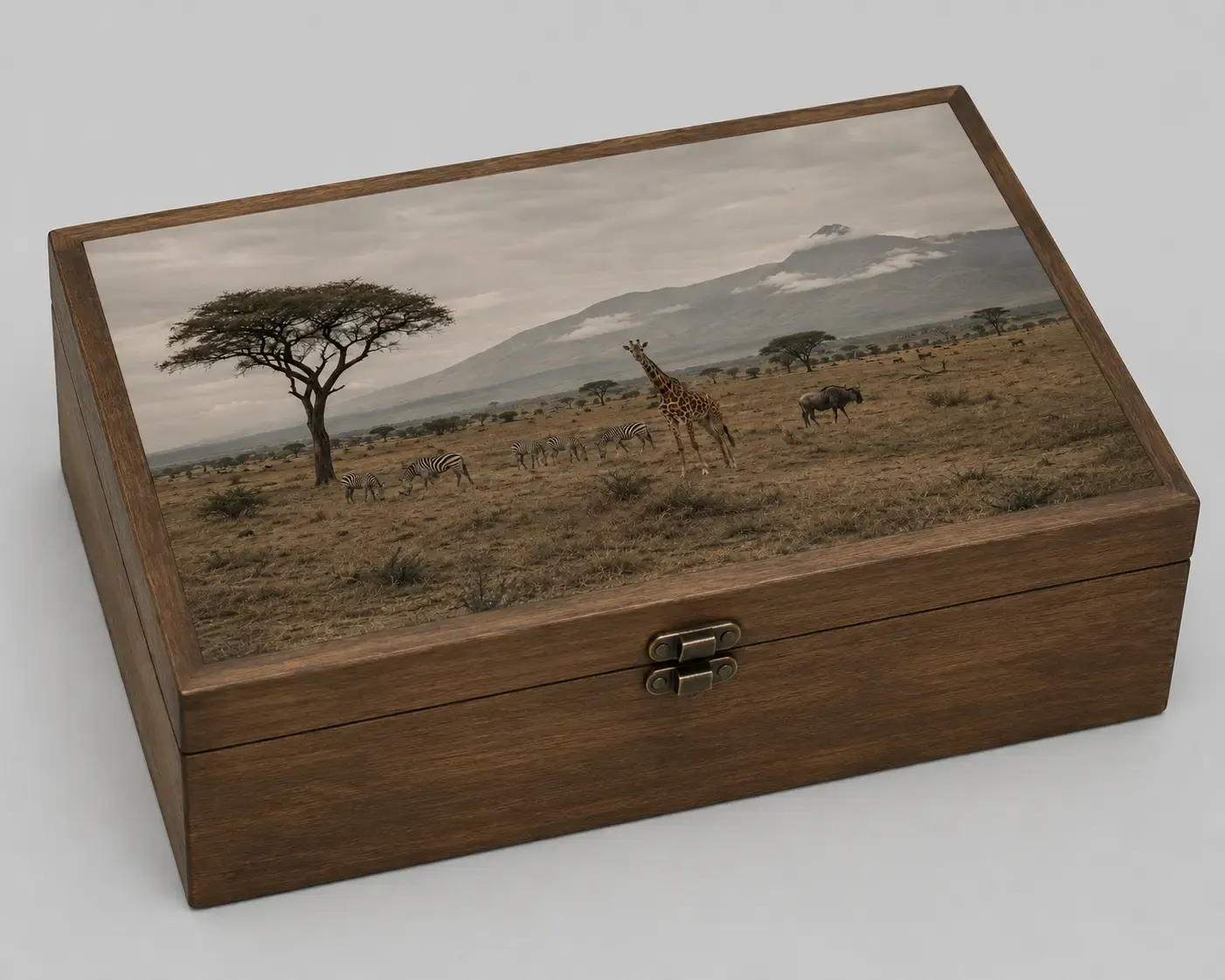
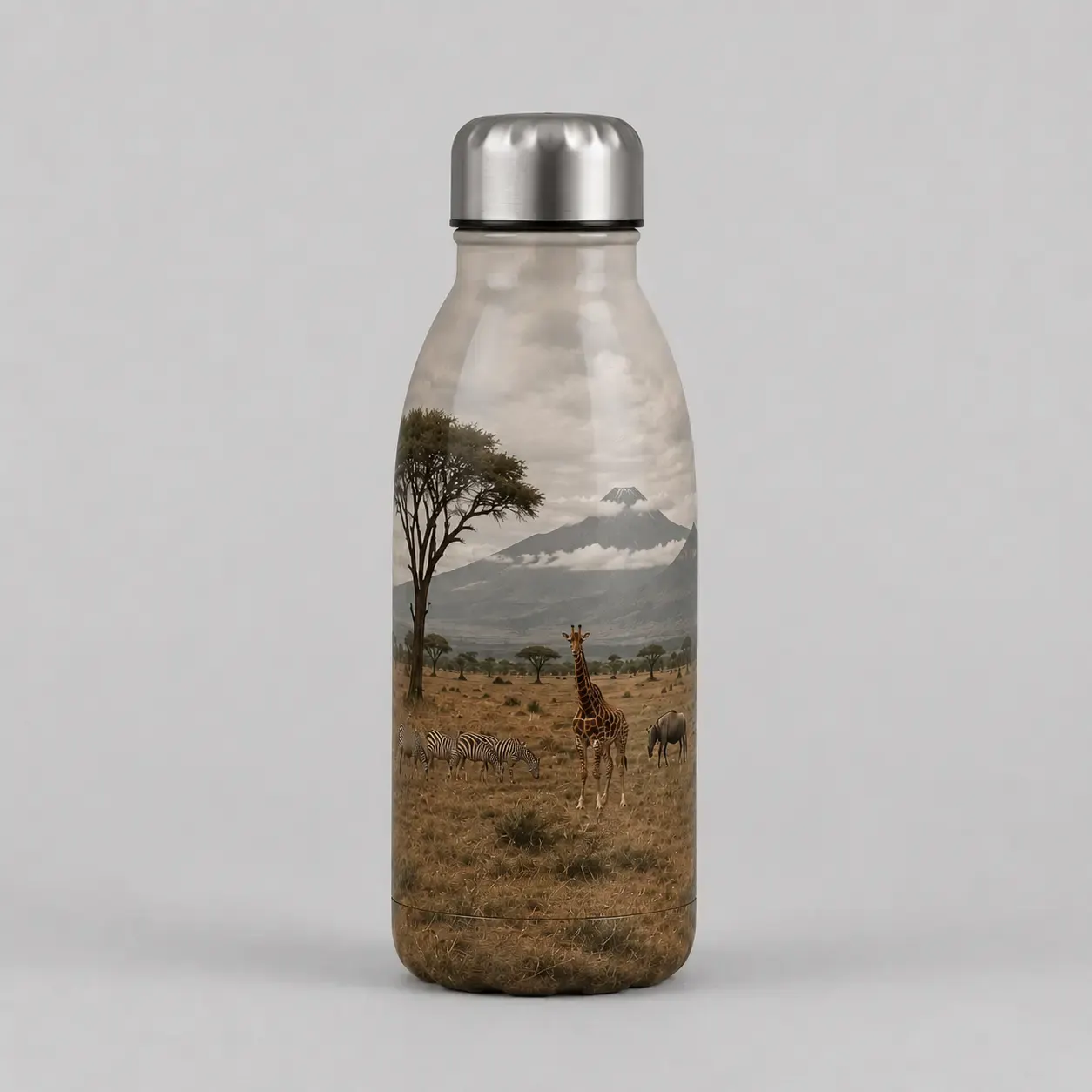
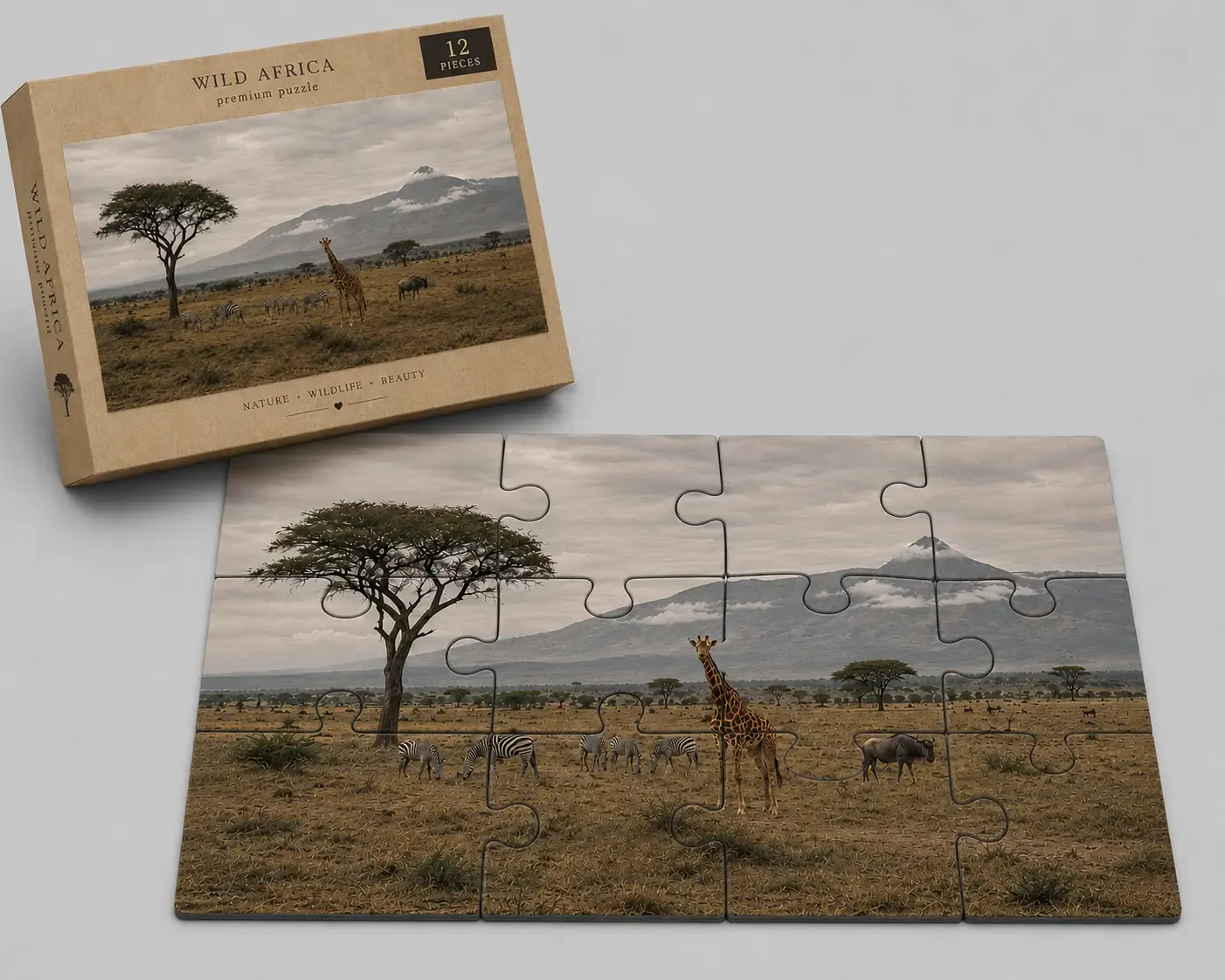
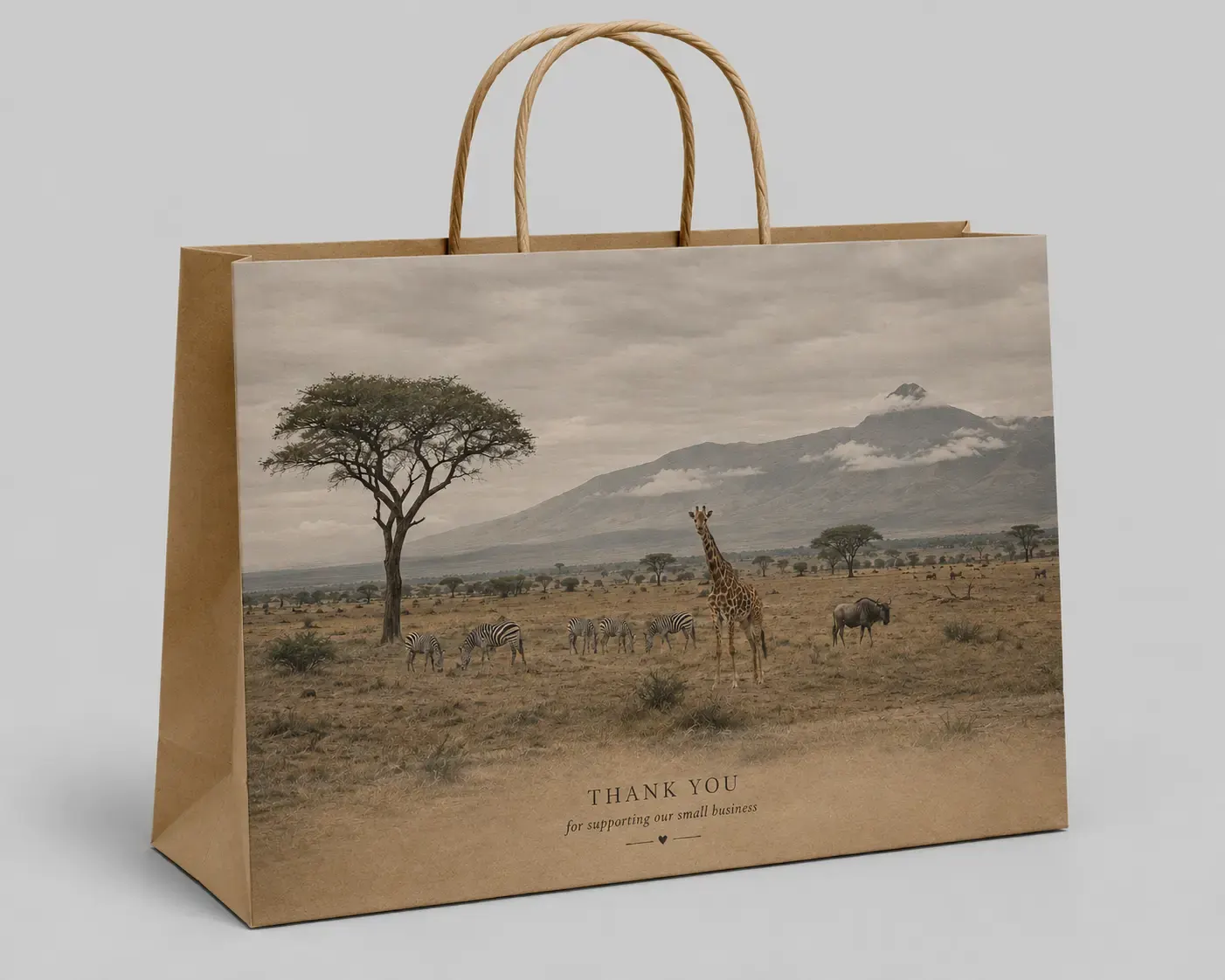
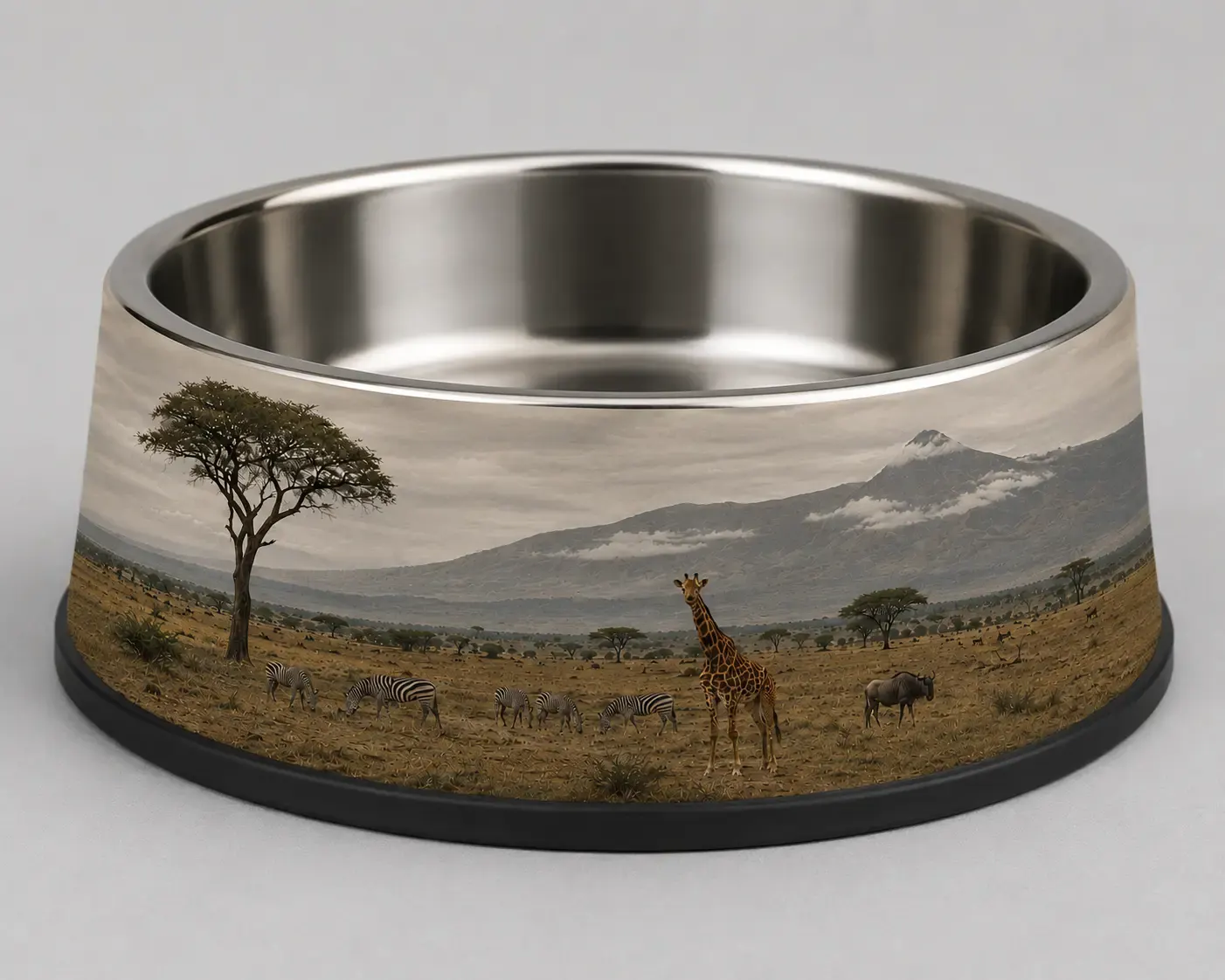
Use AI Enhance where customer photos need quick polish before production.
AI Enhance gives customers better-looking images while reducing the need for editing support.
Uploaded photos can look cleaner and more polished with one AI workflow.
Designs can feel brighter and more professional before checkout.
Customers do not need separate photo editing software for common fixes.
Great for books, calendars, invitations, greeting cards, and canvas prints.
Review implementation guidance or try this AI feature in your own PitchPrint workflow.
Full API reference, integration guides, and code examples for developers.
Spin up a free account and test this feature on your own products in minutes.
No credit card required. Start customizing products in minutes.
FAQ
When shoppers upload blurry phone snapshots or low-resolution files, they often worry about pixelated prints and abandon their carts. PitchPrint AI-Enhance solves this by letting them click a single button to instantly restore sharp details directly on their design page.
Improve customer photos automatically with smarter brightness, color, clarity, and sharpness adjustments.
Use AI Enhance where customer photos need quick polish before production.