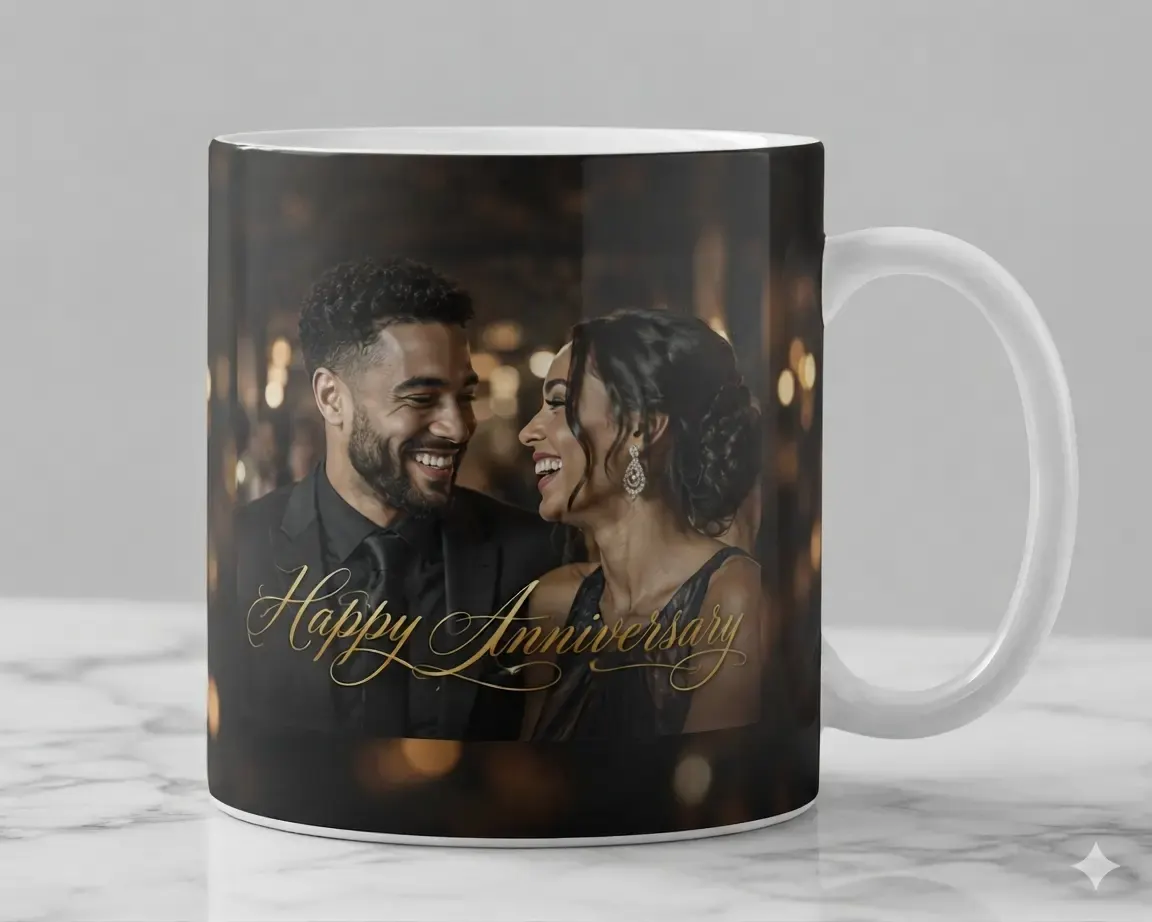
Extend Original Borders
Instead of cropping out key parts of a photo to fit a square or rectangle, users can generate matching background details to fill blank spaces.

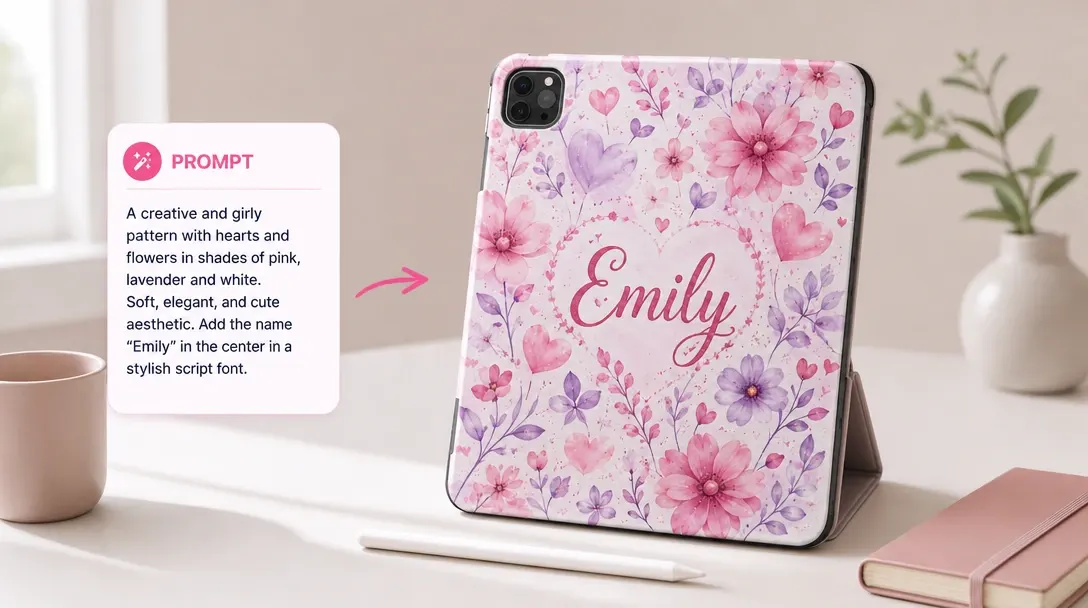
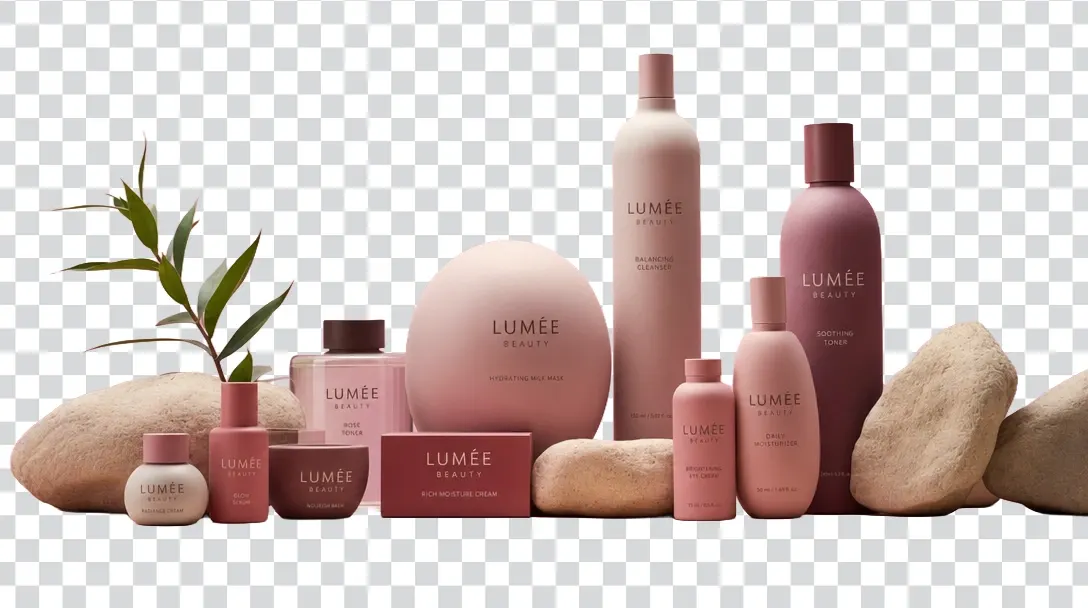
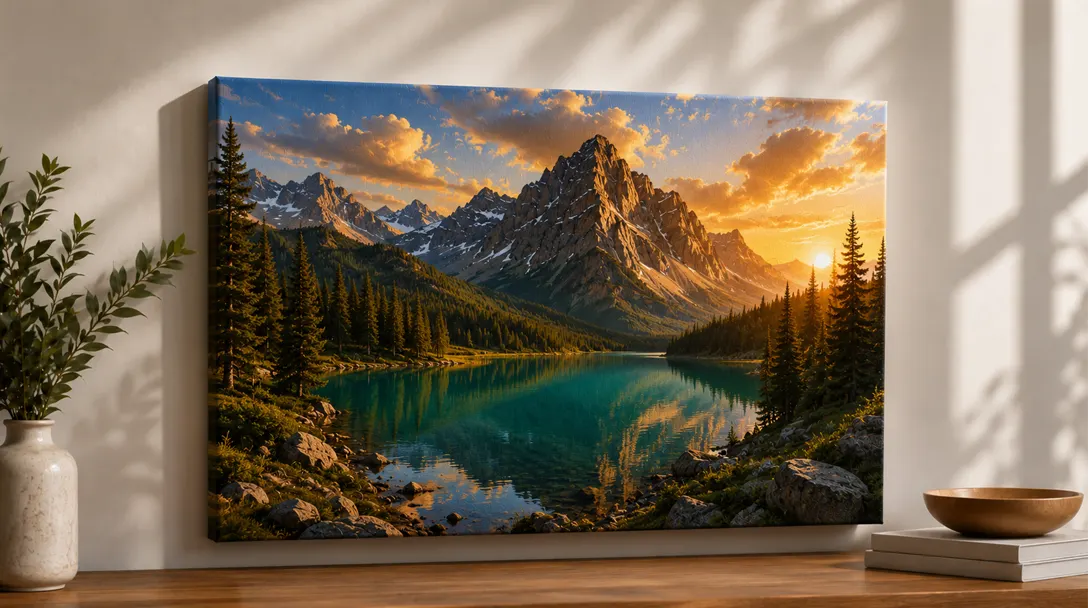
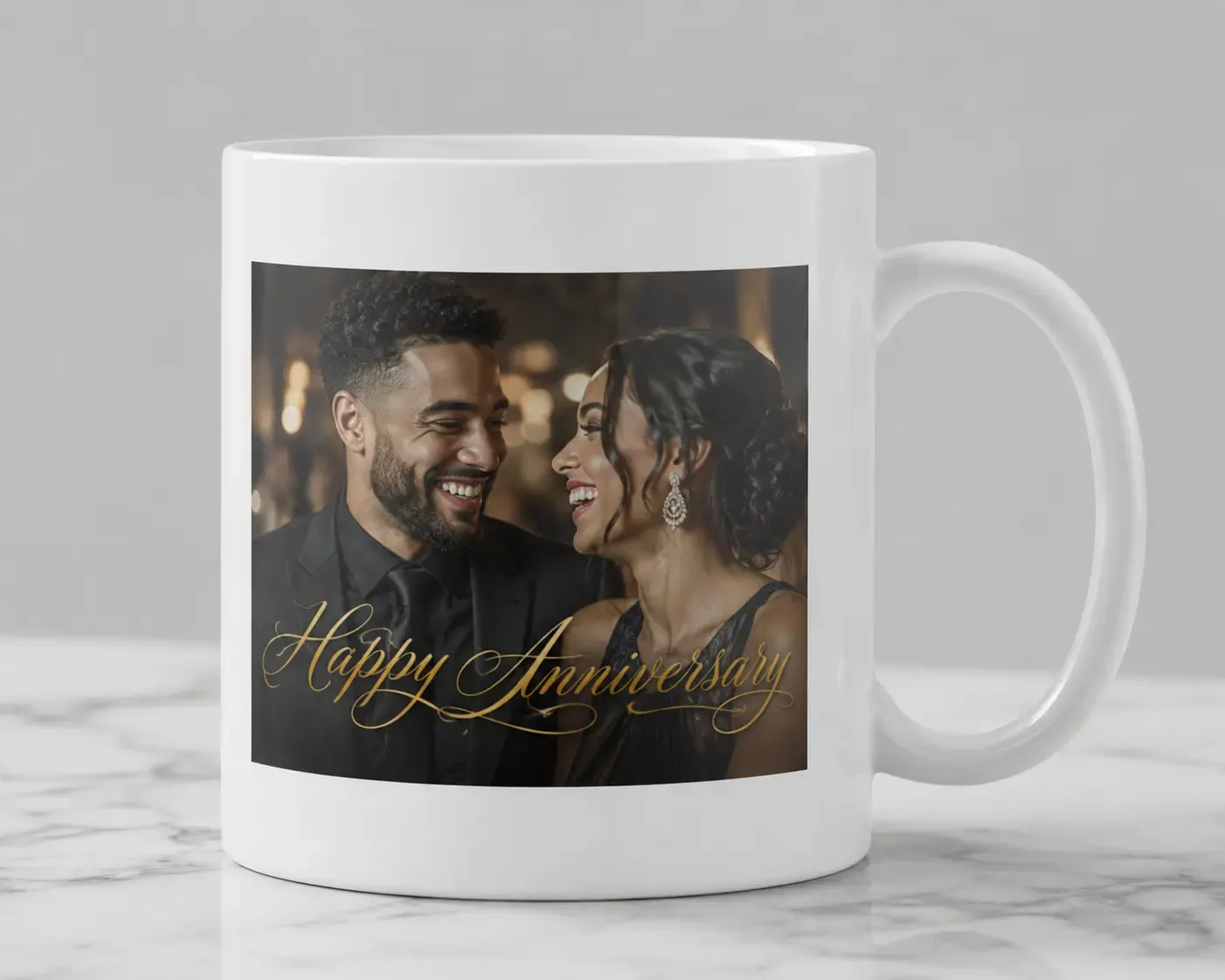
Extend images beyond their original edges so customer artwork can fill larger layouts without awkward cropping.
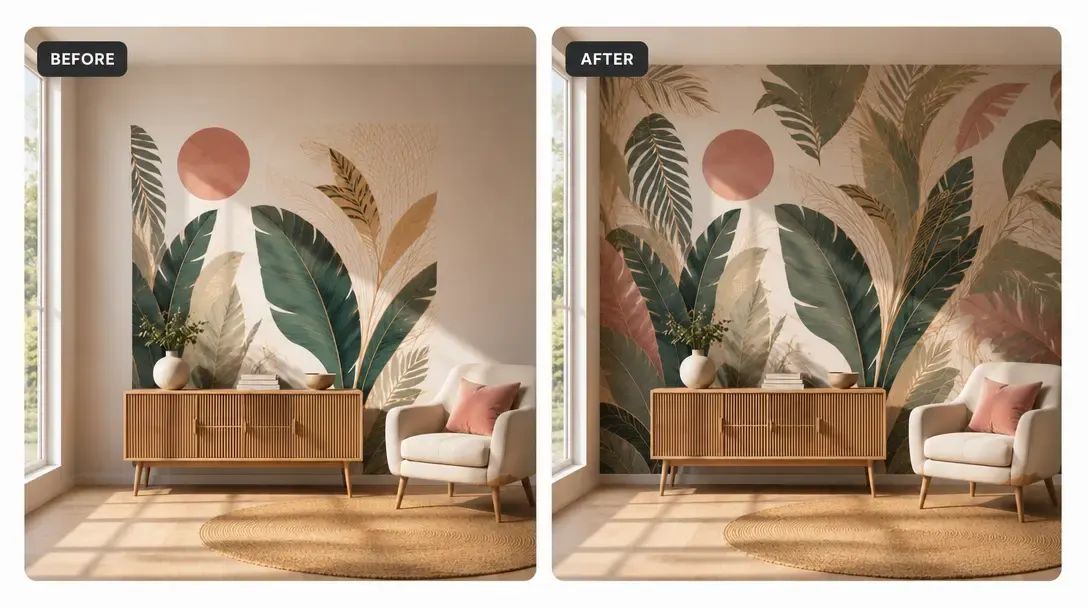
A common design headache is a customer trying to fit a square photo into a wide rectangular template, leaving blank gaps or forcing awkward crops. This tool automatically "paints" more matching background to fill those empty spaces, keeping the original photo intact and saving you from layout issues.
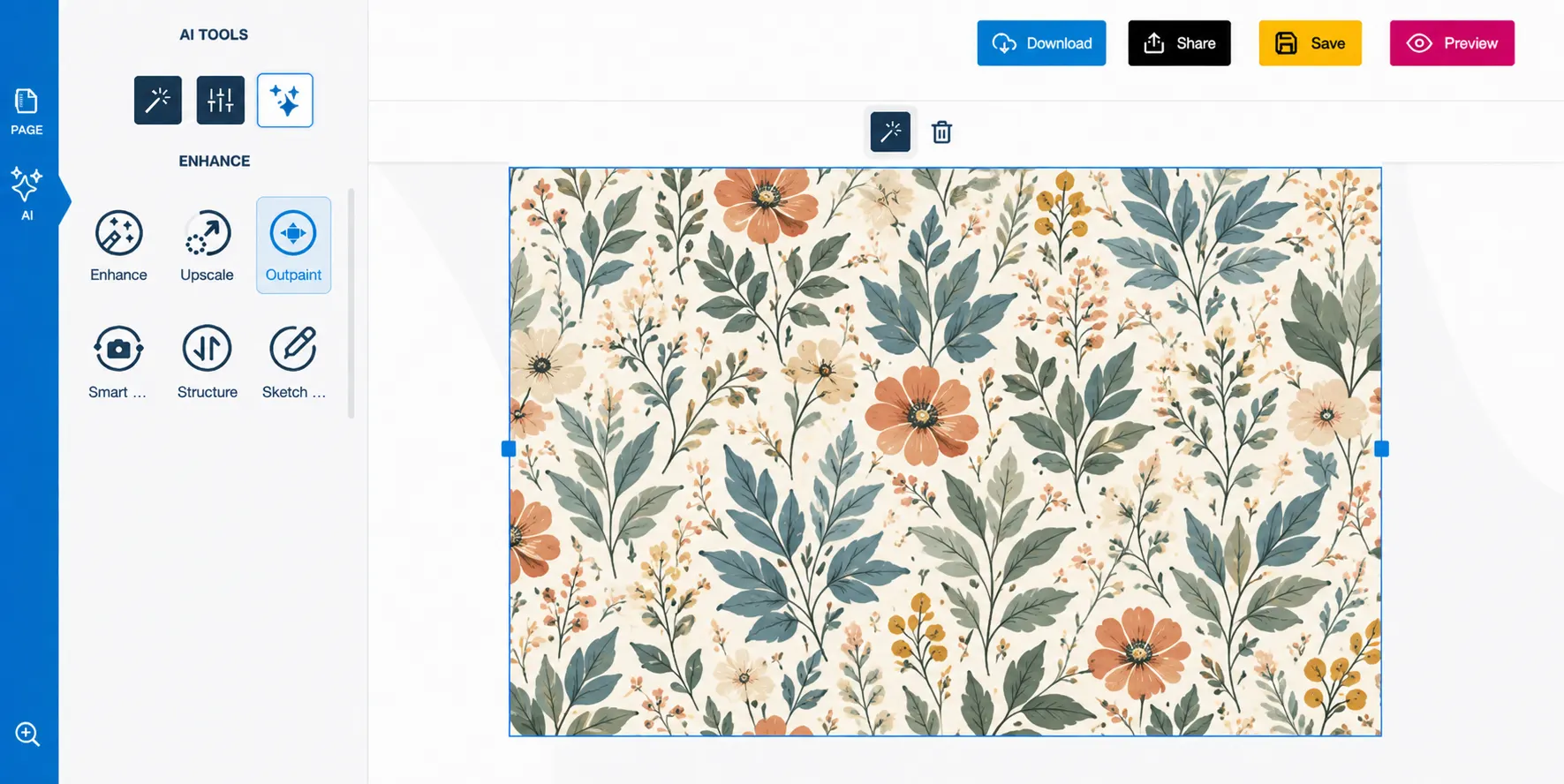
Instead of cropping out key parts of a photo to fit a square or rectangle, users can generate matching background details to fill blank spaces.
The tool analyzes the light, textures, and patterns of the photo to ensure the new pixels blend naturally with the original image.
It predicts how cut-off backdrops should look, making it easy to fix tight borders and incomplete scenes.
Adapting square photos to wide banners or tall templates becomes simple and fast.
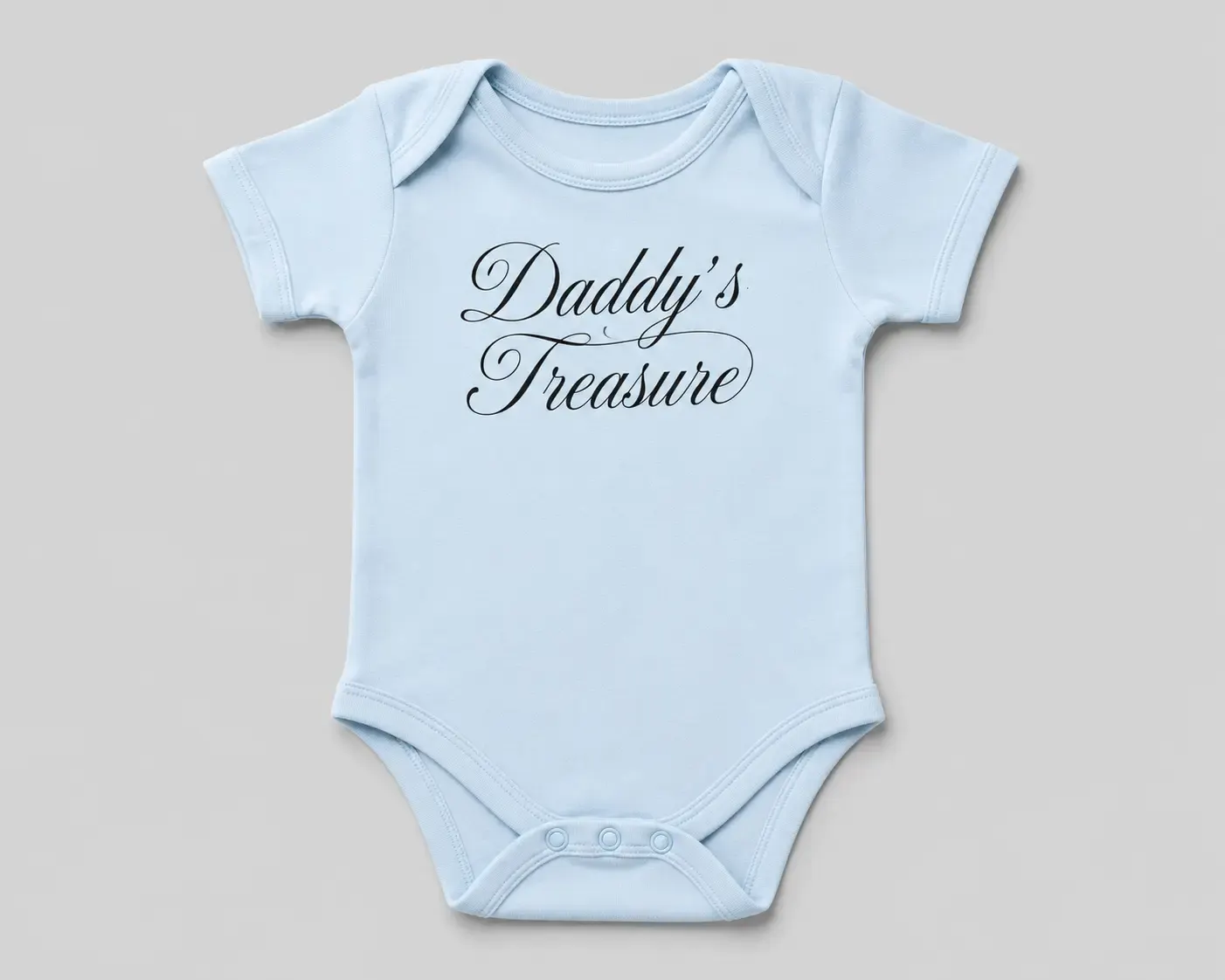
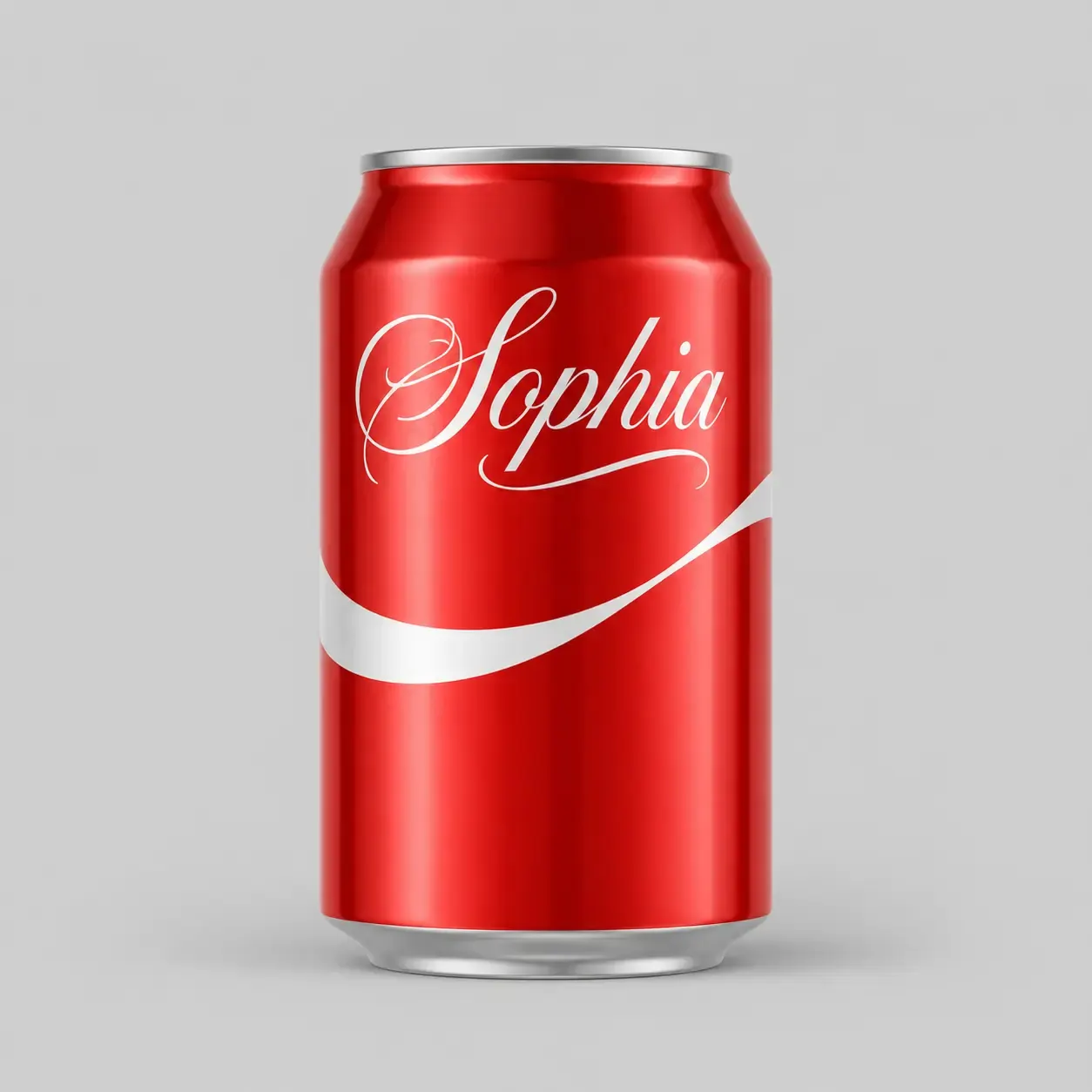
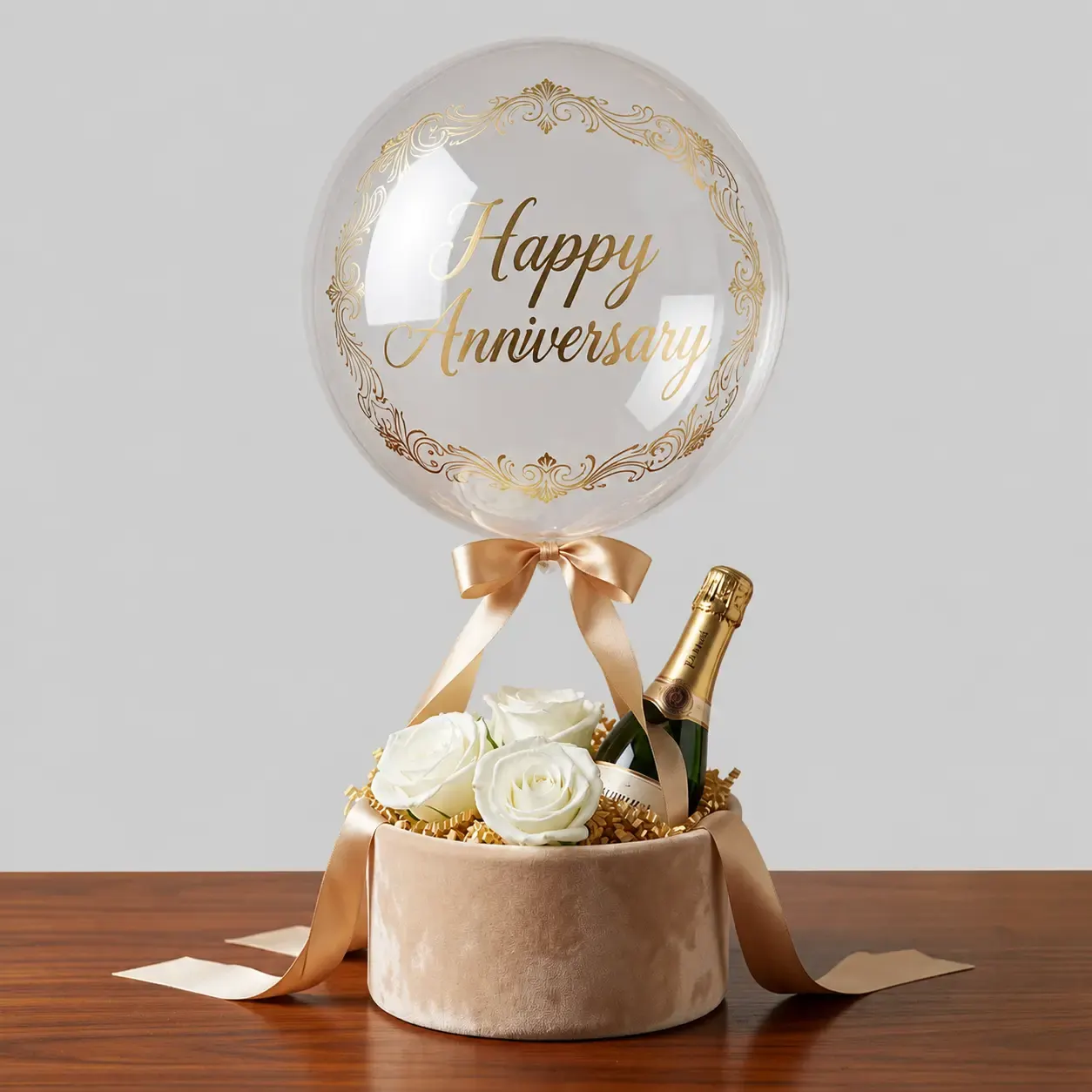
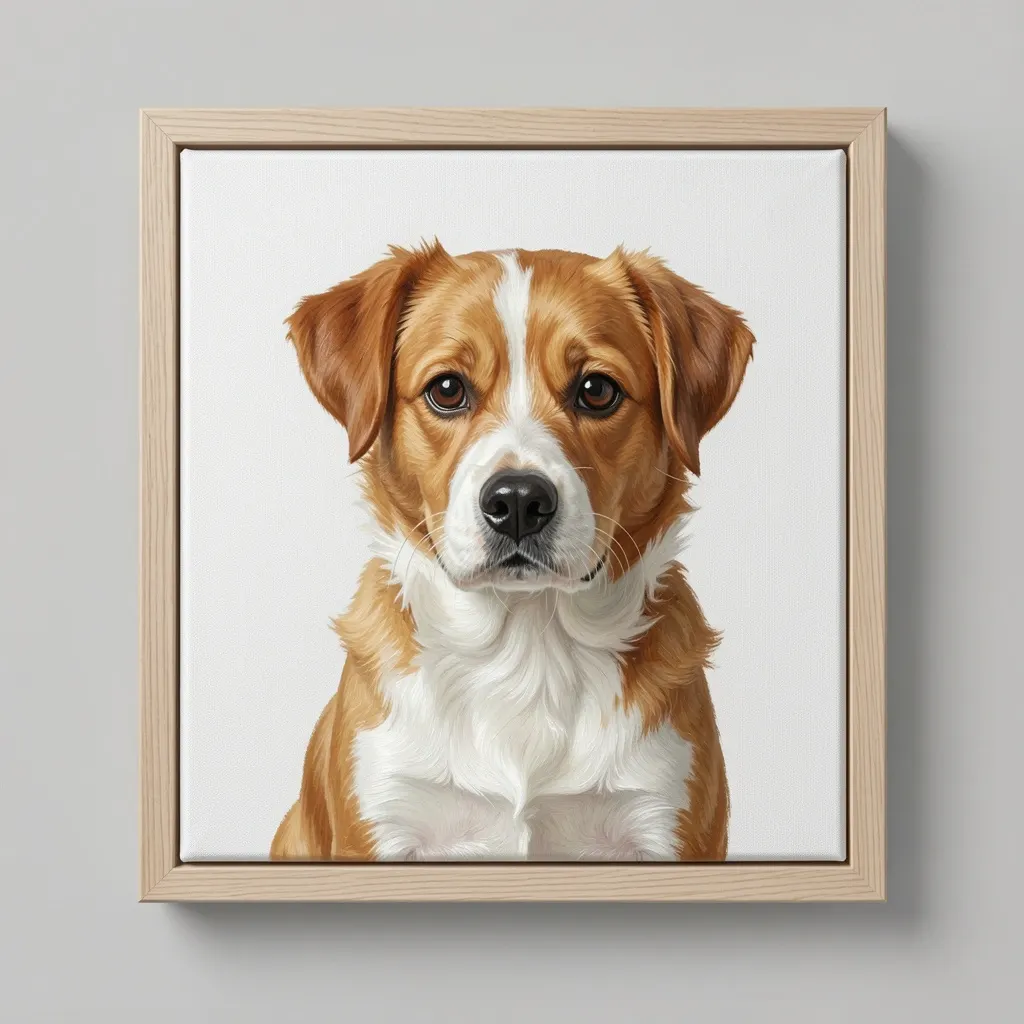
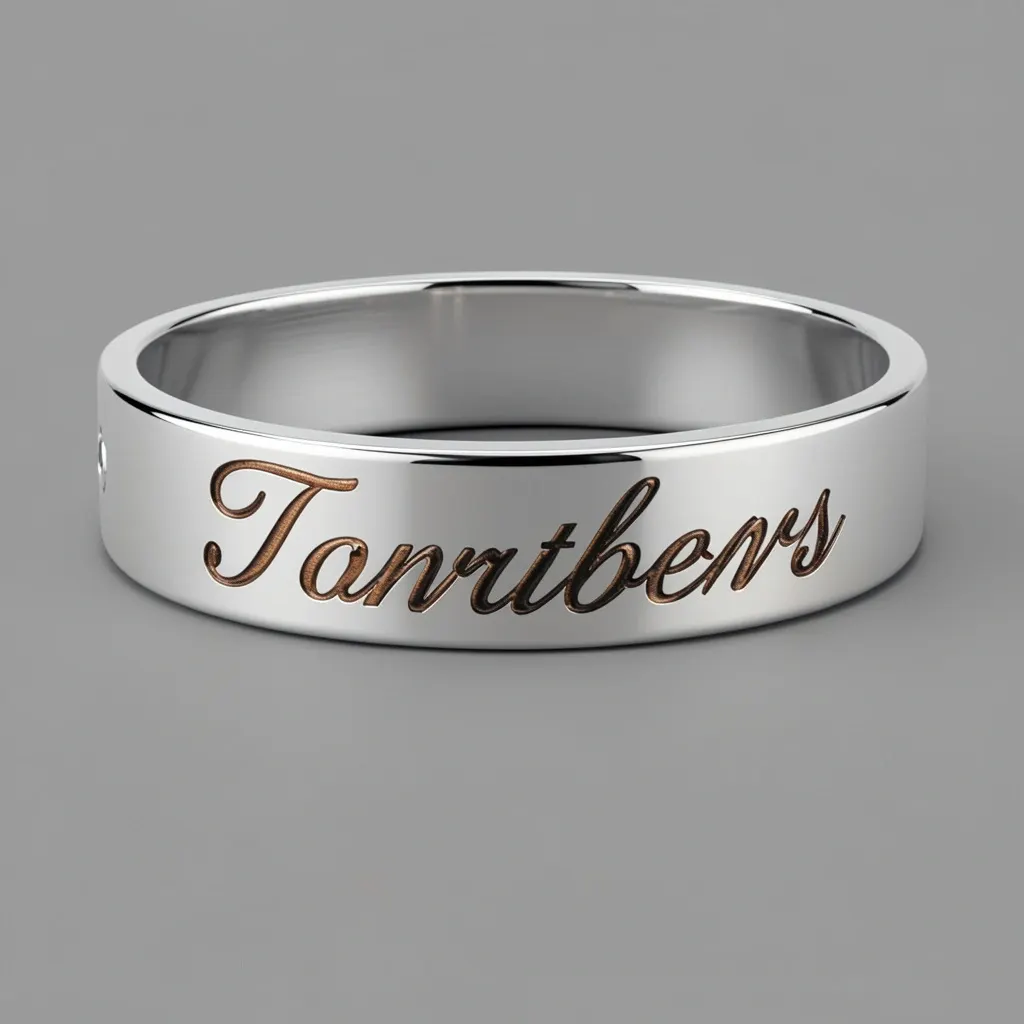
Use AI Outpaint when customer imagery needs to cover more canvas area.
AI Outpaint helps customers fit images into print layouts without stretching, empty edges, or harsh crops.
Images can expand to match banners, posters, canvases, and signage.
AI-generated extensions maintain the feeling of the original image.
Expanded artwork reduces blank edges around customer uploads.
Useful when designs need to adapt to non-standard print sizes.
Review implementation guidance or try this AI feature in your own PitchPrint workflow.
Full API reference, integration guides, and code examples for developers.
Spin up a free account and test this feature on your own products in minutes.
No credit card required. Start customizing products in minutes.
FAQ
A common design headache is a customer trying to fit a square photo into a wide rectangular template, leaving blank gaps or forcing awkward crops. This tool automatically "paints" more matching background to fill those empty spaces, keeping the original photo intact and saving you from layout issues.
Extend images beyond their original edges so customer artwork can fill larger layouts without awkward cropping.
Use AI Outpaint when customer imagery needs to cover more canvas area.