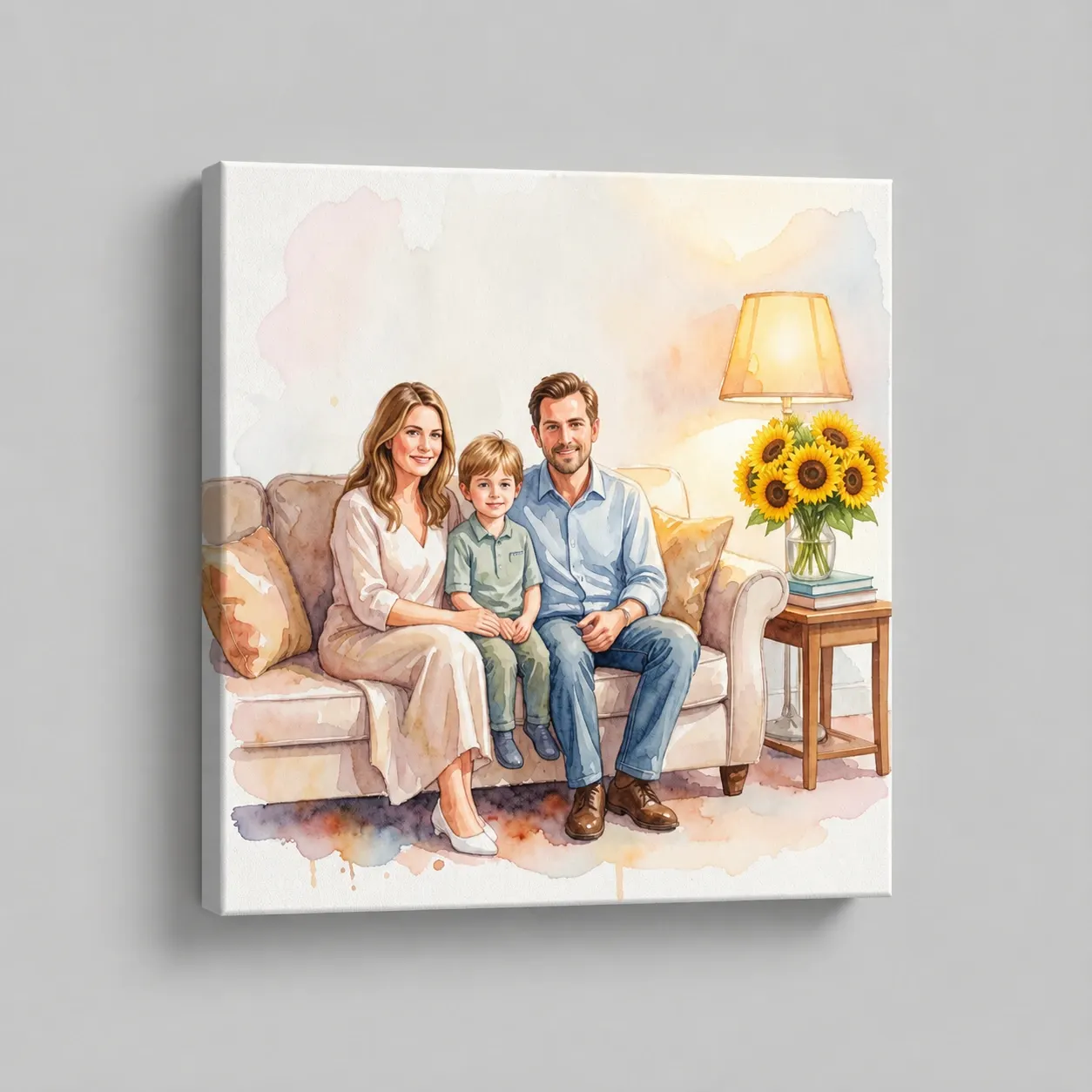
Automatic Image Segmentation
The advanced system identifies the precise shapes and borders of elements within seconds without requiring manual selection tools.

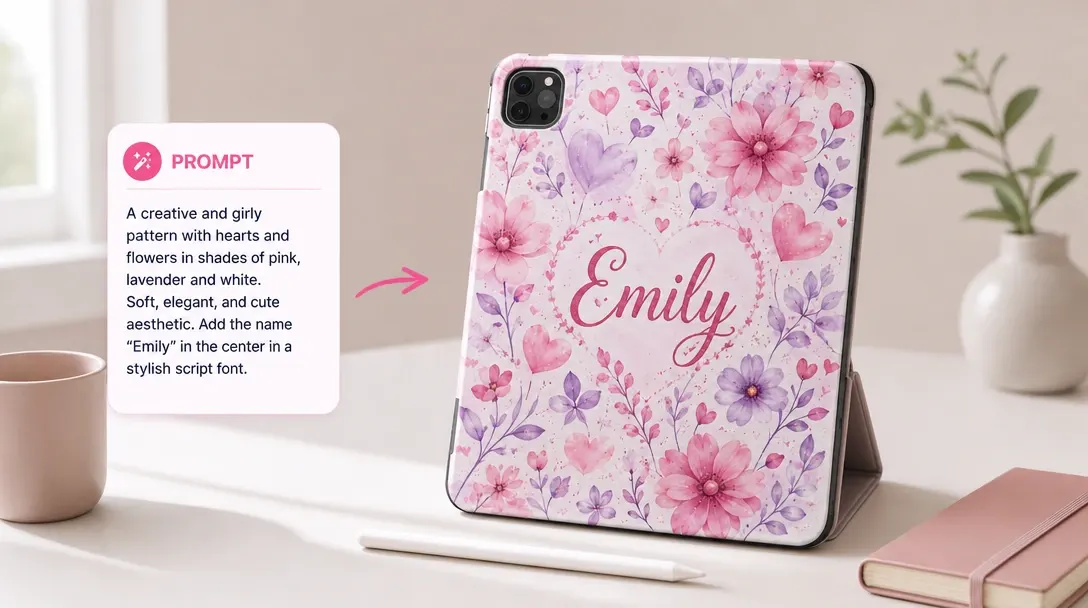
Let customers select part of an image, describe what should replace it, and generate a natural-looking edit.
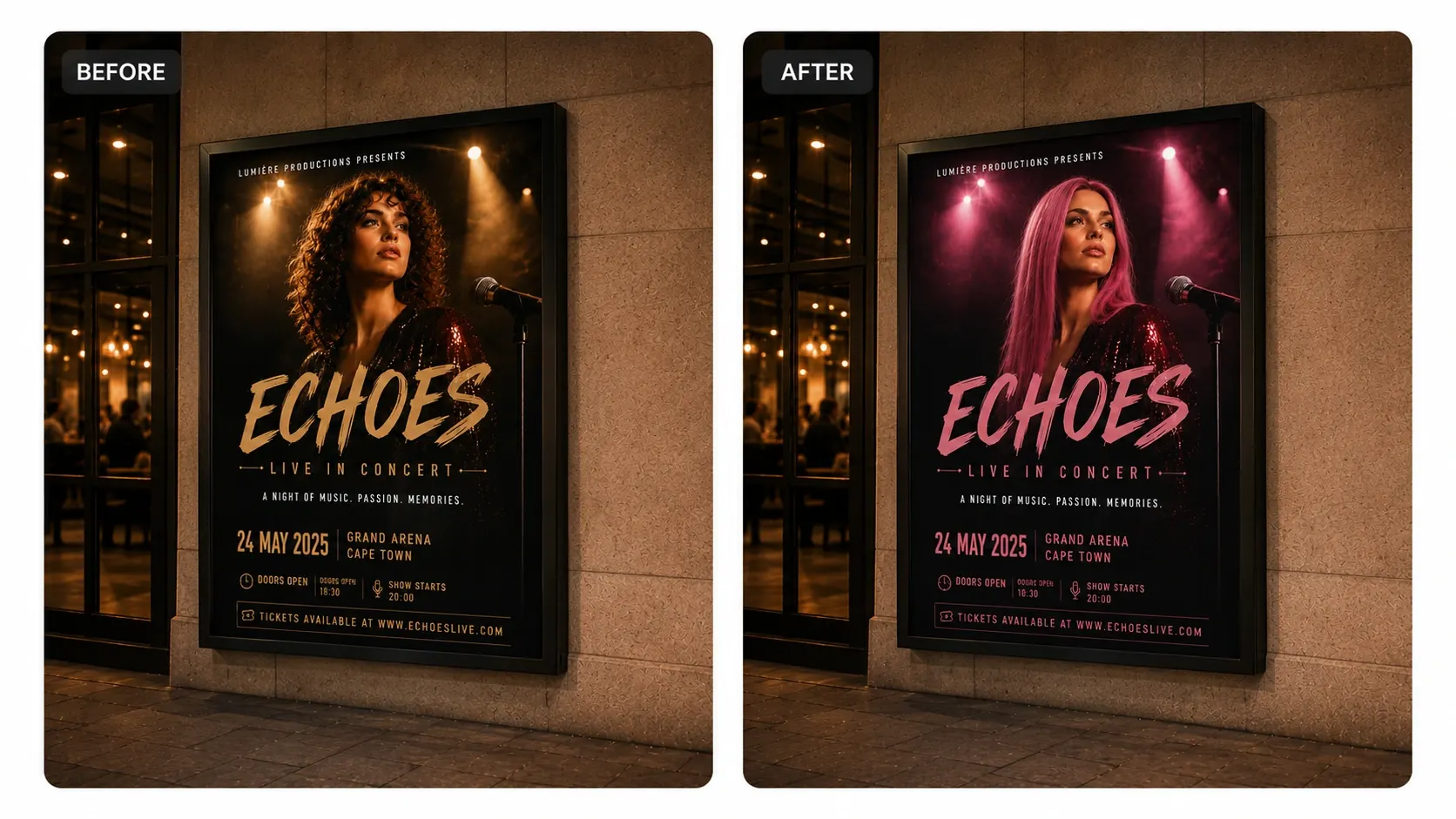
Sometimes a customer likes their design but wants to change one small detail, like a shirt color or a prop. This tool lets them swap out specific objects using text prompts, naturally matching the original lighting and shadows so they don't have to restart their design.
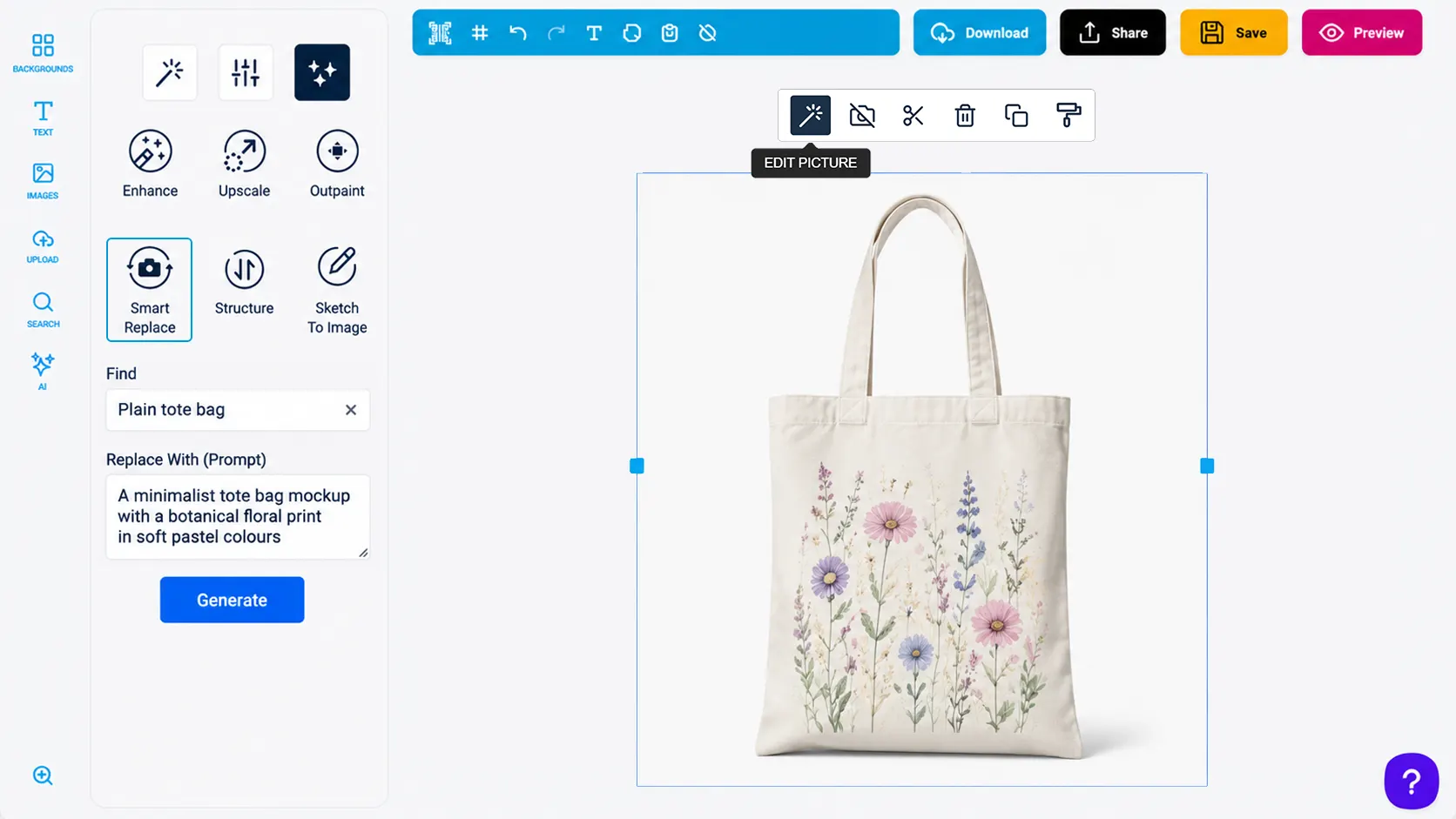
The advanced system identifies the precise shapes and borders of elements within seconds without requiring manual selection tools.
New objects are generated to match the original lighting, perspective, and shadows of the existing image for realistic results.
Customers can use conversational phrases to locate a specific subject, color, or texture they want to modify.
Buyers can experiment with different design themes and layouts on a single canvas without starting from scratch.
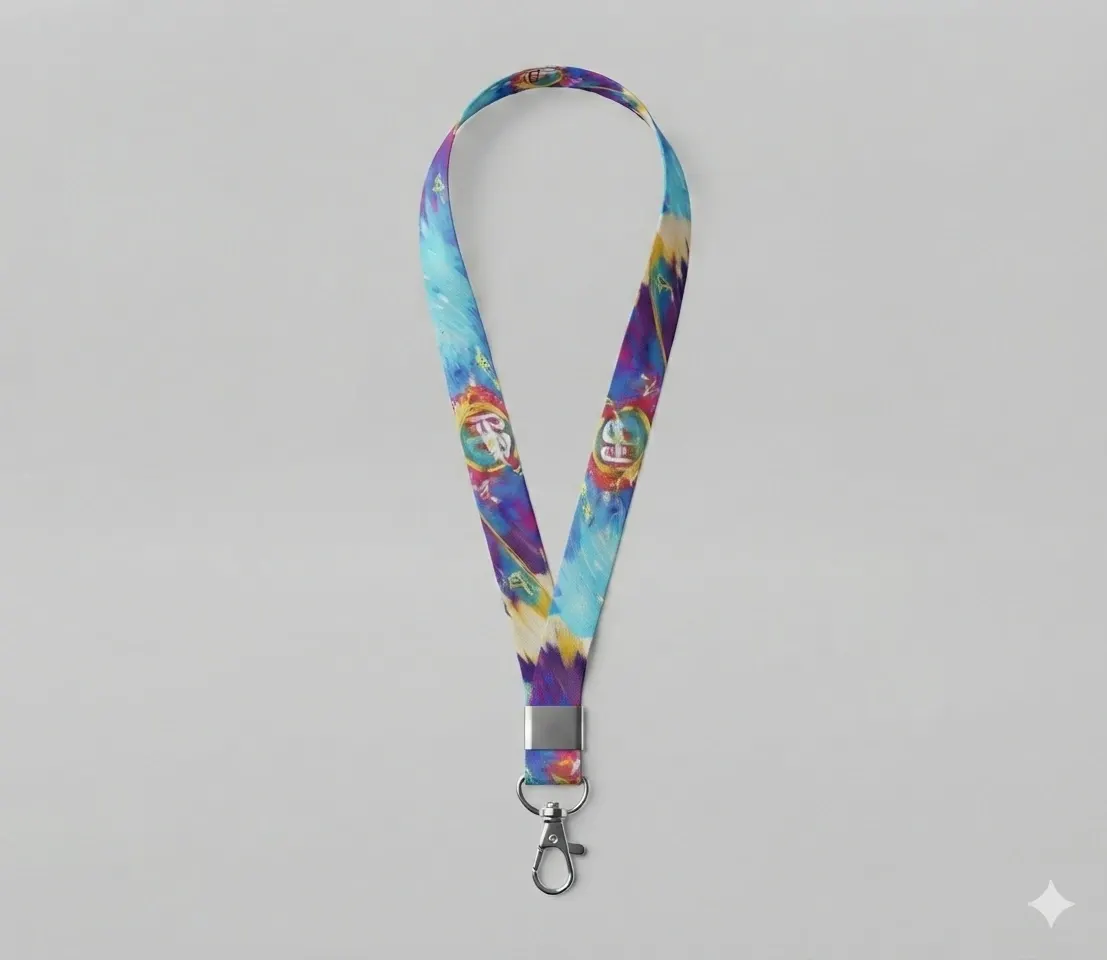
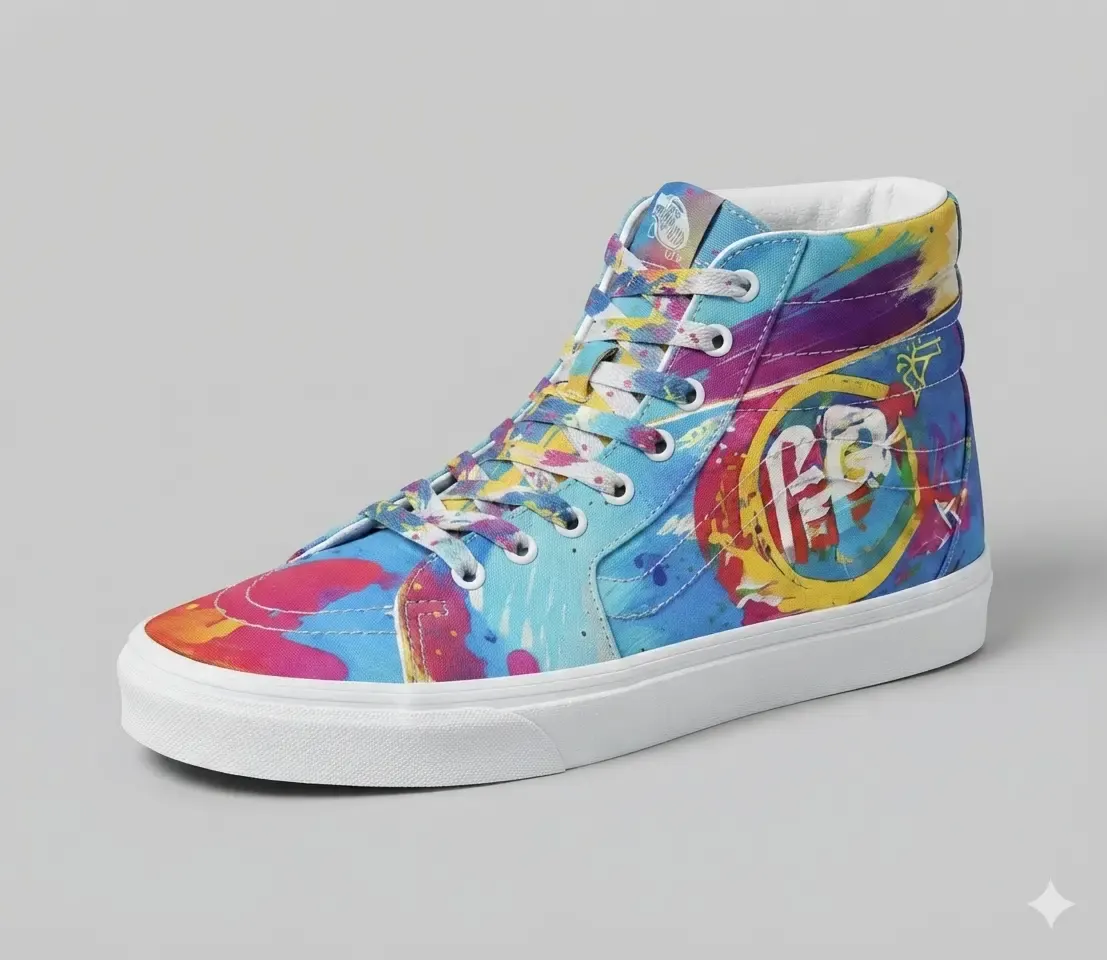
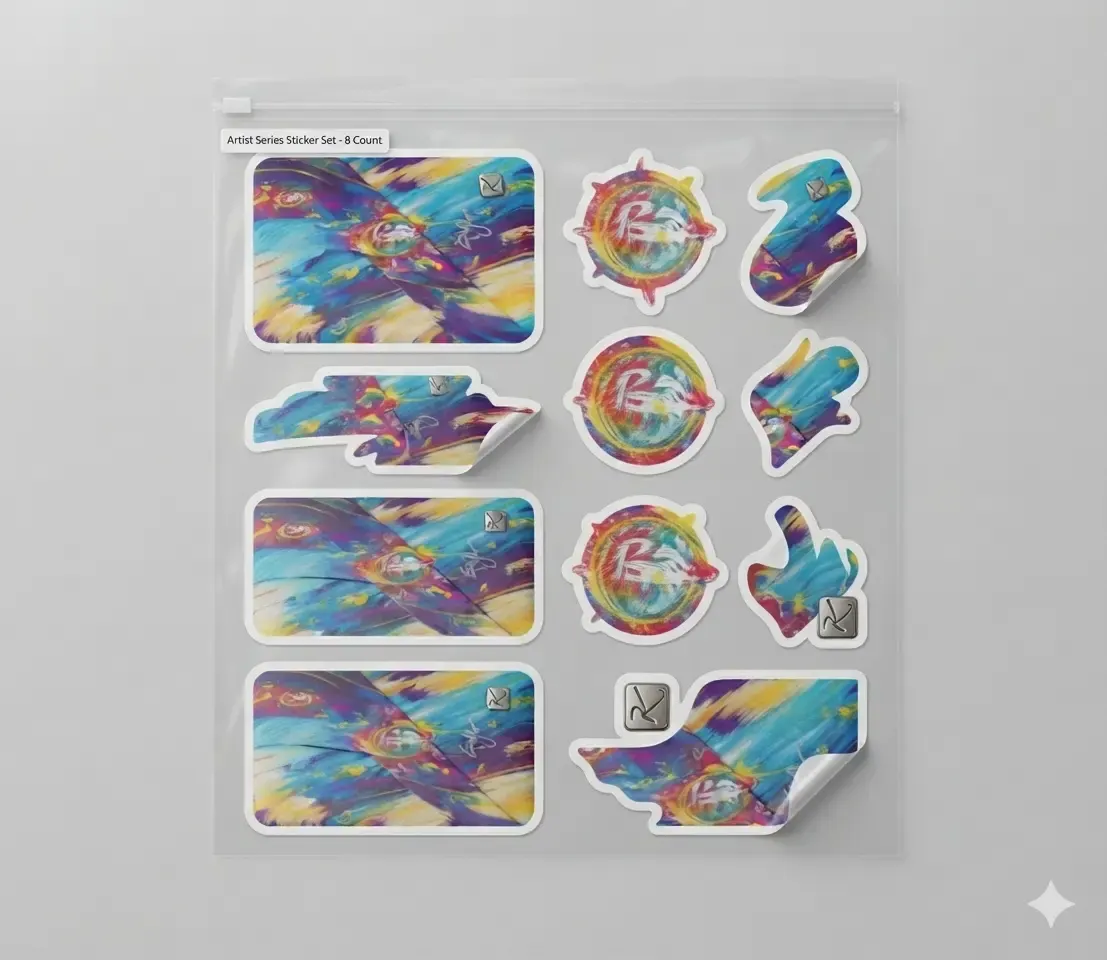
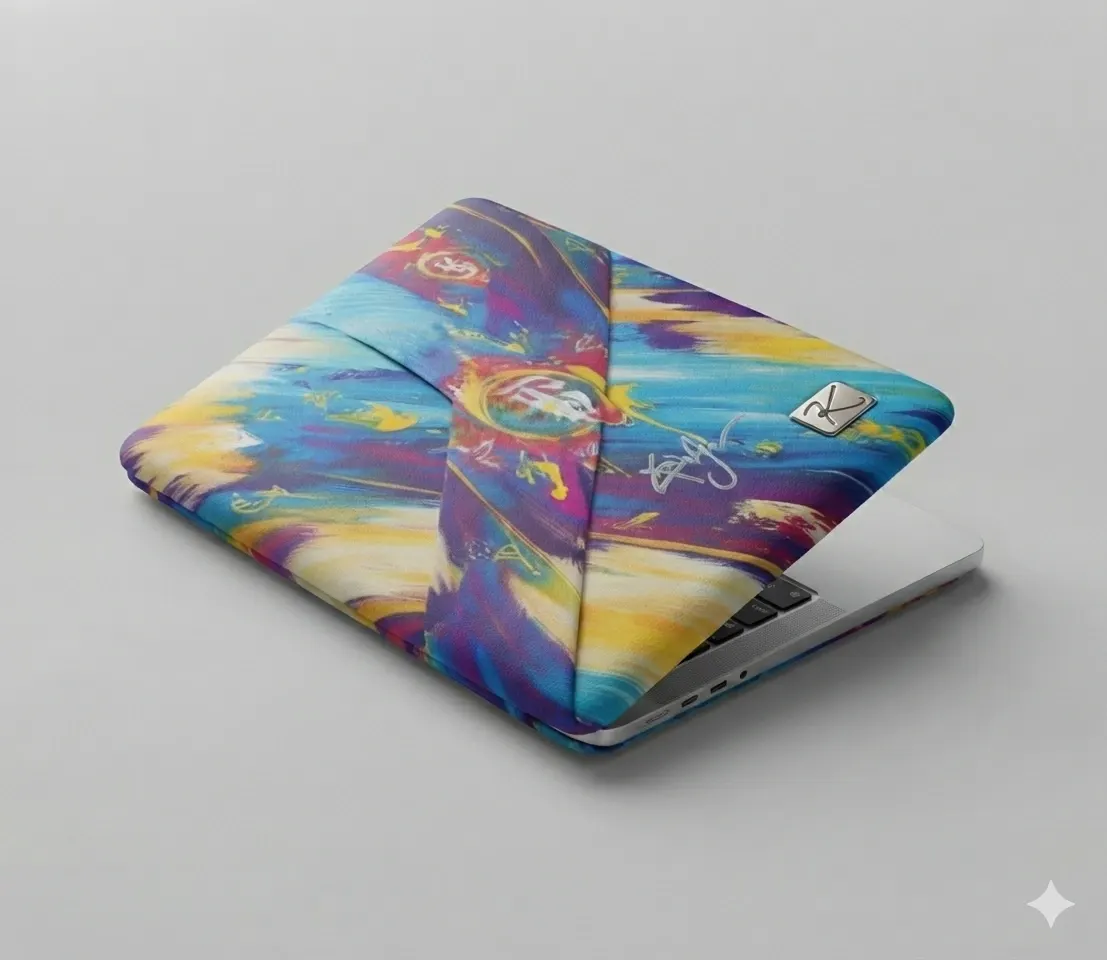
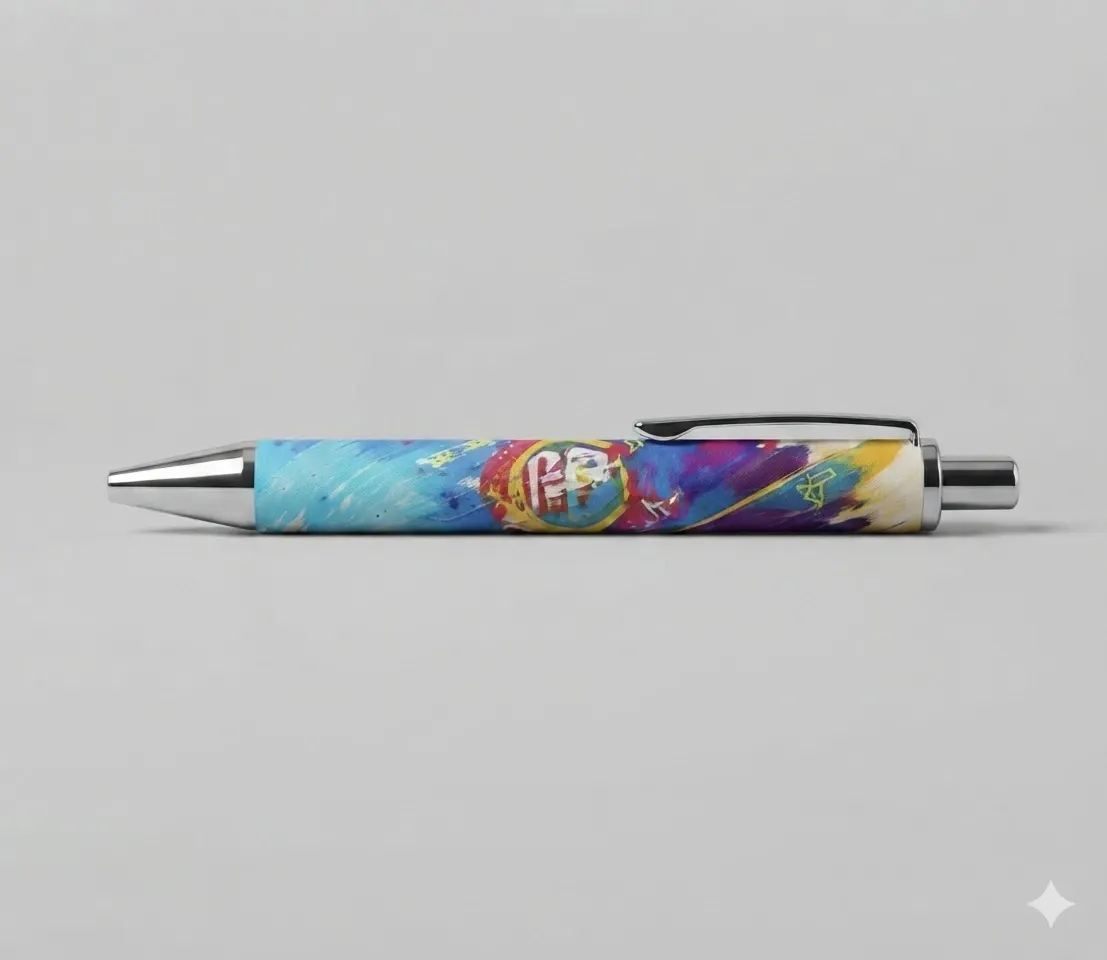
Use AI Smart Replace when customers need specific image edits during personalization.
AI Smart Replace helps customers personalize visuals quickly without expert editing tools.
Object replacement becomes accessible directly inside the editor.
Customers describe the replacement they want instead of manually editing pixels.
Designs can be adjusted, cleaned up, or customized faster.
Customers stay in the product workflow instead of opening a design app.
Review implementation guidance or try this AI feature in your own PitchPrint workflow.
Full API reference, integration guides, and code examples for developers.
Spin up a free account and test this feature on your own products in minutes.
No credit card required. Start customizing products in minutes.
FAQ
Sometimes a customer likes their design but wants to change one small detail, like a shirt color or a prop. This tool lets them swap out specific objects using text prompts, naturally matching the original lighting and shadows so they don't have to restart their design.
Let customers select part of an image, describe what should replace it, and generate a natural-looking edit.
Use AI Smart Replace when customers need specific image edits during personalization.