Composition Preservation
Keeps your layout shapes and design placements perfectly intact while swapping background environments.

Maintain the underlying layout of artwork while using AI to modify, enhance, or refine the design.
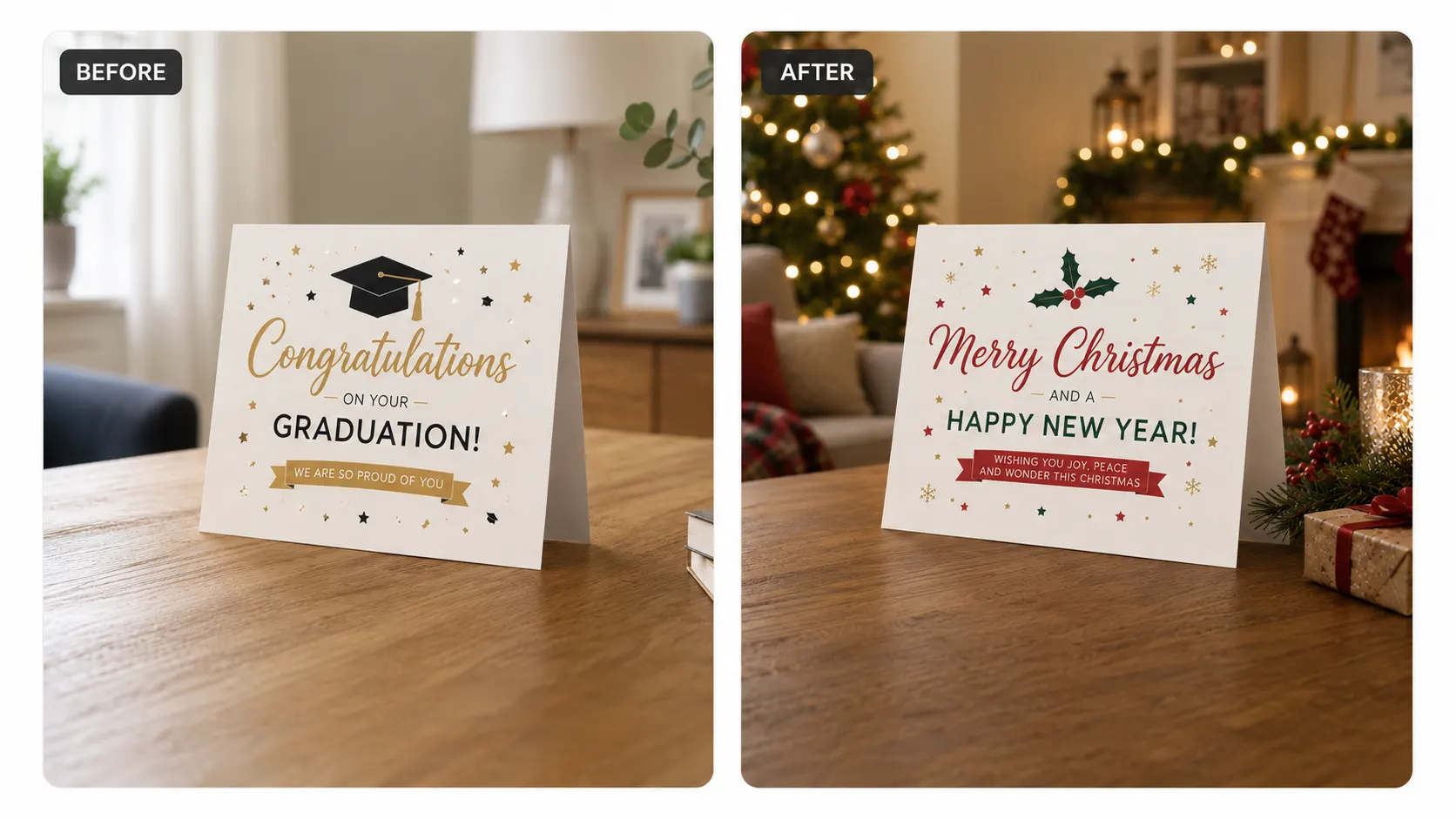
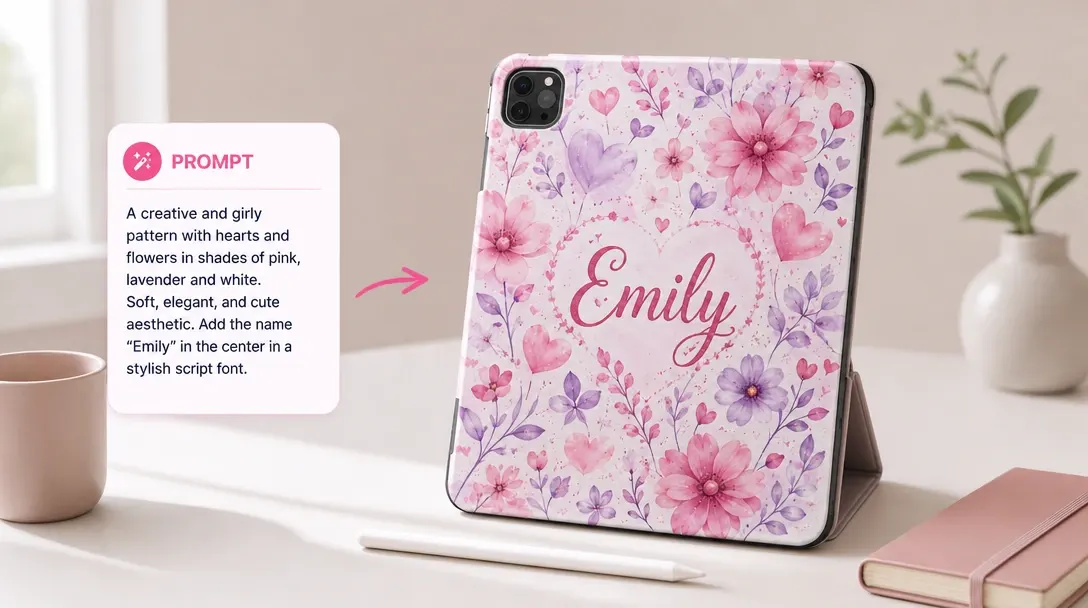
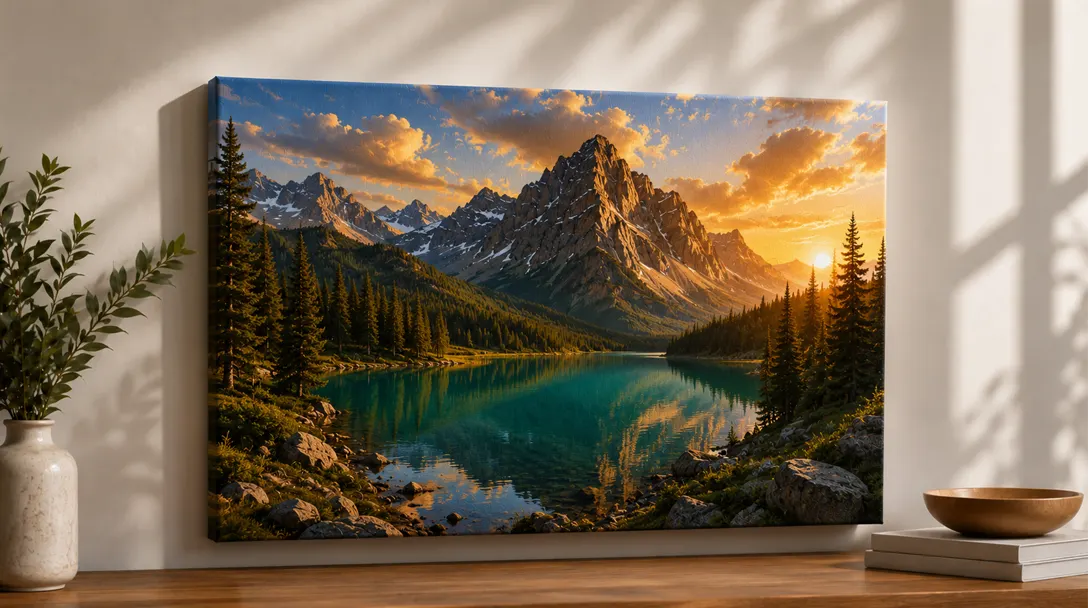
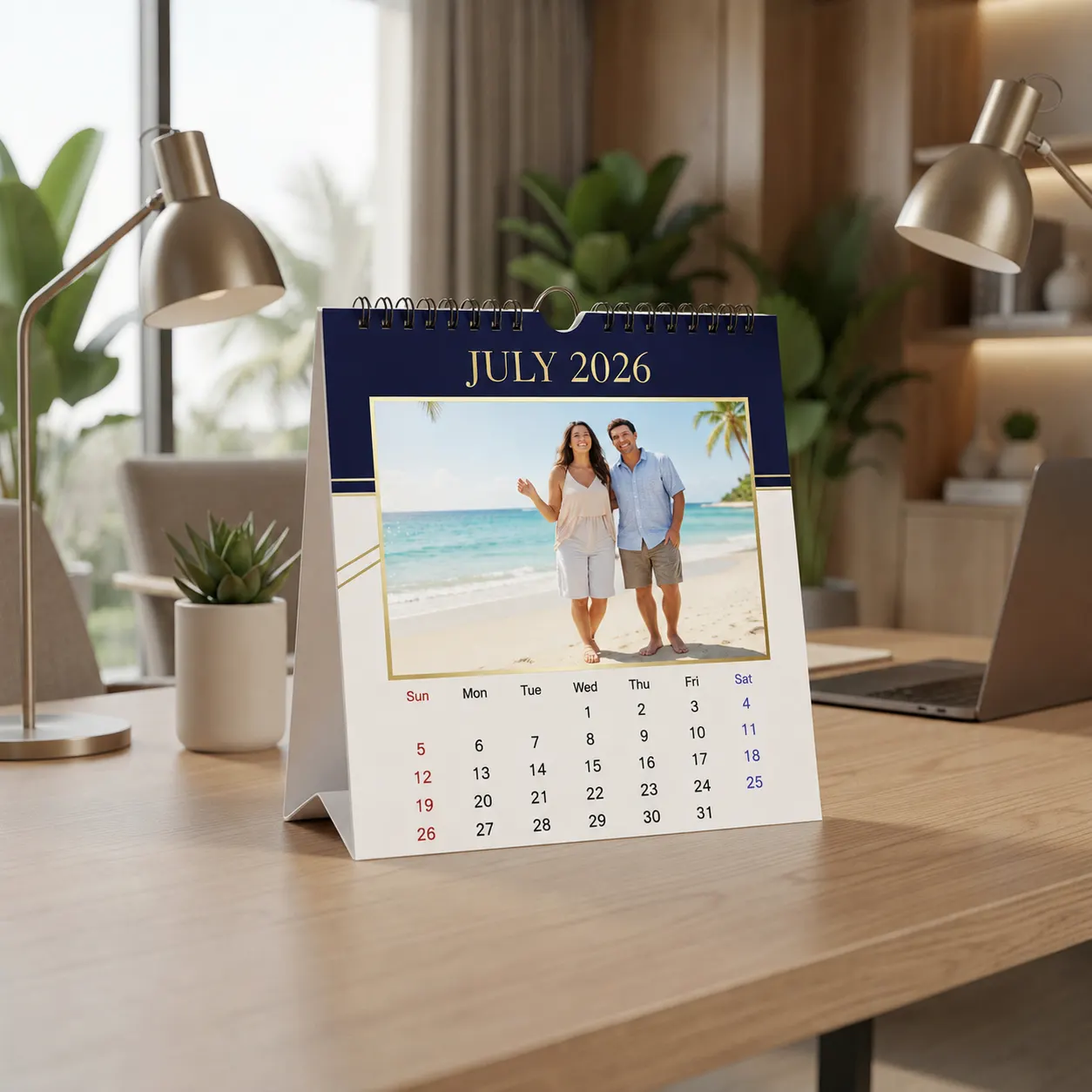
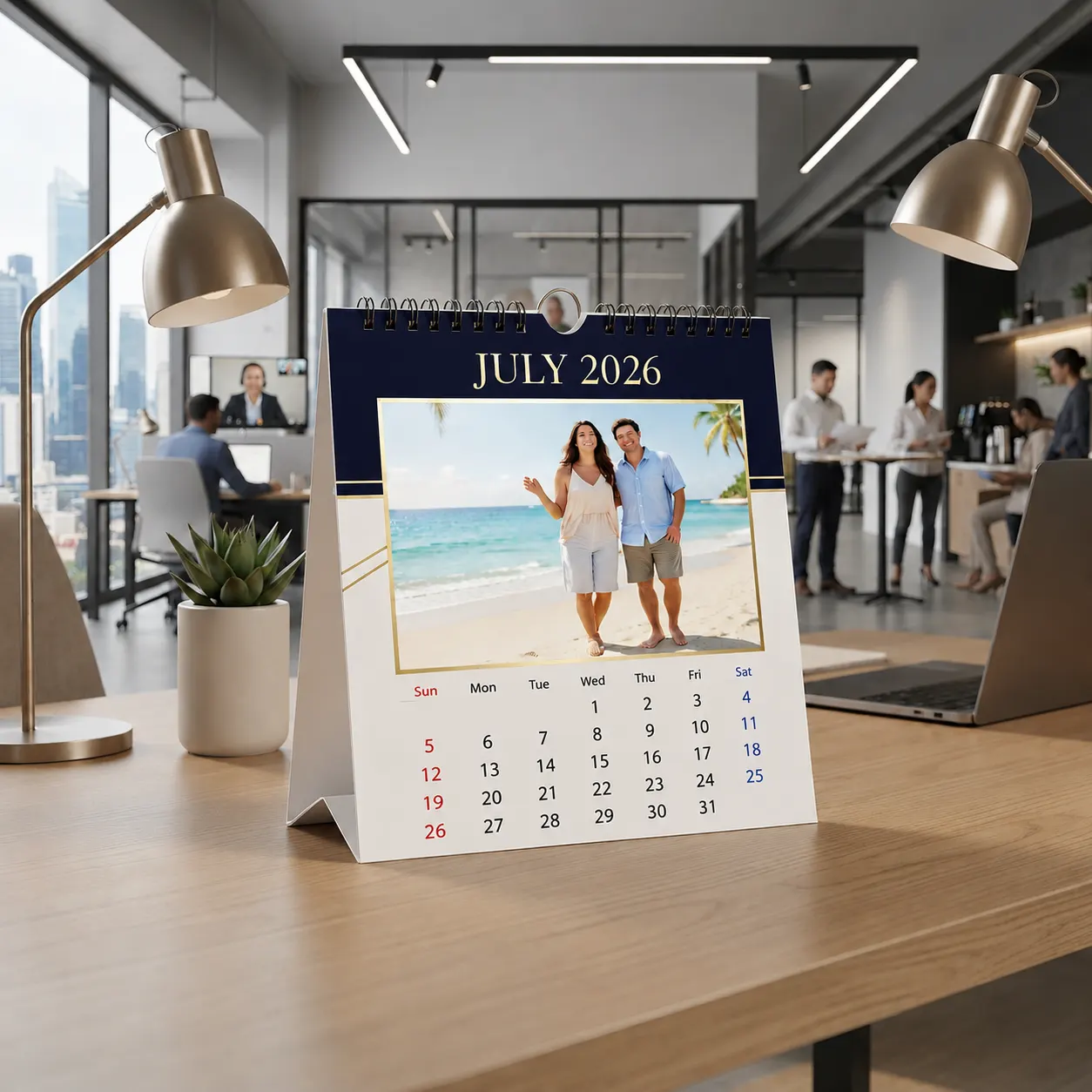
When shoppers want to modify a photo's setting or test a new seasonal background, they often have to rebuild their entire design from scratch. PitchPrint AI-Structure solves this by letting them swap environments like changing a custom design's backdrop from a cozy room to a sunny beach while keeping the main subject and text in the exact same spot.
This means your buyers can easily adapt their layouts for limited edition packaging campaigns, custom event passes, or family vacation keepsakes. They get perfectly aligned, professional designs in seconds, keeping them on your store and moving smoothly toward checkout.
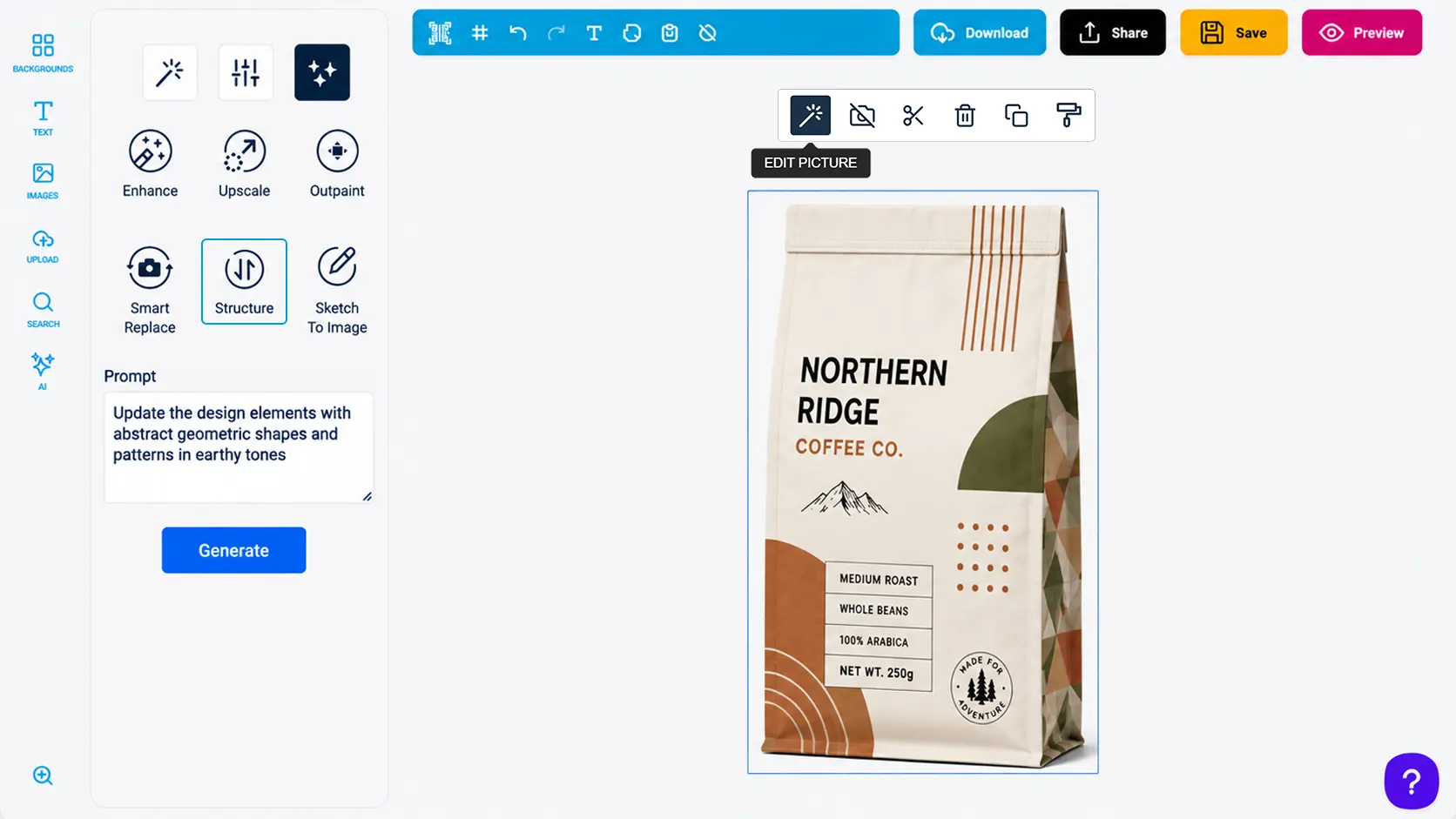
Keeps your layout shapes and design placements perfectly intact while swapping background environments.
Change lighting, weather, or locations from Times Square to Milan using simple text prompts.
Quickly test different textures or campaign themes without forcing customers to redesign their templates.
Shoppers easily customize event tickets or family trip souvenirs with perfect alignment every time.
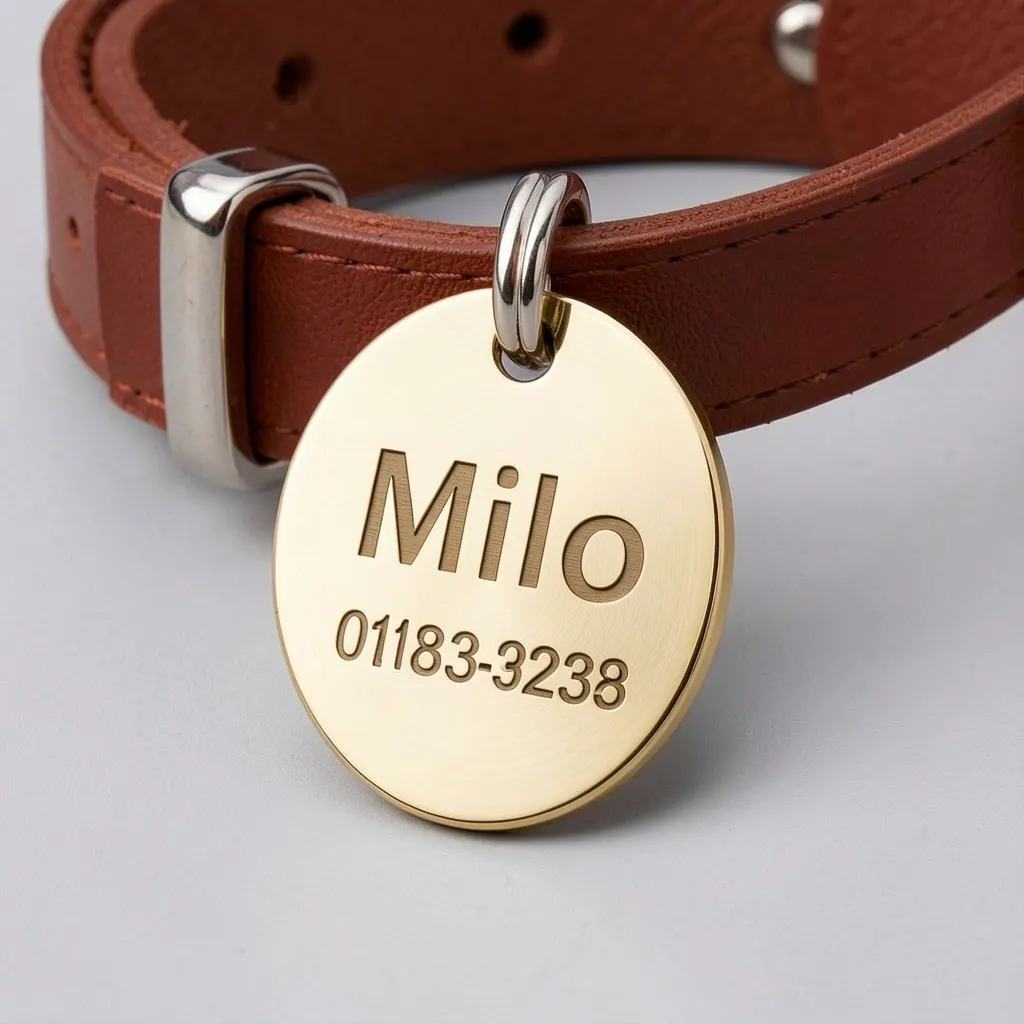
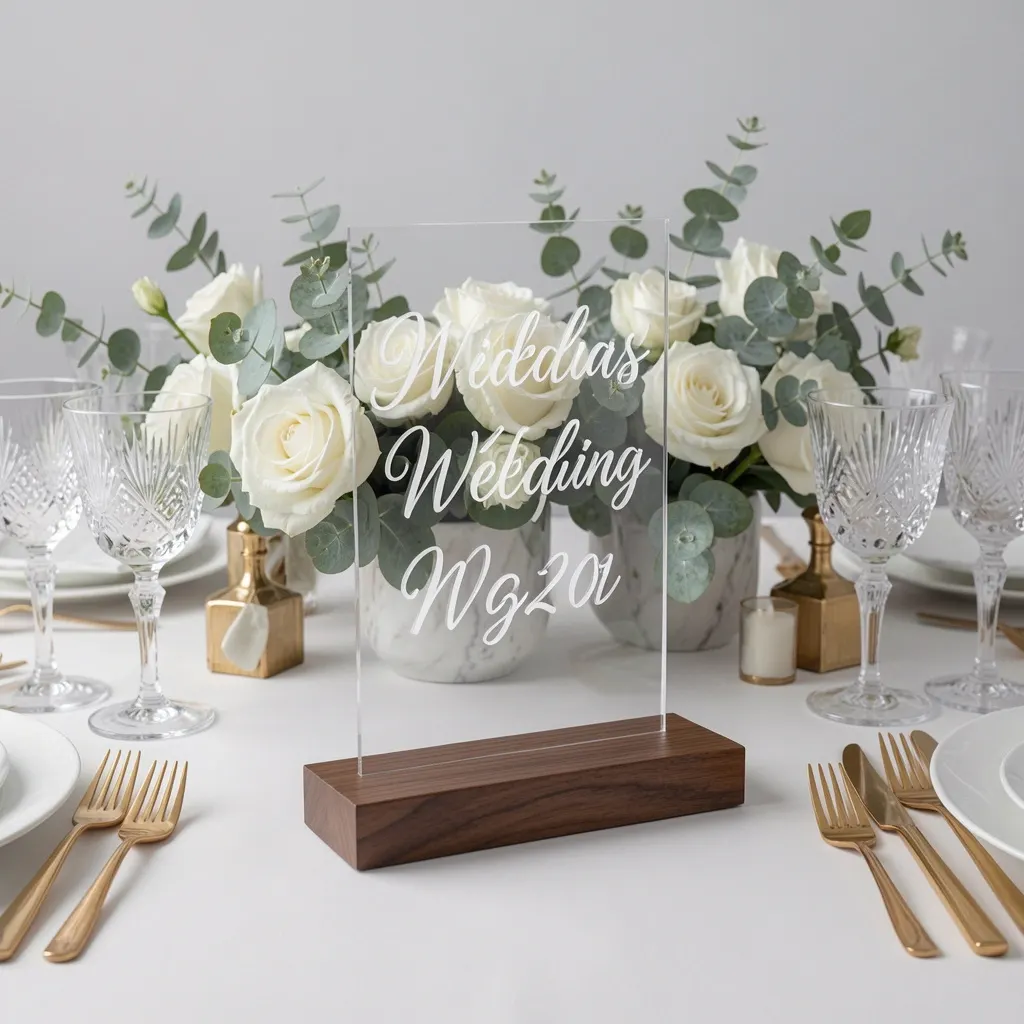
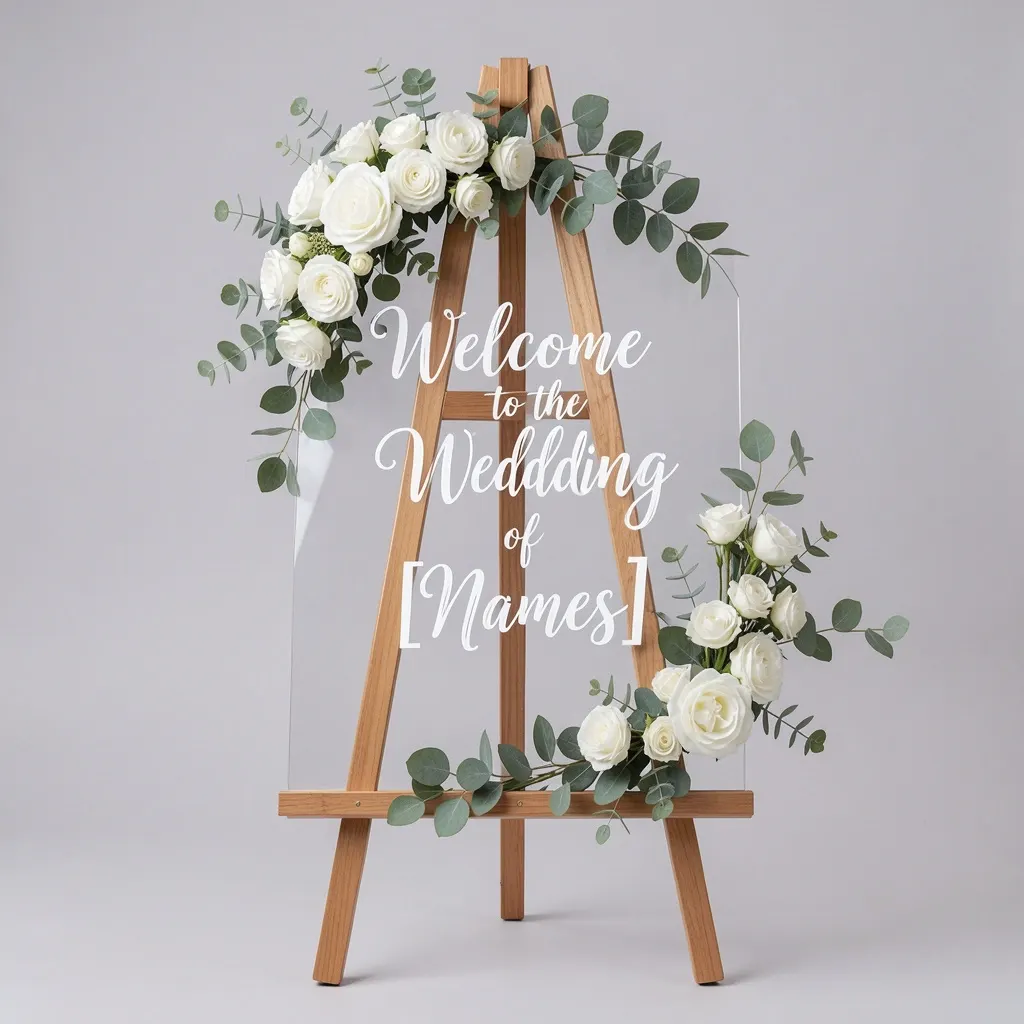


Use AI Structure when composition needs to remain controlled during AI edits.
AI Structure helps customers improve artwork while keeping important layout relationships intact.
AI edits can preserve composition rather than disrupting the layout.
Artwork keeps better shape, spacing, and hierarchy after modification.
Generated enhancements are guided by the design structure.
Ideal for designs where layout and brand consistency matter.
Review implementation guidance or try this AI feature in your own PitchPrint workflow.
Full API reference, integration guides, and code examples for developers.
Spin up a free account and test this feature on your own products in minutes.
No credit card required. Start customizing products in minutes.
FAQ
When shoppers want to modify a photo's setting or test a new seasonal background, they often have to rebuild their entire design from scratch. PitchPrint AI-Structure solves this by letting them swap environments like changing a custom design's backdrop from a cozy room to a sunny beach while keeping the main subject and text in the exact same spot.
Maintain the underlying layout of artwork while using AI to modify, enhance, or refine the design.
Use AI Structure when composition needs to remain controlled during AI edits.